
Canon Picture Style Editor
Canon Picture Style Editor lets Canon camera users create custom color and tone settings for photos, then use them in RAW processing or on a compatible camera.
Operating system: Windows
Publisher: Canon
Release: Canon Picture Style Editor 1.32.21
Antivirus check: VirusTotal report
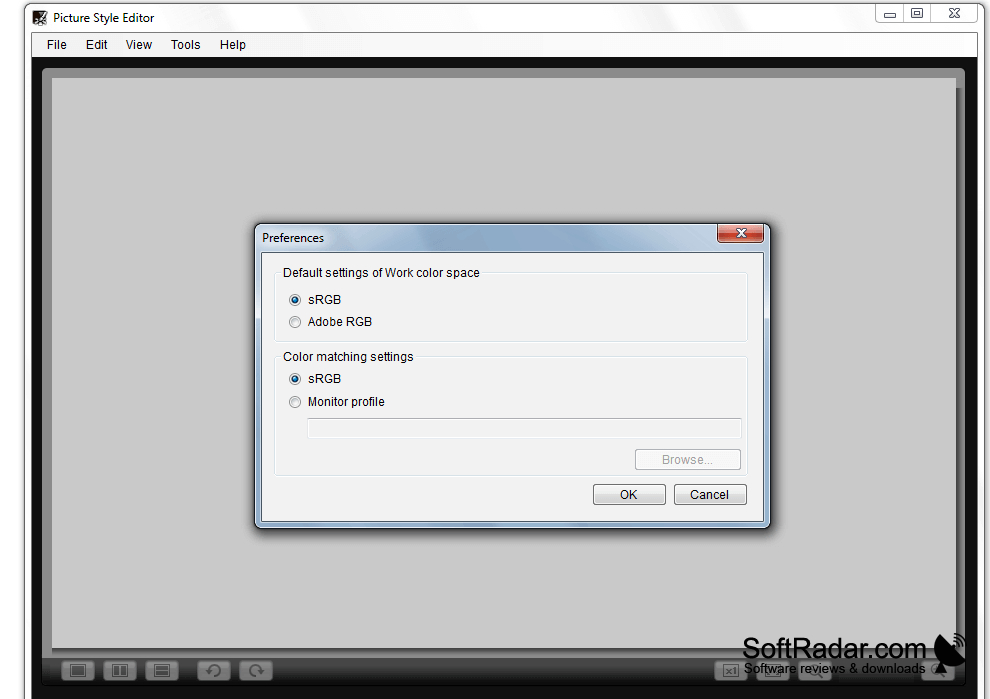
Canon Picture Style Editor helps Canon camera users define how their photos look. A photographer can start with a RAW image, adjust its appearance, and save the settings as a reusable style. That style can be used when developing RAW photos or transferred to a compatible camera so it affects images as they are taken.
Create a reusable photo style and preview its effect before using it in RAW processing or on a camera.
The editor includes controls for color, brightness, contrast, tone, and sharpness, with a preview that updates as settings change. It can adjust selected colors without changing the entire image. When a saturation edit exceeds the available brightness range, the program can change brightness to accommodate it. A keyboard modifier keeps brightness fixed when that is preferred.
Features:
- Create reusable styles from RAW photos
- Adjust hue and saturation for selected colors
- Edit tone, contrast, and sharpness
- Preview the effect of setting changes
- Keep brightness fixed during saturation edits
- Transfer saved styles to compatible Canon cameras
PROS
Custom styles transfer to compatible Canon cameras.
Preview changes against a representative RAW image.
CONS
Does not offer full photo-editing tools.


