CanoScan Toolbox
Software utility to scan quickly and manageably
CanoScan Toolbox was developed at Canon to facilitate the scanning and printing process. In this application you can find everything you need to scan documents. CanoScan Toolbox runs smoothly and smoothly, so it's a pleasure to use this utility. The only thing that can cause some inconvenience is the lack of information in the program help. Instead of a good description of all the functions of the program you can get only a brief list of tools. But the simplicity and clarity of the interface fixes this problem.
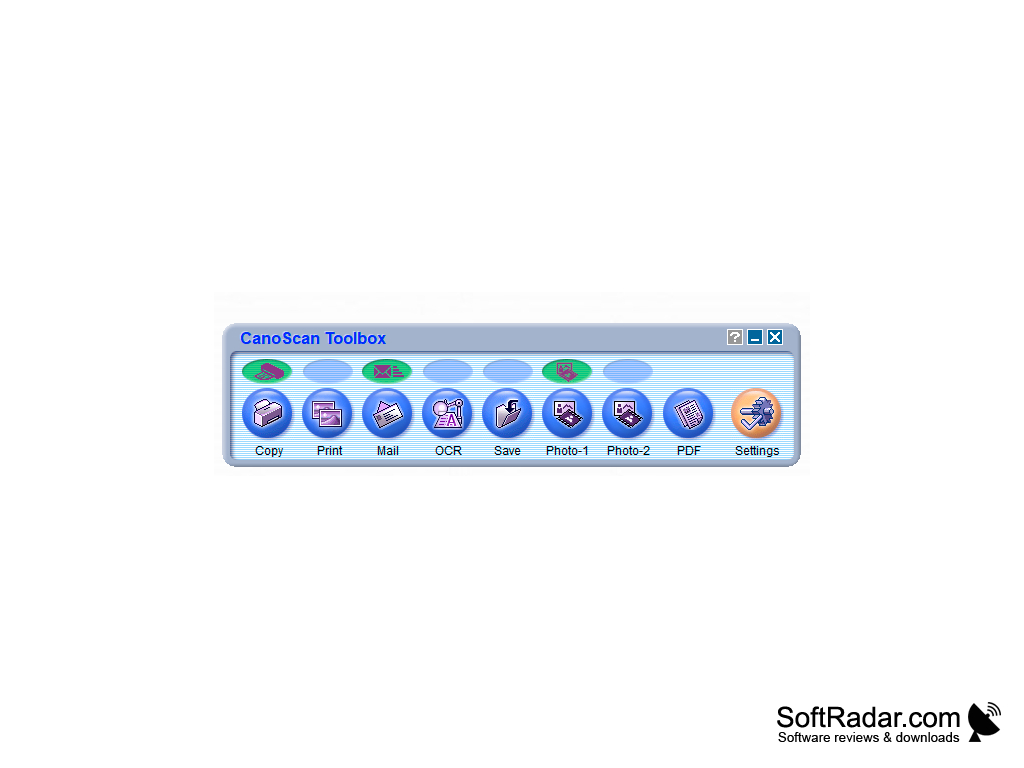
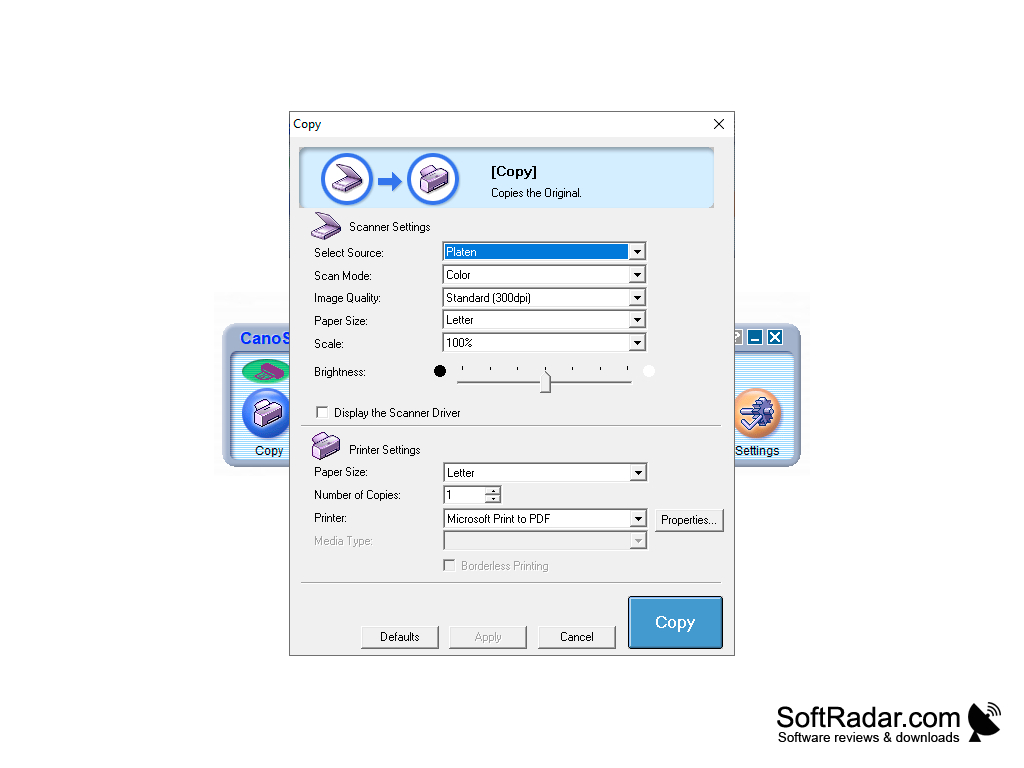
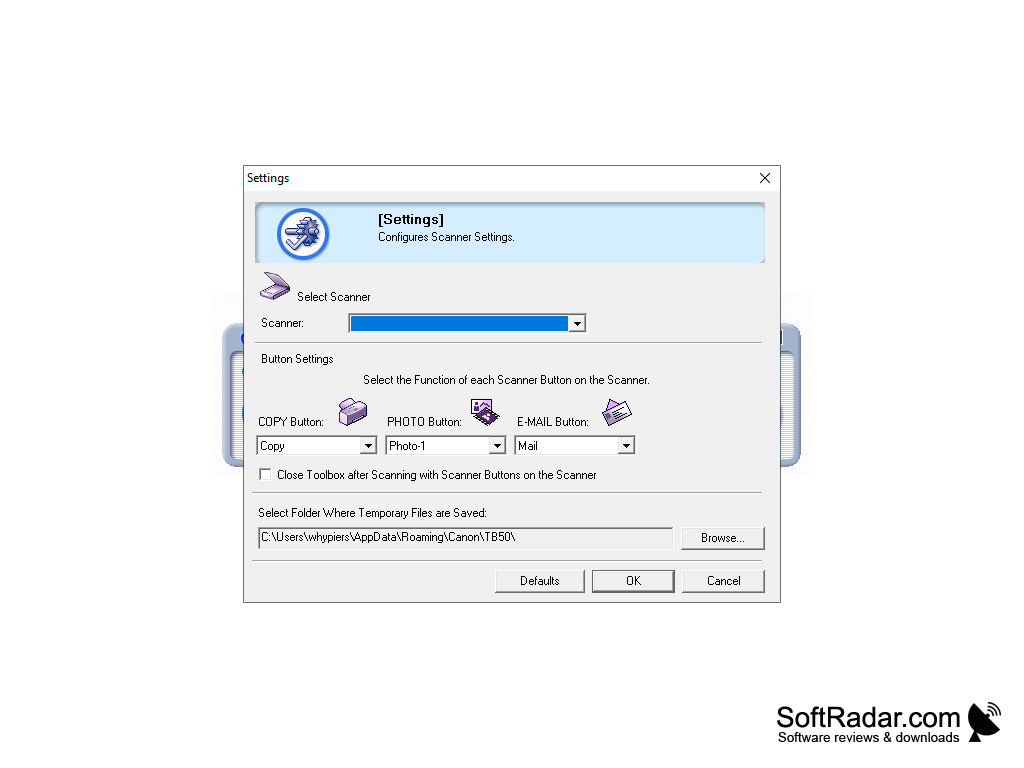
When you start the program, you will see a window with everything you need. The keys for copying, printing, saving, sending to mail are located next to each other. By clicking on the desired function, you will see a new window that will help you to perform the required action. For example, if you start scanning, you can choose the image quality, brightness, scale, number of pages and much more in the dialog box. Each function has its own dialog boxes, which will help you to quickly perform the required operation. If you are using a Canon scanner, the CanoScan Toolbox options allow you to configure the mechanical buttons on the scanner. You can also select a folder to store files in the settings and so on.
One main benefit of using CanoScan Toolbox is its simplification of the scanning and printing process through a user-friendly interface.
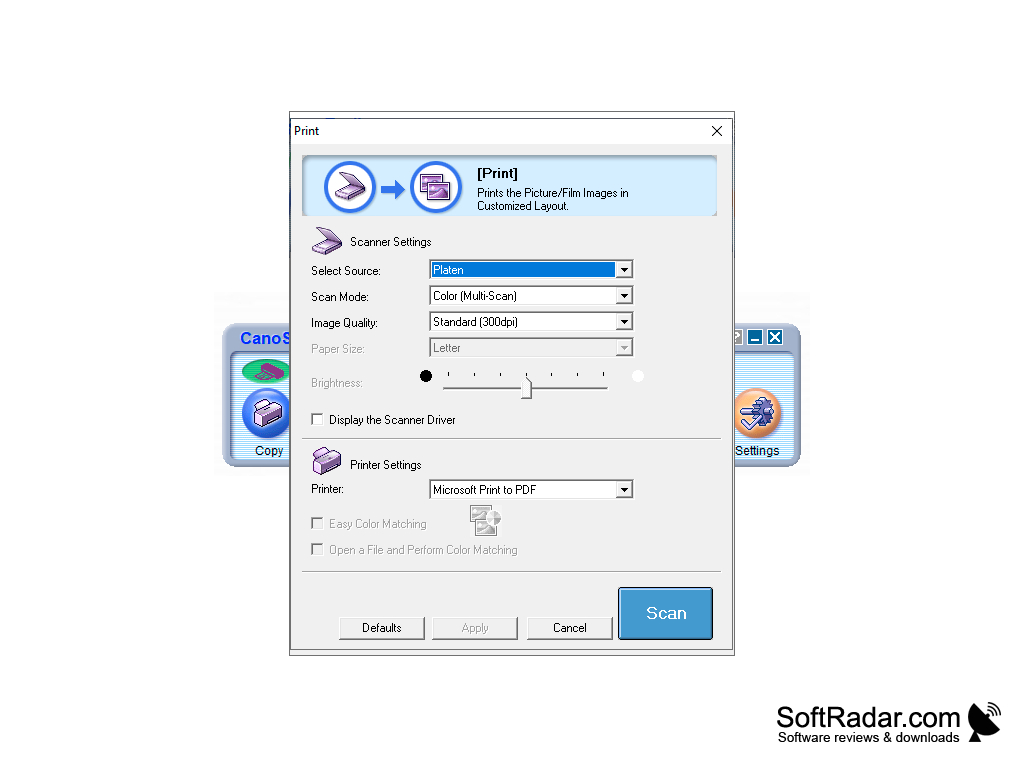
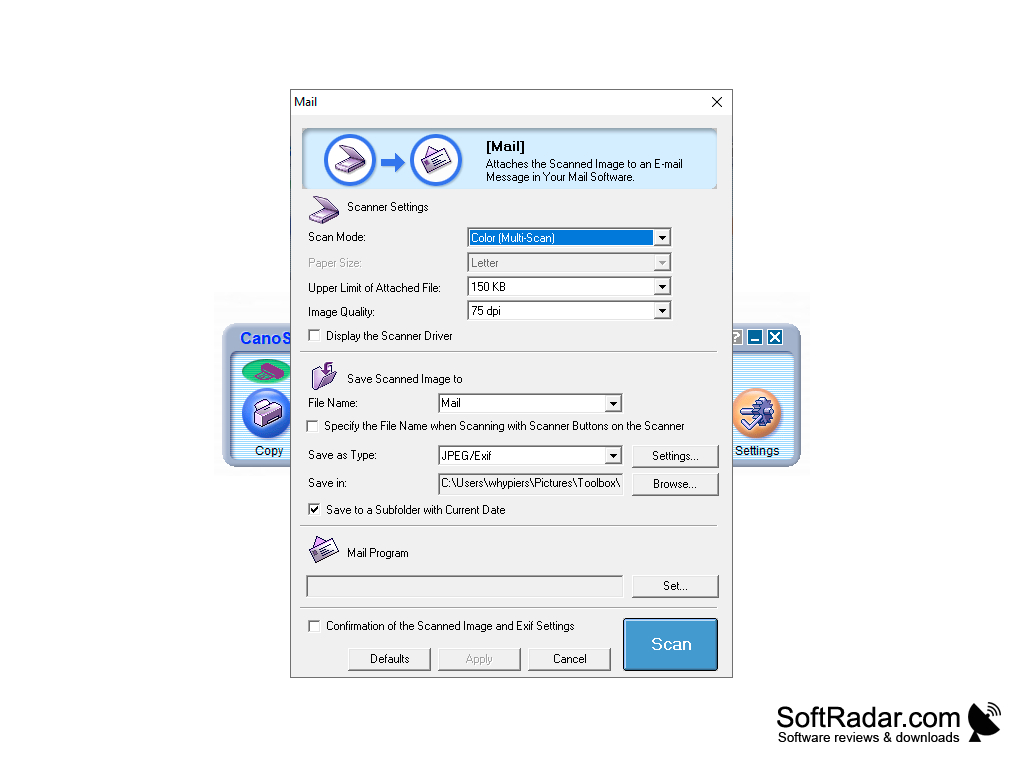
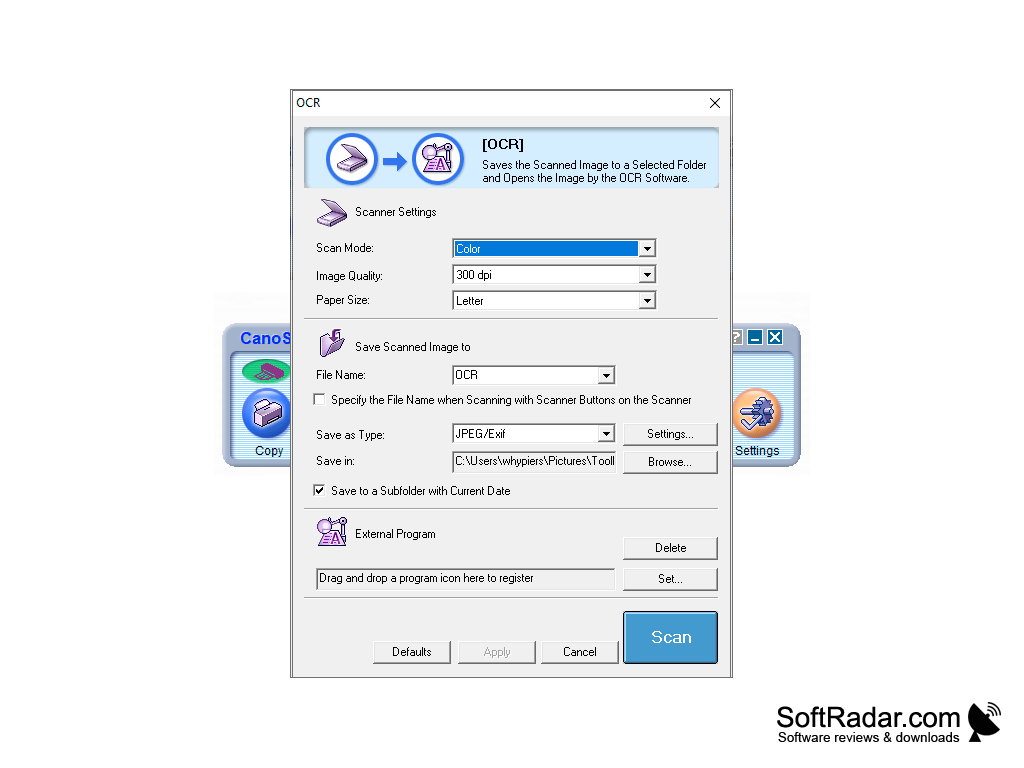
- user-friendly interface: all tools in one place;
- a dialog box for each tool;
- detailed scanning settings;
- Setting up the scanner buttons;
- sending scanned images to the post office.
PROS
User-friendly interface simplifies navigation and use.
Compatible with various operating systems including Windows and Mac.
CONS
Outdated user interface lacks modern appeal.
Technical support is less than satisfactory.