ClipDiary

by Softvoile

Clipdiary clipboard manager saves the complete clipboard history

Operating system: Windows

Publisher: Softvoile

Release : ClipDiary 3.8

Antivirus check: passed
Report a Problem

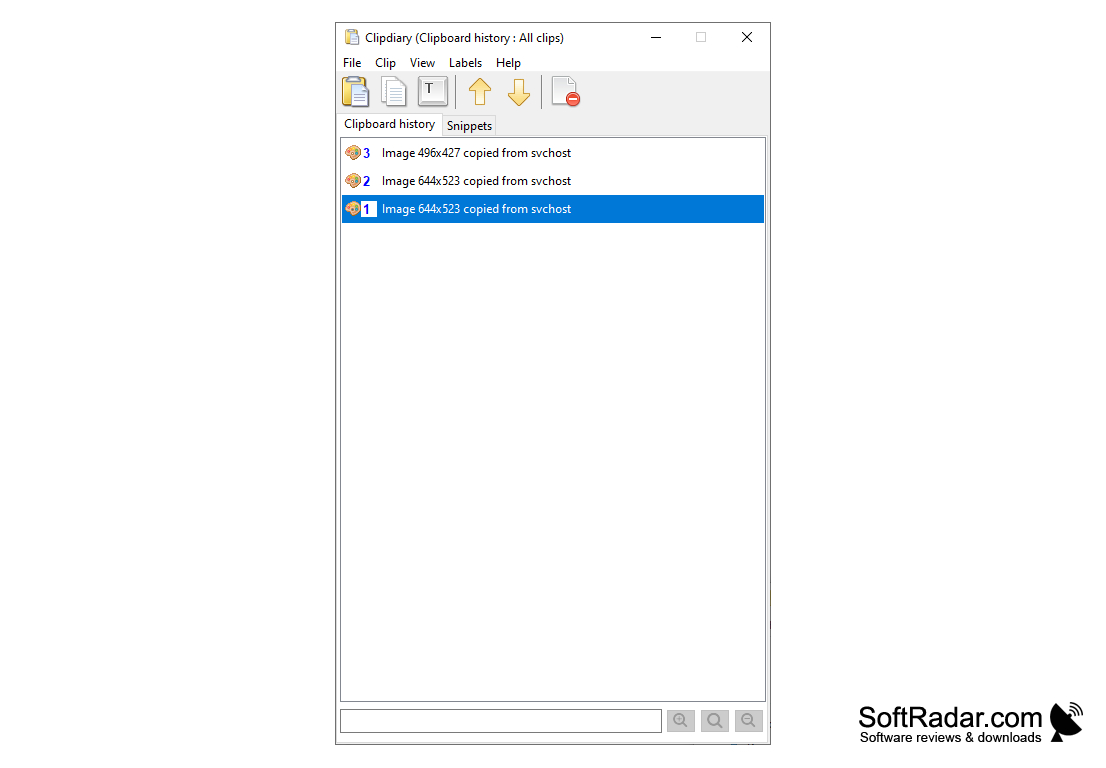
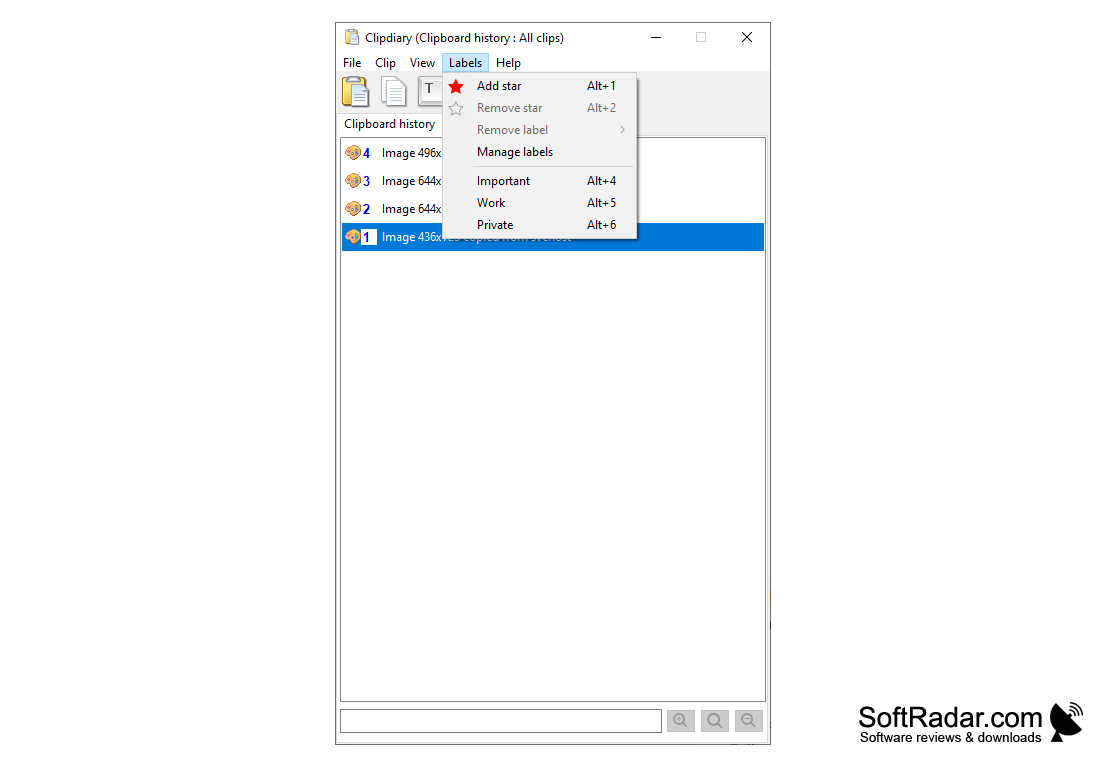
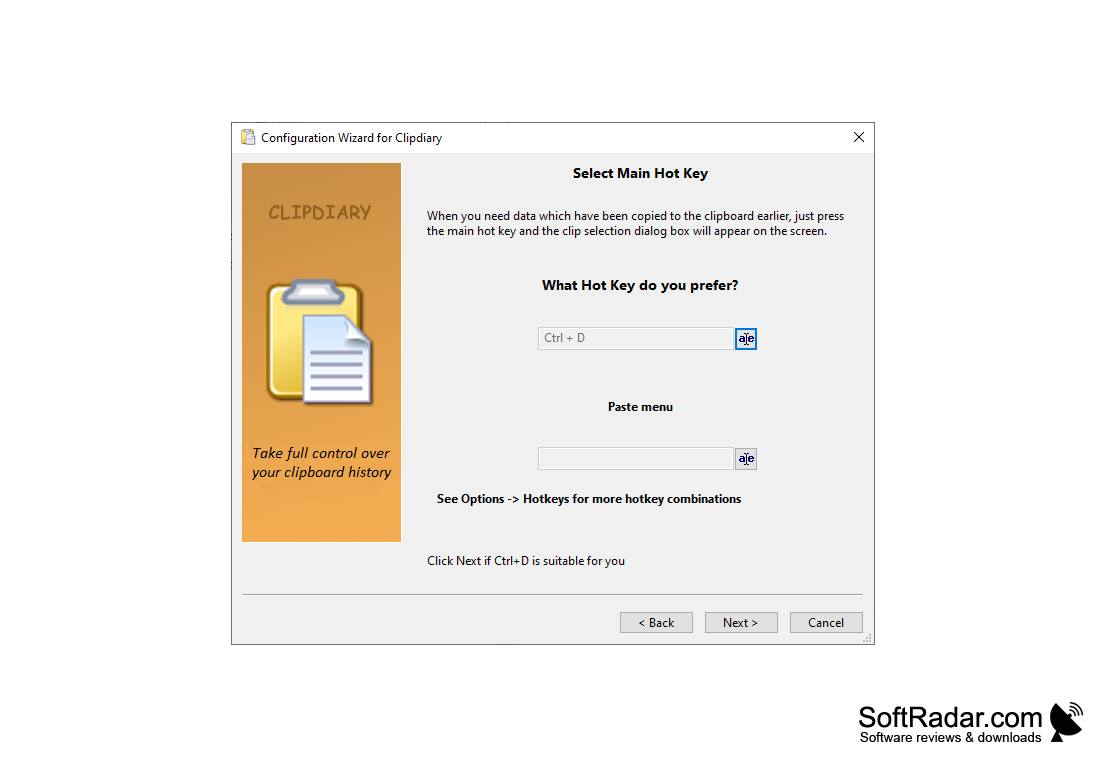
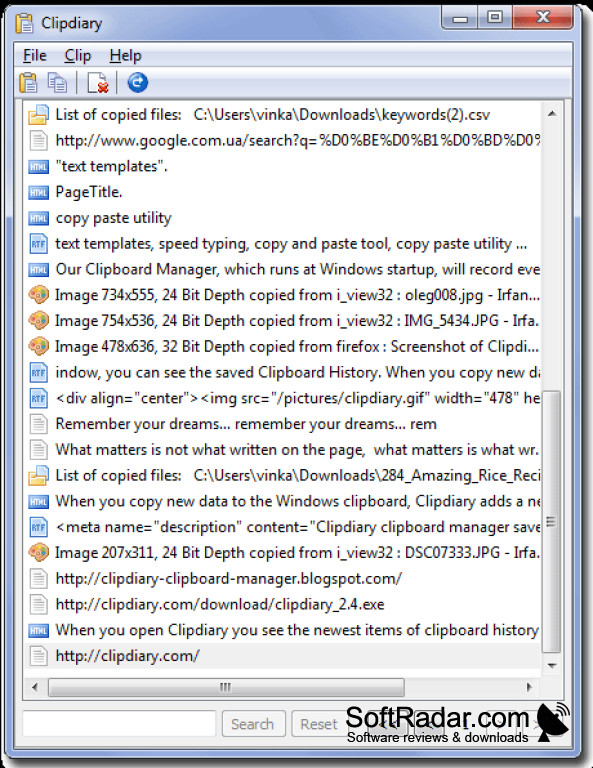
ClipDiary is a tiny utility that serves a simple but important purpose - monitoring the clipboard. Moreover, the program saves all copied files in its database, which allows you to easily access them. In fact, this feature somewhat extends the basic functionality of the buffer. For example, you can copy several objects or text fragments, and then paste them into the necessary places from the history of the program. The history can be opened by clicking on the corresponding icon in the notification panel. Inserting something from the clipboard is performed by pressing the Ctrl+D key combination. You can also set your own combination. In general, ClipDiary significantly increases the productivity of your computer. The program is very easy to use and has a well-structured user interface.

ClipDiary greatly enhances productivity by saving and organizing all copied files for easy access.
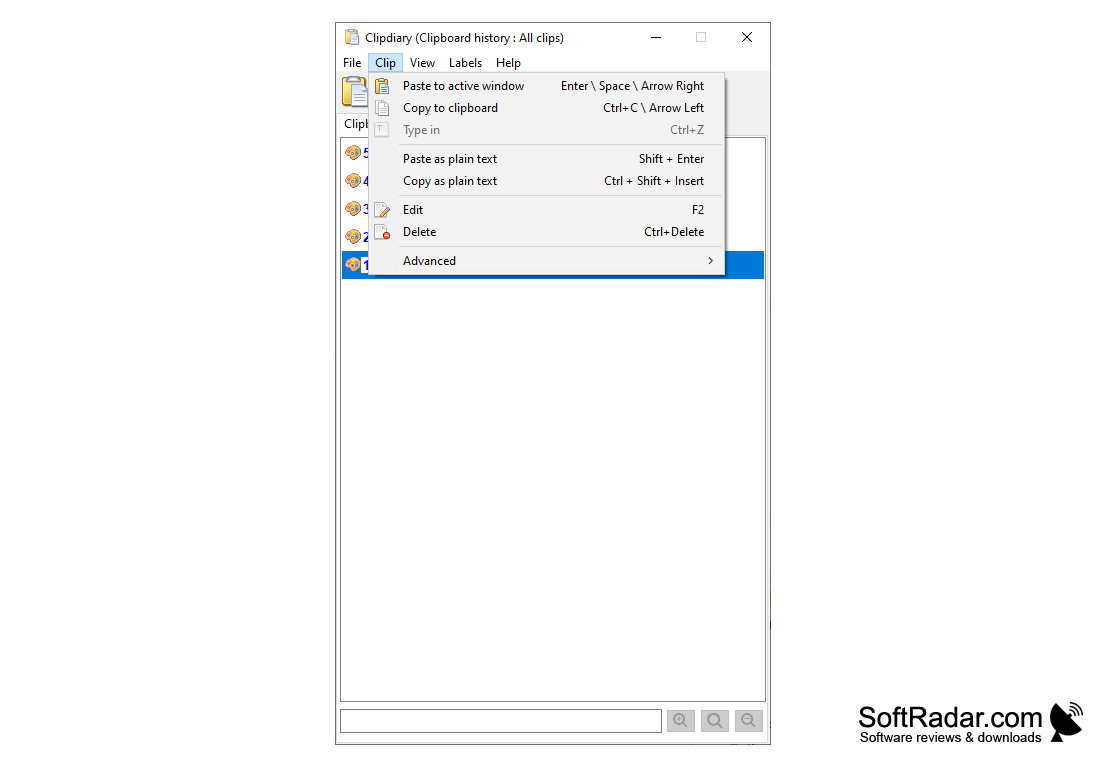
- allows you to quickly find and paste the part of the text that has been copied before into the right place;

- allows you to find any data that has ever been in the clipboard;

- Includes the ability to restore the buffer contents;

- allows you to save time and increase productivity.


PROS
Stores unlimited clips for easy access and retrieval.
Supports text, images, and HTML clips.
User-friendly interface with customizable settings.

CONS
Limited features compared to other clipboard management tools.
The interface is not very intuitive.
No support for Mac or Linux platforms.
ClipDiary 3.8 (4.35 MB)

Alfie
Wed, Mar 27, 2024

ClipDiary is a handy app that helps users to retrieve any information that has been copied to the clipboard. It also allows them to manage multiple texts and documents simultaneously.
The app has lots of useful features. First of all, users are able to monitor their clipboard. It is possible to see what was in the clipboard a long time ago.

Secondly, users can set up templates, which is very handy. Also, if some information was deleted accidentally, it is possible to recover it.
The app is user-friendly and it has been translated into various languages.
image/svg+xmlBotttsPablo Stanleyhttps://bottts.com/Florian Körner Jack
You had me at "the program saves all copied files in it's database". No thank you. To be honest I'm not overly tech savvy but that doesn't sound like a good thing. I guess a business could use something like this but they probably already have ways of keeping records of what goes on with needing any additional software, at least large firms must.
image/svg+xmlBotttsPablo Stanleyhttps://bottts.com/Florian Körner Michael
This software improves the way all your pics and texts are organized when copying them to your clipboard. It provides better access to your history of copied information, storing up to 1,000 "clipped" pieces of data. The download and usage of this software is free and will provide greater user ease and access to clipped data that later needs to be pasted.
image/svg+xmlBotttsPablo Stanleyhttps://bottts.com/Florian Körner Oliver
Clip diary monitors your clipboard! This is a very important product for computer users to have. You can copy multiple objects and fragments and paste them exactly where you need them to go. This is a must have for everyone who works between various programs!
PhraseExpress
An application that helps you speed up your typing in any editor by saving keystrokes