
Cok Auto Recorder
Cok Auto Recorder is a powerful tool for recording Skype audio and video calls on Windows PCs.
Operating system: Windows
Publisher: cok-software
Release: Cok Auto Recorder 5.41
Antivirus check: VirusTotal report
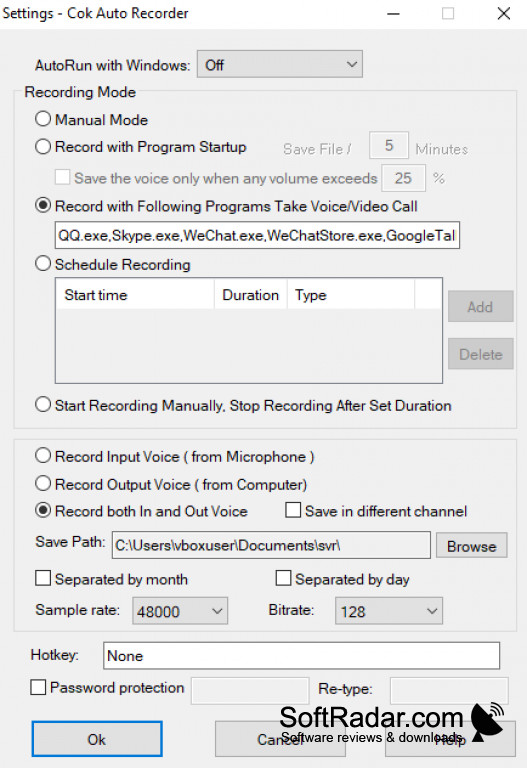
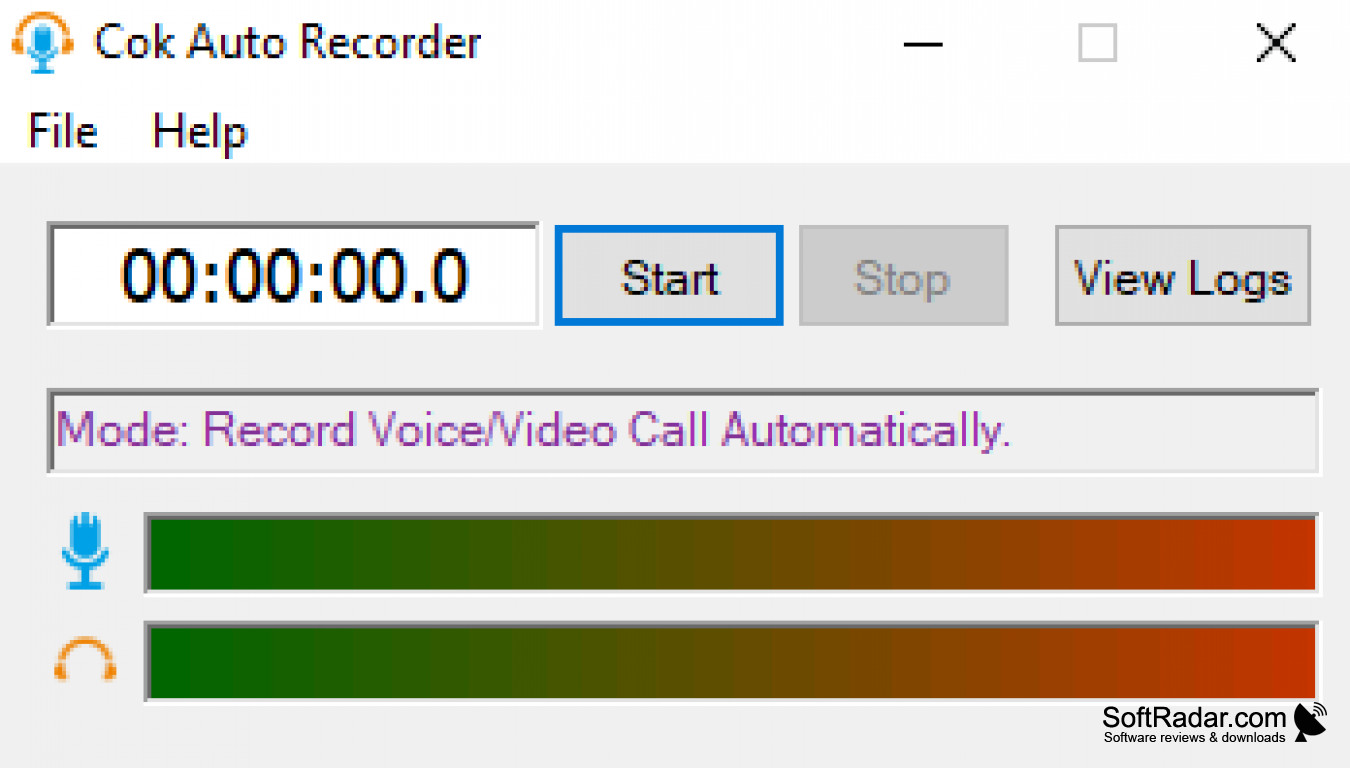
Cok Auto Recorder is a powerful program designed to automate the process of recording audio and video. It offers a range of features to help you capture and save audio and video with ease.
The program offers a range of options to customize the audio and video recording process. You can choose from a variety of recording formats, such as MP3, WAV, AVI and MOV, as well as adjust the recording quality, bitrate and resolution. You can also schedule recordings to occur at specific times and set the audio and video encoding settings.
The program also includes an audio converter and a video converter, allowing you to easily convert audio and video files between different formats. It also includes a powerful video editor to help you edit your recordings and create custom videos. You can also use the program to add text and graphics to your recordings.
The program also includes a built-in web browser, allowing you to easily search and download audio and video files from the internet. The program also includes a media player, allowing you to easily play and preview your recordings.
Overall, Cok Auto Recorder is a powerful and versatile program designed to help you record and save audio and video with ease. It offers a range of features to help you record, edit and save audio and video files with ease.
Cok Auto Recorder allows users to easily record, edit, and manage audio recordings with ease.
Features:
• Customizable recording formats, bitrate, resolution and encoding settings
• Schedule recordings at specific times
• Audio and video converter
• Powerful video editor
• Built-in web browser and media player
• Add text and graphics to recordings
• Compatible with Windows, macOS and Linux
PROS
Supports automatic phone call recording.
Records calls in high-quality audio.
CONS
User interface is not intuitive.
Lacks advanced configuration settings.


