CollageIt

by PearlMountain Software

A beautiful photo collage in three easy steps with choices from over two hundred photos to easily choose from.

Operating system: Windows

Publisher: PearlMountain Software

Release : CollageIt 1.9.5

Antivirus check: passed

Report a Problem

An easy to use photo collage maker that will turn your beautiful treasured photos into a beautiful college in a matter of seconds. The collage maker is so simple to use that users of any skill level can quickly create a photo collage.

Features:

  • Create a collage in three very easy steps and few simple clicks.
  • Collages can be made from up to two hundred photos.
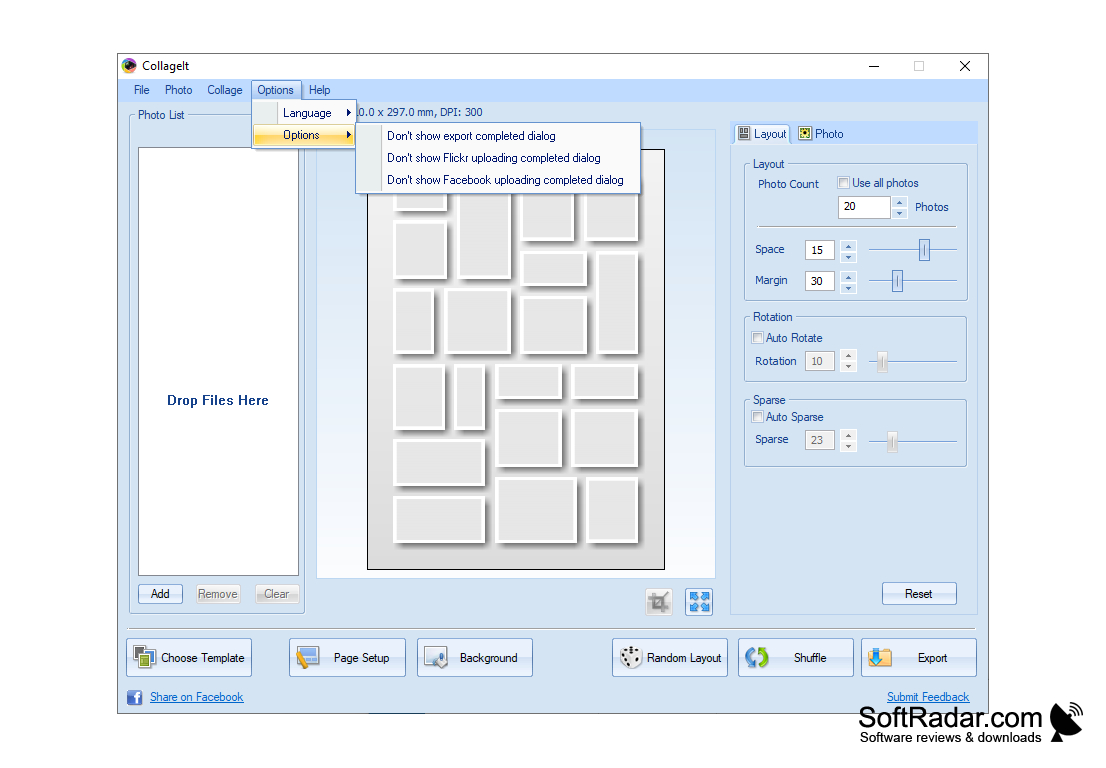
  • Choose from a vast array of templates or start your very own design from scratch.
  • Almost any style of templates is available if you do not have the time or simply do not want to create a collage from scratch.
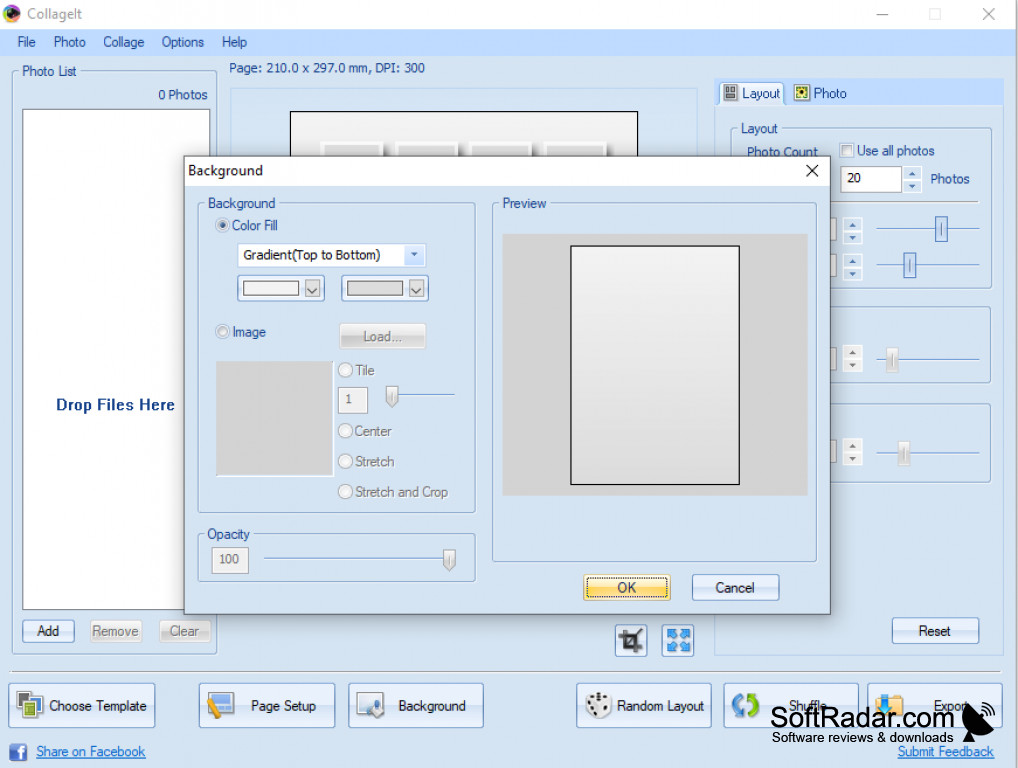
  • Customize your own backgrounds and customize the size you would like for your collage.
  • Preview your collage in real time at super high speeds.
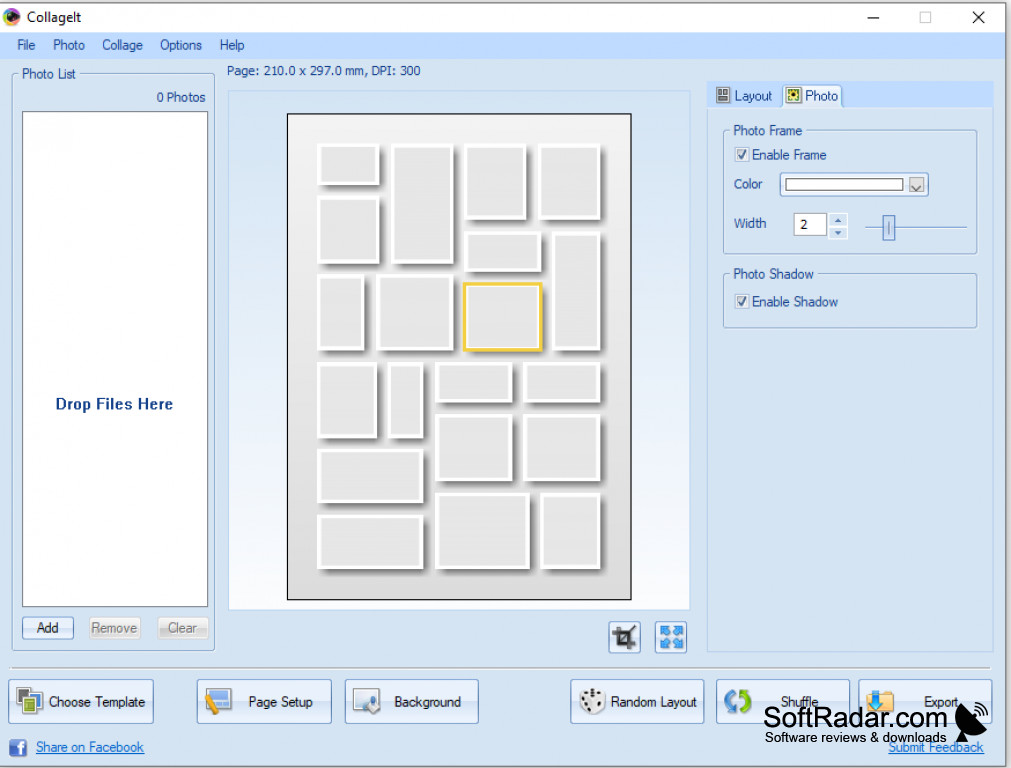
  • Add another special touch your photo collages with photo frame template add-ons and the shadow features. These features add an extra flair to your photo collage.
  • Save your photo collages in several different formats including PNG, JPG, JPEG, PSD, TGA, GIF, and PDF.
  • Share your photo collages to friends social media including Facebook with only one click of a button.
  • Send your photo collages to any family members or friends with one click of a button.
  • Collage It Free is compatible with all skill levels.
  • Create last minute presentations in minutes with your stored photos.
  • No more going to the big box store photo centers to wait in line to create a photo collage and pay to print it.

Create awesome keepsakes and mementos with your stored photos in a few clicks without spending a dime or waiting in line in big box stores photo center. Not only does Collage it free save you your precious time and effort but it saves you some of your hard earned money also.
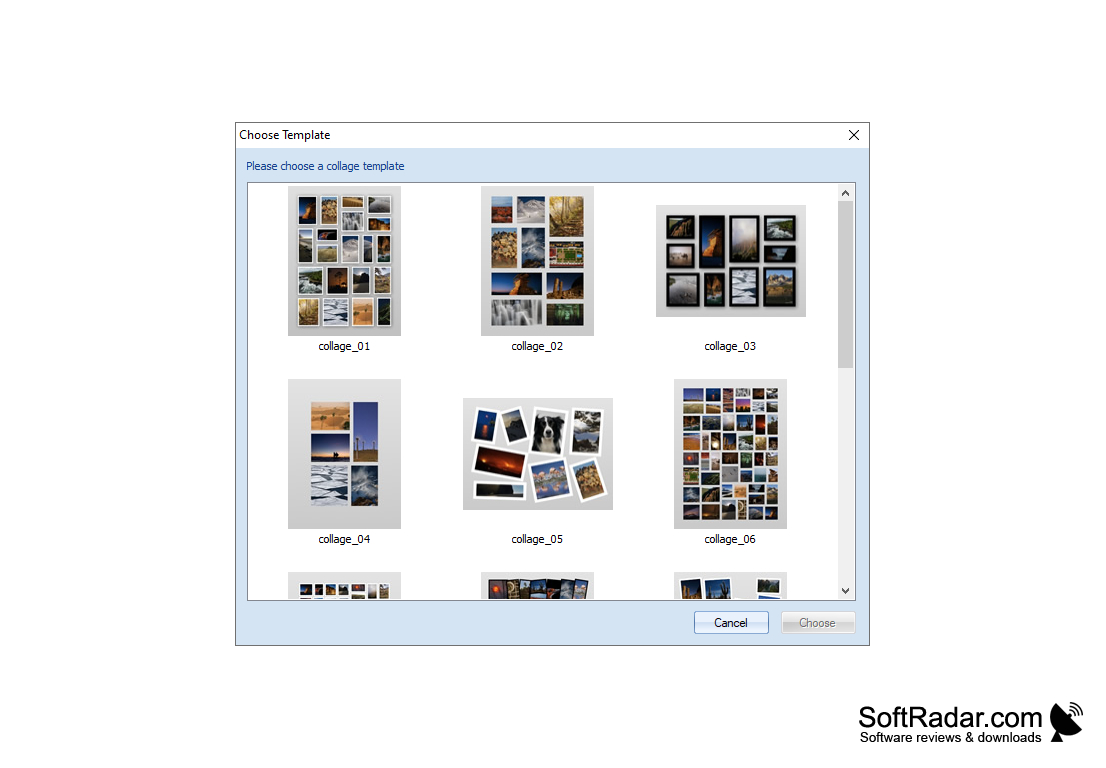
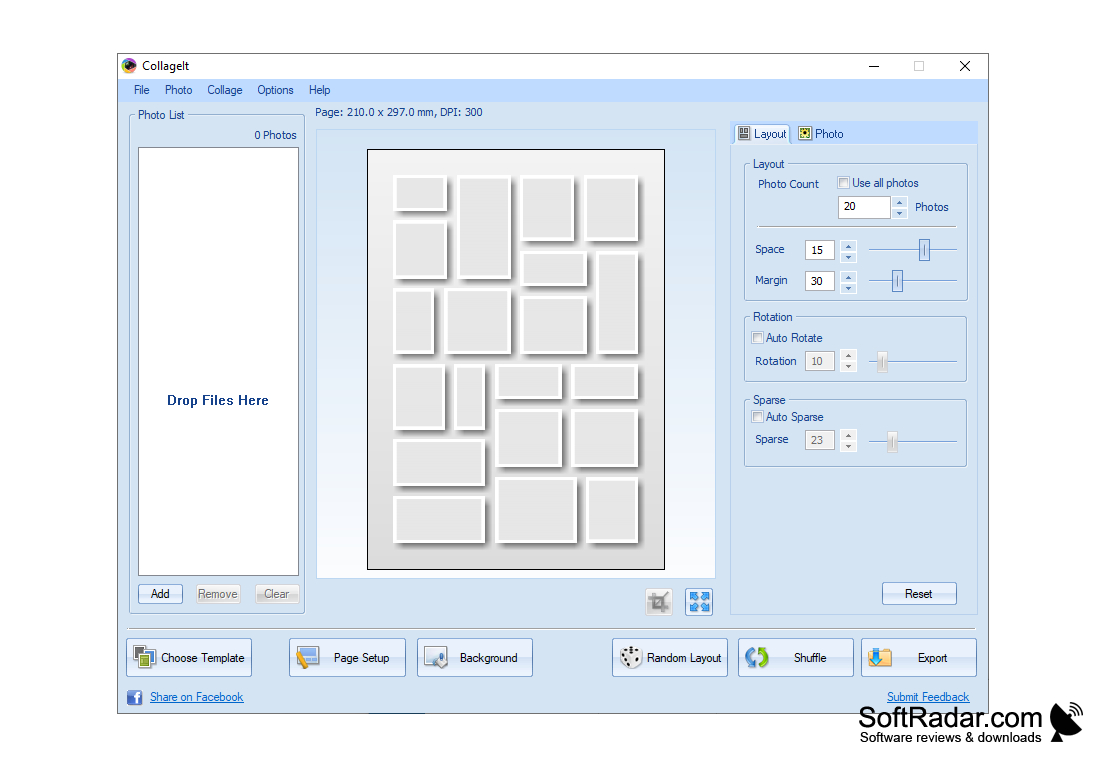
Turns photos into beautiful keepsakes.


OS: Windows 7, 8, 10 or Mac OS X.
RAM: At least 1GB for smooth operation.
Storage: 100MB free disk space for installation and saving files.
Internet connection for sharing collages on social media.

PROS
Supports various image formats and customizable collage templates.
Easy to use with an intuitive interface.
Exports high-quality image files.

CONS
Limited customization options compared to other software.
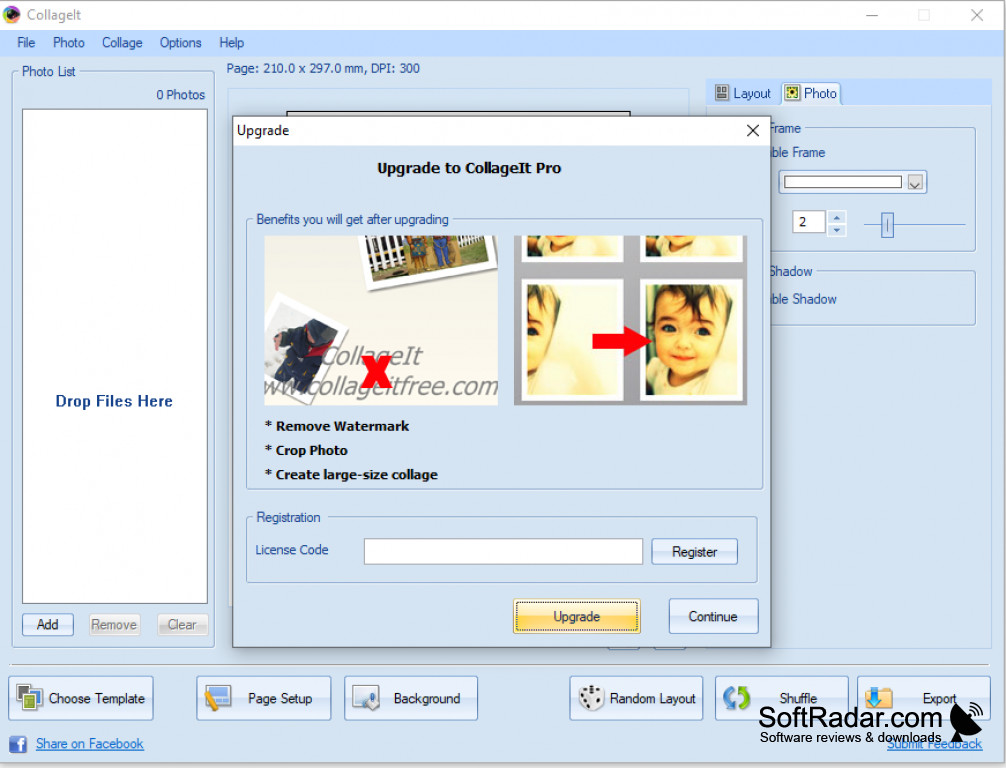
Free version includes watermarks on output collages.
Customer support can be unresponsive.

Evan
Sat, Feb 10, 2024

CollageIt is a user program that makes it easy to create collages from your collection of photos. It may not be overly complex. Its intuitive interface means you won't need to spend a lot of time reading through documentation.
image/svg+xmlBotttsPablo Stanleyhttps://bottts.com/Florian Körner Dima Mayakovsky
CollageIt beats the snot out of PhotoShop or any of the other professional editing packages for ease of use. If all you care about is making collages - say, for a gift for a friend, or just to decorate your house - CollageIt is quick and pain-free. Anyone can use it, and it gets professional-grade results.
image/svg+xmlBotttsPablo Stanleyhttps://bottts.com/Florian Körner Aidan
There are several different applications that are both easy to use and effective in turning single photos into collages. This software takes it to the next level by adding useful tools to customize your collages even further. These come out perfect, professional quality.
image/svg+xmlBotttsPablo Stanleyhttps://bottts.com/Florian Körner Joshua
This software is very easy to use and will allow you to combine all of your favorite photos into one! You can use up to two hundred photos. There are pre-made templates, or you can design your own! The software allows you to immediately share your collages to Facebook with one button! Many users have said that it is better than PhotoShop!
image/svg+xmlBotttsPablo Stanleyhttps://bottts.com/Florian Körner Aiden
It's an easy way to create collages in large capacity, up to 200 photos at a time. It makes photo editing so simple that anyone can do it. The random layout button makes it effortless to choose which layout fits best rather than sitting around for hours trying to find a perfect fit. I enjoy being able to share the collages to family members through email or Facebook.
Arcsoft PhotoImpression
A photo editing application that allows you to easily create classy photos
Corel PDF Fusion
Introducing the newest productivity booster designed with all of your needs in mind
Aviary Photo Editor
A fully functional tool for photo editors and photo enthusiasts to enhance and alter their photographs
ABViewer
A software for working with a variety of CAD files
Photobooth
A free photo editing app that can also record videos and add effects