
Driver Backup
by Dave Hope
A perfect solution for device drivers' backup and restoration in Windows
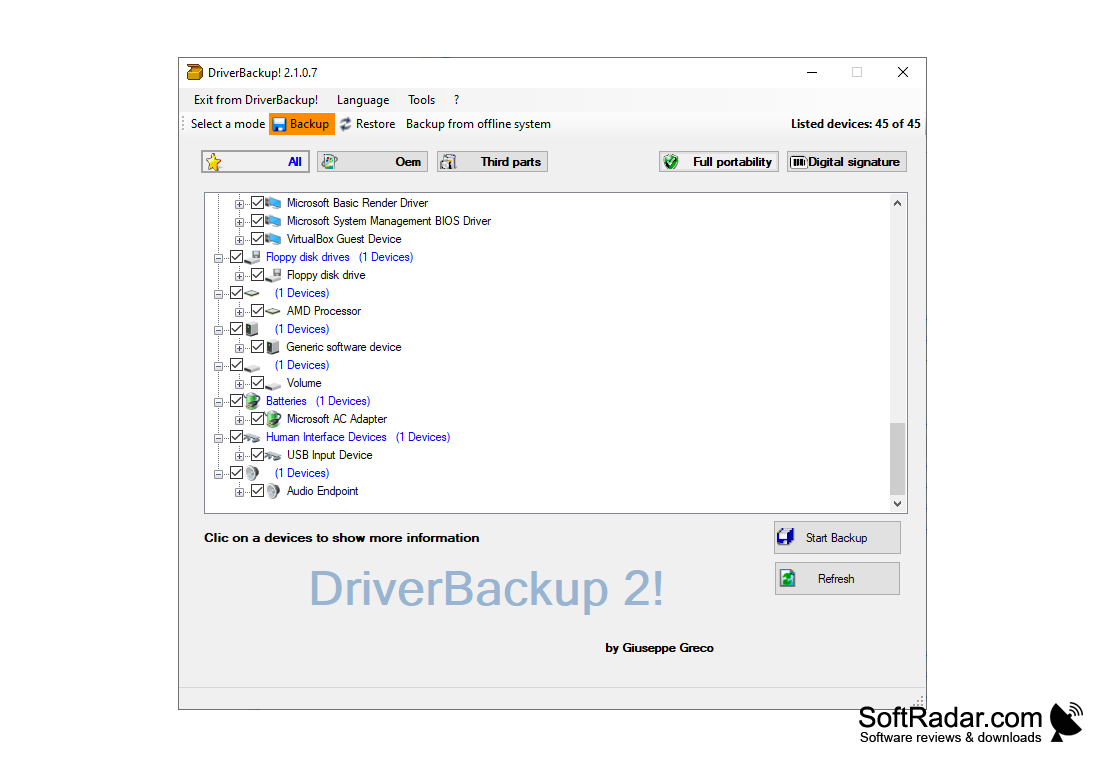
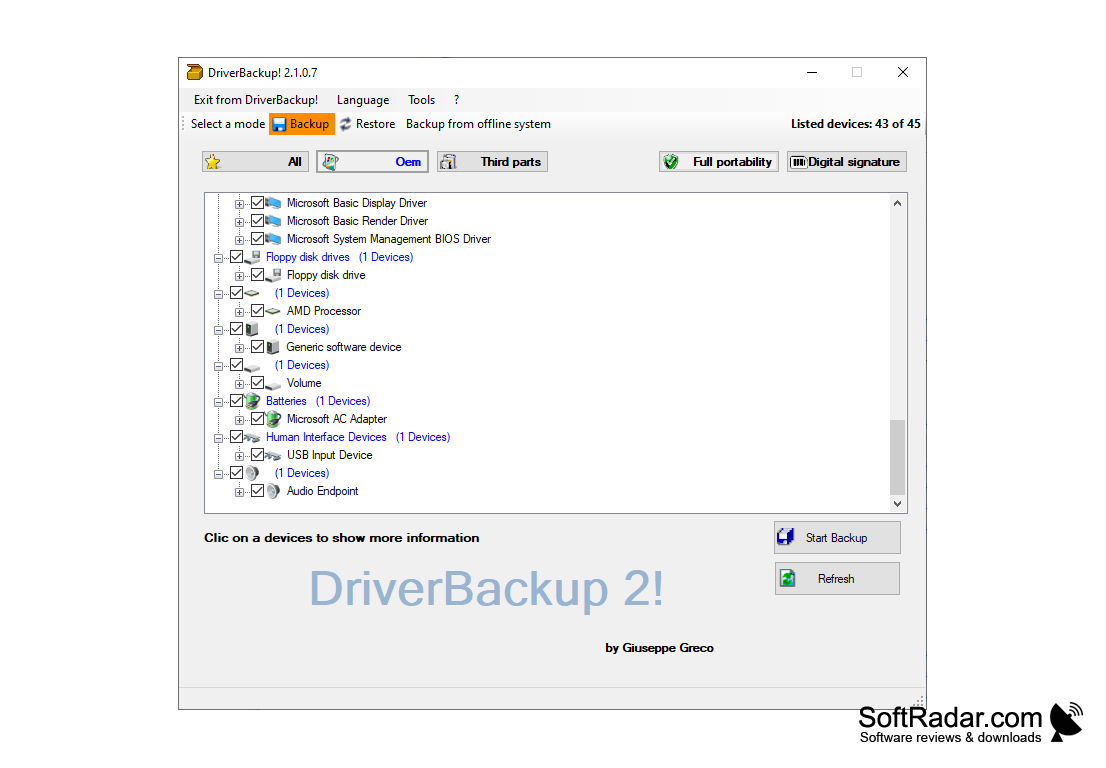
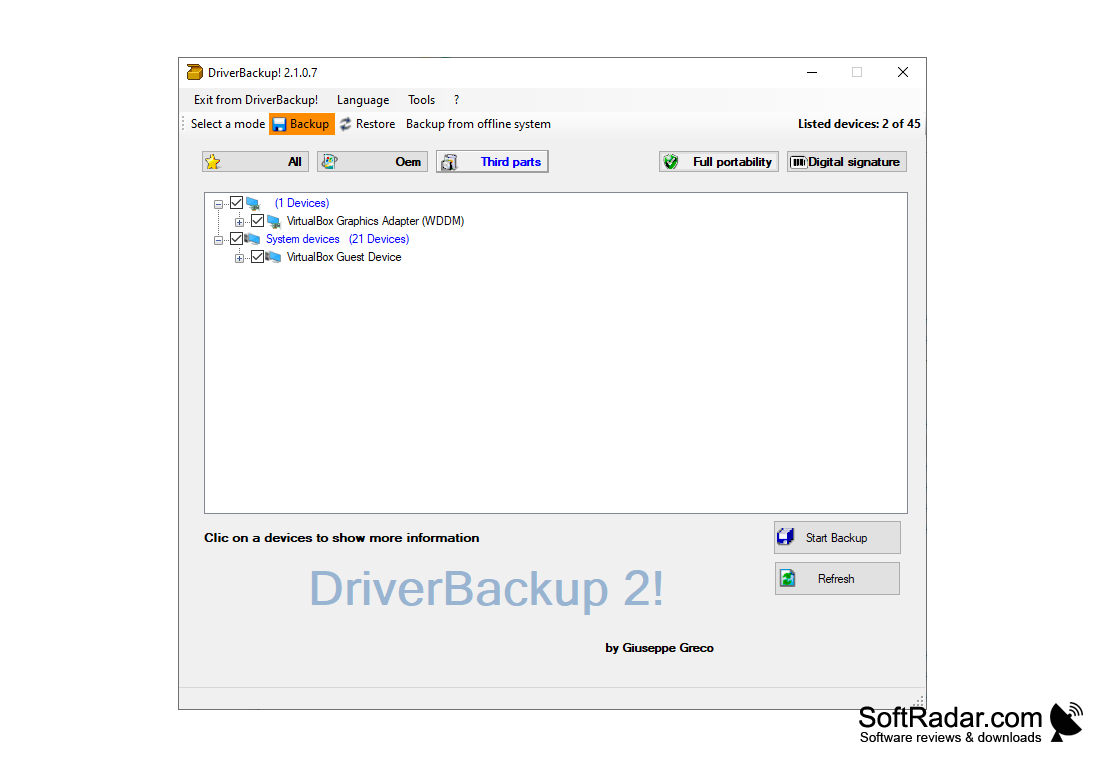
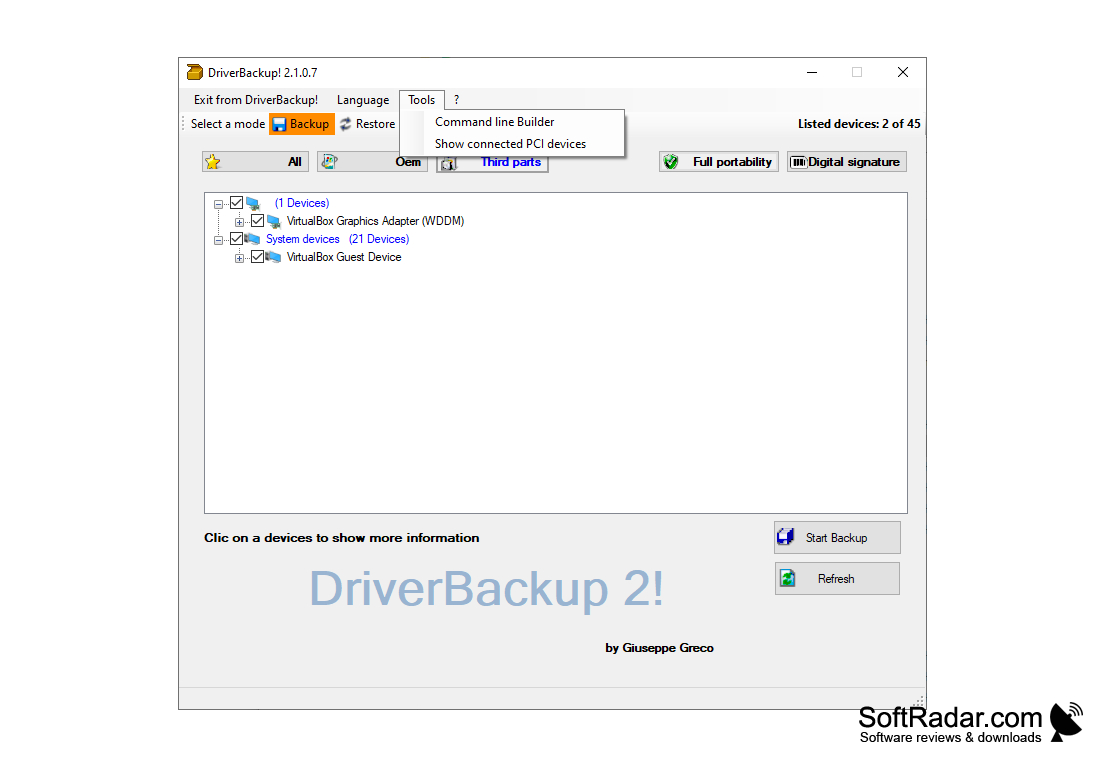
Driver Backup is an application designed to back up drivers. The program is especially useful if you need to reinstall Windows.
The main benefit of using Driver Backup is it saves time and effort by automatically preserving driver files for easy reinstallation after system resets.
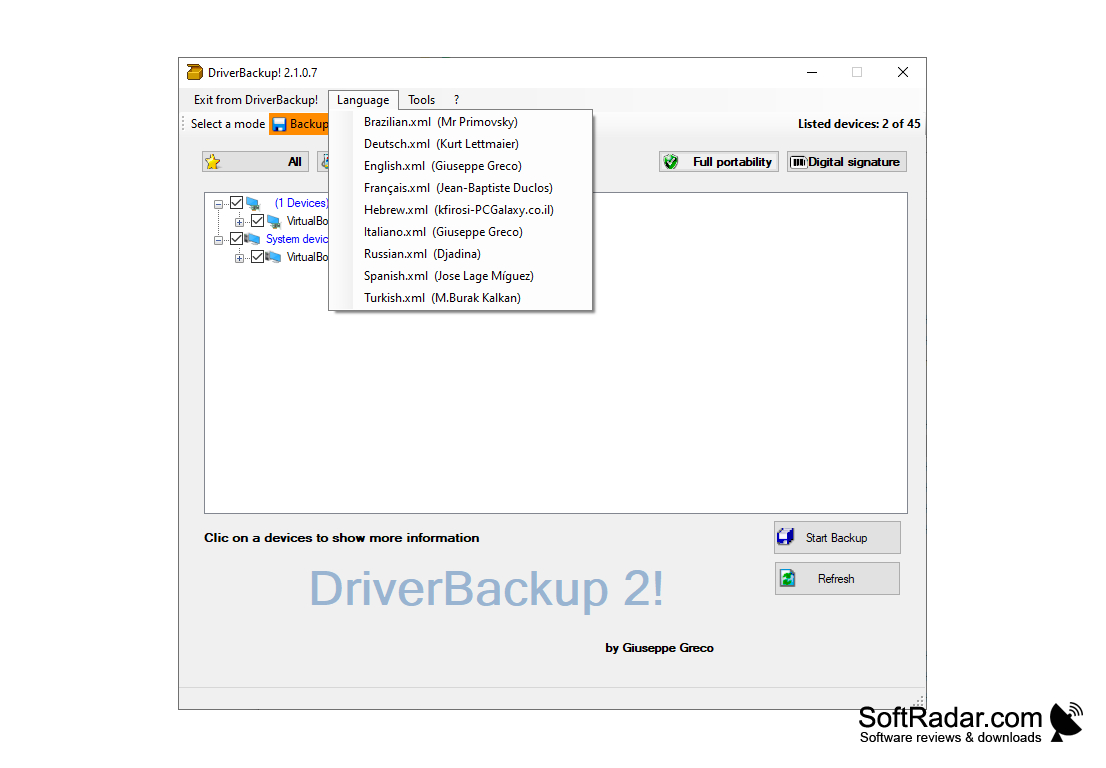

- Windows 7 or higher operating system
- 250 MB free hard disk space
- 1 GB RAM memory
- 250 MB free hard disk space
- 1 GB RAM memory
PROS
Safeguards critical driver data against system crashes or hardware failure.
Simplifies migration to new system or hardware setup.
Supports seamless system recovery and troubleshooting.
Simplifies migration to new system or hardware setup.
Supports seamless system recovery and troubleshooting.
CONS
May not be compatible with all operating systems or devices.
Occasional failure to correctly identify or save all necessary drivers.
Requires significant disc space for storing driver backup files.
Occasional failure to correctly identify or save all necessary drivers.
Requires significant disc space for storing driver backup files.


