
Duckster's Home Inventory Manager
Helps keep track of personal belongings (home inventories).
Operating system: Windows
Publisher: Duck Software
Release : Duckster's Home Inventory Manager 5.1

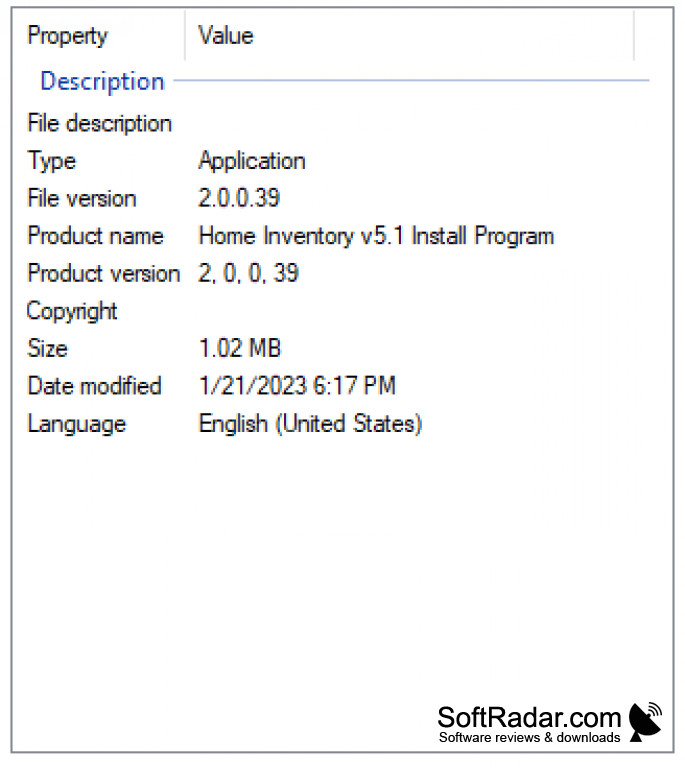

The Duckster's home inventory manager for windows is licensed software that is available for free to download. This Duckster's home inventory management software is very small in size, but it has a very interactive user interface.
This application helps to manage home inventories with minimal effort. This application keeps track of all personal belongings and can be easily managed. This home inventory manager has a creative layout with separate tabs for each category of items like kitchen, bedroom, hall, dining, kids, jewelry, garden, and so on. For each category of items, the user can assign fields to add up the details like model number, serial number, type, quality, condition, expiry date, price details, number of pieces, weight, and so on.
The user can even add up the images of the items and also generate the reports using this Duckster's home inventory management software. The files can be generated in whatever format the user requires. It supports data of all formats. Also, this application enables security which is password protected. Through this app, one can track the legal issues of their assets like insurance claiming.
The most interesting feature of this app is that once the user types the inventory name, it automatically assigns the category and aligns in it. It saves more time and energy. One can access or check their personal belongings at any time and any place whenever they need through this application manager. Overall, it is a user-friendly software that supports all forms of home inventory management.
Separate tabs for each category of items.
Features:
- A separate tab is available for each category of items which enables easy tracking.
- Easy user interface which will be handy for anyone
- Creative layout with an easy menu.
- A licensed freeware software.
- Can add up required fields to each category
- Easy to track all the belongings.
- Easy to edit, save and generate reports in required formats.
- Can enable password protection.
Supports data of all formats
Password protected for security
Small in size, interactive interface
PROS
Offers comprehensive inventory tracking.
Supports photo documentation for items.
CONS
Can be slow and unresponsive at times.
Difficult to navigate for beginners.