
Edius Pro
Edius Pro is a professional real-time video editing application for Windows developed by Grass Valley.
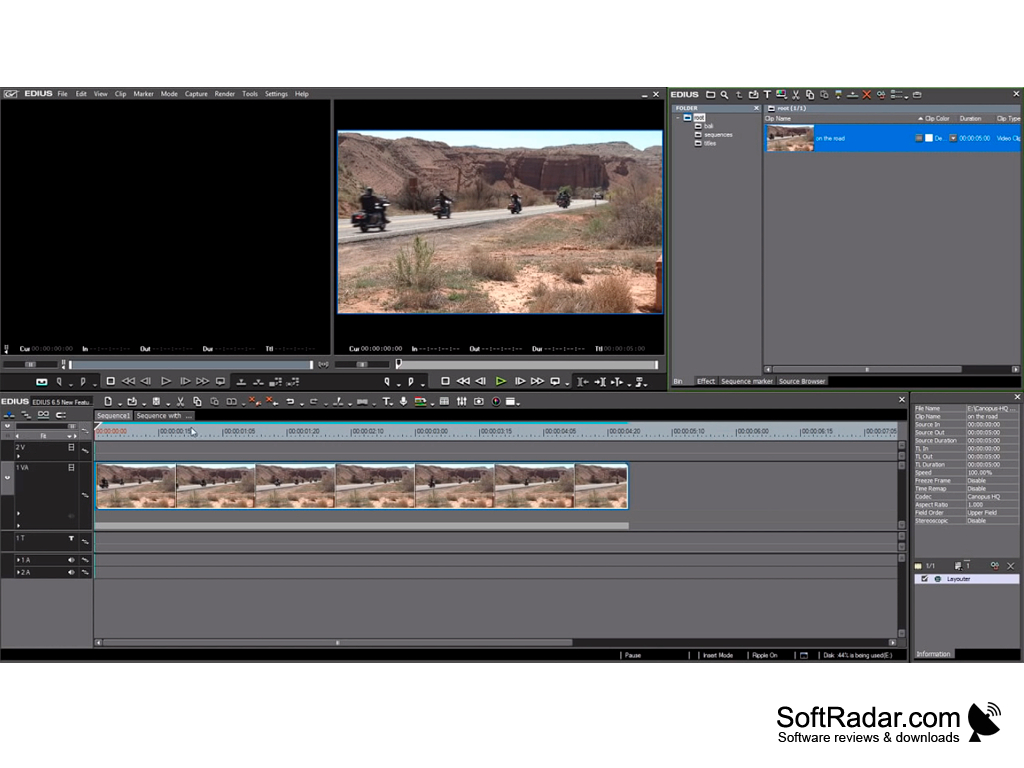
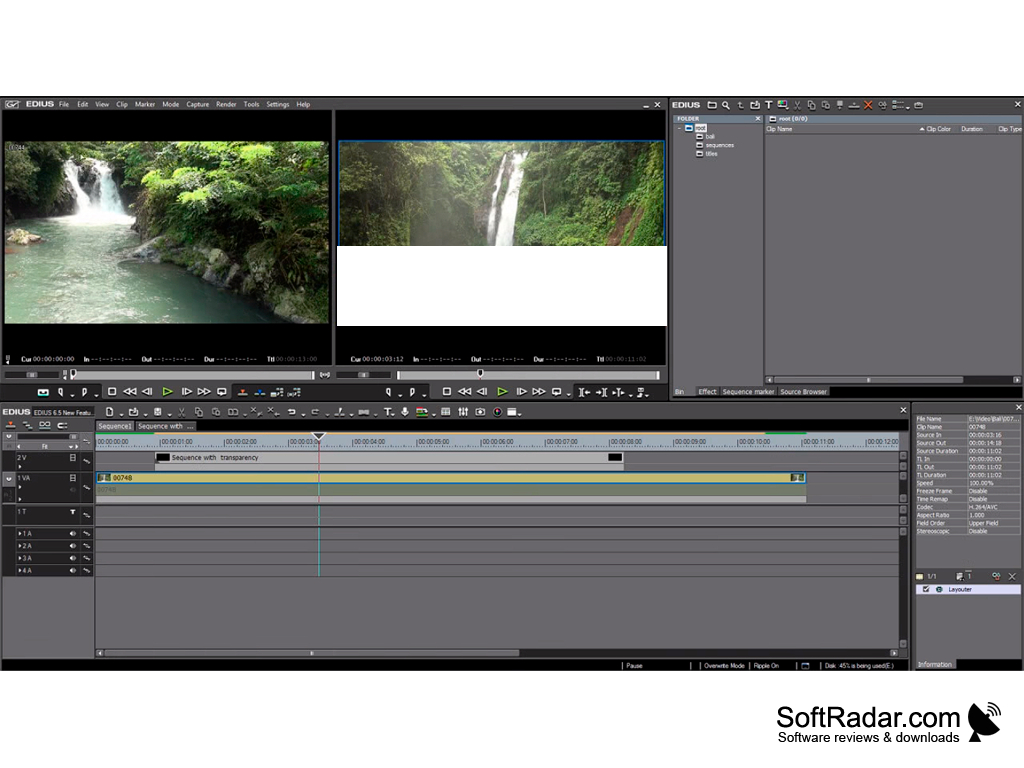
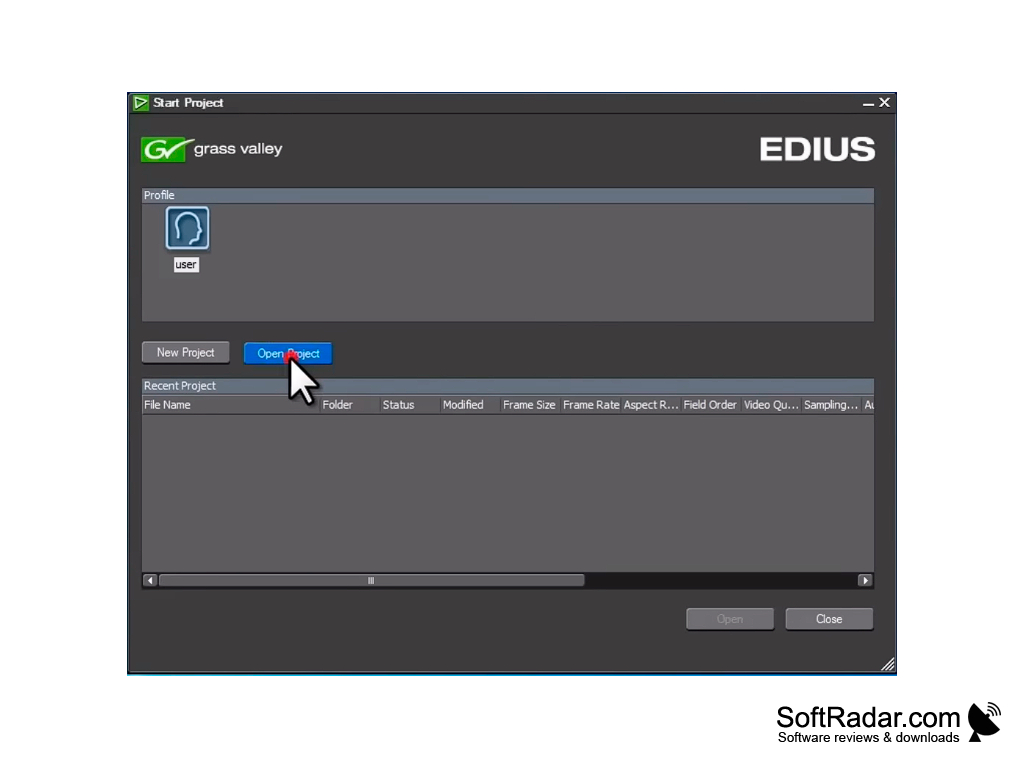
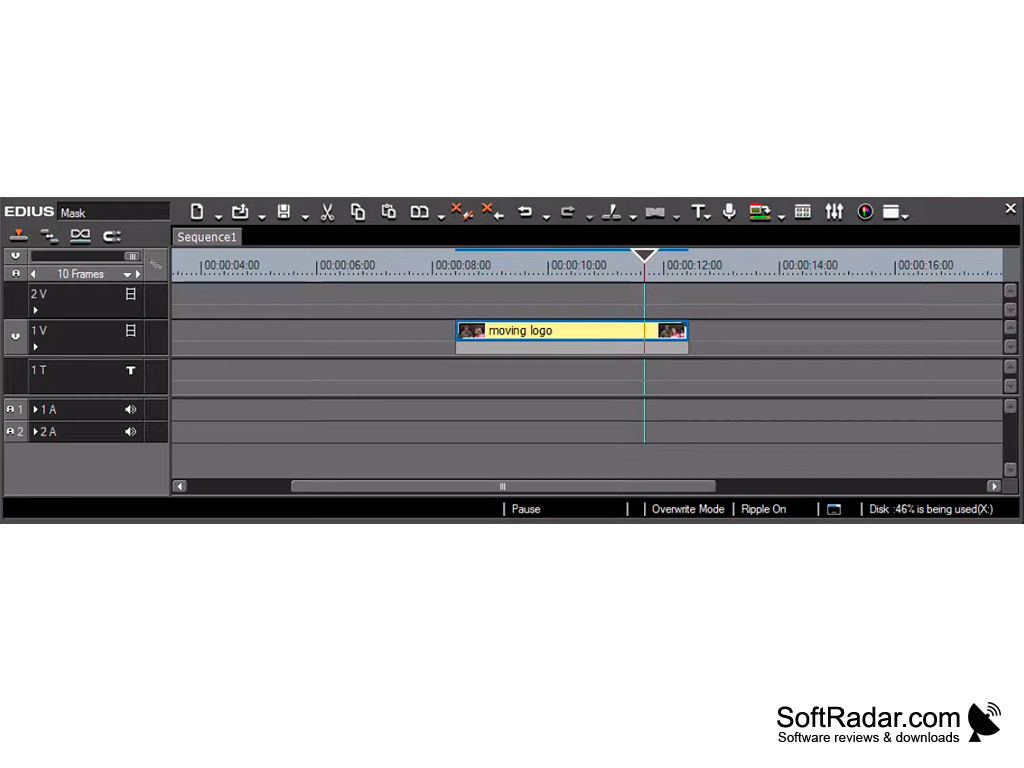
Grass Valley Edius Pro is a real-time video editor for Windows. The program lets you place clips with different frame rates and resolutions on the same timeline, up to 4K in older versions and up to 8K with HDR in current ones. Edius Pro works with virtually any media container and uncompressed video.
You can add new materials to your project using the handy GV Browser tool, and newer versions also include the Mync media manager. They allow you to quickly find and filter media files by various parameters. Like any modern video editor, Edius Pro allows you to apply different effects and transitions to your video. Changes made to some video formats (HDV, DV, MPEG-1, MPEG-2, AVCHD, etc.) can be viewed without prior rendering. When saving the finished project, the program can use Grass Valley's own HQ/HQX intermediate codec (formerly Canopus HQ), which provides a high degree of compression with little visible quality loss.
With Edius Pro, you'll have several additional utilities installed on your computer that will surely be useful for those who have to deal with video editing. Among these utilities is Quick Titler, a handy tool designed to work with titles and containing a lot of ready-made presets; EDIUS 11 adds a new integrated Titler. Please note that Grass Valley Edius has quite high system requirements. Before installing the software, make sure that it matches your system.
Edius Pro offers real-time editing for a variety of video formats and resolutions, enhancing efficiency and flexibility in video editing tasks.
Intel 5th Gen or newer CPU, or equivalent AMD
8 GB RAM (16 GB or more for 4K/8K editing)
6 GB of disk space for installation
Graphics card with 1 GB VRAM (2 GB for 4K)
PROS
Highly customizable interface allows for efficient workflow.
Excellent real-time performance with fast rendering and exporting.
CONS
Available for Windows only, with no macOS version.
Expensive for hobbyist videographers.