
Firefox Developer Edition
Firefox Developer Edition is a browser for web developers, with tools for inspecting pages, debugging code, examining requests, and trying emerging web features.
Operating system: Windows
Publisher: Mozilla Organization
Release: Firefox Developer Edition 160.0b3
License: Open source (MPL-2.0)
Antivirus check: VirusTotal report
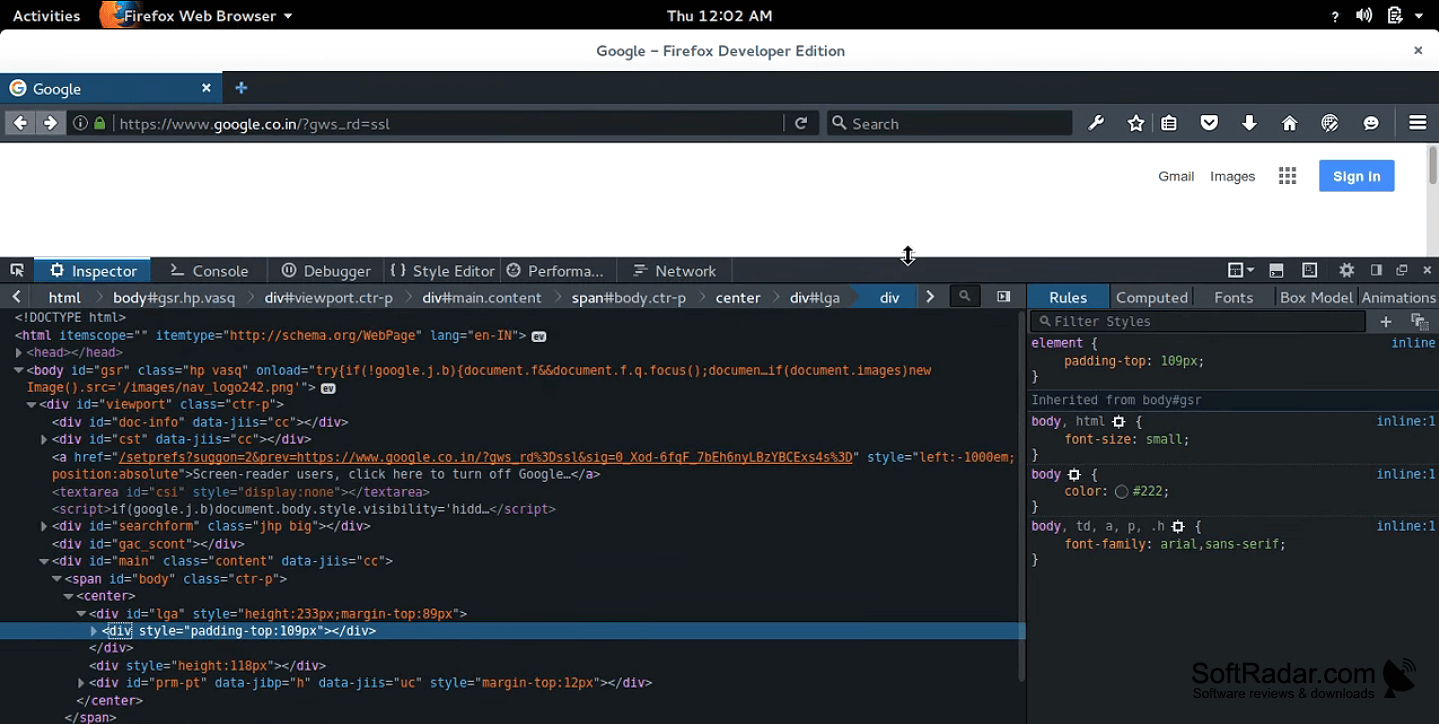
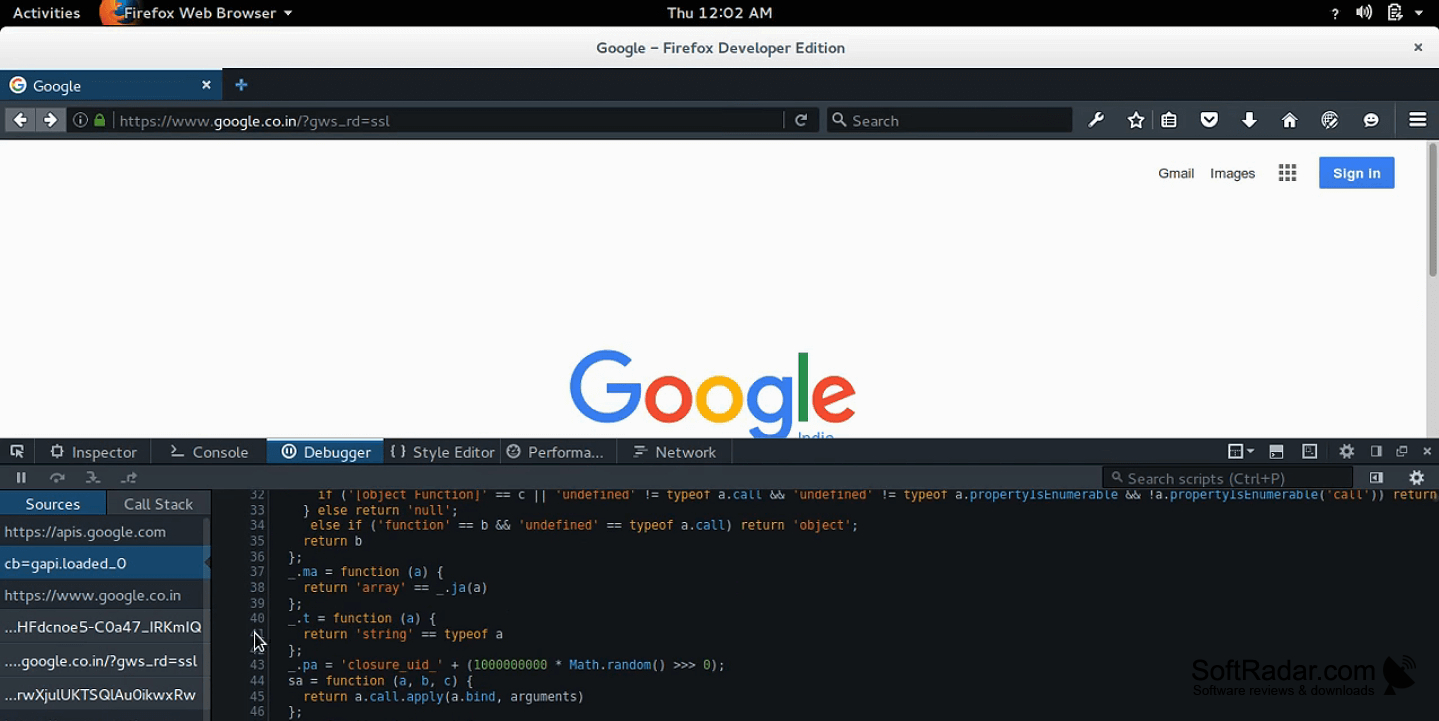
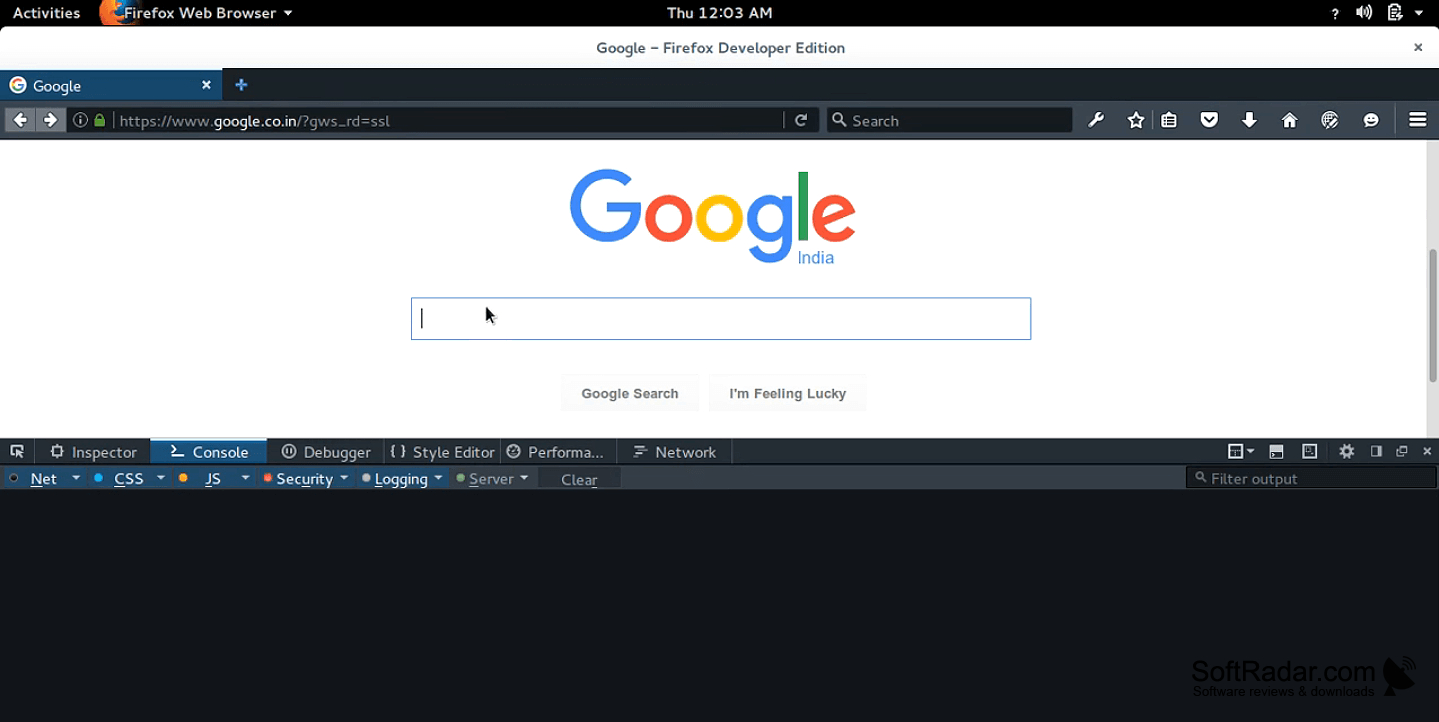
Firefox Developer Edition lets web developers browse, build, and check sites in one application. It supports everyday tasks such as examining page structure, finding script errors, and checking layouts at different screen widths. A separate developer profile keeps its preferences and add-ons apart from those used in a regular Firefox installation.
Inspect layouts, troubleshoot scripts, and examine network activity without leaving the browser.
The browser has panels for editing CSS, stepping through JavaScript, and reviewing requests made by a page. Its layout tools show grid, flex, and container behavior, while device emulation helps check smaller viewports. Developers can also examine accessibility information, inspect service workers and WebSocket traffic, profile script execution, and try web features before they reach the standard browser.
Features:
- Inspect CSS grids, flex layouts, and containers
- Pause JavaScript and trace asynchronous calls
- Filter and examine page network requests
- Simulate screen sizes for responsive layouts
- Inspect WebSocket messages and service workers
- Profile script activity and page rendering
2 GB RAM for 64-bit builds
200 MB available disk space
PROS
Separate profile keeps development extensions and settings isolated.
Early web platform features aid compatibility testing.
CONS
Early features can introduce occasional regressions.
