
UC Browser for Desktop
UC Browser for Desktop is a Windows web browser for people who want to visit websites, manage downloads, and adjust how pages are displayed.
Operating system: Windows
Publisher: UCWeb Inc.
Release: UC Browser for Desktop 1.1.0.8
Antivirus check: VirusTotal report
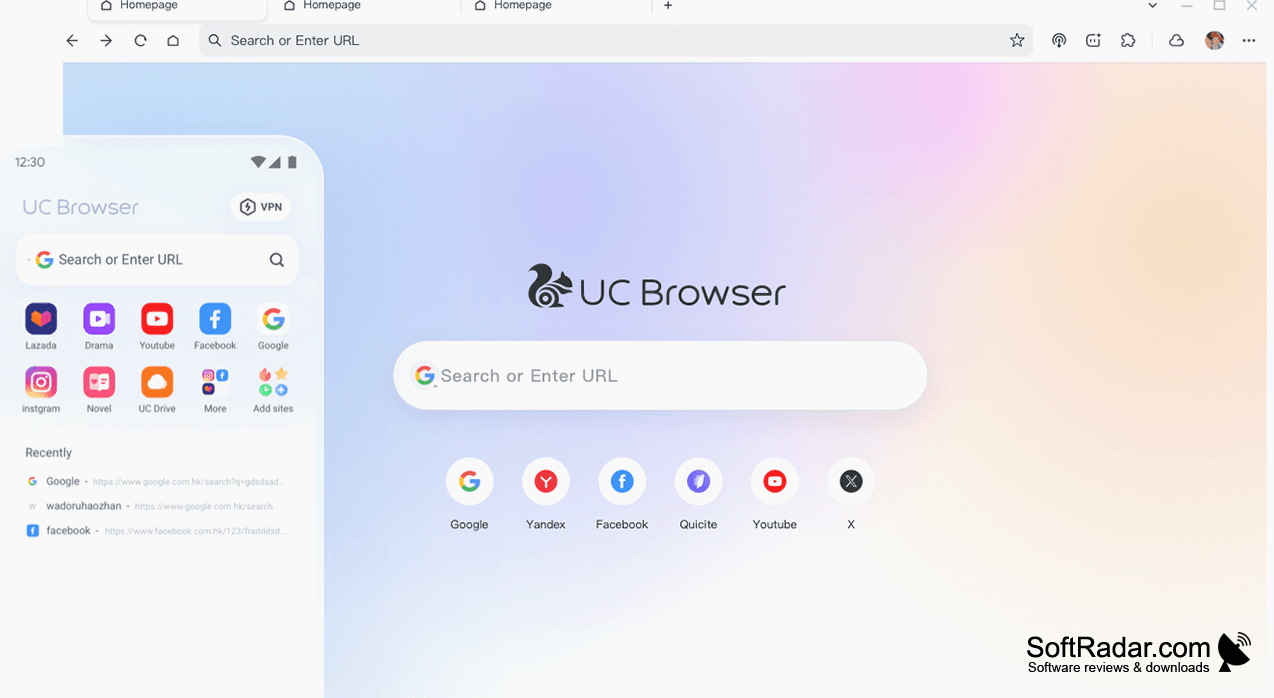
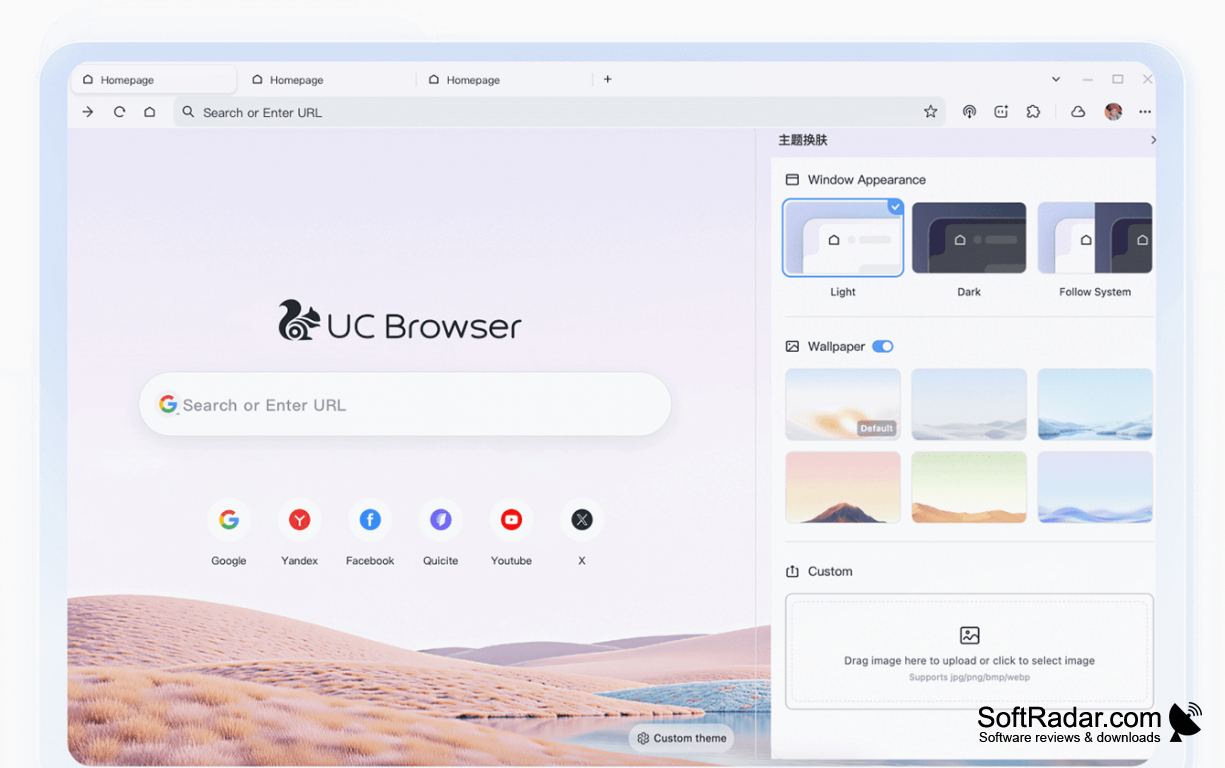
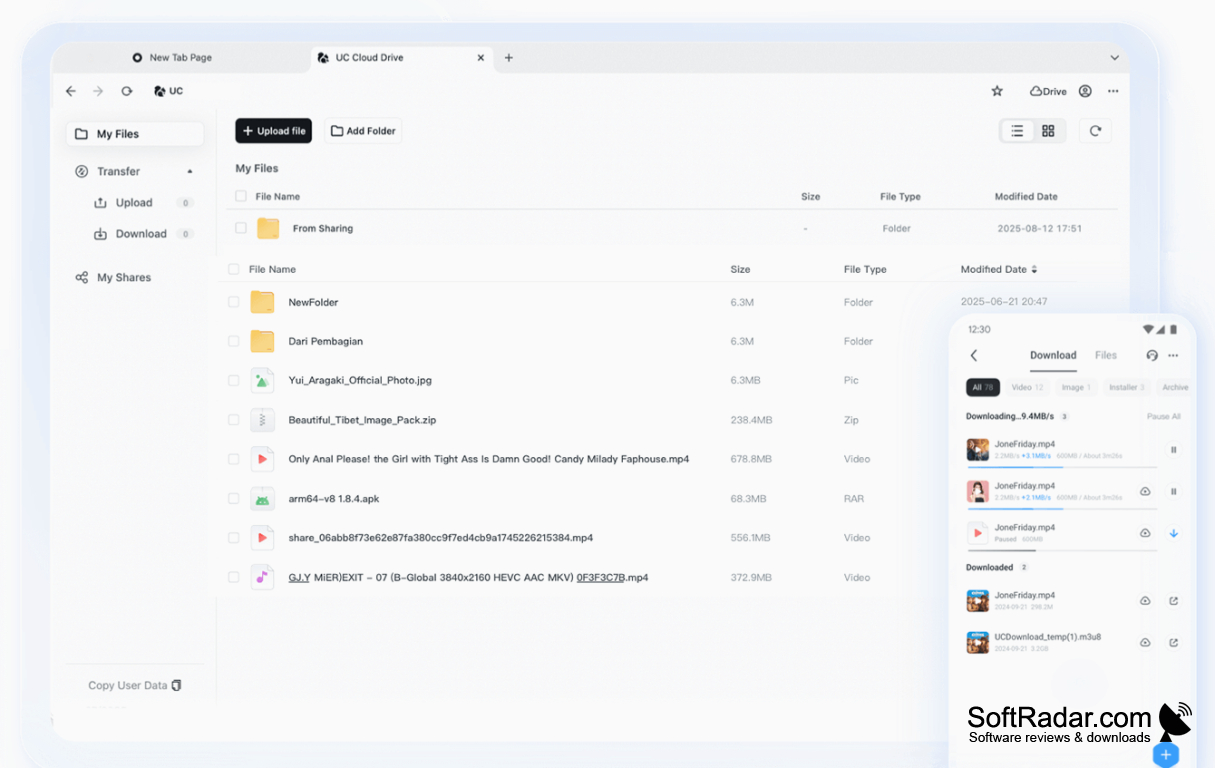
UC Browser for Desktop lets Windows users browse websites, keep track of open pages, and save files from the web. It suits everyday tasks such as reading articles, watching videos, and returning to frequently visited sites. A customizable start page provides shortcuts to preferred destinations, while themes let users change the browser's appearance without changing how they navigate.
Switching between two page-rendering modes helps when a website does not display as expected.
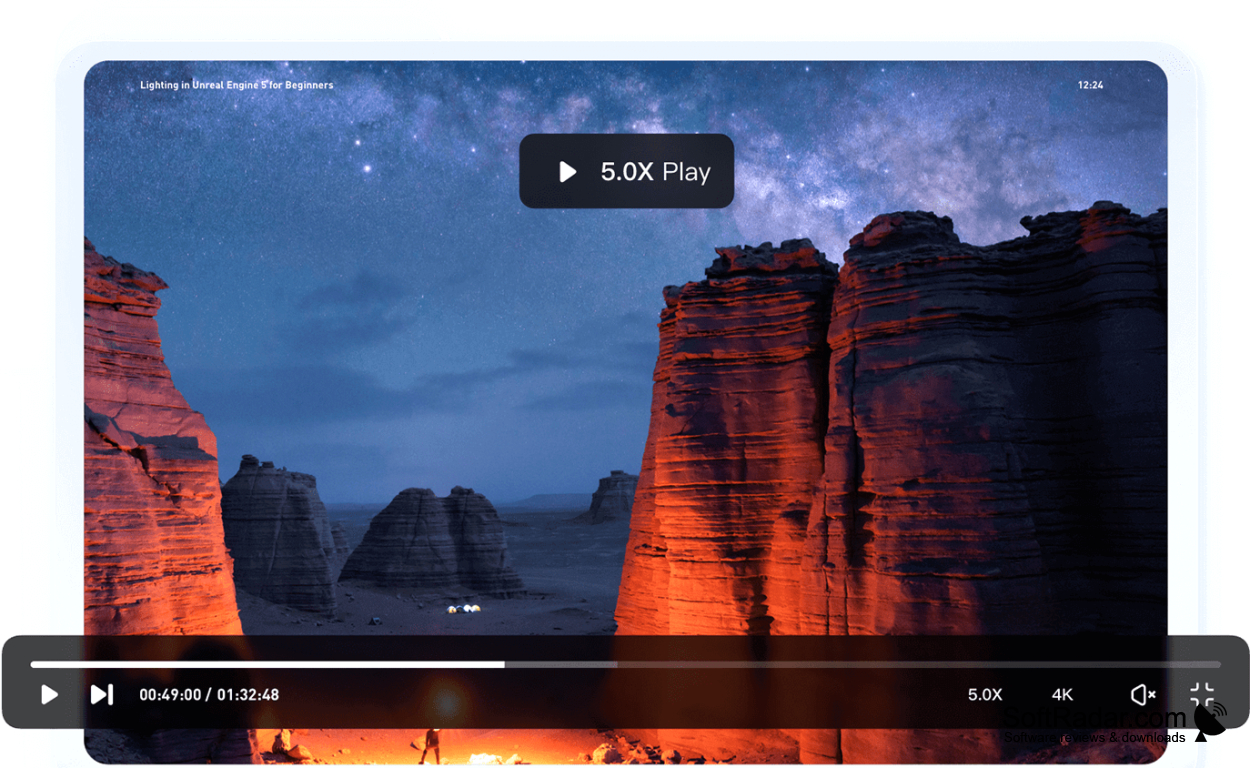
The browser offers two rendering modes, so users can try an alternative when a page has display problems. Its download tools support resuming interrupted transfers and organizing saved files. It can load linked content in advance, synchronize tabs and bookmarks between devices, and use browser extensions. Video controls include playback speed adjustment and a separate viewing window for watching media alongside other pages.
Features:
- Switch between two page-rendering modes
- Resume downloads after an interruption
- Sync tabs and bookmarks across devices
- Customize start-page shortcuts and themes
- Add functionality through browser extensions
- Adjust video speed and use a floating window
PROS
Switches rendering engines for older websites.
Built-in ad blocker reduces page clutter.
CONS
Installer may create unwanted desktop shortcuts.


