
Zen Browser
Zen Browser is a Windows web browser for people who want to organize tabs by task, view pages together, and adjust the interface to suit their browsing habits.
Operating system: Windows
Publisher: Zen Team
Release: Zen Browser 1.24b
License: Open source (MPL-2.0)
Antivirus check: VirusTotal report
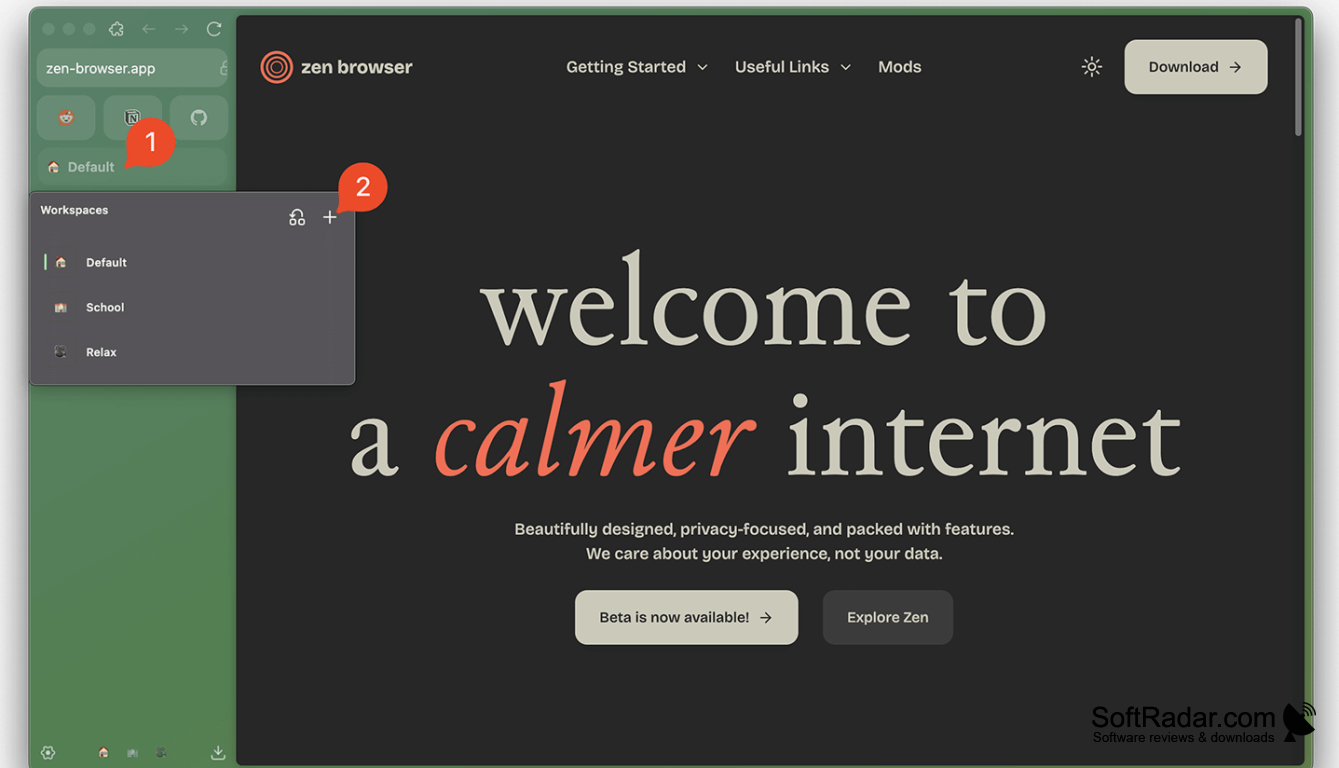
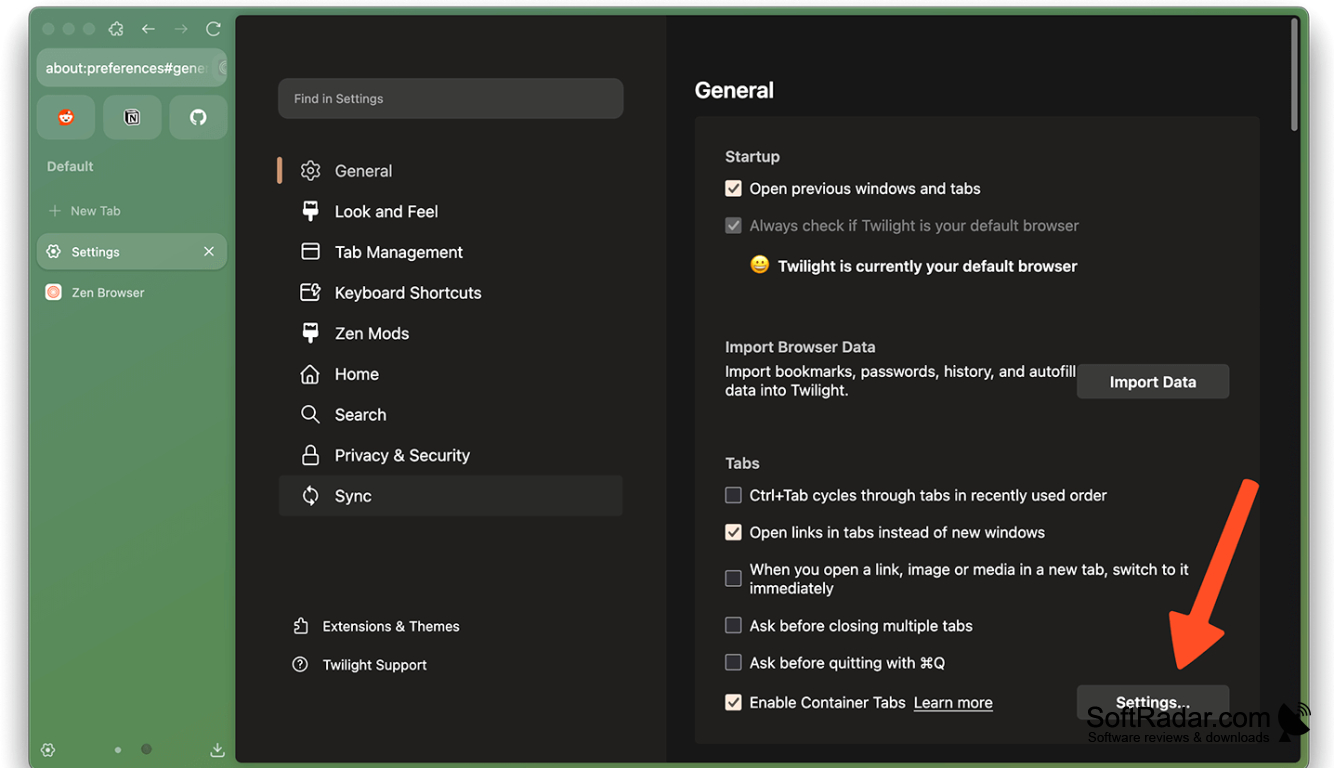
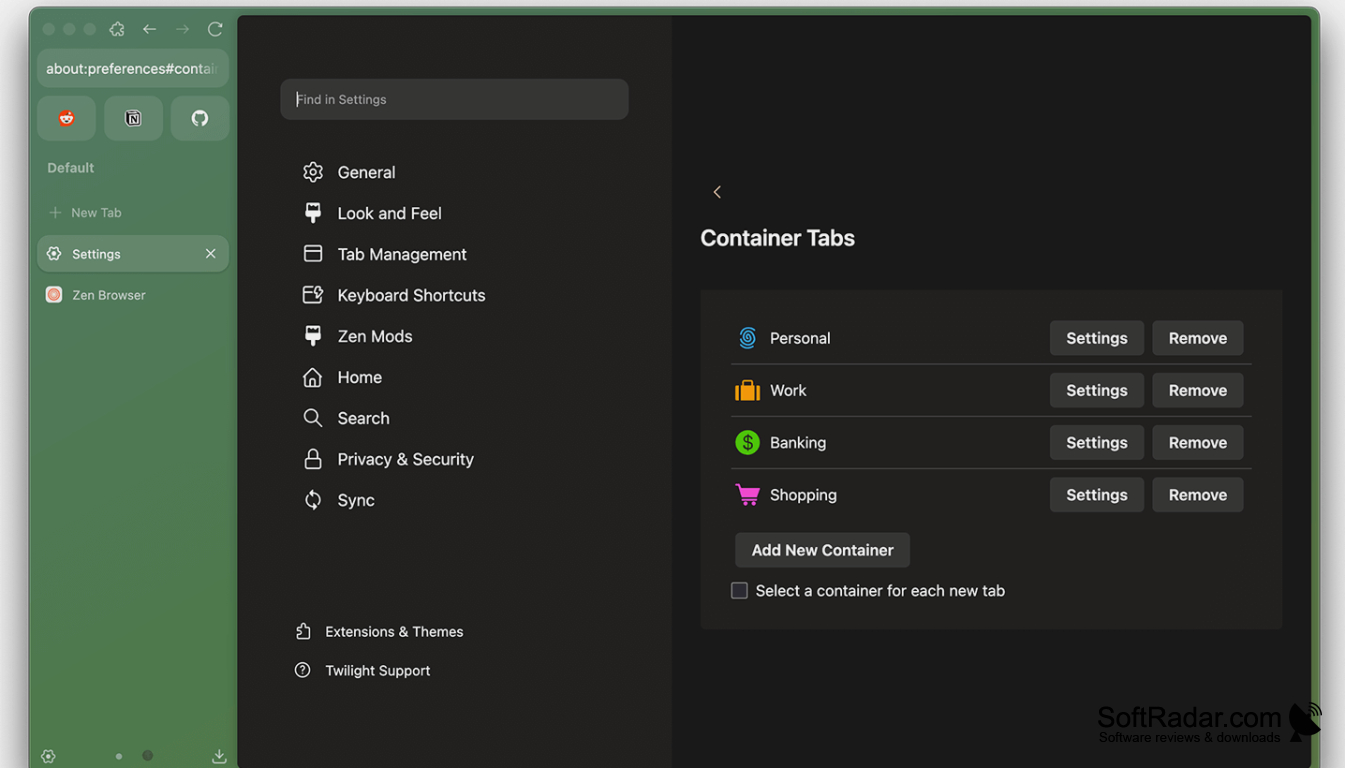
Zen Browser provides web browsing on Windows with a layout built around managing many sites. It suits people who move between tasks such as research, writing, and everyday reading. Tabs sit in a side panel rather than a strip across the top, and separate workspaces let you keep groups of pages for different activities.
Keep tabs for separate activities in dedicated workspaces while using a sidebar to switch between pages.
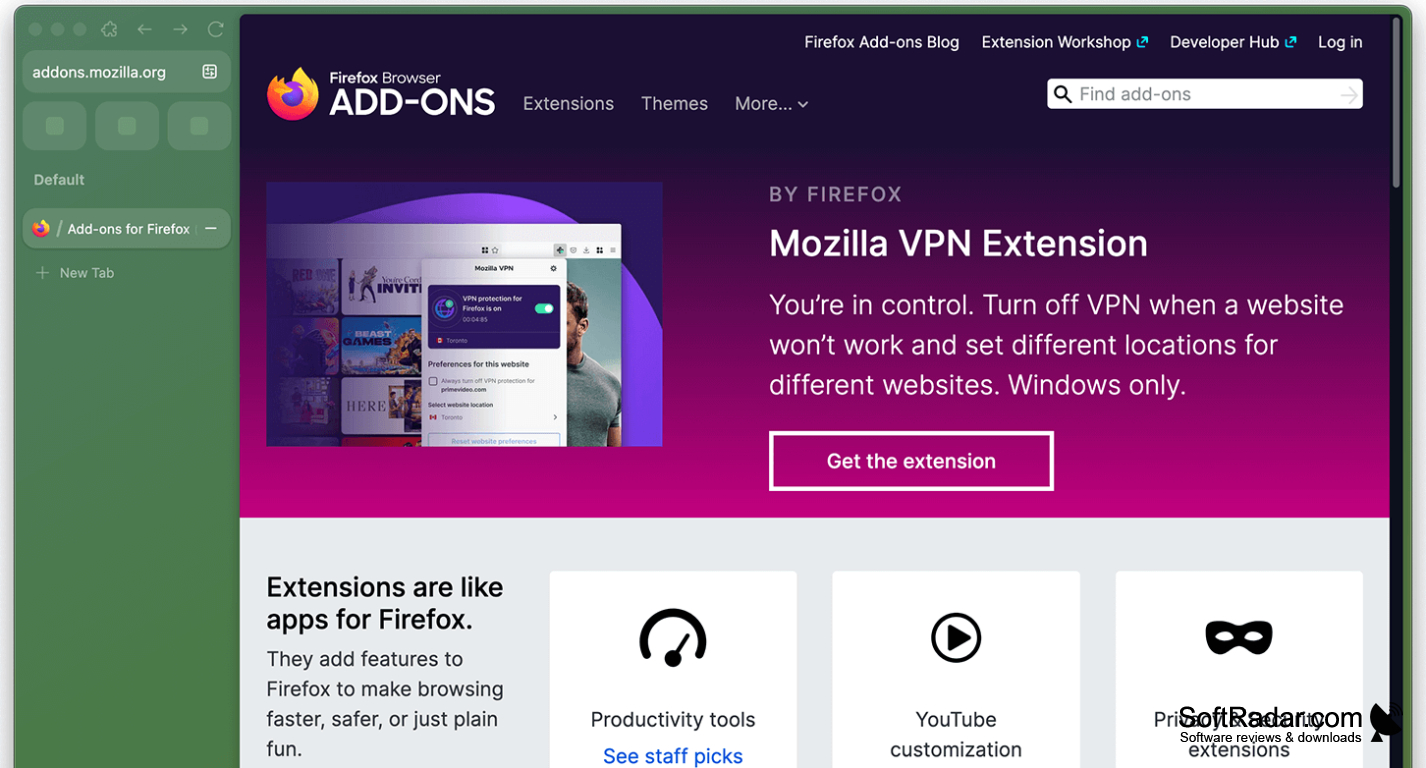
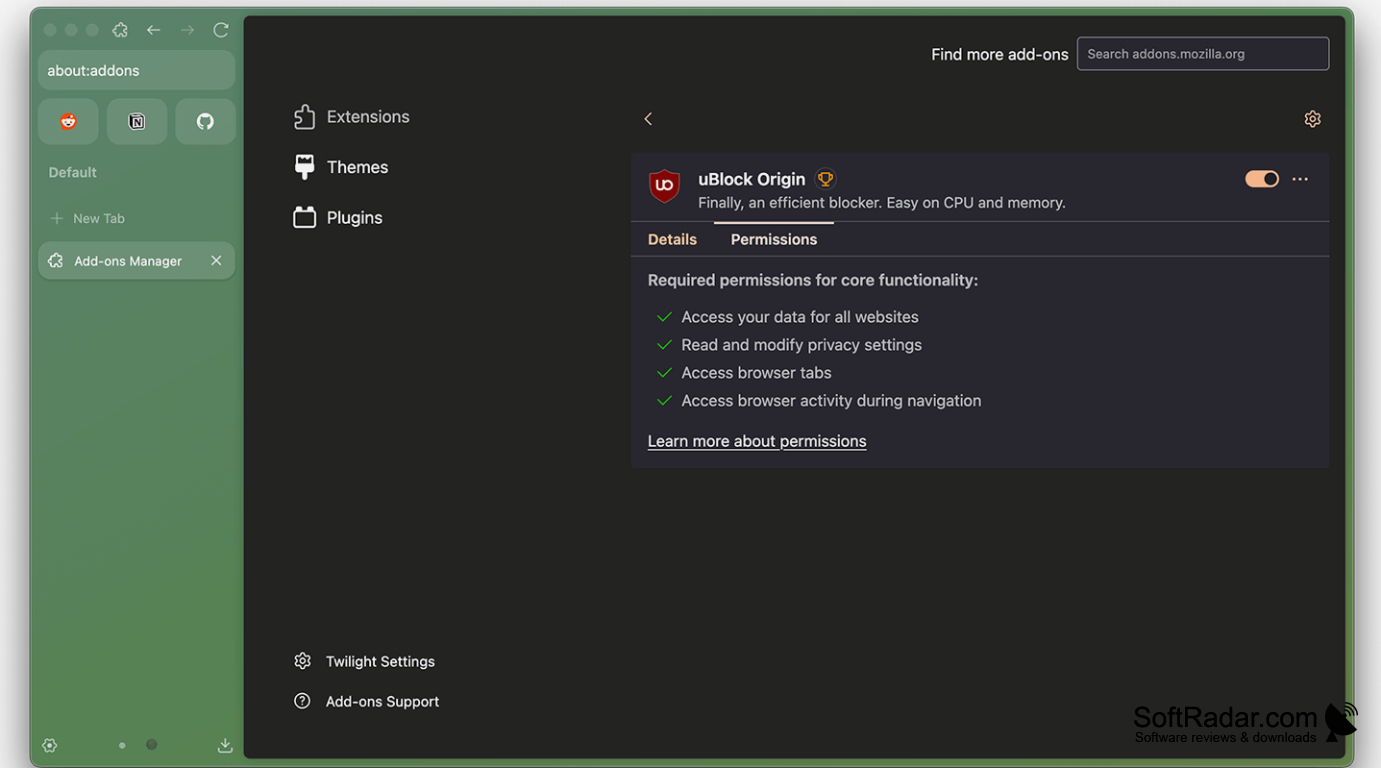
The browser uses Mozilla’s Gecko engine and can run many Firefox add-ons. You can arrange pages next to each other, check a link in a temporary preview, and change the interface with community-made themes and adjustments. Its settings include tracker blocking, while optional account syncing can carry bookmarks and preferences between devices.
Features:
- Side panel for browsing open tabs
- Workspaces for grouping pages by task
- Side-by-side display for multiple pages
- Temporary previews of linked pages
- Community themes and interface adjustments
- Settings for blocking trackers
PROS
Split View lets you compare pages side by side.
Zen Mods offer extensive interface customization.
CONS
Frequent interface changes can disrupt established workflows.

