
Firewall App Blocker
Firewall App Blocker helps Windows users manage which programs can connect to the internet through Windows Firewall without navigating its settings pages.
Operating system: Windows
Publisher: Sordum Team
Release: Firewall App Blocker 1.9
Antivirus check: VirusTotal report
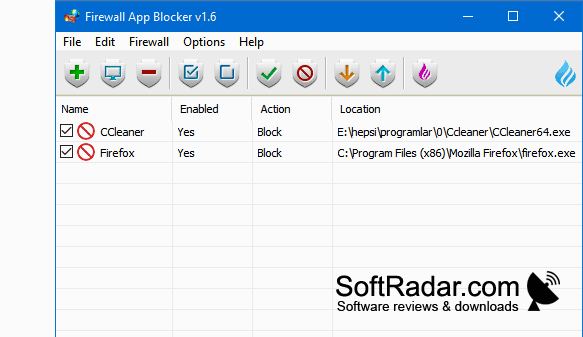
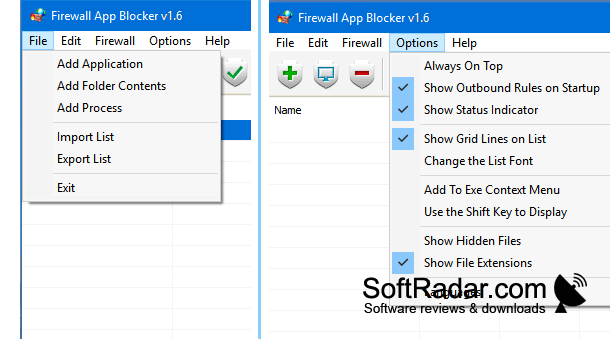
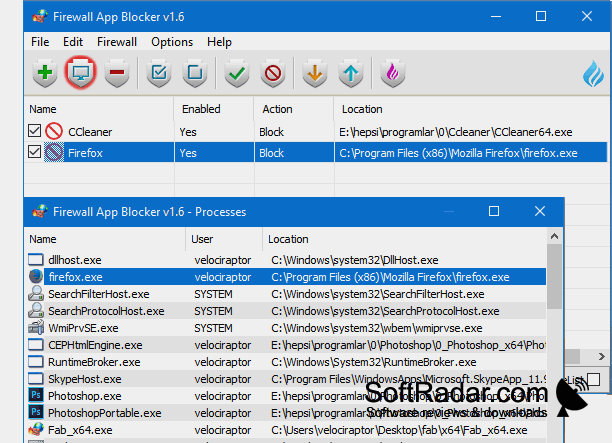
Firewall App Blocker gives Windows users a separate place to manage program access through Windows Firewall. It is intended for people who need to stop a particular application from connecting online, or restore its access later, without working through the usual Windows settings screens. You can keep a list of programs whose connection rules you want to review or change.
Change a program's network access from one list instead of editing firewall rules through Windows settings.
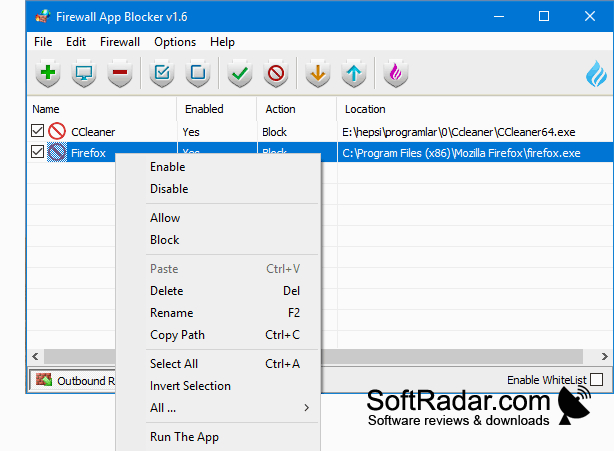
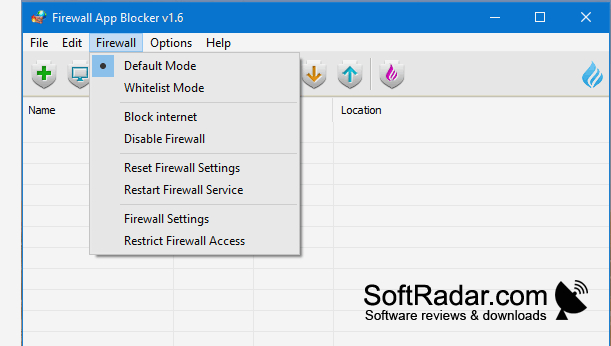
Add programs to the list, then use the available commands to deny or permit their connections. The interface also provides controls to remove entries, locate program files, and import or export the list. It uses Windows Firewall rather than running a separate firewall service. The utility can run without installation and includes shortcuts for opening firewall settings or restoring their defaults.
Features:
- Add programs to a firewall management list
- Block or allow listed programs
- Import and export program lists
- Open a listed program's file location
- View or reset Windows Firewall settings
- Run without installing the application
PROS
Whitelist mode simplifies controlling which applications connect.
Portable executable runs without installation.
CONS
Lacks detailed controls for ports and protocols.


