
Folder Marker Pro
Folder Marker Pro changes folder icons and colours from the right-click menu, so folders can be marked by priority, progress, approval status or type of content.
Operating system: Windows
Publisher: ArcticLine Software
Release: Folder Marker Pro 4.4.1
Antivirus check: VirusTotal report
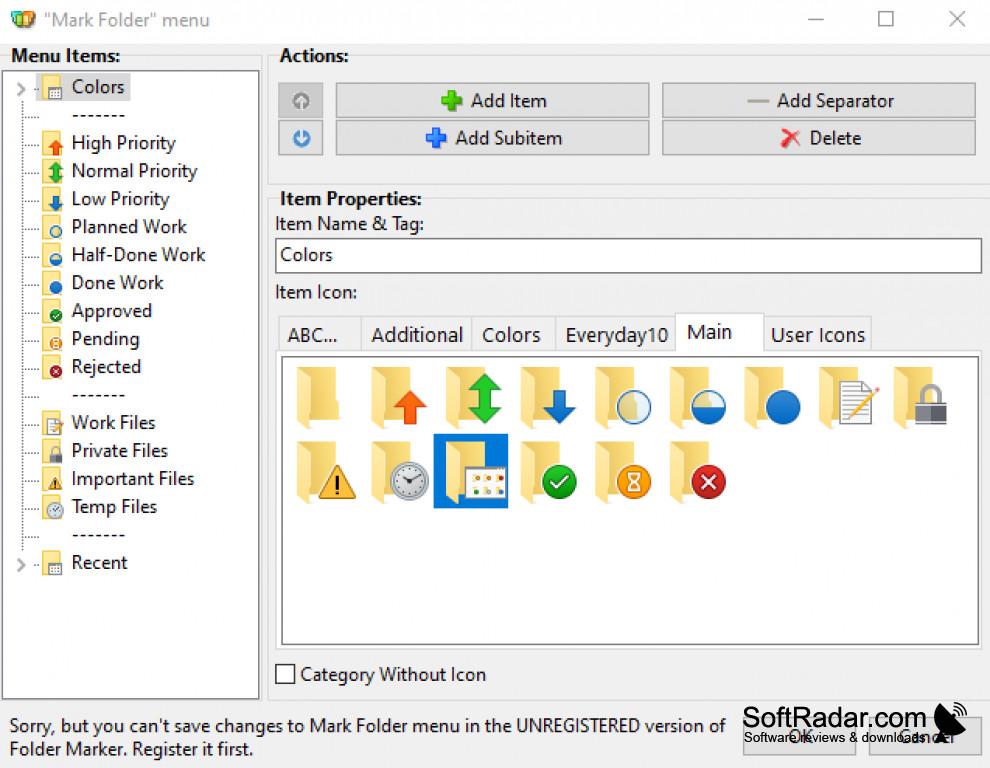

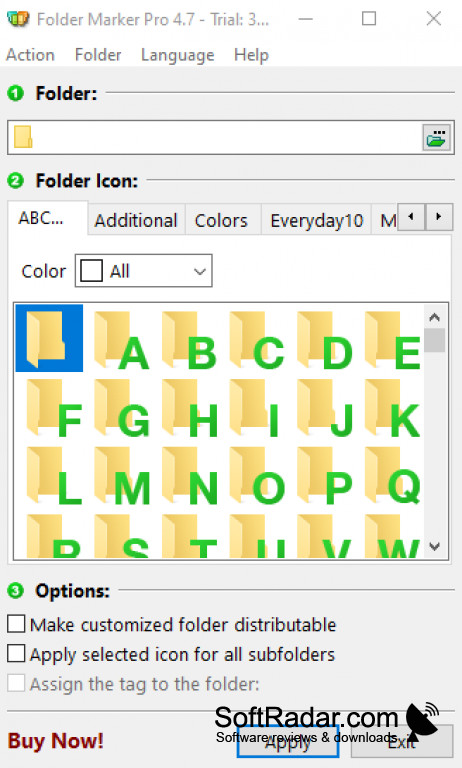
Folder Marker Pro is a folder icon changer from ArcticLine Software built for office work. It adds a Mark Folder submenu to the right-click menu in Windows Explorer, so a folder can be given a different colour or icon without opening any program. This makes important, finished or pending project folders easy to spot in a long list.
Shows at a glance which folders are urgent, finished or waiting for approval.
Ready-made icon sets mark folders by priority (high, normal, low), by progress (done, half-done, planned), by work status (approved, rejected, pending) and by type of content such as work, important, temporary or private files. Any number of custom icons can be added, one icon can be applied to all subfolders at once, and folders on a local network can be marked too.
Features:
- Mark Folder command in the Explorer right-click menu
- Priority, progress and approval status icon sets
- Folder colours in normal, dark and light shades
- Unlimited custom user icons
- Apply an icon to all subfolders at once
- Marking of folders on a local network
32-bit and 64-bit Windows supported
PROS
Status icons for priority and progress.
Unlimited custom icons.
CONS
Marks are visible only in Windows Explorer.


