
FortiClient VPN
FortiClient VPN connects Windows PCs to FortiGate networks through SSL or IPsec VPN tunnels, giving remote users access to workplace resources.
Operating system: Windows
Publisher: Fortinet
Release: FortiClient VPN 7.4.3
Antivirus check: VirusTotal report
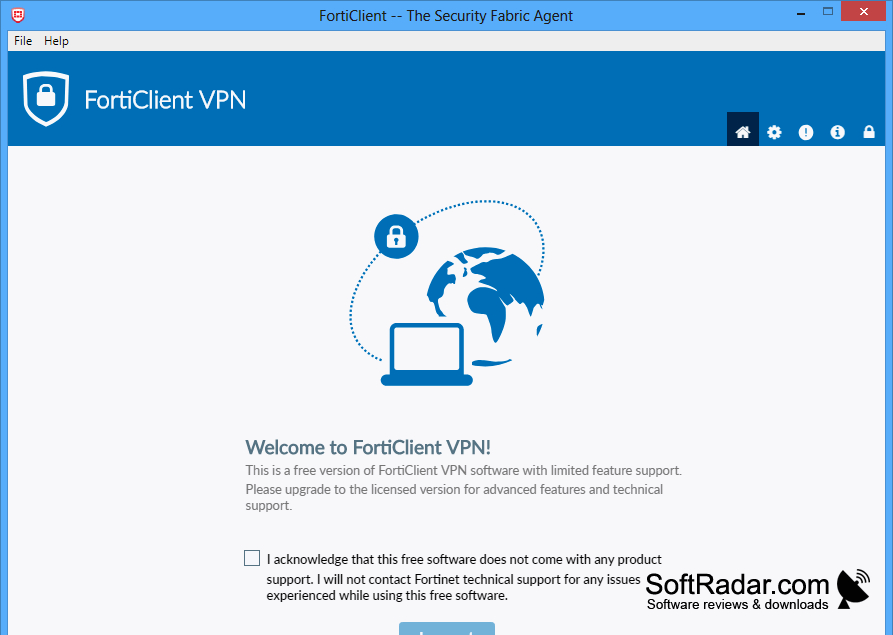
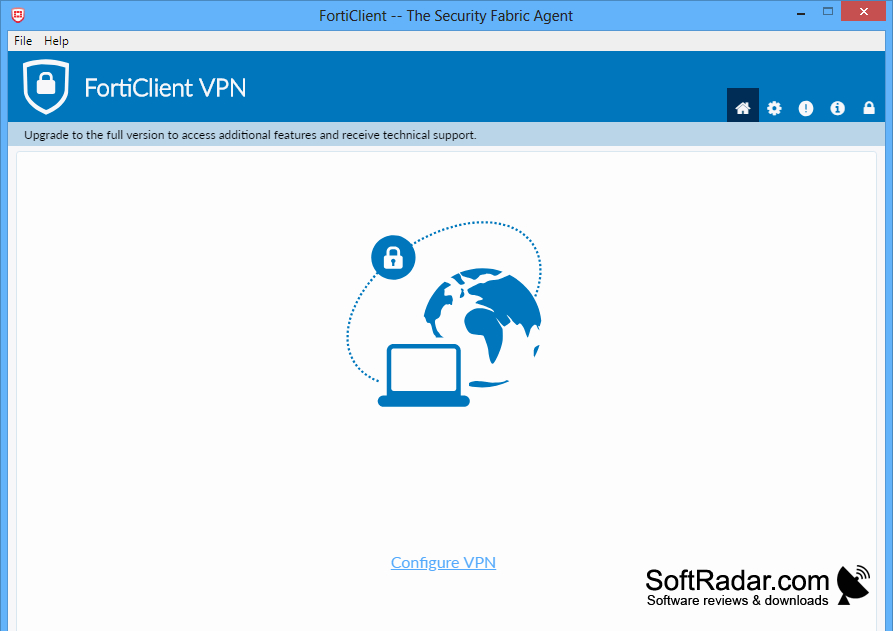
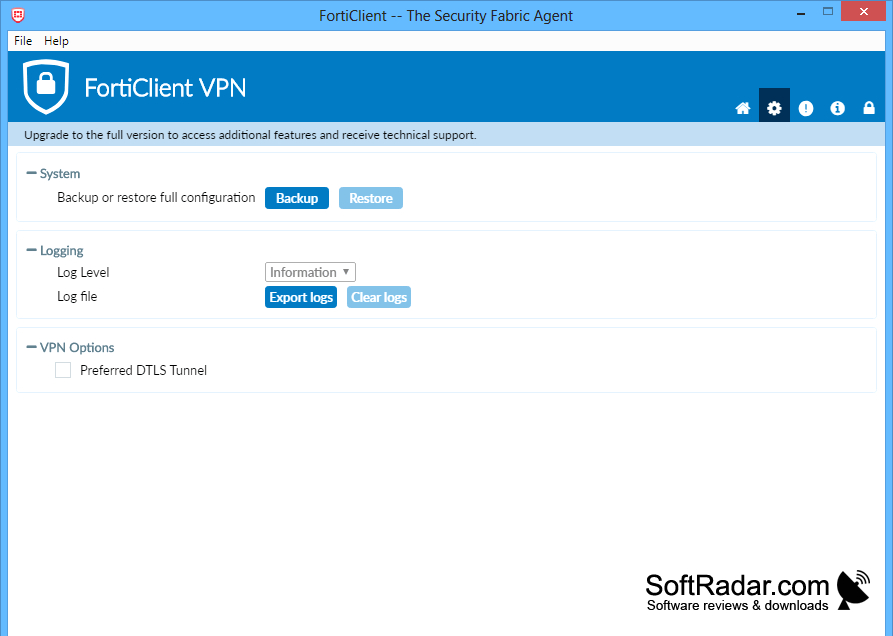
FortiClient VPN is a Windows application for people who need to reach a workplace network from another location. It creates a VPN connection between a PC and a FortiGate firewall, allowing remote access to network resources and applications. It is intended for users whose organization provides VPN connection details and login credentials.
Connect to a workplace network remotely using SSL or IPsec VPN, with support for FortiToken authentication.
The program supports SSL VPN tunnel mode and IPsec connections, with traffic encrypted as it passes through the tunnel. Users can enter connection settings, sign in and check the connection status. FortiToken two-factor authentication and certificate-based login are supported where configured. Auto-connect and always-up options reduce the need to start a connection manually.
Features:
- Create SSL VPN tunnel mode connections
- Connect to FortiGate through IPsec VPN
- Use FortiToken two-factor authentication
- Sign in with client certificates
- Start VPN sessions with auto-connect
- Maintain connections with always-up mode
PROS
Connection profiles are straightforward to configure.
CONS
Reconnecting after Windows sleep can be unreliable.

