
Tailscale
Tailscale links Windows PCs with other devices on a private network, giving people who work across locations a way to reach remote systems and services.
Operating system: Windows
Publisher: Tailscale Inc.
Release: Tailscale 1.104.5
License: Open source (BSD-3-Clause)
Antivirus check: VirusTotal report
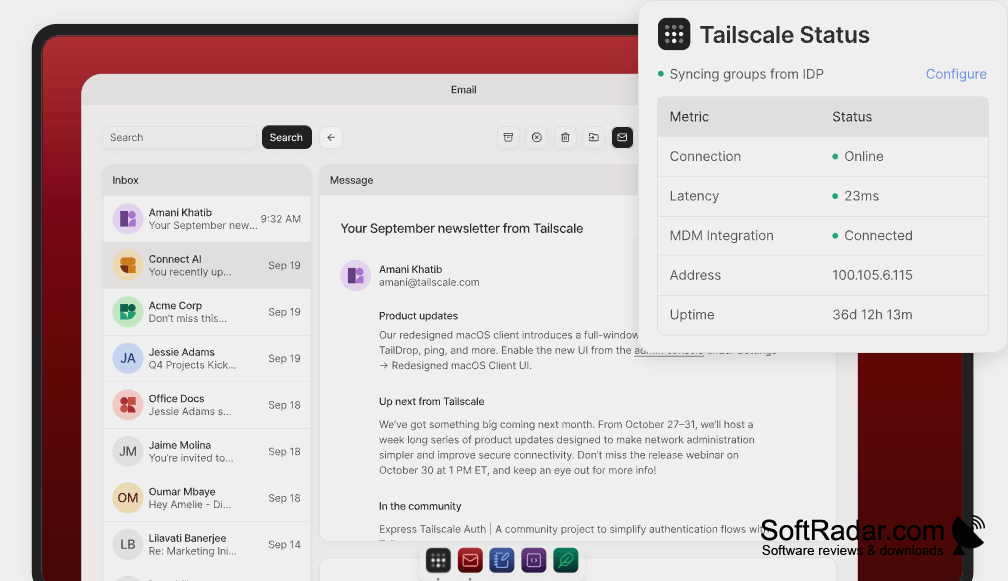
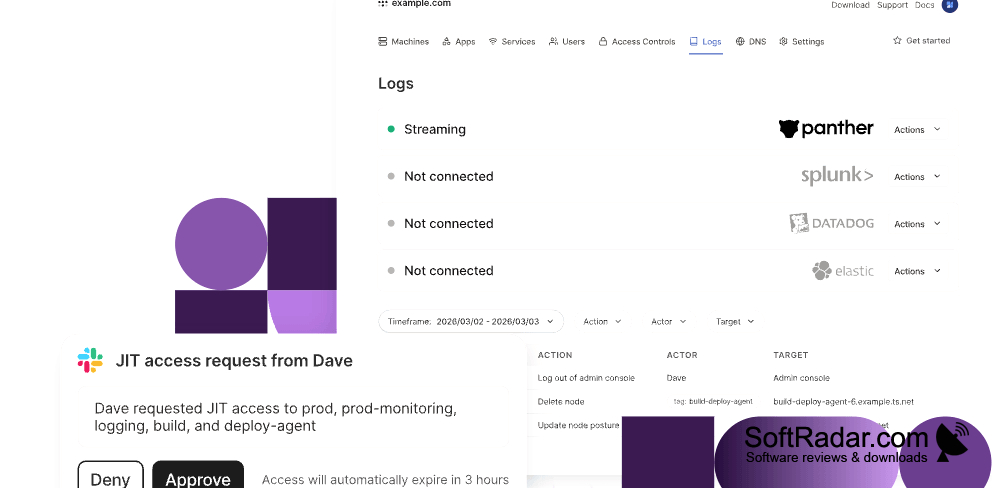
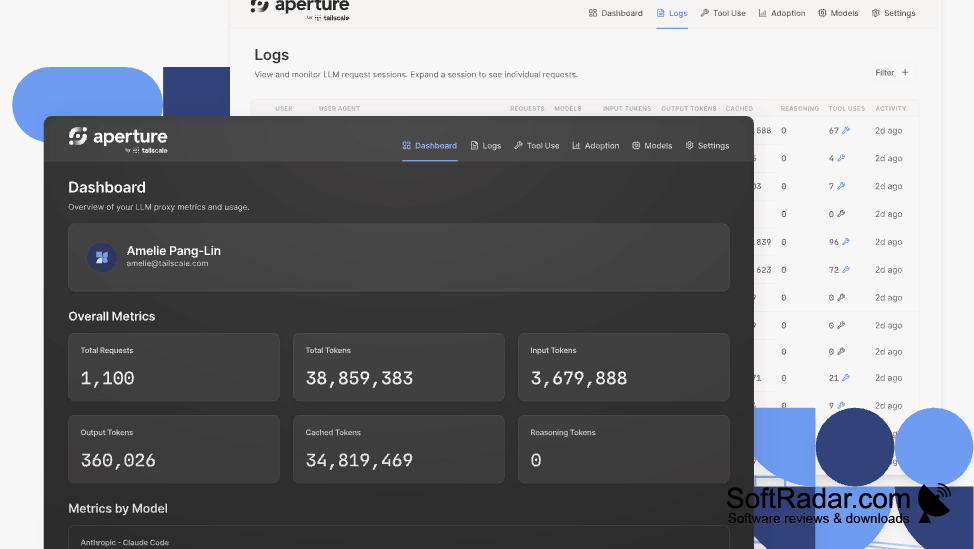
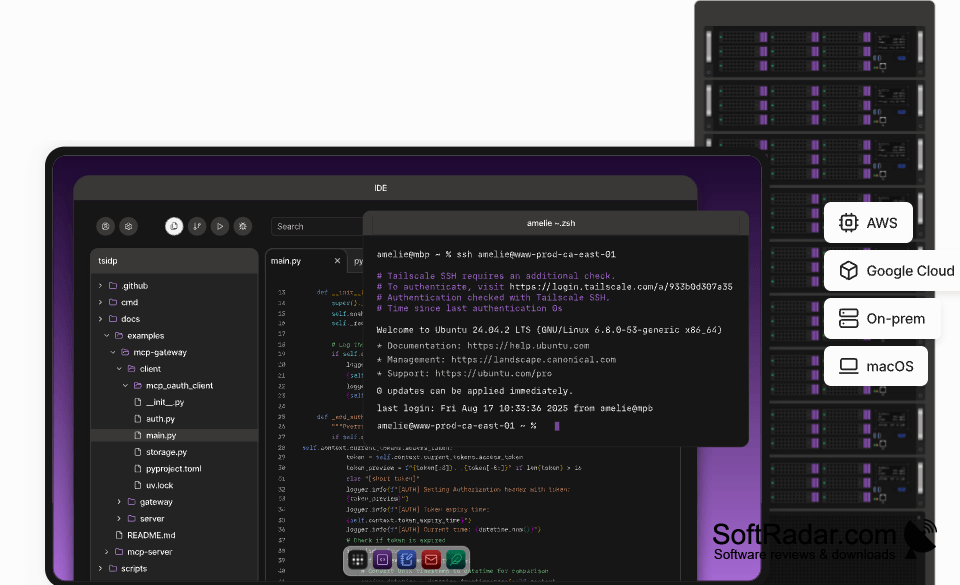
Tailscale connects Windows computers to a network shared with other enrolled devices. It can help people reach an office PC from home, work on remote servers, exchange files, or use services in a home lab. The client suits individuals and teams that need access across different locations, including networks hosted by separate cloud providers.
Reach your own computers and services from elsewhere without setting up a central VPN gateway.
After signing in, users add devices to their network and choose what each user or device can reach. The Windows client sits in the notification area, while a web console handles broader settings. Connections use WireGuard, with device-to-device links when available. Optional tools provide device names, access to other local networks, traffic routing through a chosen device, and file transfers.
Features:
- Connect enrolled devices across separate networks
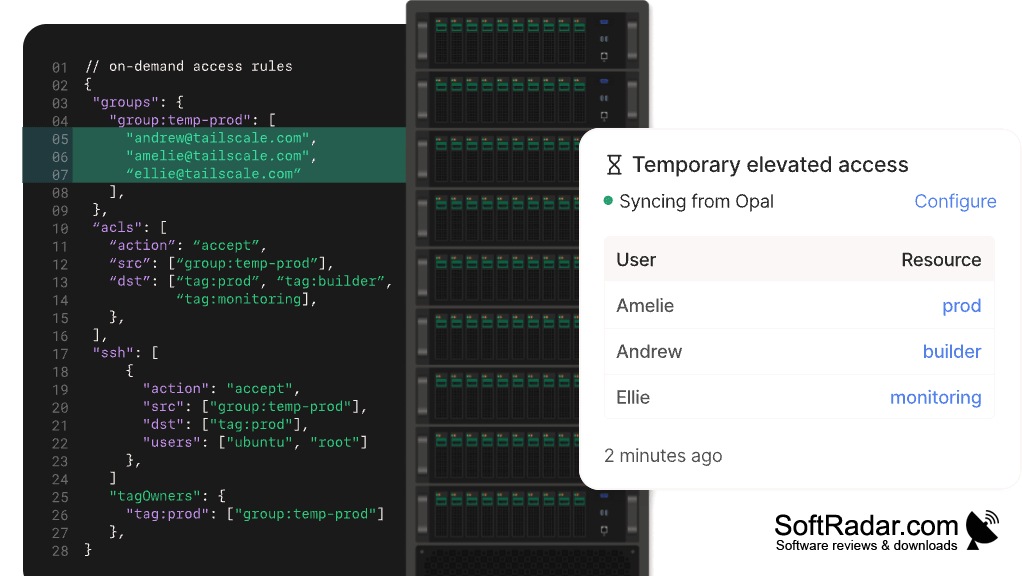
- Set rules for user and device access
- Find devices by name with MagicDNS
- Reach other LAN devices through subnet routers
- Route internet traffic through an exit node
- Send files between enrolled devices with Taildrop
Windows Server 2016 or later
X86, x64, and ARM64 builds
PROS
Connects remote PCs using memorable device names.
Establishes direct encrypted connections when networks allow.
CONS
Restrictive firewalls can force slower relayed connections.
Advanced access policies require learning configuration syntax.
