
IVPN Client
IVPN Client is a Windows VPN app for people who want to route internet traffic through selected servers and control which apps use the VPN.
Operating system: Windows
Publisher: IVPN Limited
Release: IVPN Client 3.15.15
License: Open source (GPL)
Antivirus check: VirusTotal report
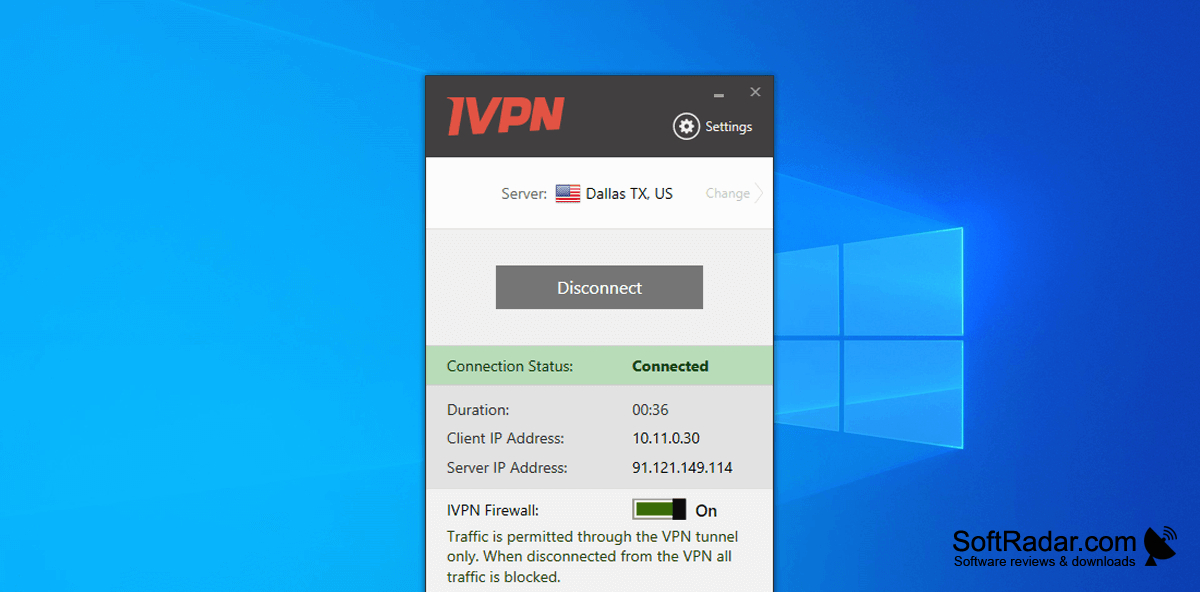
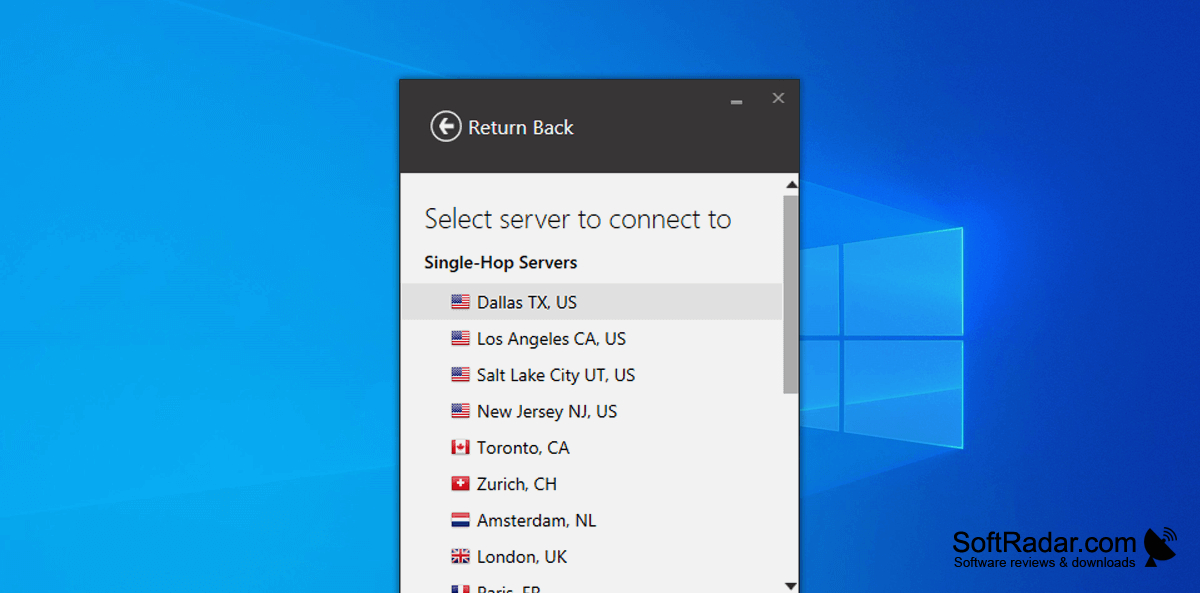
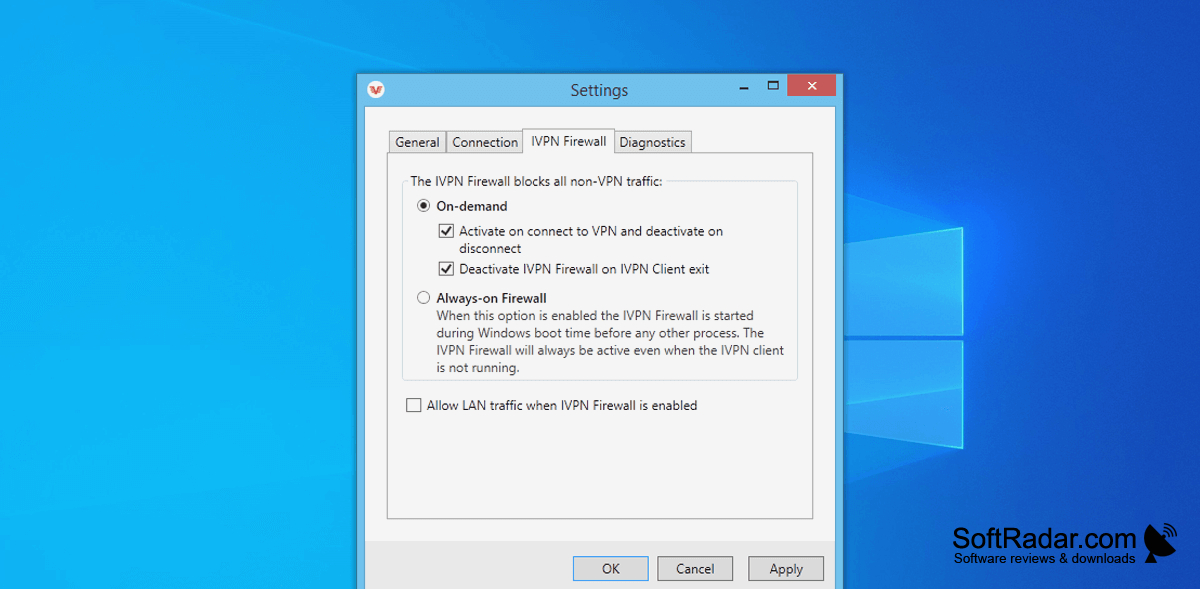
IVPN Client lets Windows users connect to a VPN server and manage the connection from a desktop app. It is useful when switching between networks, choosing a server location, or sending some applications through the VPN while others use a regular connection. The main screen shows the connection state and provides access to server selection and settings.
Choose when the VPN connects and which apps use it, while leaving other connections unchanged.
The app supports WireGuard and OpenVPN, with settings for rotating WireGuard keys and addresses. You can set connection rules for known Wi-Fi networks, exclude selected apps from the VPN, or route a session through two servers. Other options include a connection cutoff, local network access, custom DNS settings, a command-line interface, and filtering for ads and trackers.
Features:
- Connect using WireGuard or OpenVPN
- Select servers by location
- Set connection rules for Wi-Fi networks
- Exclude selected apps from the VPN
- Route traffic through two VPN servers
- Configure DNS and local network access
PROS
Multi-hop routing and AntiTracker provide useful controls.
Open-source Windows client allows independent code inspection.
CONS
Streaming services often block its VPN servers.


