
Foxit PDF Editor
A commercial PDF editor for creating, editing, converting, signing and securing PDF documents, formerly known as Foxit PhantomPDF.
Operating system: Windows
Publisher: Foxit Software Incorporated
Release: Foxit PDF Editor 2026.2.1.39815
Antivirus check: VirusTotal report
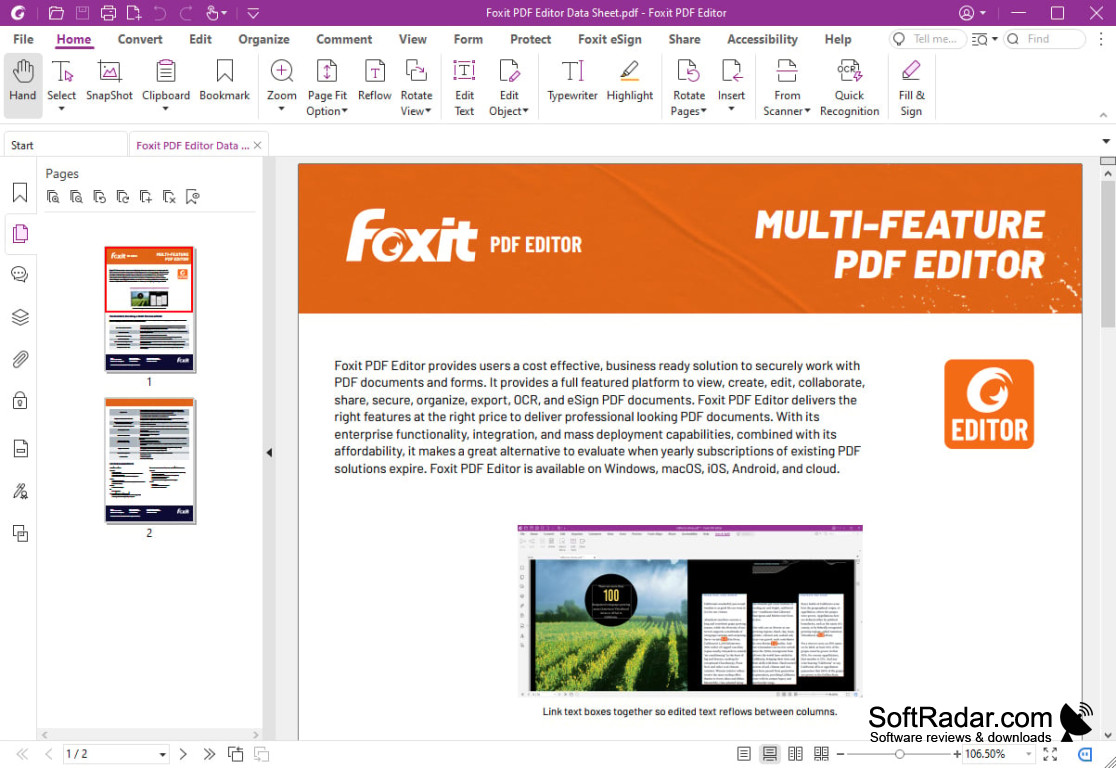
Foxit PDF Editor is a productivity tool designed to facilitate the editing and management of PDF documents. Initially known as Foxit PhantomPDF, this application has been renamed and enhanced to deliver a more intuitive, clear, and streamlined user interface, maximizing both productivity and efficiency.
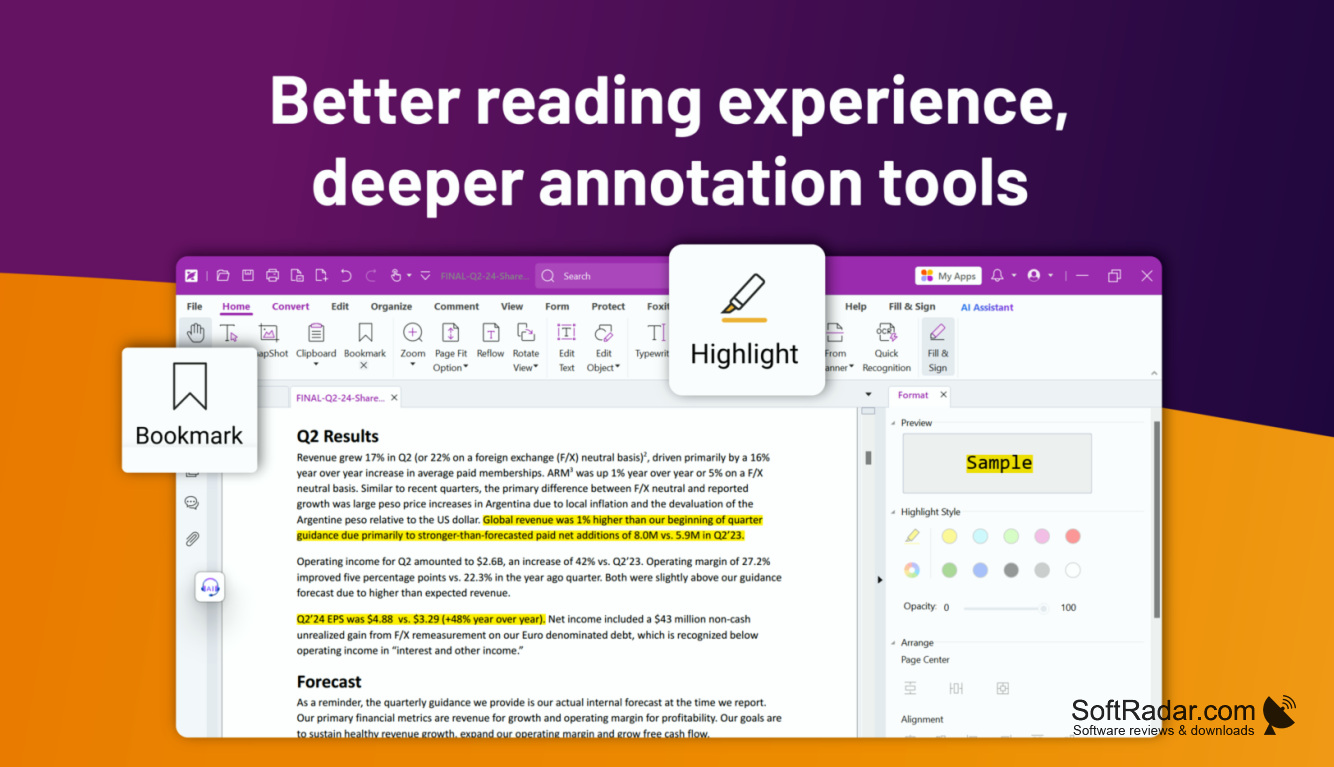
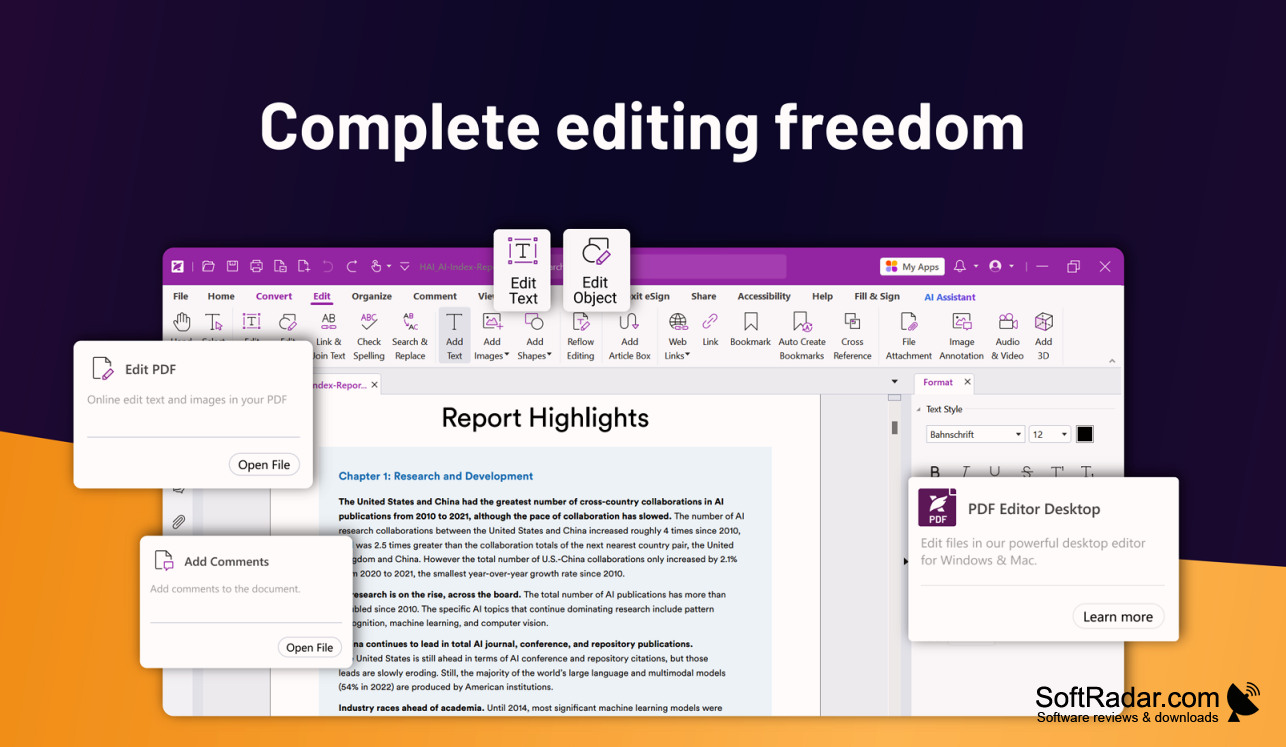
Foxit PDF Editor uses a ribbon interface similar to Microsoft Office, so common tasks such as editing text, adding comments and filling forms are easy to find on the Home, Edit, Comment and Form tabs. In addition, the Pro edition of Foxit PDF Editor lets users view, measure and comment on 3D content, offering an extra level of flexibility when working with three-dimensional PDF documents.
Foxit PDF Editor simplifies the editing and management of PDF documents with its intuitive interface and advanced features.
Features:
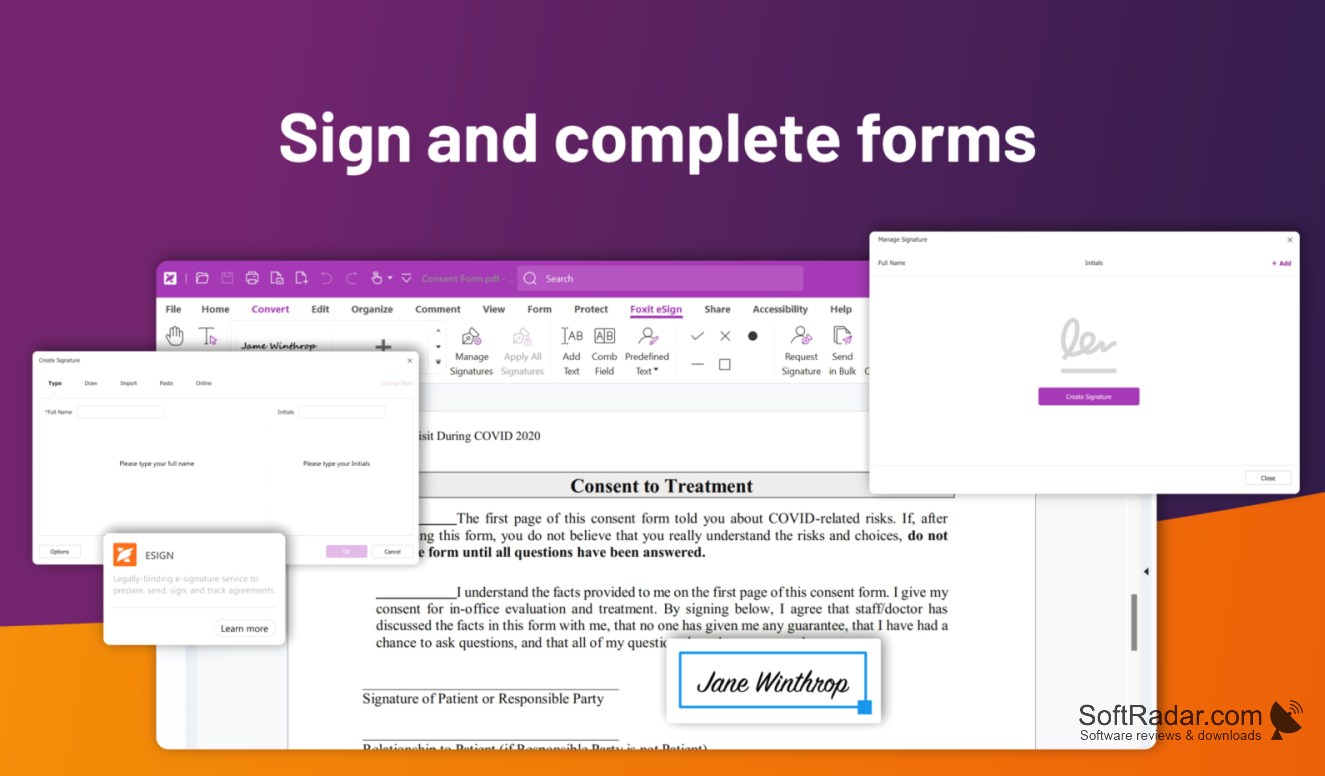
- Enhancements in digital signatures for easier document authorization and security
- Cross-reference links, allowing users to easily navigate between two locations in a PDF file with one click
- A movable ruler that can be displayed freely on your document for a quick and easy line element review
- The ability to swiftly create PDFs from various types of pre-installed PDF templates
In addition to these features, Foxit PDF Editor also offers an extended range of text patterns, such as IBAN numbers and driving license numbers, and includes more countries in the search panel. It also enables users to search and draft partial words/characters, thus providing an extra level of accuracy in text search.
Furthermore, Foxit PDF Editor has boosted integration with VBA (Visual Basic for Applications), adding features such as silent printing, bookmark creation/deletion, and more. To ease access to your DocuSign account, the user interface has been adjusted, allowing connection using your company's Single Sign-On (SSO).
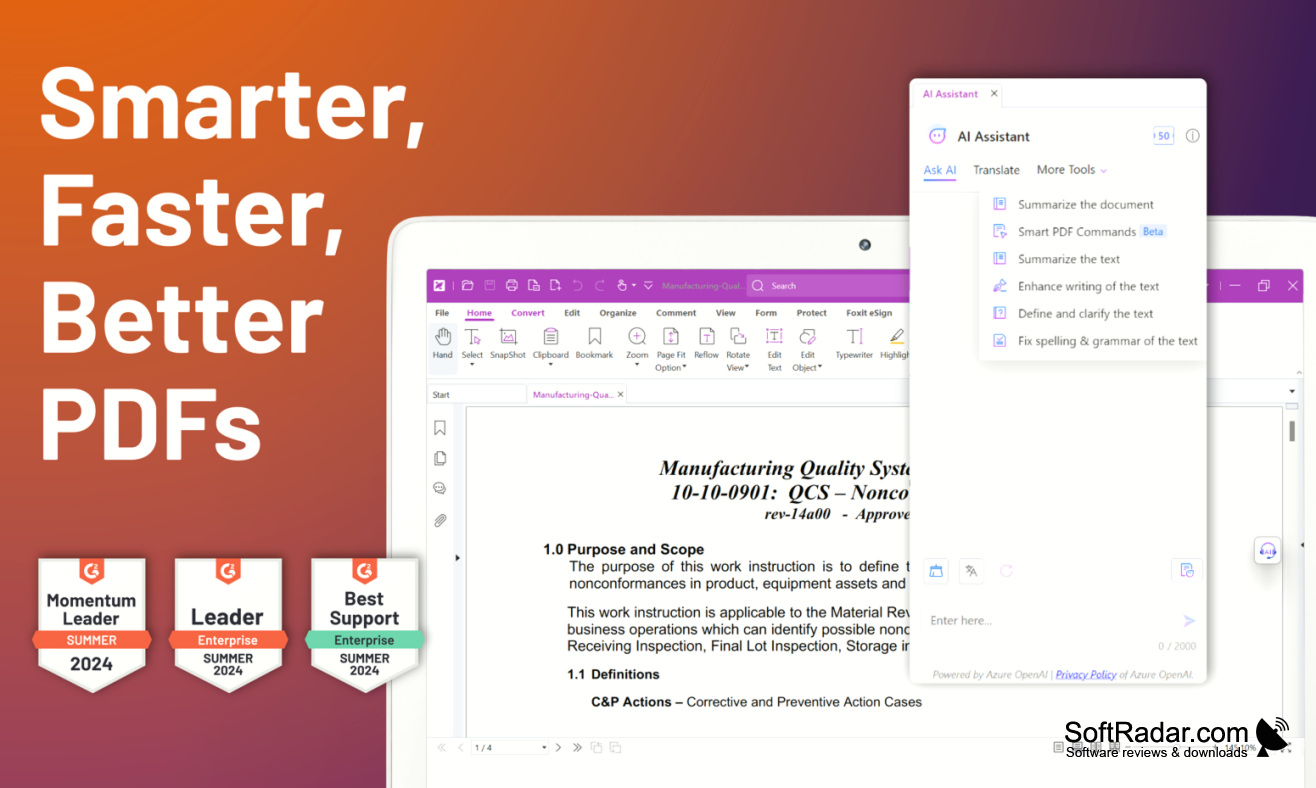
Foxit PDF Editor also includes OCR for scanned documents, conversion to Word, Excel and PowerPoint, password protection and redaction, and an AI Assistant that can summarize and translate text. It is commercial software sold as a subscription or a perpetual licence, with a 14-day free trial.
1.3 GHz or faster x86 or ARM processor
512 MB RAM (1 GB or more recommended)
7.5 GB of free disk space
1024x768 screen resolution
PROS
Makes it easy to navigate between cross-reference links in documents.
Includes enhanced digital signatures for document security.
CONS
Needs several gigabytes of free disk space.
Some AI and cloud features need a subscription plan.


