Free Audio Recorder
by Accmeware Corporation
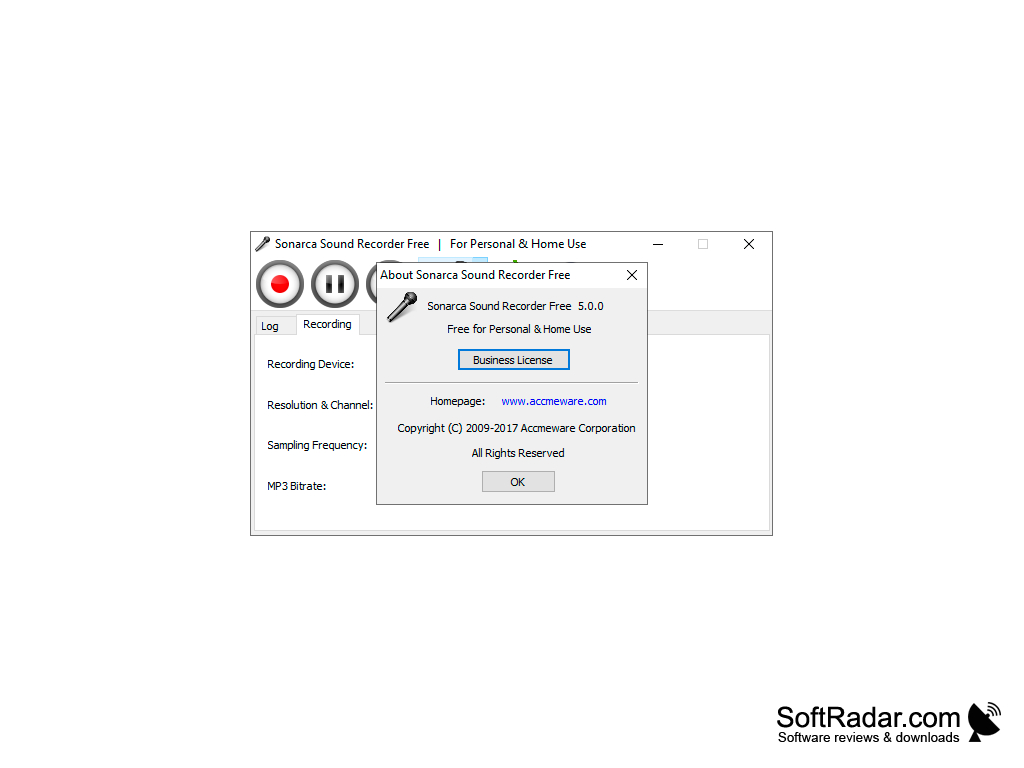
Free Audio Recorder is a freeware Windows program that records sound from a microphone, line-in, CD player or any other source to MP3 and OGG.
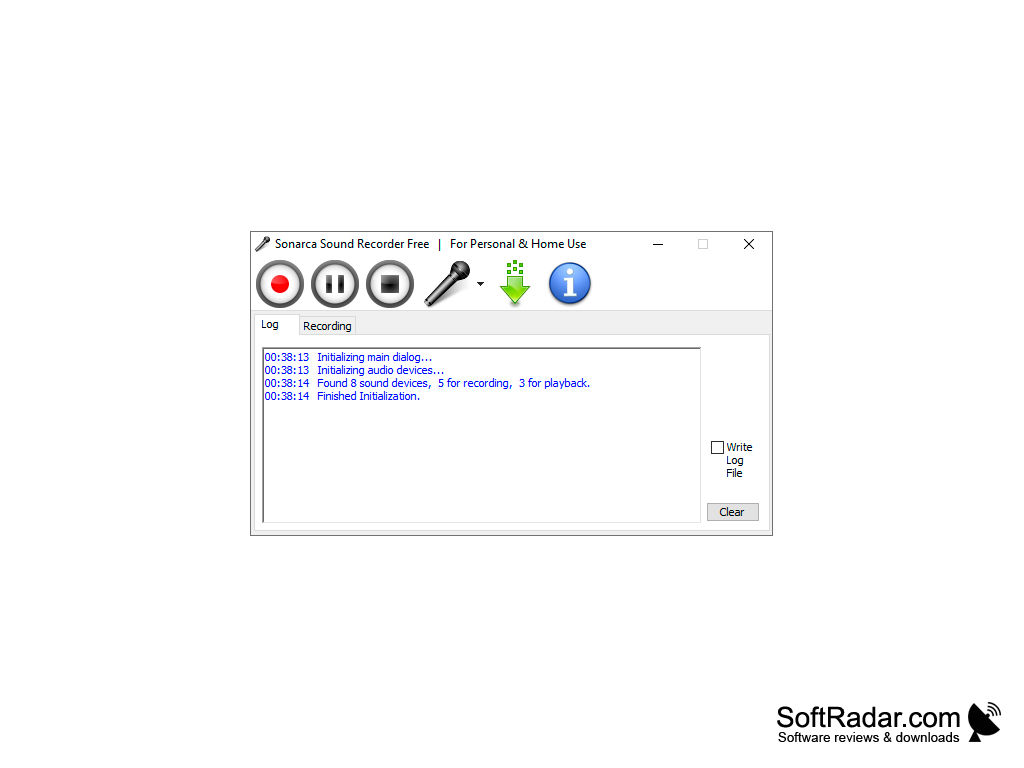
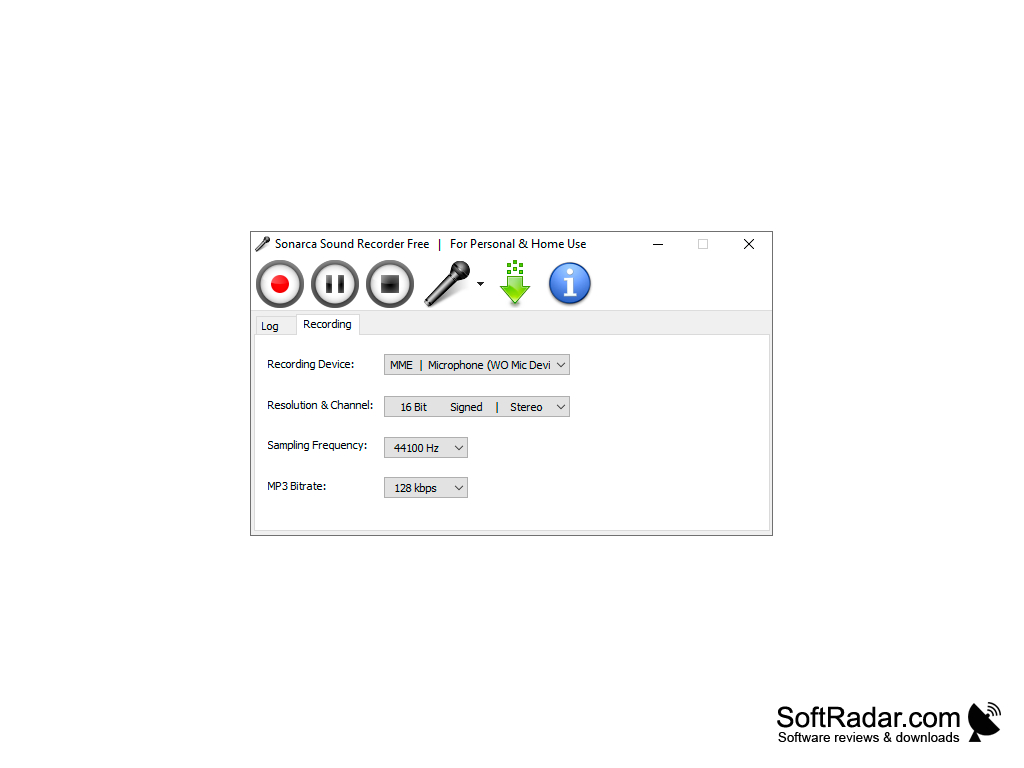
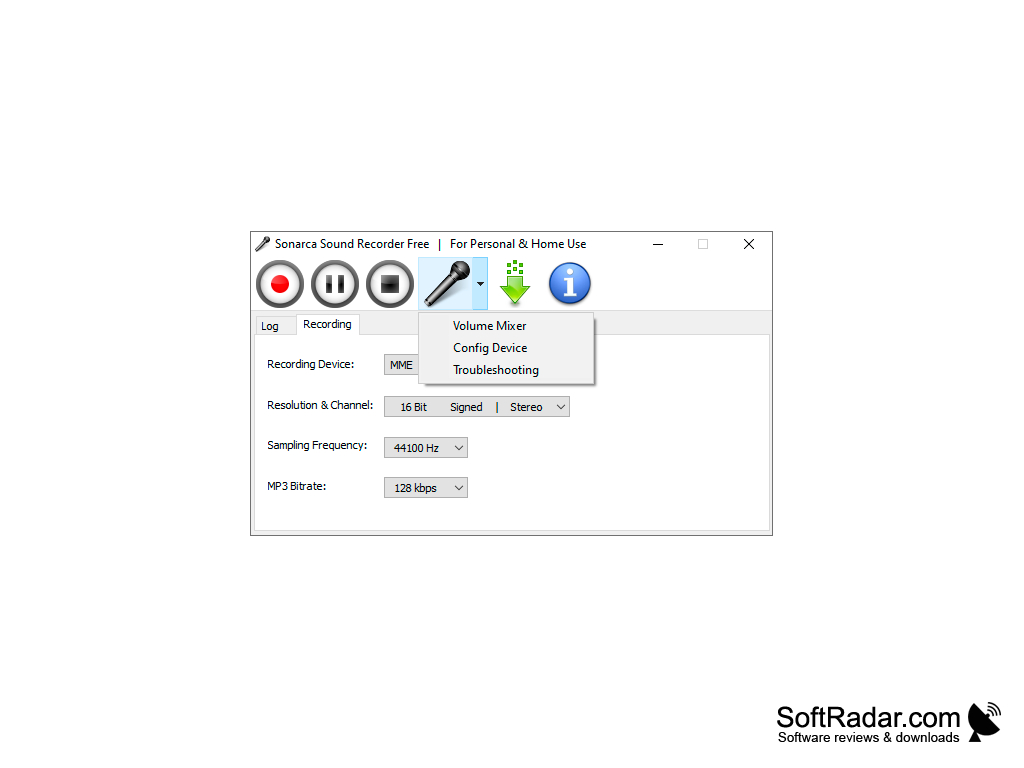
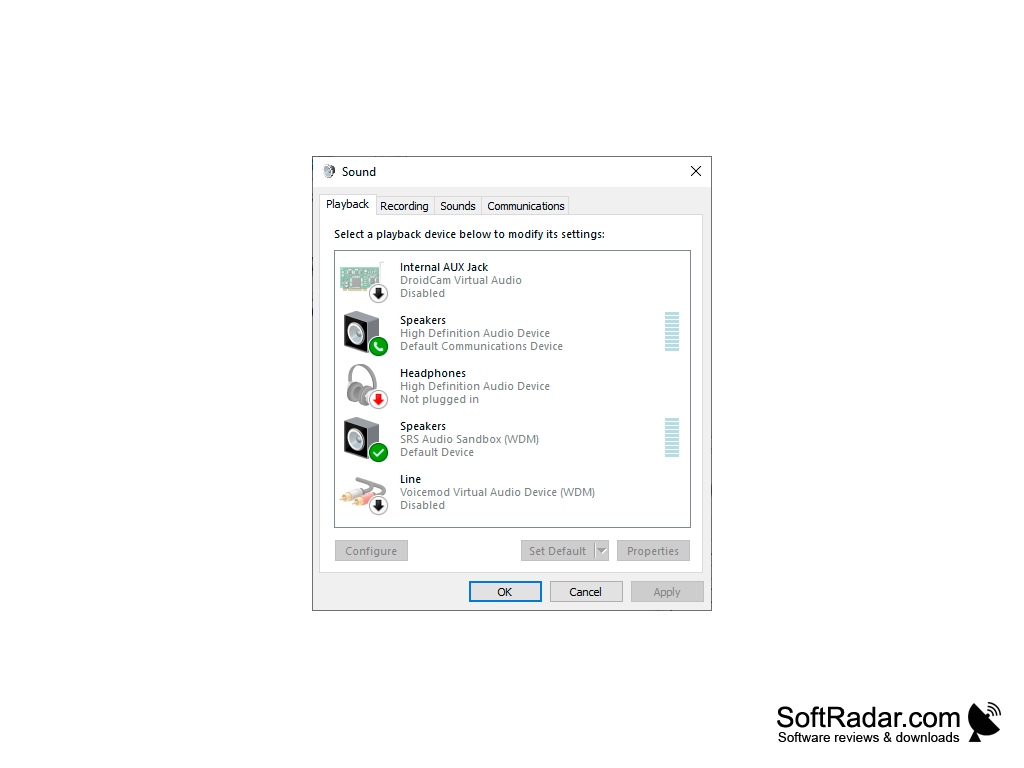
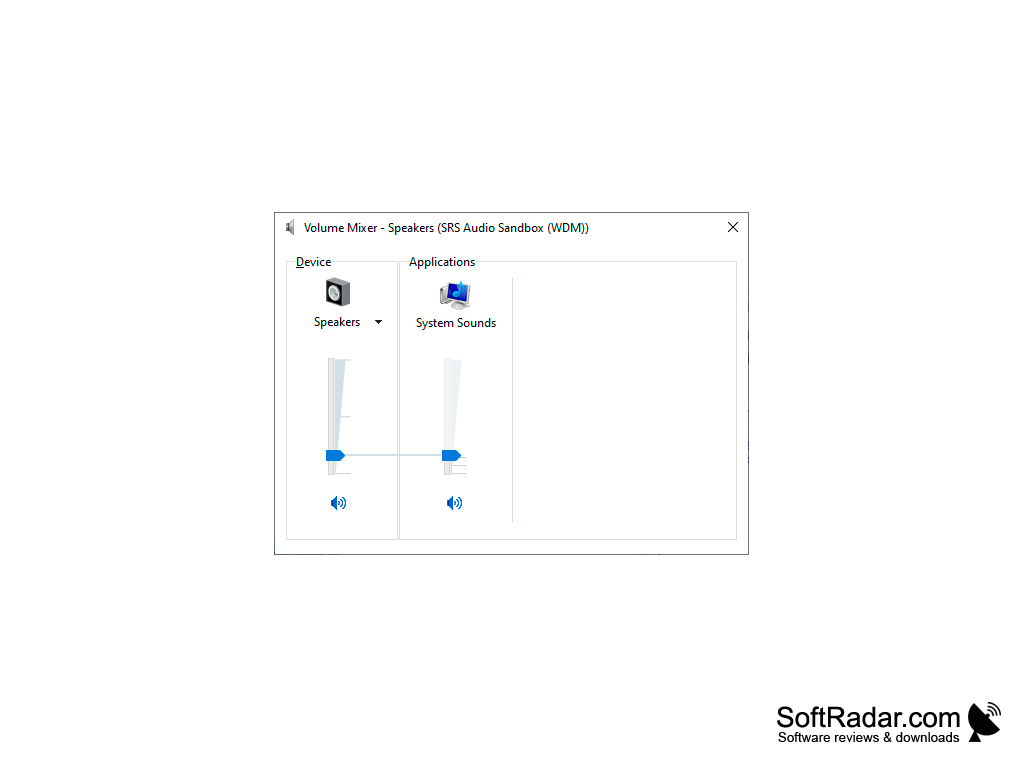
Free Audio Recorder allows you to capture audio from a variety of sources: CD players, line input, microphones, Internet radio, cassettes and anything you hear on the computer. All captured audio can be saved to MP3 and OGG files; MP3 encoding uses the LAME encoder.
Free Audio Recorder is freeware for personal use and consumes very little CPU, below 1% on modern computers.
The main benefit of using Free Audio Recorder is its ability to capture CD-quality audio from various sources and save it directly to MP3 or OGG files.
Windows 7, 8, 8.1 or 10 (32-bit or 64-bit)
1.0 GHz processor
512 MB RAM
15 MB of free disk space
Sound card
1.0 GHz processor
512 MB RAM
15 MB of free disk space
Sound card
PROS
High-quality audio recording capabilities.
Saves recordings directly to MP3 or OGG files.
User-friendly with easy navigation.
Saves recordings directly to MP3 or OGG files.
User-friendly with easy navigation.
CONS
Limited audio recording features compared to other software.
No scheduler or noise removal in the free edition.
Lacks advanced editing tools for post-recording adjustments.
No scheduler or noise removal in the free edition.
Lacks advanced editing tools for post-recording adjustments.


