
Free Bible
Free Bible is a small free Windows program from Media Freeware for reading and searching the Bible in a window designed like an open book.
Operating system: Windows
Publisher: Media Freeware
Release: Free Bible 1.0
Antivirus check: VirusTotal report
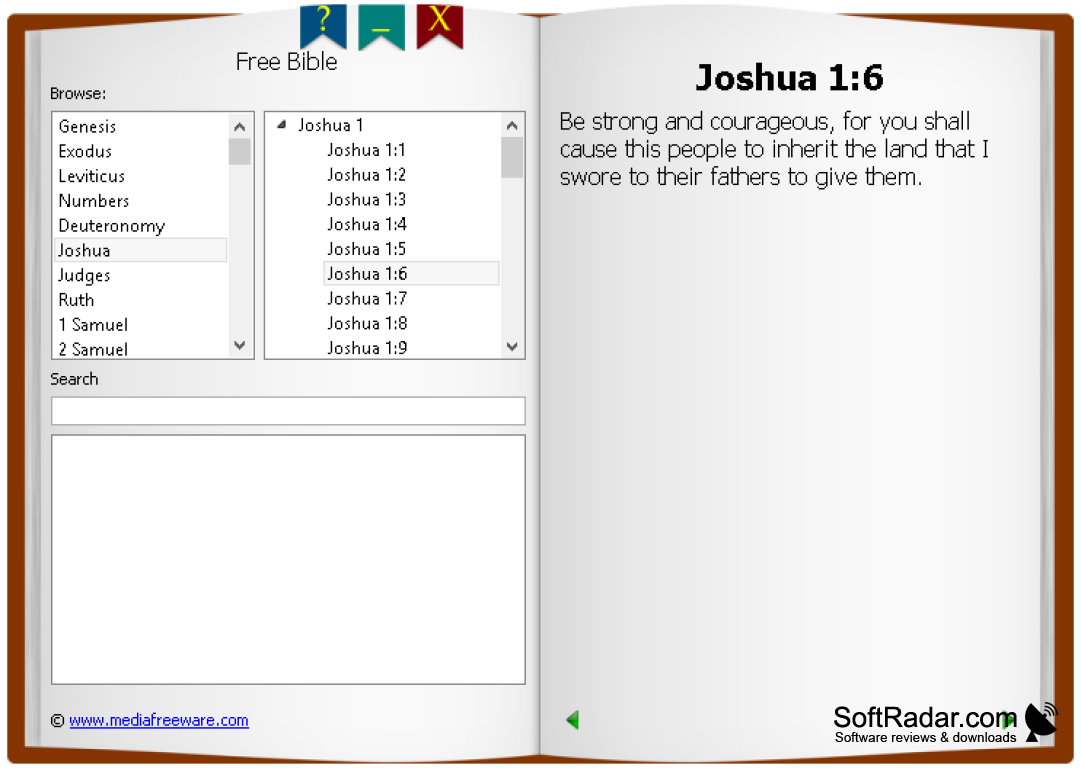
The Free Bible software is a simple digital tool for those seeking convenient and fast access to the Holy Bible on a Windows computer. It displays the text in a window designed to look like an open book, with the navigation on the left page and the selected verse on the right page. As the name suggests, the program is free, and it lists the books of the Bible starting with Genesis, divided into chapters and verses.
Free Bible comes from Media Freeware, a developer of small free utilities for Windows. The software is designed to be easily navigated by everyone, regardless of whether they are tech-savvy or computer novices, and it concentrates on reading rather than on study tools.
Free Bible offers quick, simple access to the Bible on a Windows PC, with book, chapter and verse navigation and a search box.
Features:
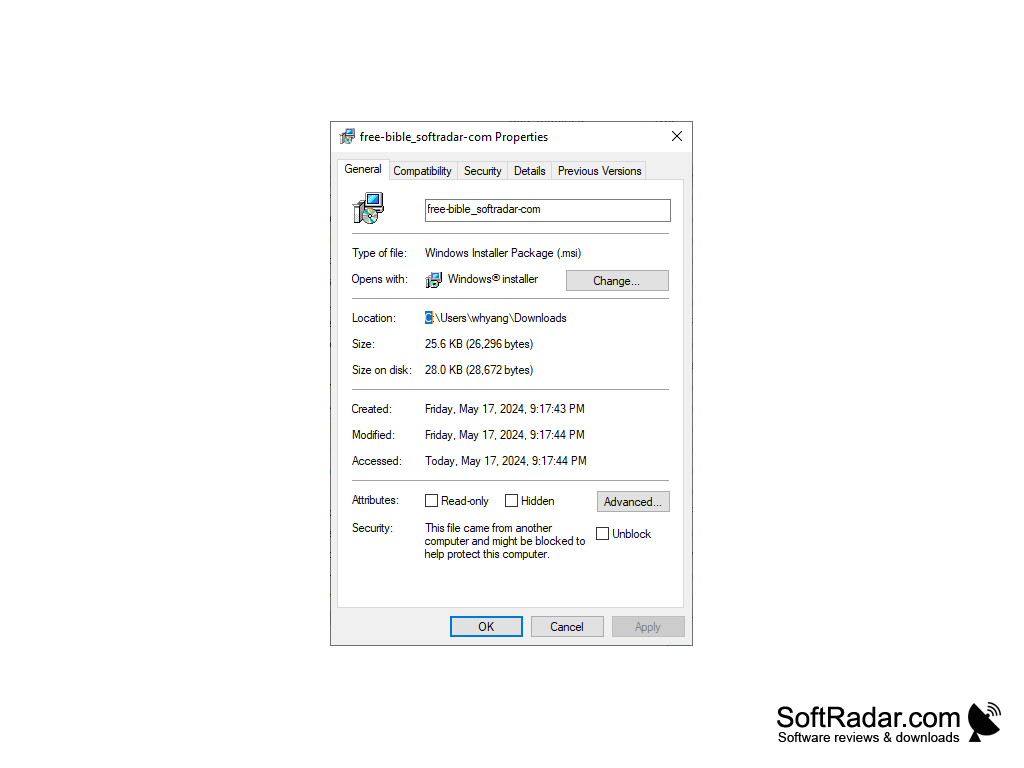
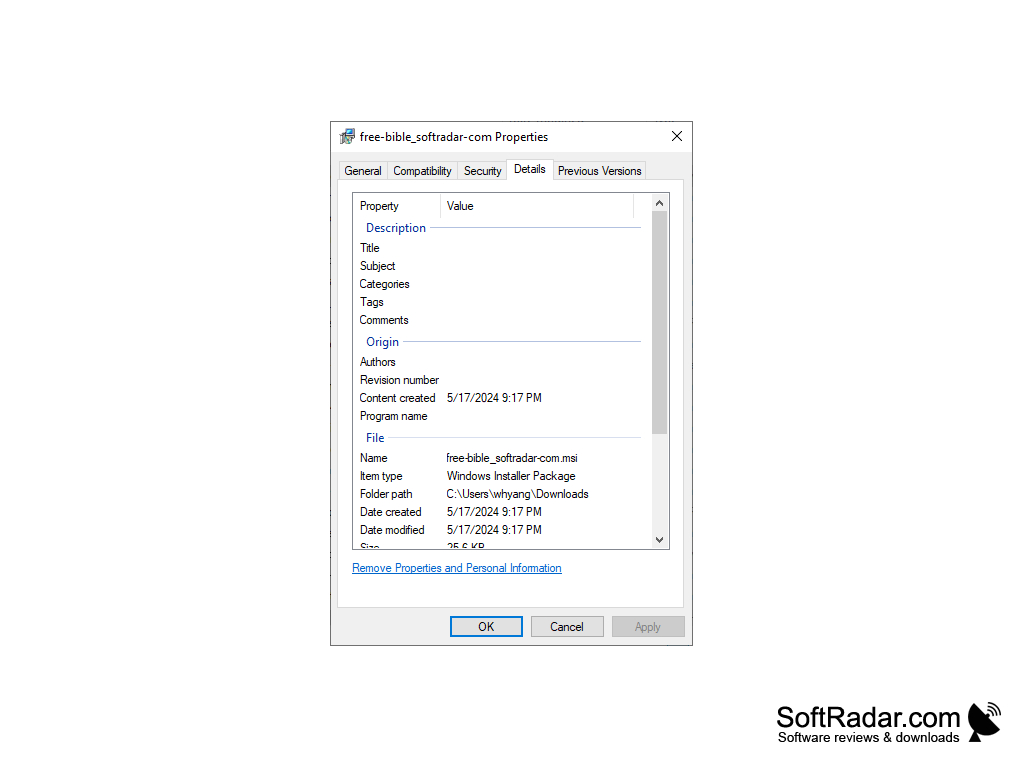
- The download is a small Windows Installer (MSI) package that needs little disk space.
- A Browse list shows the books of the Bible, from Genesis onwards.
- A tree of chapters and verses lets you jump to any verse of the selected book.
- A search box simplifies finding a specific word, part or verse.
- The selected verse is shown in large, easy-to-read type with its reference as a heading.
The simplicity of navigating through the Free Bible software is its main advantage. You pick a book in the Browse list, expand a chapter in the tree next to it and click a verse, which then appears on the right-hand page under a heading such as Joshua 1:6. Ribbon-shaped buttons at the top of the window provide help, minimize and close functions, an arrow button sits at the bottom of the page, and a link to the developer's website is shown in the corner.
In conclusion, the Free Bible software offers a straightforward digital reading experience of the Holy Bible. It focuses on reading and searching rather than on in-depth study features, and its ease of use and small size make it a suitable choice for those who want quick access to Bible verses on a Windows PC at any time.
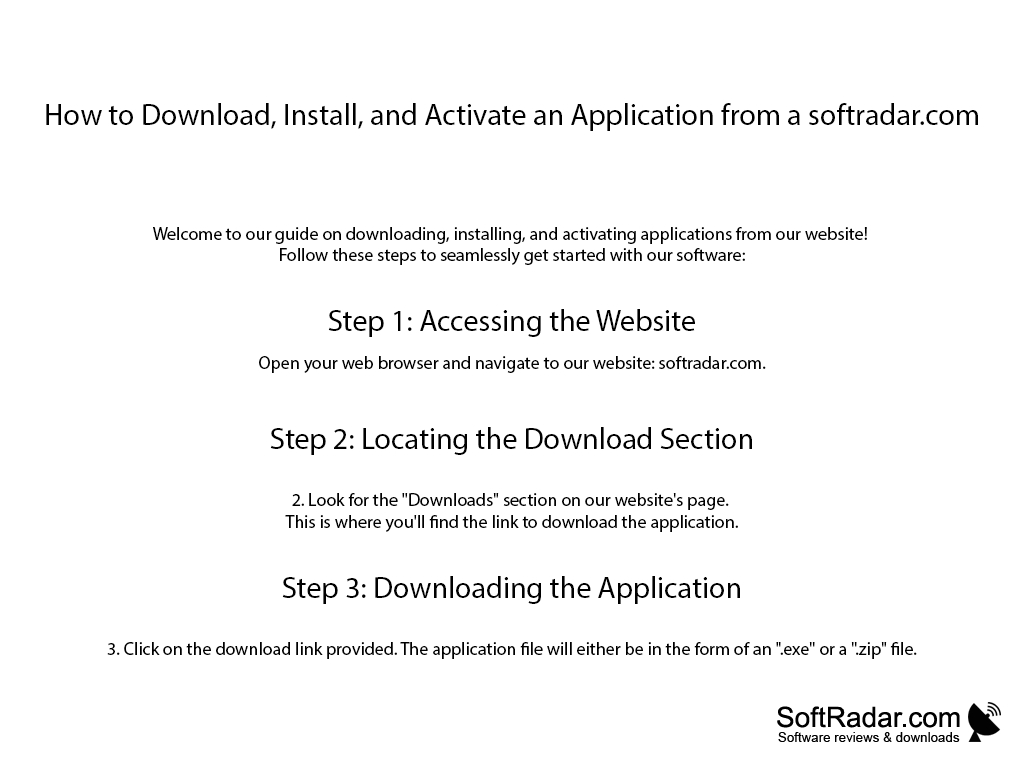
Windows Installer (MSI) support
PROS
Features a book-style interface and easy navigation.
Includes a search box for finding specific verses.
CONS
Available for Windows only.
Text-only format without images.