
FreeNAS
Home data system for storage, backups, streaming, and data protection
Operating system: Windows
Publisher: iXsystems
Release: FreeNAS 11.3
Antivirus check: VirusTotal report
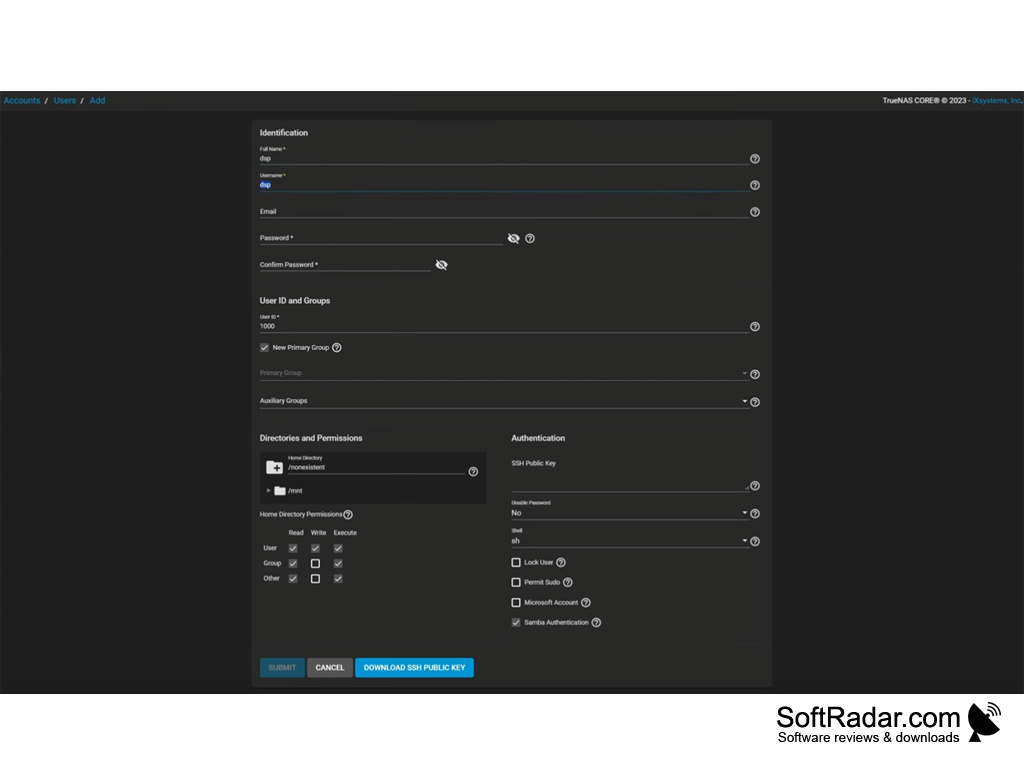
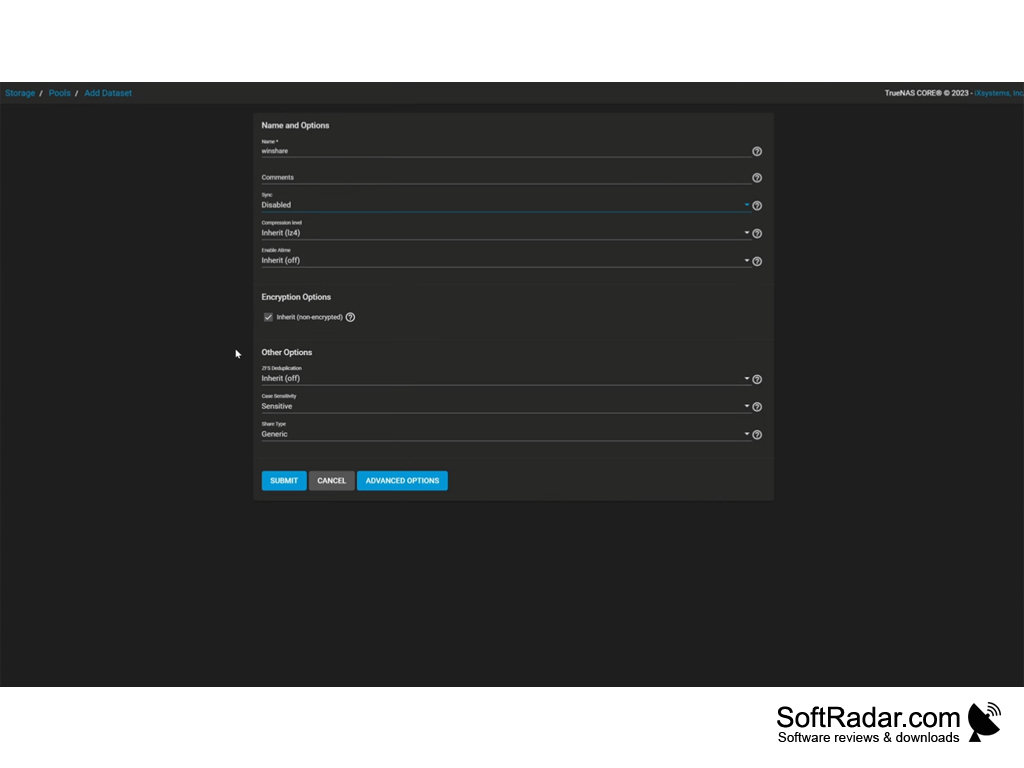
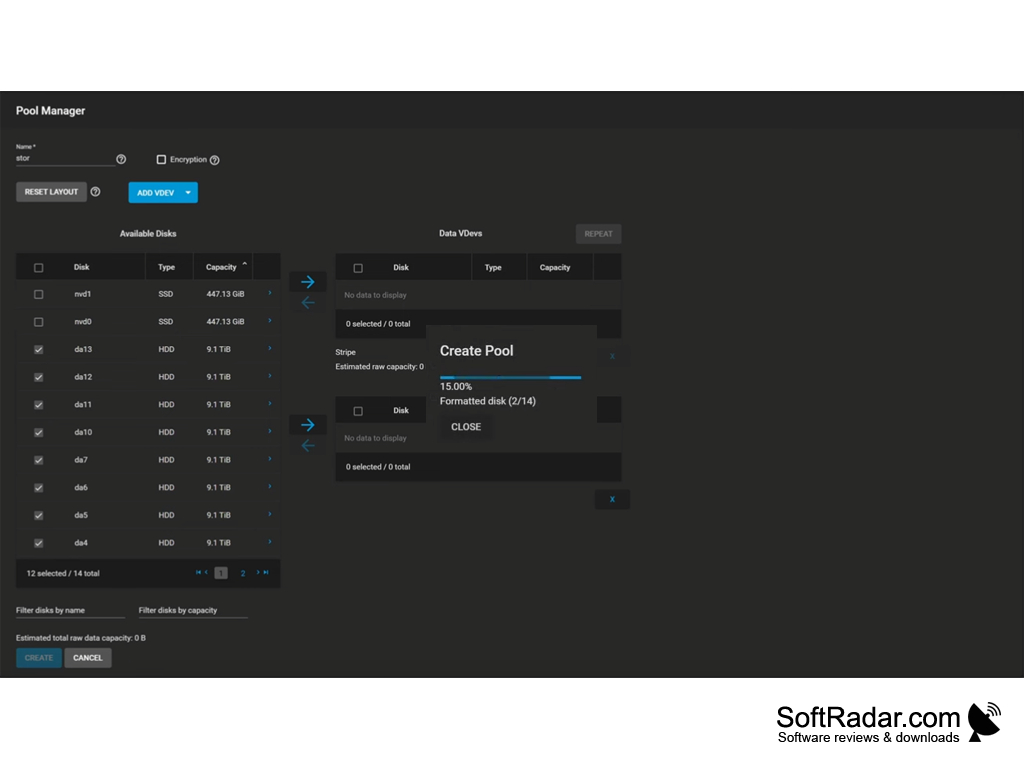
This software allows a user to set up a home NAS (Network-attached storage) to store and protect their files. This allows a central location for any device in the home to reach. Users can share files by uploading them to a FreeNAS enabled device and then set permissions for who has access. FreeNAS also works as a local streaming service, allowing users to stream videos and movies to their devices throughout the home. No limit to the number of users that can be streaming means that anyone in the household can use this at the same time. The only limit is the user's hardware, as FreeNAS puts no limit on data or bandwidth caps.
FreeNAS also features the ability to create snapshots of entire systems in case of an unfortunate attack or loss of data. The recovery only takes minutes. Uploading these backups to a remote FreeNAS site creates extra protection in case a single snapshot fails. With FreeNAS, everything is encrypted, including ZFS volumes. These can only be read by a system with the master key, and a user may add an additional password on top of this as well. Users may also customize their FreeNAS system with plugins to create a unique environment that works for them.
There is no restriction on the number of users, storage quotas, or bandwidth caps.
Features:
- Copy files onto one location that can be reached by multiple devices.
- Stream videos from multiple devices by several users at once.
- Create backups of entire systems in the case of data loss.
- Data is never uploaded to third party servers, and encrypted volumes ensure data security locally.
- Plugins and the FreeBSD package tool allow power users to customize their setup beyond the basics.
From streaming videos and movies, sharing files securely to a central location, to creating and maintaining backups of important information, FreeNAS provides an easy solution for a home network.
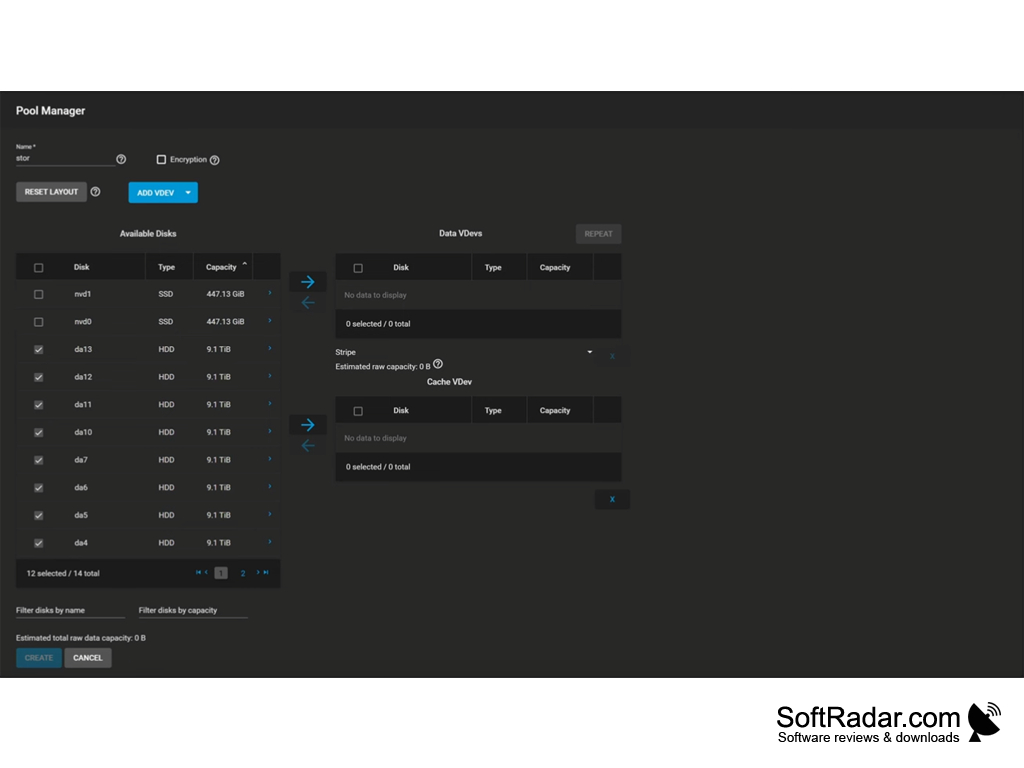
Minimum 8GB RAM
At least one direct attached disk
Network interface card
PROS
Extensive and customizable storage options.
Supports a wide variety of protocols.
CONS
Limited customer support available for troubleshooting issues.
Hardware requirements may be demanding for some users.


