
Git
Git is a Windows version control tool for developers who need to record revisions, work on separate branches, and coordinate changes across a team.
Operating system: Windows
Publisher: The Git Development Community
Release: Git 2.56.0.4
License: Open source (GPL-2.0)
Antivirus check: VirusTotal report
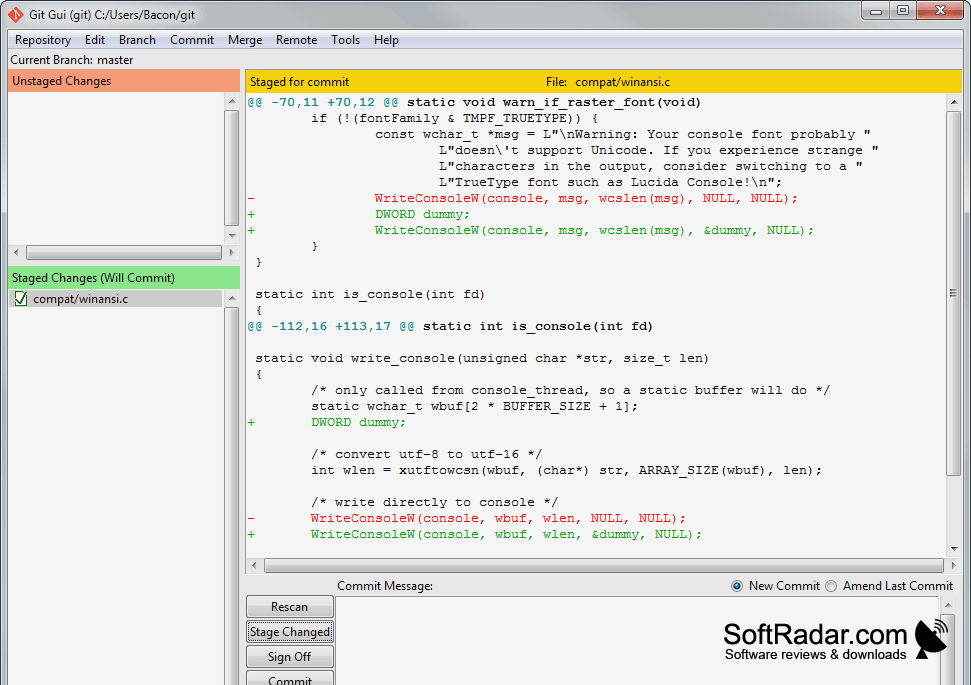
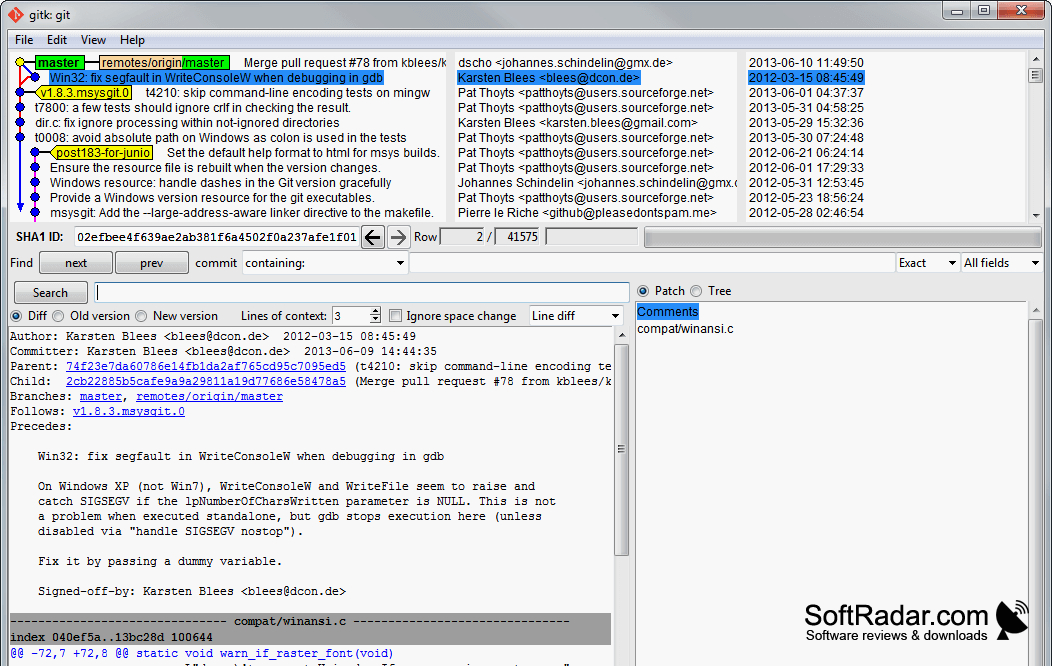
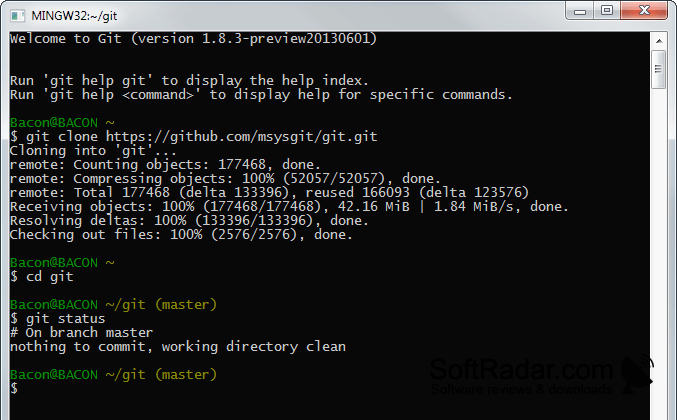
Git helps developers manage the evolving files of a software project. Individuals can save checkpoints as they work, inspect earlier states, and return to a previous revision if necessary. Teams use it to coordinate contributions without everyone editing the same project copy. It also handles files outside source code, so the same workflow can apply to documentation and other project materials.
Each contributor can keep a complete project record locally and share updates with others when needed.
Each working copy contains its own repository and revision record, allowing local commits without a connection to a shared server. Branches let users explore separate lines of work, then combine them through merges. On Windows, Git provides command-line tools, a graphical interface, and access through the Windows shell. Users can also exchange commits with remote repositories and choose which files to include in a commit.
Features:
- Save project revisions as commits
- Inspect earlier file states
- Create branches for separate work
- Merge changes from different branches
- Exchange commits with remote repositories
- Use command-line and graphical tools
Available in 32-bit and 64-bit builds
PROS
Branching supports parallel work without duplicating projects.
Git Bash provides familiar command-line tools on Windows.
CONS
Resolving complex merge conflicts can be tedious.
