
Podman Desktop
Podman Desktop is a Windows application for developers who manage containers, images, and pods through a graphical interface.
Operating system: Windows
Publisher: Podman Desktop Team
Release: Podman Desktop 1.30.5
License: Open source (Apache License 2.0)
Antivirus check: VirusTotal report
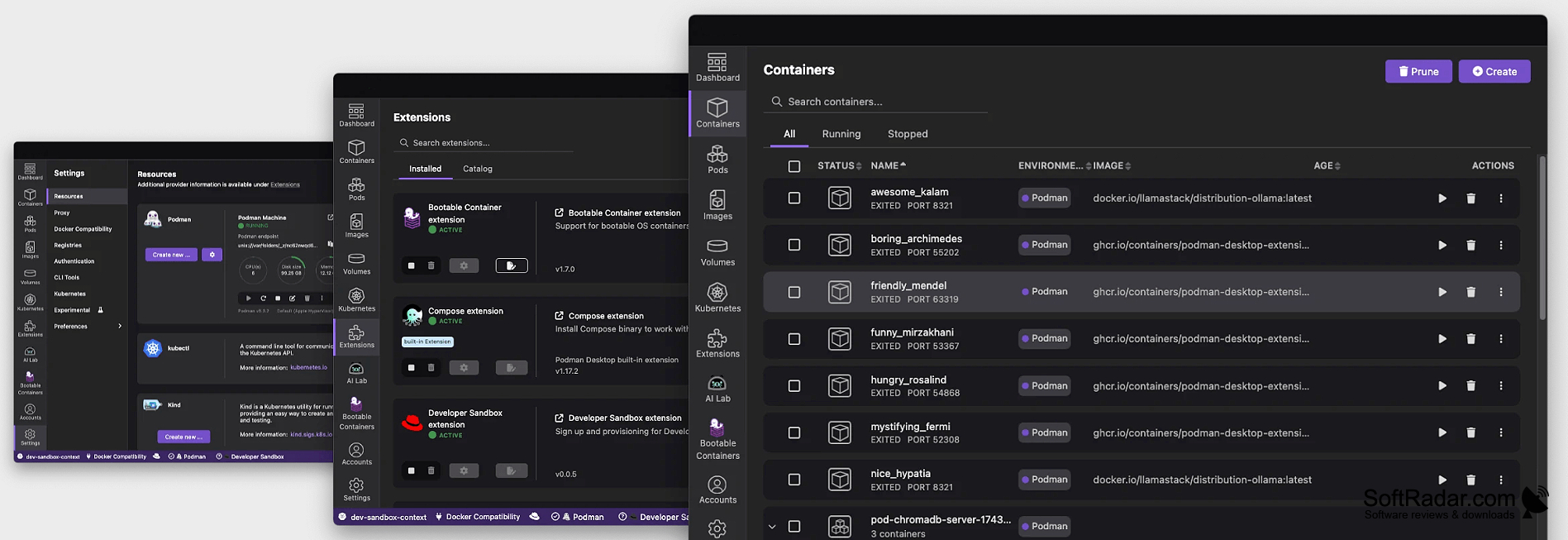
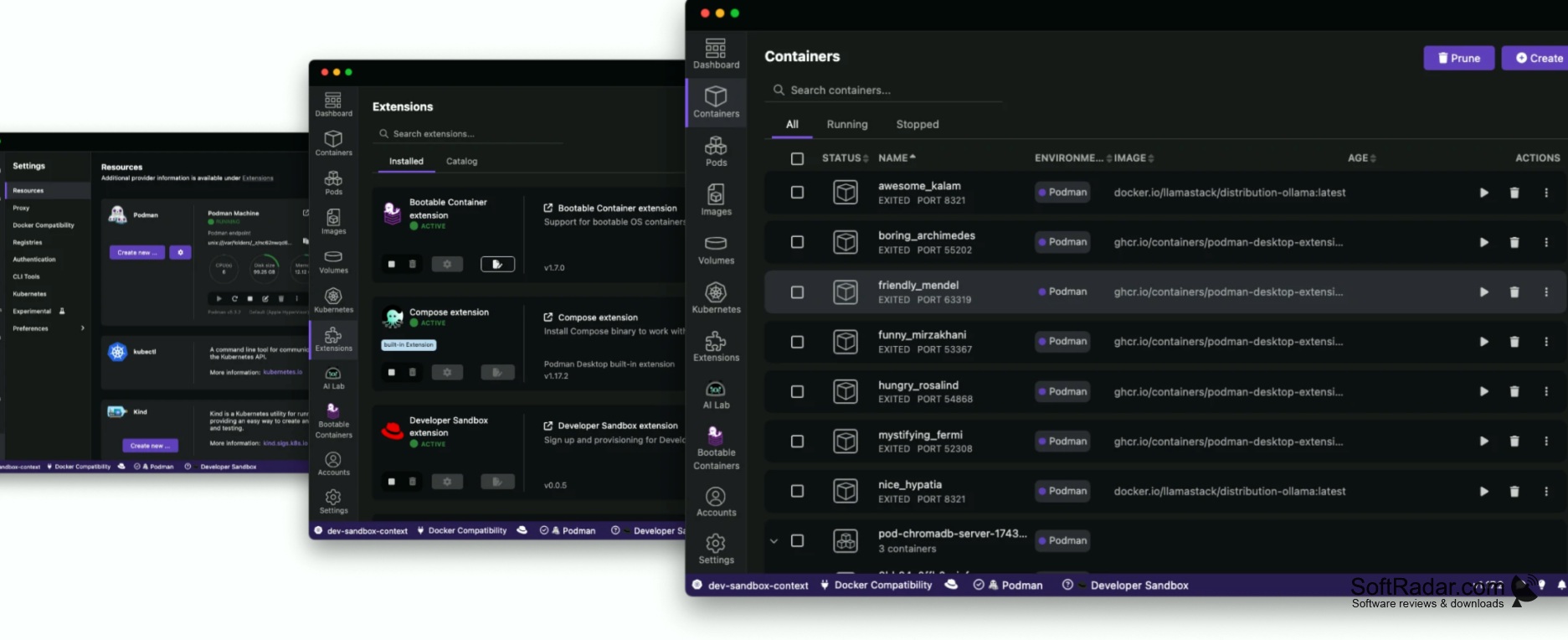
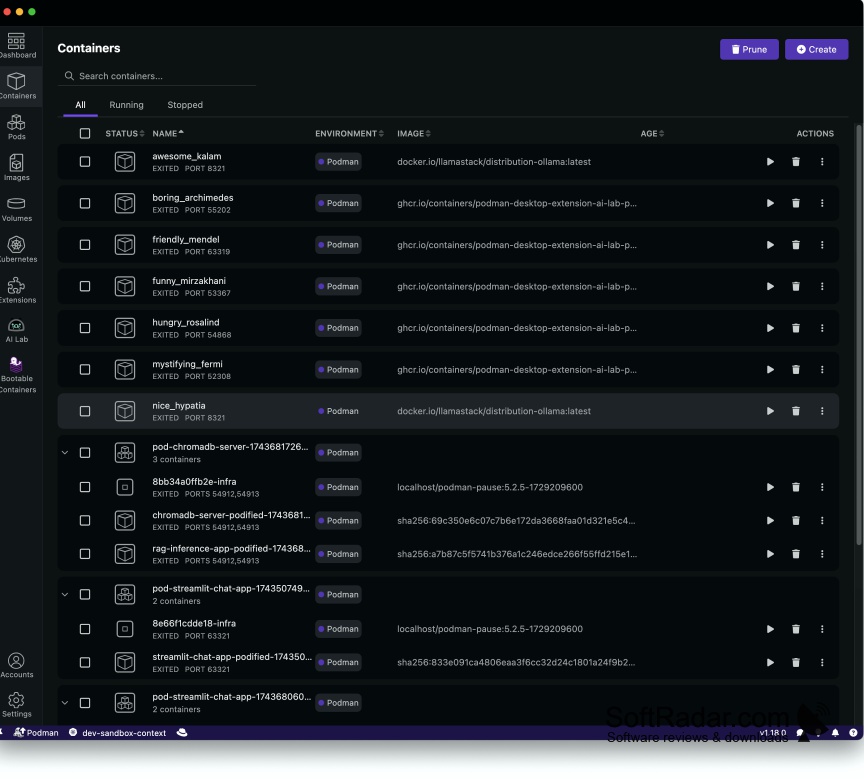
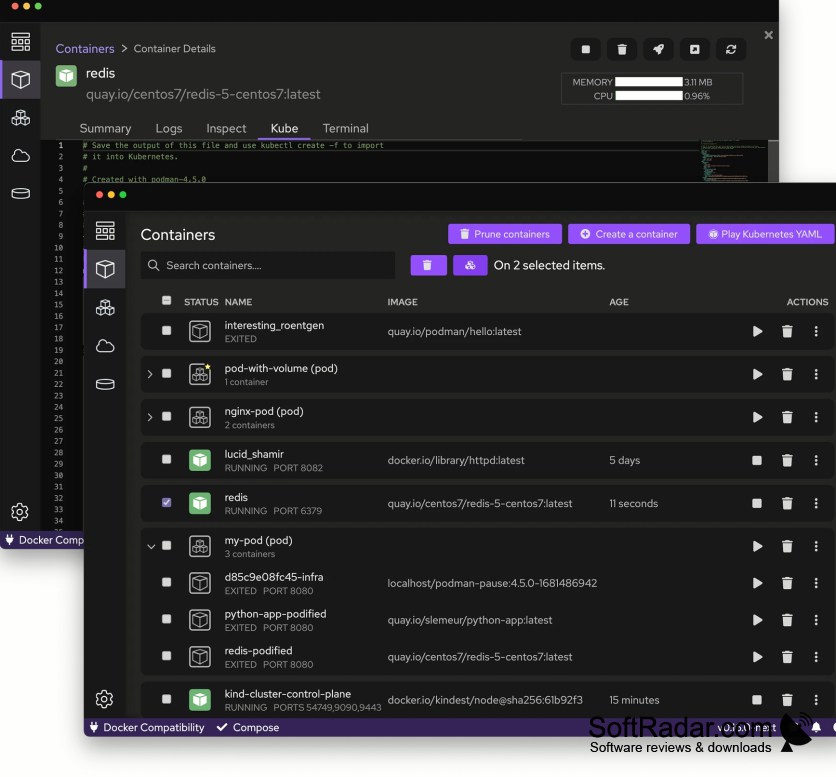
Podman Desktop gives Windows developers a graphical workspace for handling container projects without making every task a terminal command. It brings containers, images, pods, and related resources into one view, so users can review local workloads and prepare applications for container-based development. It also suits people experimenting with local Kubernetes environments or maintaining several projects at once.
A single workspace lets users inspect and control local container workloads without relying on terminal commands.
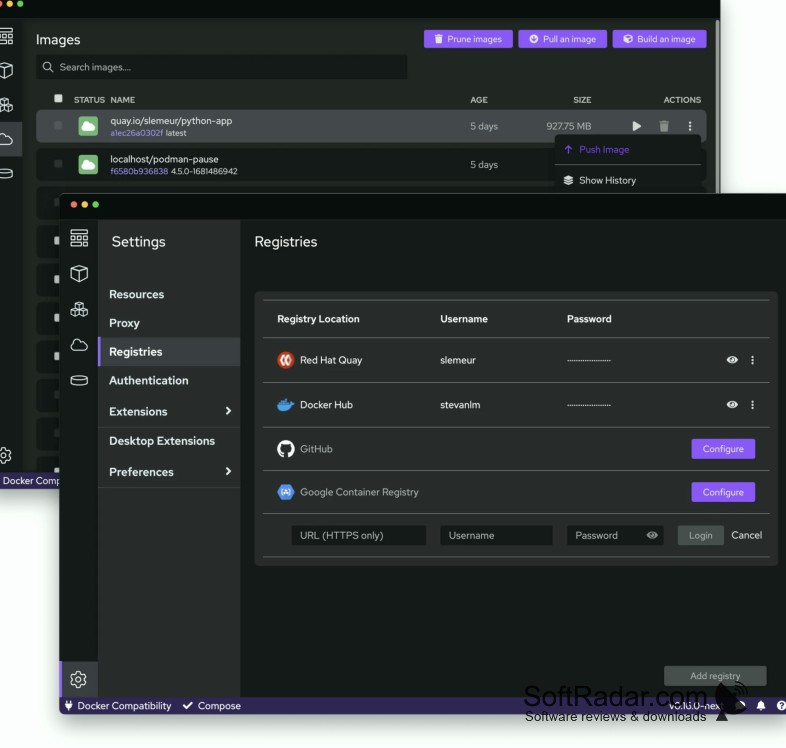
From the interface, users can launch a Podman machine, obtain images from registries, and set up containers based on those images. They can examine logs, manage pods and volumes, and access Kubernetes resources when working with a local cluster. On Windows, Linux containers use WSL 2. Extensions add integrations, while tray controls provide access to engine status.
Features:
- Start and stop containers from the interface
- Retrieve images from container registries
- Inspect container logs and image details
- Organize containers into pods
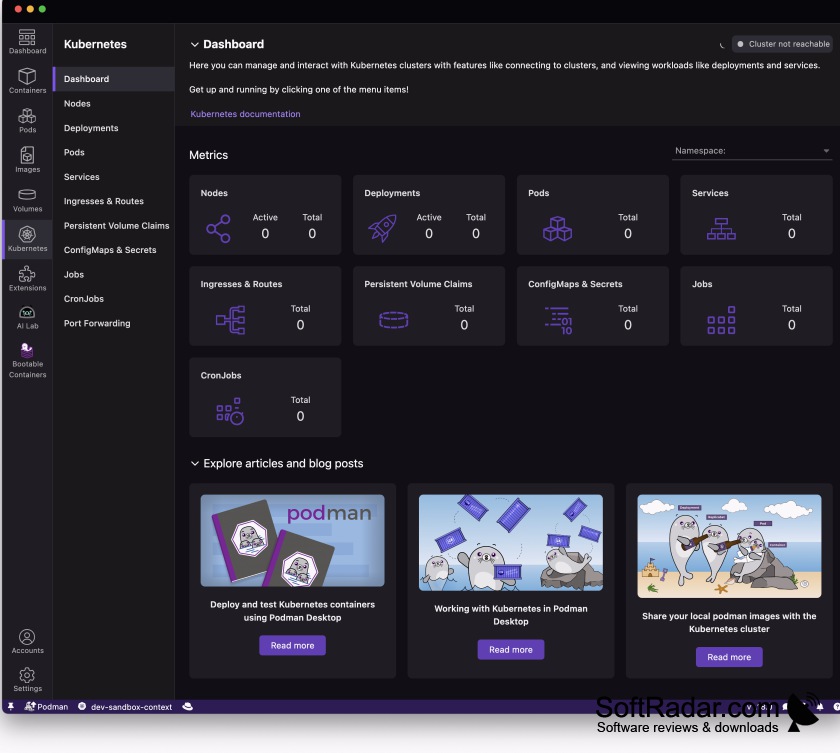
- Access resources in local Kubernetes clusters
- Add integrations through extensions
WSL 2 for the default engine
Hardware virtualization enabled
PROS
Extensions support local Kubernetes development workflows.
Supports rootless containers through a daemonless engine.
CONS
Background virtual machines can consume substantial memory.
Kubernetes workflows require additional components and configuration.