
Hoppscotch Desktop
Hoppscotch Desktop gives developers and testers a Windows app for building API calls, examining responses, and checking services across several protocols.
Operating system: Windows
Publisher: Hoppscotch Limited.
Release: Hoppscotch Desktop 26.10.0-0
License: Open source (MIT License)
Antivirus check: VirusTotal report
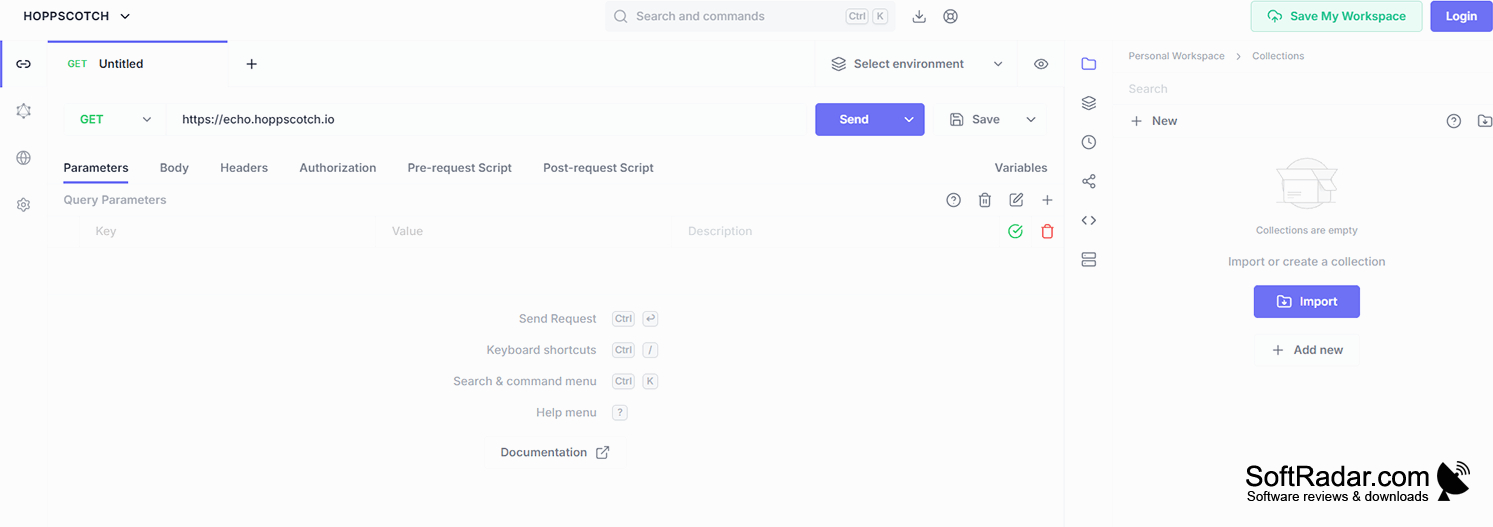
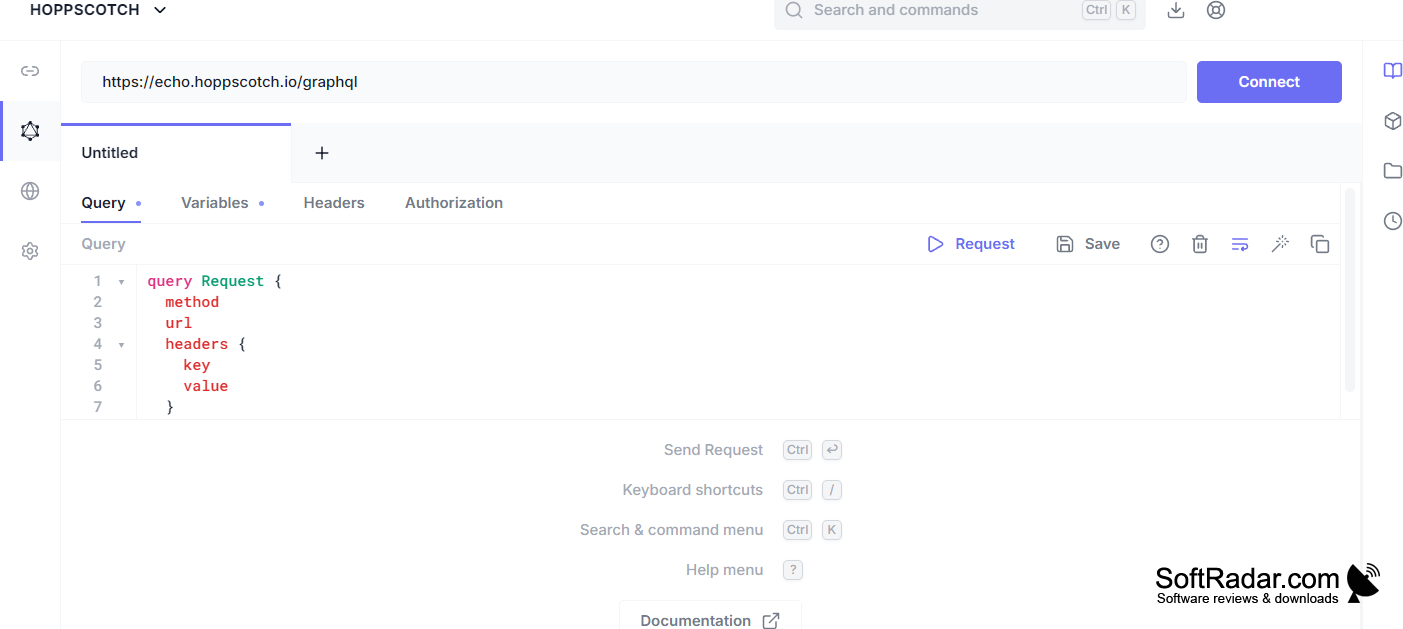
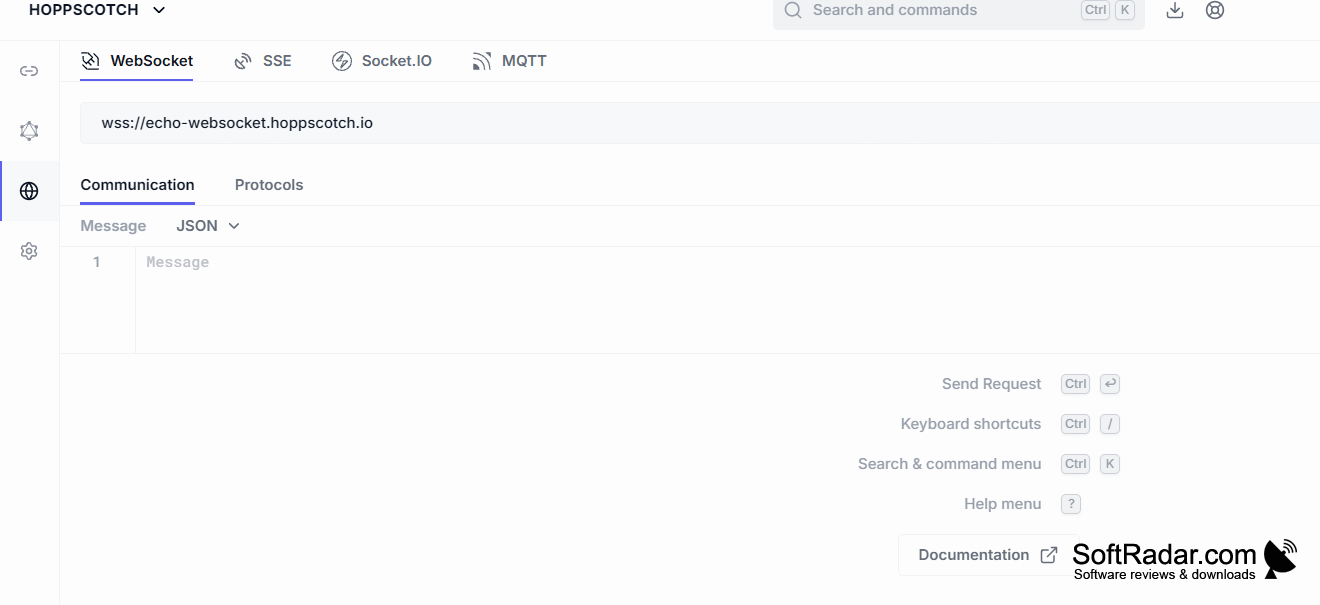
Hoppscotch Desktop is an API client for developers and testers working with web services on Windows. It can be used to explore an endpoint, investigate unexpected responses, or check a series of calls during development. Requests can reach services running on the same PC or within a private network, including endpoints that browser restrictions may block.
Send requests from your PC to inspect local services and check responses without opening a browser.
Build calls by choosing an HTTP method and setting the URL, parameters, headers, credentials, and payload. The app also handles GraphQL, WebSocket, Server-Sent Events, Socket.IO, and MQTT connections. Save calls in collections, keep values in separate environments, and run JavaScript before sending a request. Tests can check returned data, while a collection runner processes saved calls in order.
Features:
- Inspect response status, headers, timing, and body
- Configure API keys, OAuth, and bearer tokens
- Run saved requests in collection order
- Create mock responses for unfinished services
- Share collections through team workspaces
- Import and export API request data
PROS
Desktop requests reach localhost without browser CORS restrictions.
Supports REST, GraphQL, and real-time protocols.
CONS