
Huawei Unlock Utility
Huawei Unlock Utility is a free FastGSM tool that sends unlock codes to Huawei USB modems and data cards so they can be used with other GSM networks.
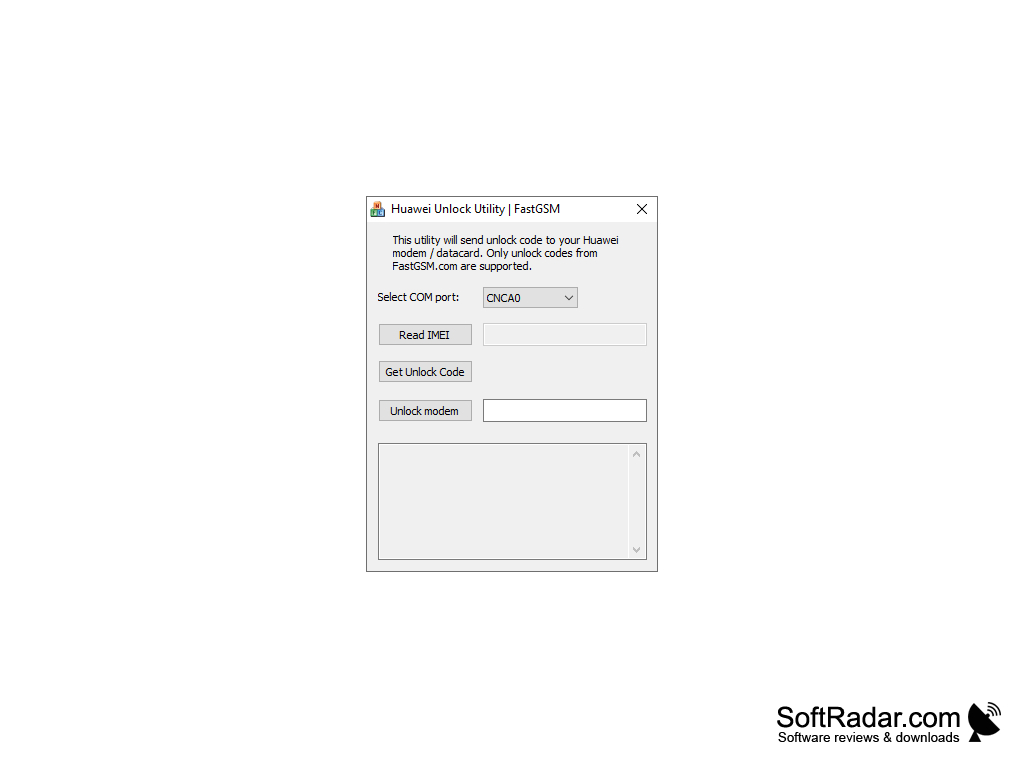
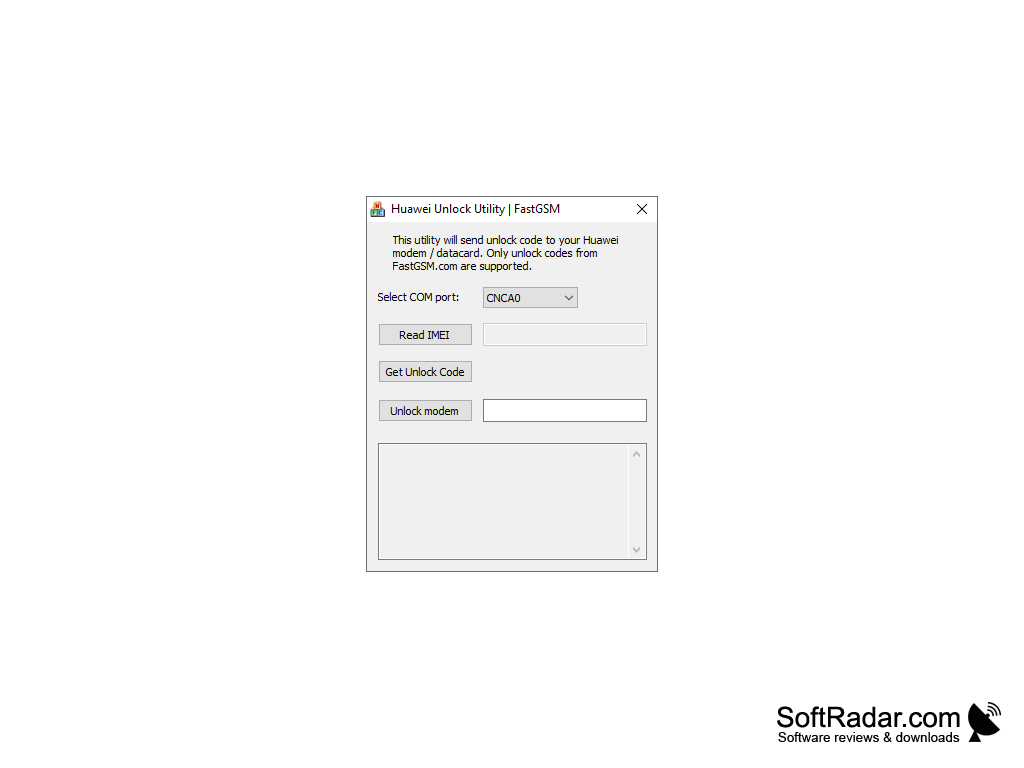
Huawei Unlock Utility is a small free program from FastGSM designed to unlock Huawei USB modems and data cards. It sends an unlock code to the modem so that it can be used with a SIM card from any GSM carrier.
Features:
- Unlock Huawei modems and data cards in a matter of minutes
- Reads the modem's 15-digit IMEI automatically
- Works through the modem's COM port
- Simple one-window interface
- Portable, no installation required
- Lightweight executable of about 300 KB
- Accepts unlock codes obtained from FastGSM
The Huawei Unlock Utility lets users enter a FastGSM unlock code into a Huawei modem or data card in a few clicks.
How it Works:
The Huawei Unlock Utility is a simple program. It unlocks a Huawei modem in a few easy steps, using the device's IMEI code, which is a unique identifier of the modem. The utility is intended for Huawei modems and data cards, not for smartphones or tablets.
To begin the unlocking process, run the utility on your computer; it does not need to be installed. Connect the modem to the computer via USB, make sure its drivers are installed, and select the modem's COM port in the list. Click Read IMEI, and the program reads the 15-digit identifier from the device.
Next, you need an unlock code for this IMEI. Unlock codes are sold by FastGSM's online service, and the utility supports only codes from FastGSM. Once you have the code, enter it in the field next to the Unlock modem button and click the button. The utility sends the code to the modem, and after a successful unlock the device accepts SIM cards from other GSM networks.
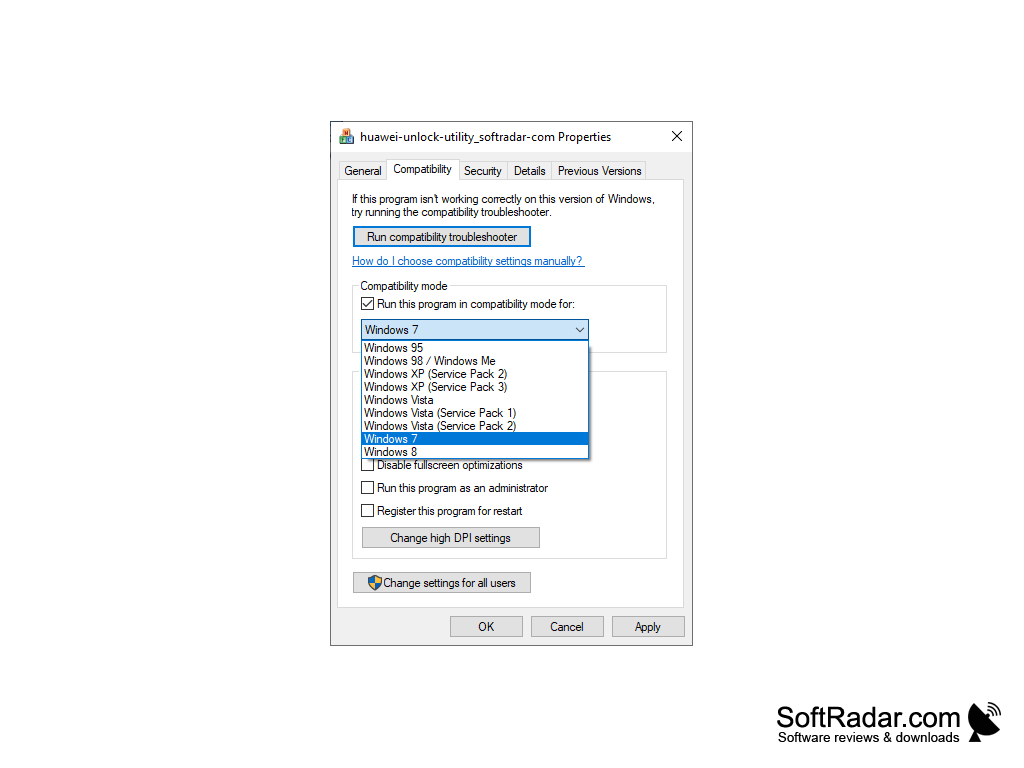
The Huawei Unlock Utility is freeware; its last version, 1.0.0.1, dates from 2011, and the tool is no longer developed. It was made for Windows XP, Vista and 7. The FastGSM website now redirects to another unlocking service, so make sure you can obtain a valid code before relying on this tool.
Huawei USB modem or data card with drivers installed
PROS
Reads the modem IMEI automatically.
Free and portable, no installation needed.
CONS
Requires a paid unlock code from FastGSM.
No longer updated by the developer.

