
iNinja
A VPN to protect your identity wherever you go
Operating system: Windows
Publisher: ininja
Release: iNinja 2.14.4
Antivirus check: VirusTotal report

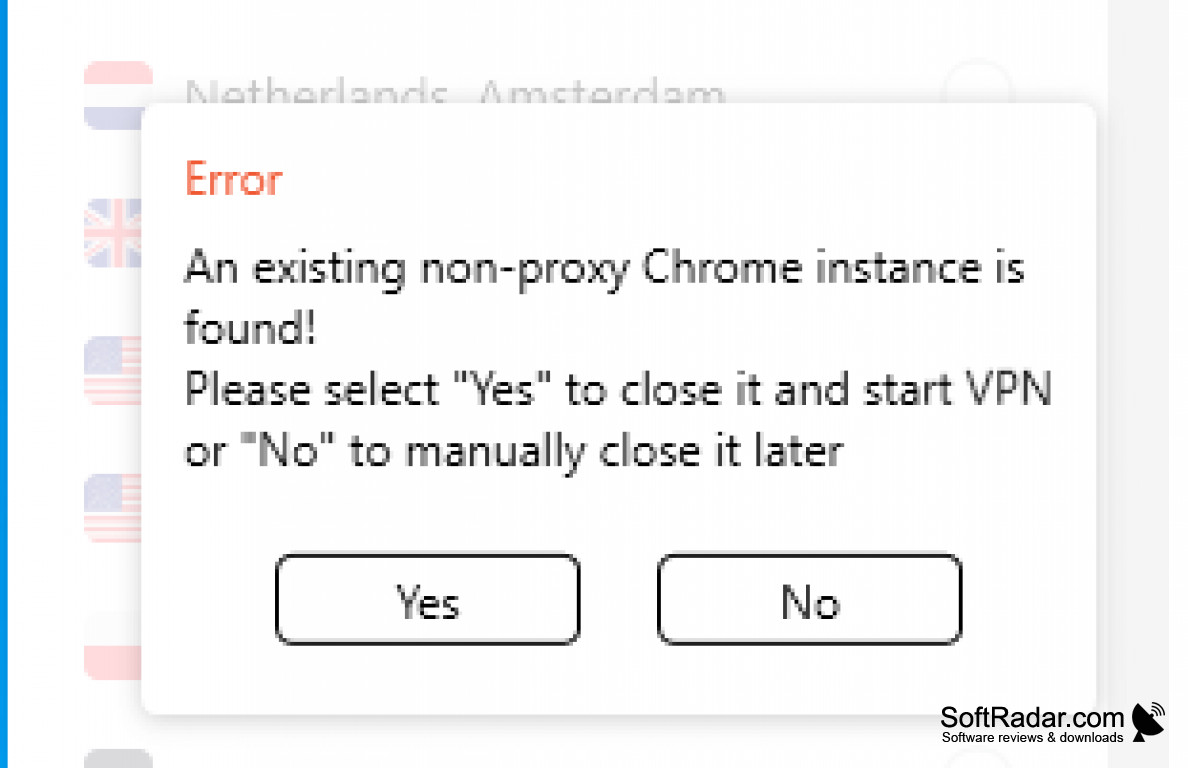
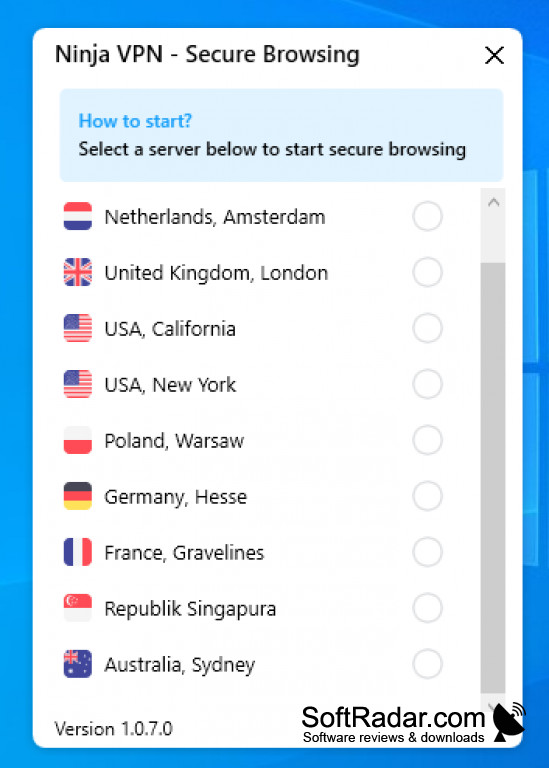
INinja for Windows is a virtual private network, or VPN, provider. It is billed as a free product that can help you anonymously browse the web and protect your privacy, and also protect yourself against hacking. It's mainly aimed at people using public wi-fi, travelers, and remote workers. INinja for Windows is intended to secure users' private details away from prying eyes and additionally, it can serve as a workaround to access sites usually blocked by the user's normal network. It encrypts your internet activity, or traffic, from third parties.
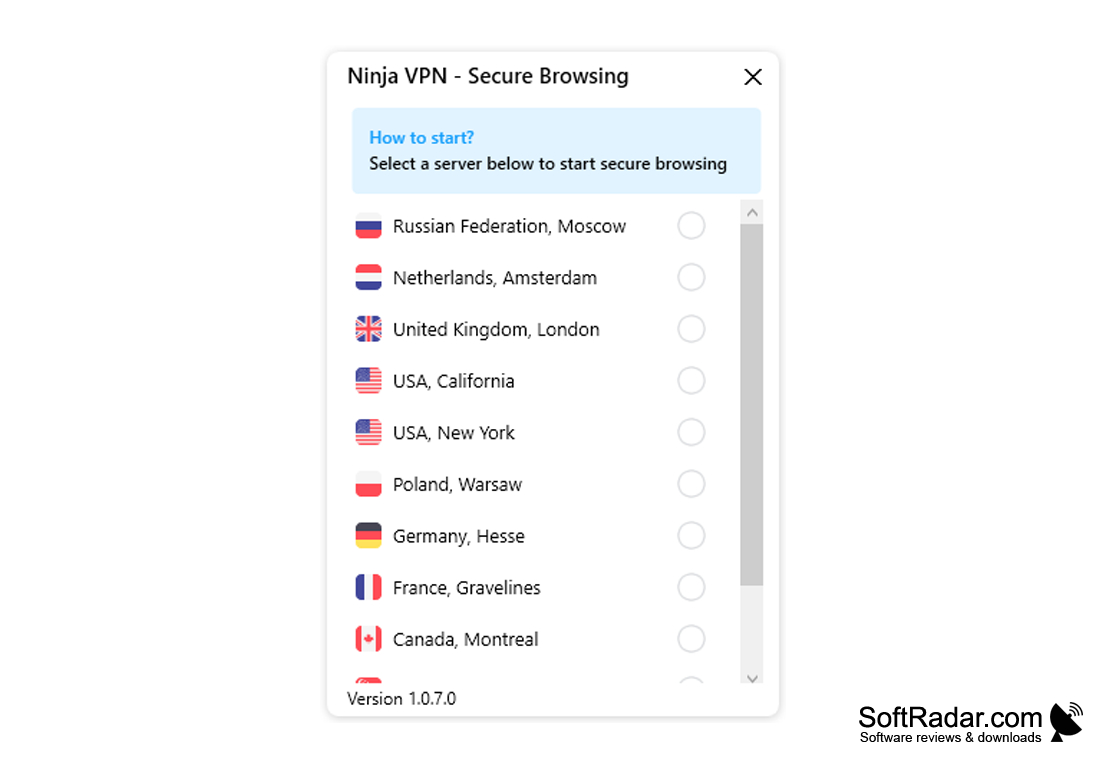
INinja for Windows has servers in eight countries, and it offers unlimited server switches, so a user can easily change locations as often as is necessary for his or her purposes. INinja for Windows uses a shared IP type and a 128-bit SSL data encryption. In addition, they do not regulate the speed users use, instead offering unlimited speed. Finally, they offer 24/7 support for users who are stuck or need any kind of help.
There are many virtual private network, or VPN, options on the market, but iNinja for Windows is one of the few that promises fast and secure functionality at no cost. VPNs are considered by some experts to be essential tools for web users because of the potential pitfalls in security and privacy that arise from web browsing. INinja for Windows attempts to address those concerns while giving maximum functionality at a price that is unbeatable, that is, free. Users should only use VPNs with companies with a solid reputation they can trust, as they are on some level entrusting their privacy and identifying data to a company that promises they will not use it maliciously or in any illegal or unethical manner.
Lets you browse the web anonymously and securly
Features:
- Anonymous browsing
- Privacy protection
- Servers in eight countries
- Free, provided at no cost
- Unlimited server switches
128-bit SSL data encryption supported
Continuous internet connection needed
PROS
Provides reliable VPN services with robust encryption.
User-friendly interface for easy navigation and setup.
CONS
Occasional drops in internet speed.
Interface is not very user-friendly.


