
Kinovea
A free and open-source tool to aid with analysis of video footage
Operating system: Windows
Publisher: Kinovea
Release : Kinovea 0.8.15
Antivirus check: passed
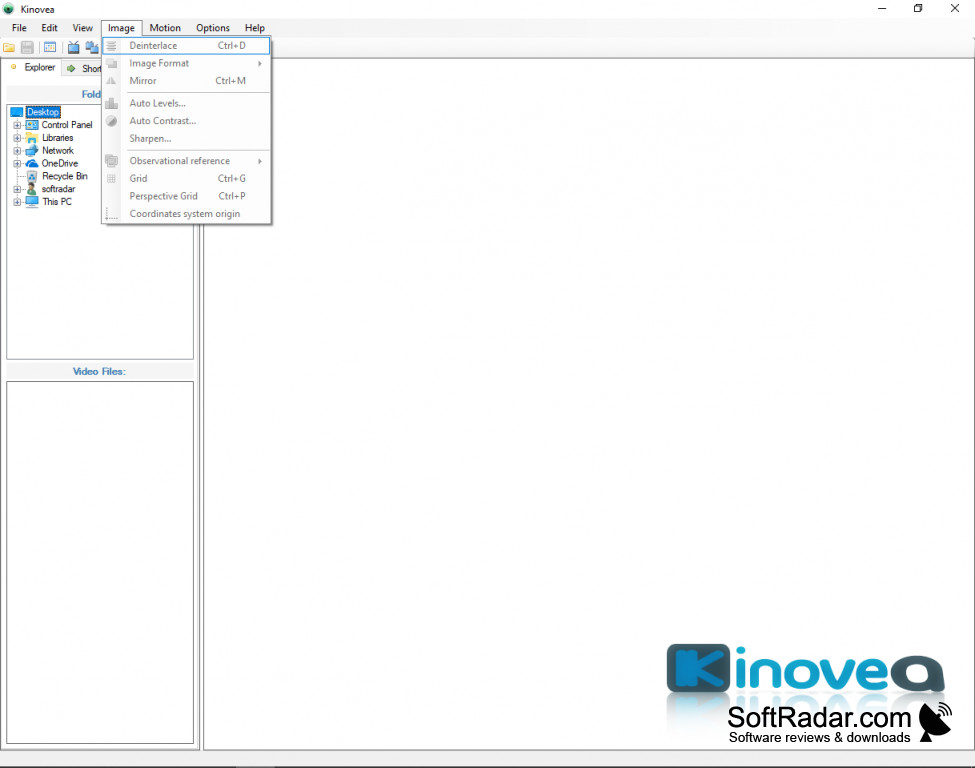
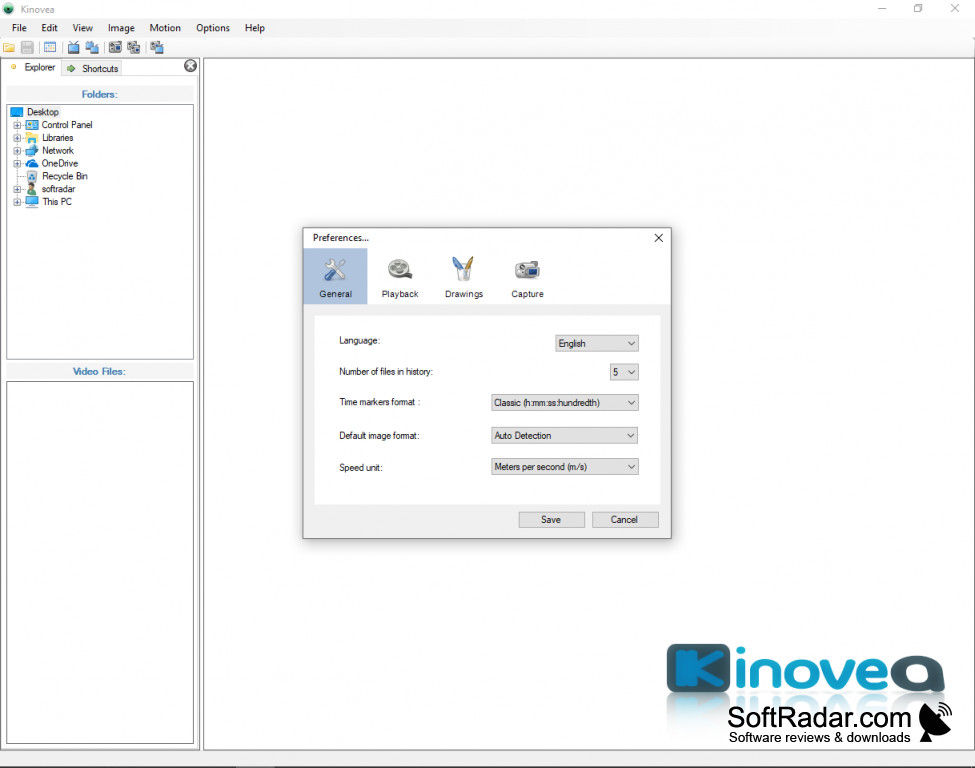
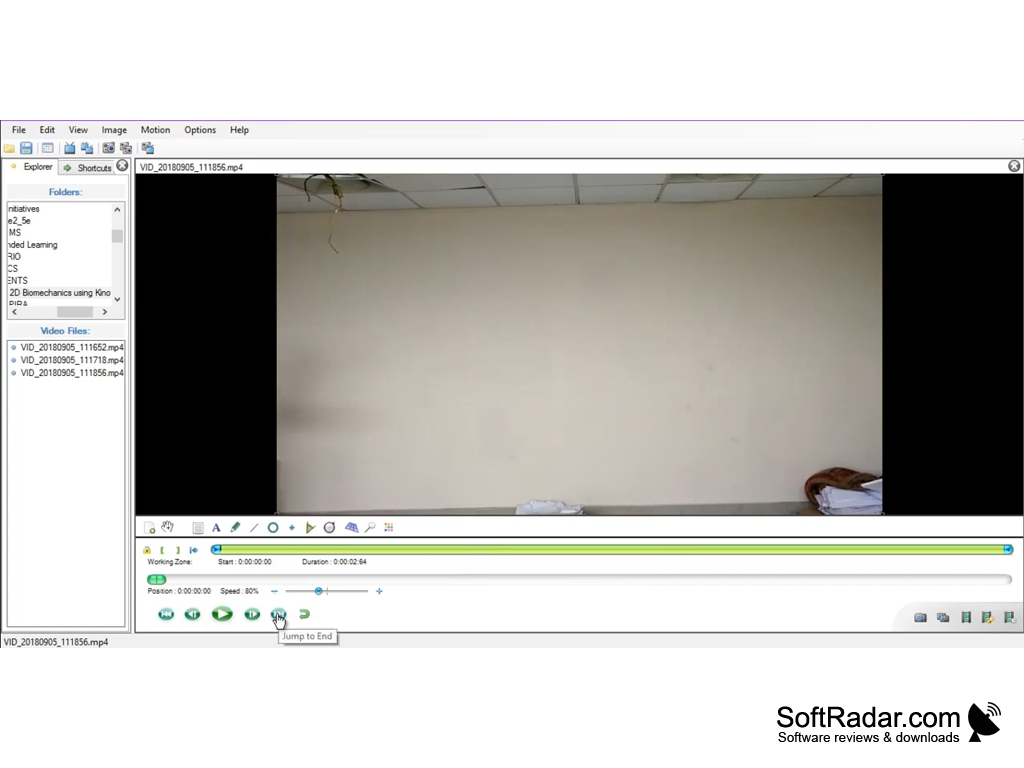
Kinovea is a flexible, free, and open-source tool to aid with the analysis of video footage. With Kinovea, you can easily capture, speed-adjust, cross reference, annotate, and measure athletic performances.
Features:
- Professional-grade tools, with an interface simple enough for a classroom
- Amend and annotate the video with arrows, descriptions, and other aids
- Synchronize and compare two videos side-by-side
- Use semi-automated or manual tracking to follow trajectories and work out angles, distances, and times
- Export your custom findings to various spreadsheet formats
Kinovea allows for the methodical study of a video-captured performance, ideal for training, coaching, commentary, or other professional fields -- yet it's designed to be intuitive for any level of the user. With its ability to zoom, annotate, measure and slow or speed up footage, its high level of control allows for a much deeper and more precise understanding of recorded events.
With Kinovea you can easily capture, speed-adjust, cross reference, annotate, and measure athletic performances.
The software supports nearly any video format, as well as static images. Image tools include rotate (useful for cell phone captures), zoom, mirror, deinterlace, and aspect ratio correction. Users can synchronize and compare videos, even with different framerates. Time itself is flexible and can be measured by frame, in milliseconds, or with a traditional timecode. Measure time, angle, and distance in 2D or 3D space, to max velocities. A grid-based system helps to track motion even when not aligned with the camera plane; a warping tool compensates for lens distortion. To help with analysis, users can use spotlight or magnifier tools; freeze footage; and add text and graphics: lines, arrows, free drawing. Track analysis of single-point or multi-point objects; view scatter plots, linear or angular kinematics, and export data to standard spreadsheet formats. Advanced users can code custom tools using an XML framework.
Kinovea is now available for free in 26 languages, for even modestly powered modern Windows systems. Though free, the author, Joan Charmant, maintains a Patreon for users to help support the project. As with many open-source programs, there's a stable and a beta version, both available either as ZIP files or self-extracting install packages. The beta version is going to have more features than the latest stable release, but those features may not all work the way they're intended.
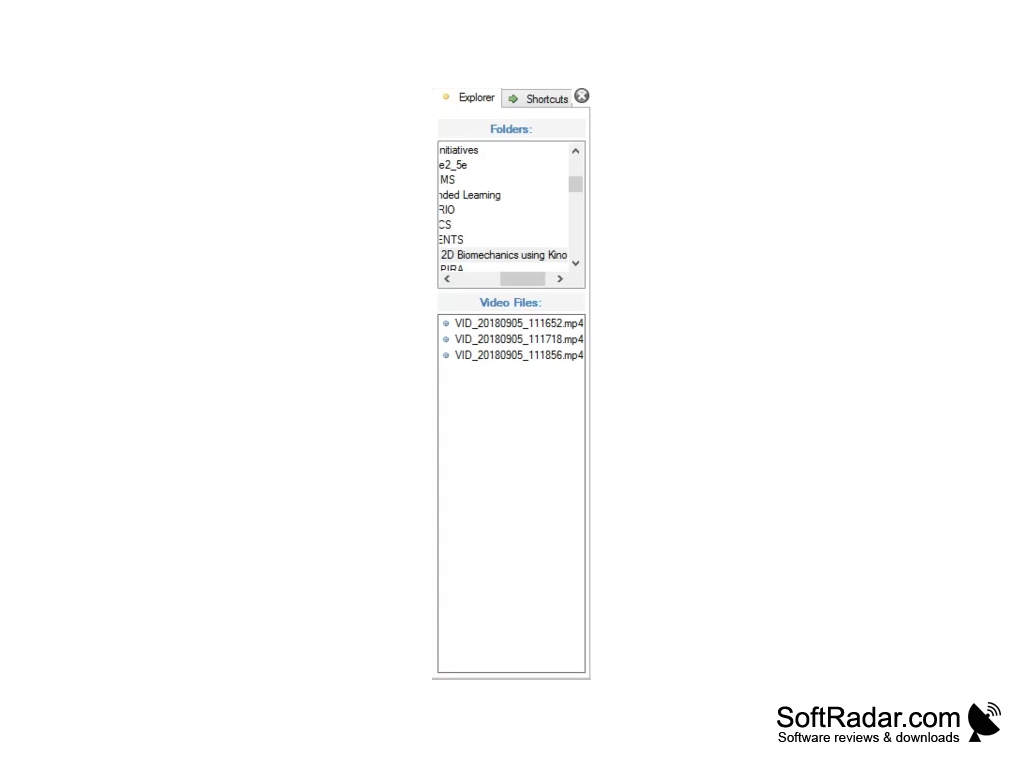
- Windows (XP, Vista, 7, 8, 8.1, 10) and .NET platform 3.5.
- 1GHz CPU
- 256 MB RAM
- 1024x600 screen resolution
PROS
Free, open-source software with a user-friendly interface.
Offers advanced features like slow motion and drawing tools.
CONS
May experience occasional glitches and crashes during use.
No availability for mobile devices or Mac operating systems.