
7-Zip
7-Zip is a free, open-source file archiver for Windows that creates and extracts 7z, ZIP and many other archive formats.
Operating system: Windows
Publisher: 7-Zip.org
Release: 7-Zip 26.05
License: Open source (LGPL-2.1)
Antivirus check: VirusTotal report
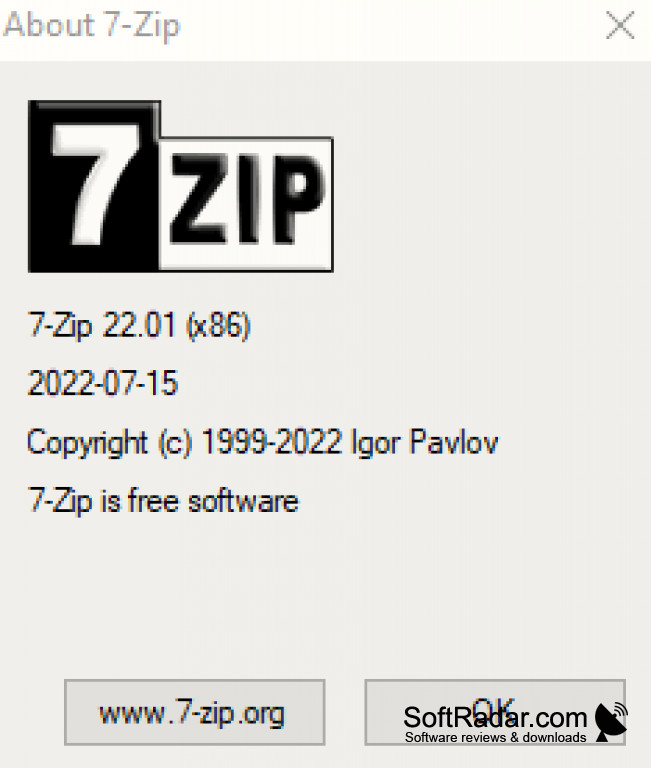
7-Zip has become a well-known name within the computing community, giving users the ability to package and extract files with ease. If you're not sure what 7-Zip is, it's a program that allows for the "archival" or packing of files into a single compressed file. You select the files and folders you want to pack, choose a format and a compression level, and 7-Zip stores everything in one archive that takes less space and is easier to send or back up. It was created by Igor Pavlov and has been developed since 1999. 7-Zip uses its LZMA and LZMA2 compression methods to turn files of all kinds into one neat, convenient package.
Nowadays, file exchange has evolved as well, and many email services and sites limit the size of attachments, so packing large files into a smaller archive, or splitting it into volumes, is often necessary.
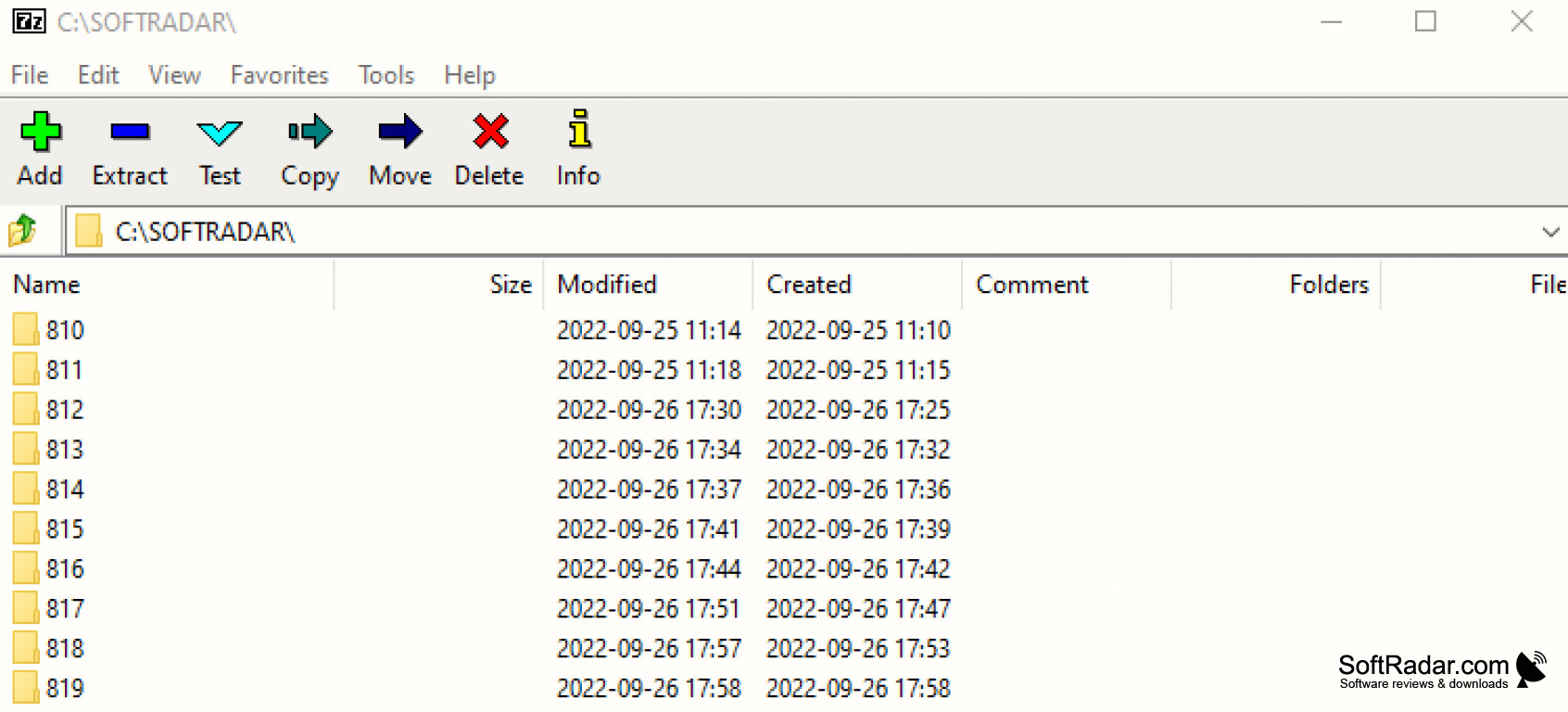
Archives can be protected with a password, and the contents of an archive can be viewed before you extract them, so you can check what is inside first. Extraction is as simple as opening the archive and copying files out, or using the Extract command in the right-click menu of Explorer.
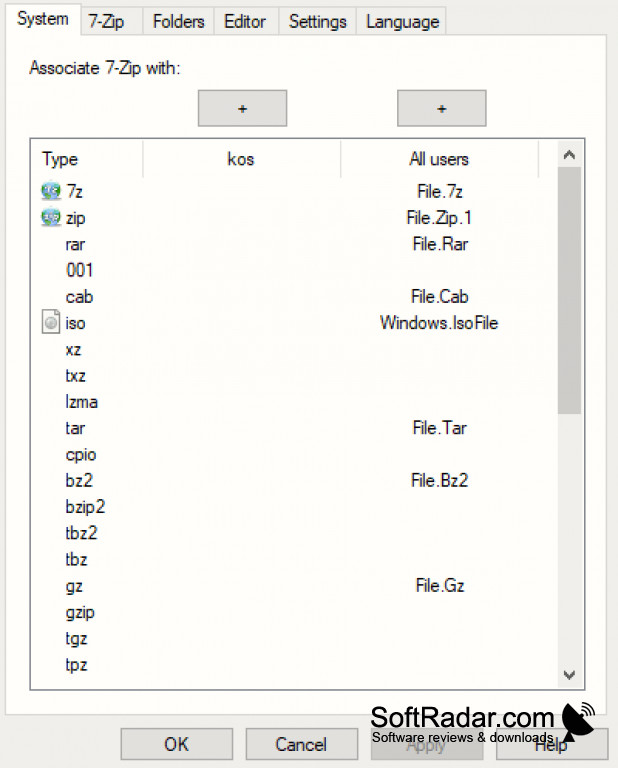
7-Zip offers users a wide array of choices and formats to choose from: it packs and unpacks 7z, XZ, BZIP2, GZIP, TAR, ZIP and WIM, and unpacks RAR, ISO, DMG, CAB and many other formats. For ZIP and GZIP it achieves a 2-10% better compression ratio than PKZip and WinZip. And all of 7-Zip's features are entirely free, including for commercial use, since it is licensed mostly under the GNU LGPL.
Opens and creates 7z and ZIP archives and extracts RAR, ISO and many other formats
Features:
- 7-Zip features a high compression ratio in its own 7z format
- 7-Zip supports strong AES-256 encryption in the 7z and ZIP formats
- 7-Zip integrates with the Windows Shell with ease
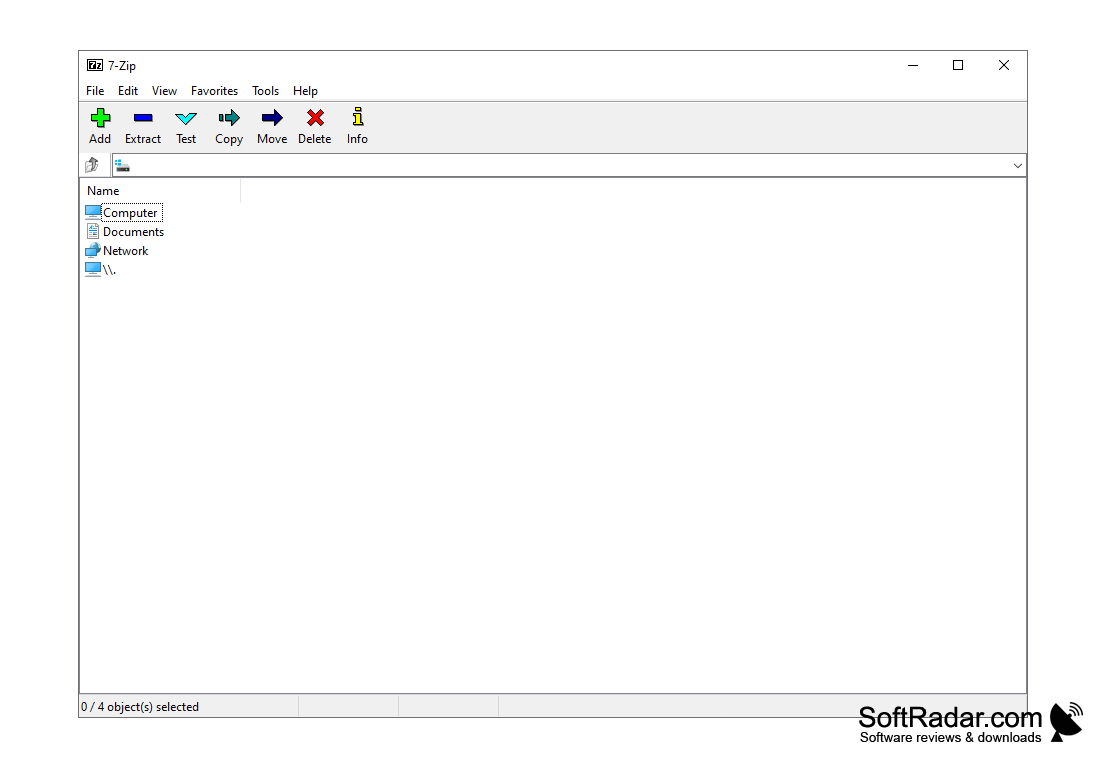
- 7-Zip has a two-panel file manager and a command-line version
- 7-Zip is available in 87 languages
- 7-Zip is free and open-source software
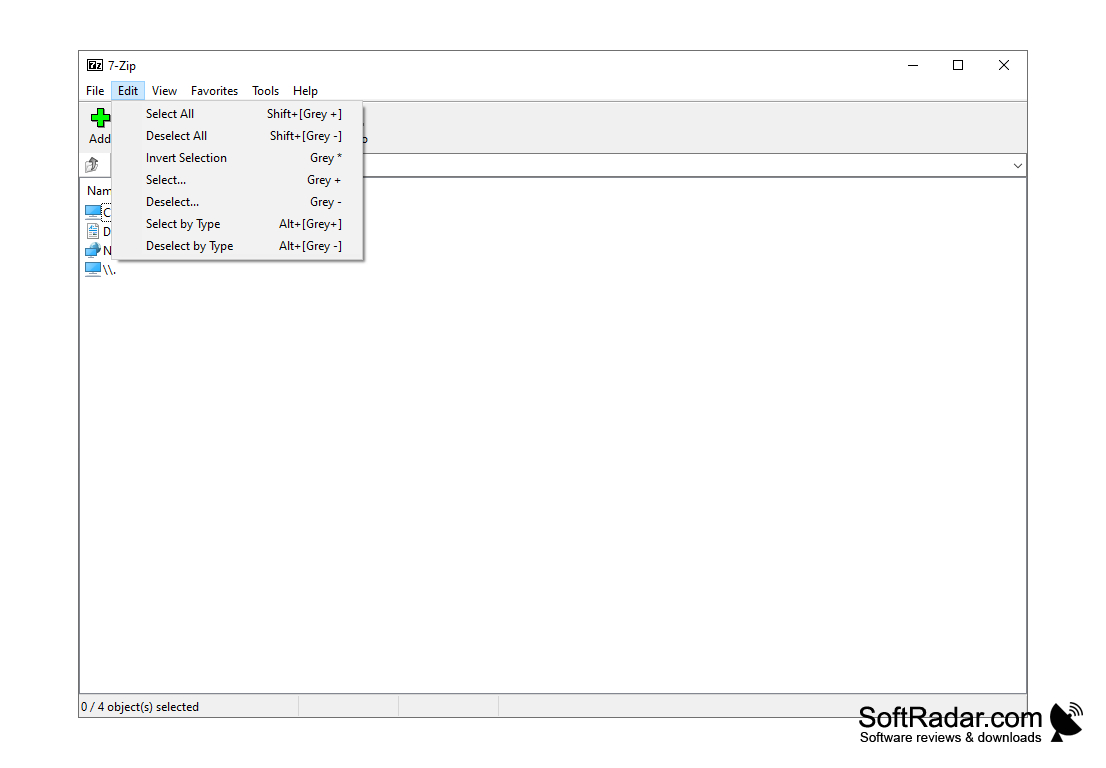
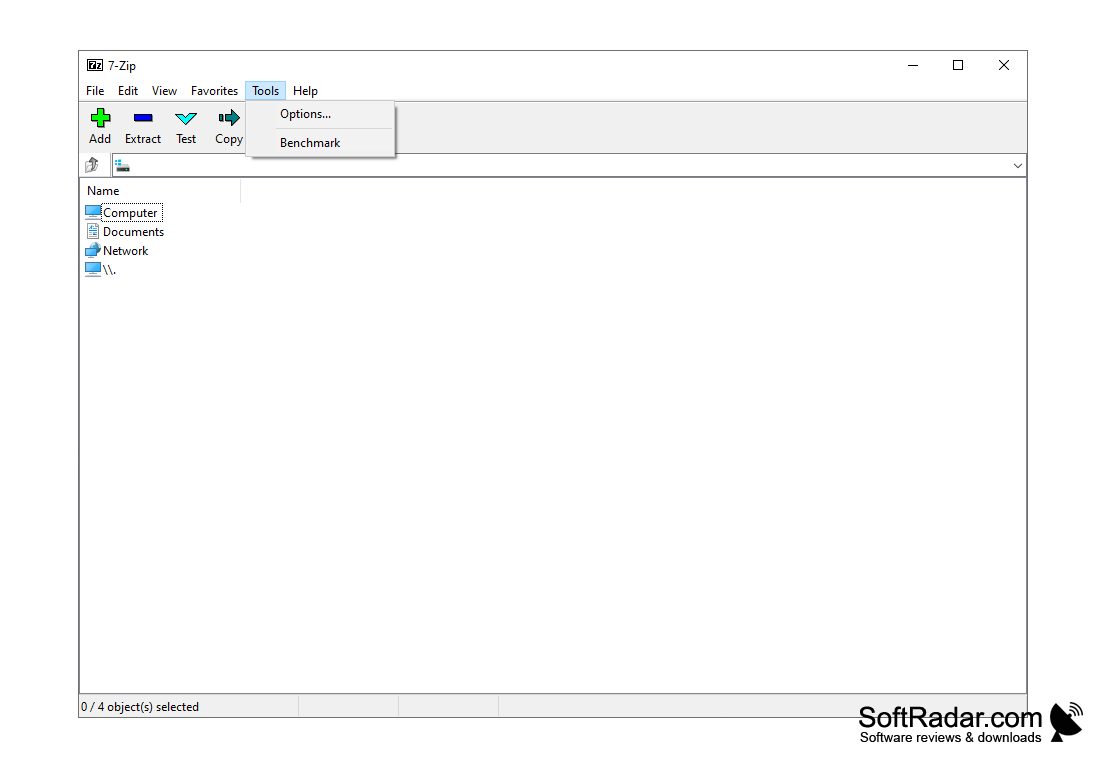
32-bit, 64-bit and ARM64 builds available
PROS
Offers high compression ratio with own 7z format.
It's free and open-source software.
CONS
Can create archives in only a few formats.
No built-in archive repair tool.


