
LM Studio
LM Studio lets Windows users find and run language models on their own computer, with a chat interface and tools for developers working with local AI.
Operating system: Windows
Publisher: Element Labs, Inc.
Release: LM Studio 0.4.27+2
License: Free
Antivirus check: VirusTotal report
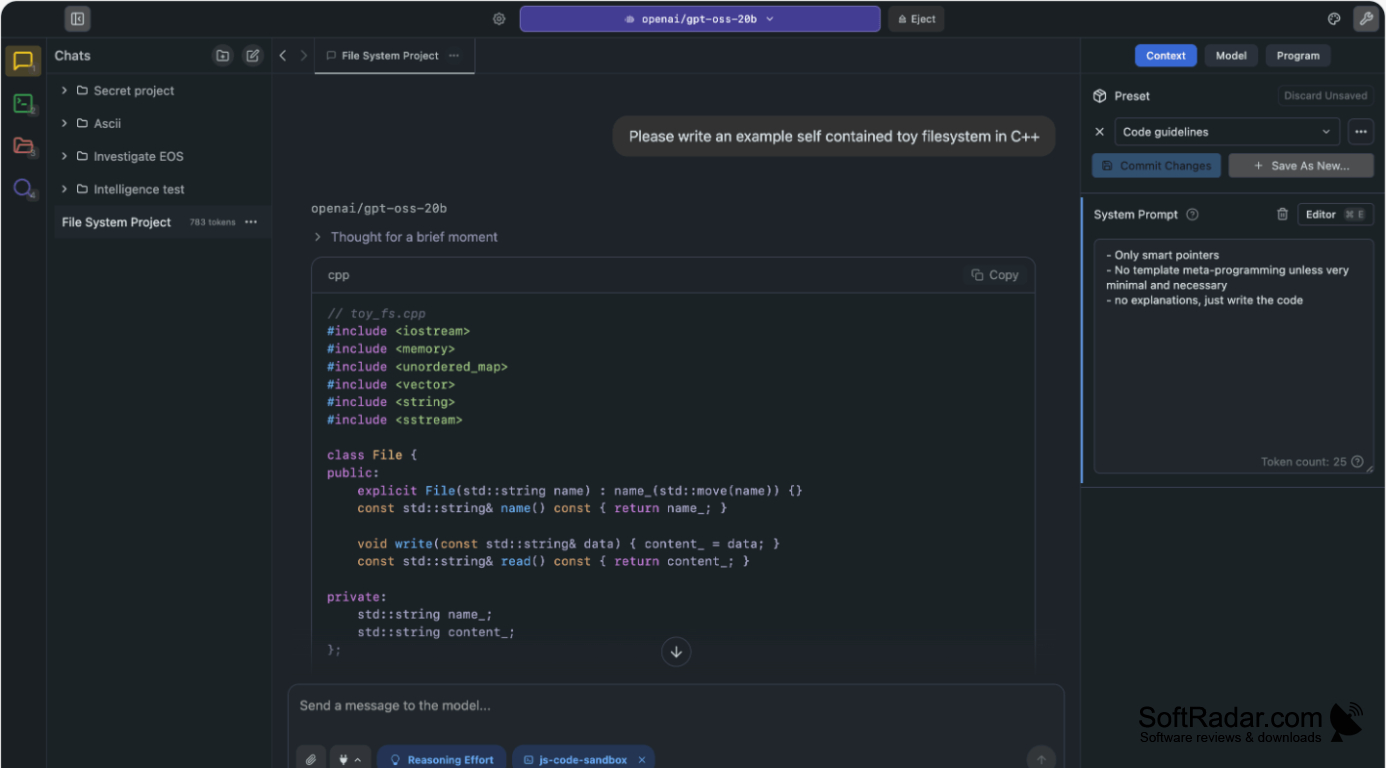
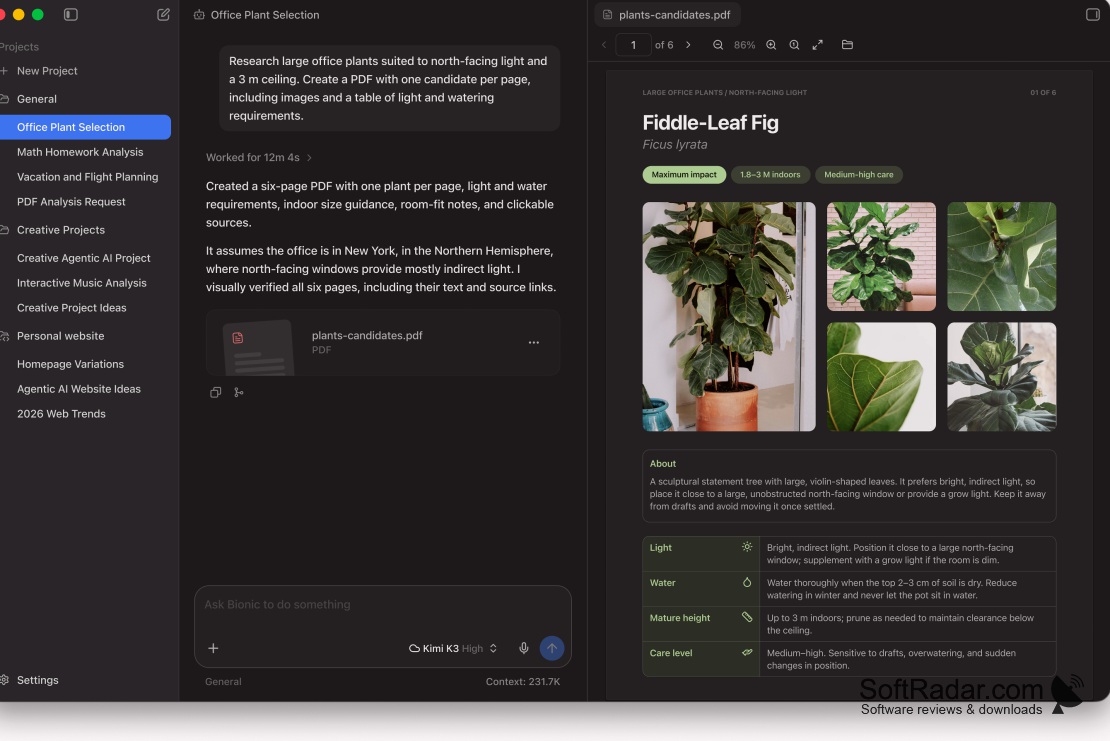
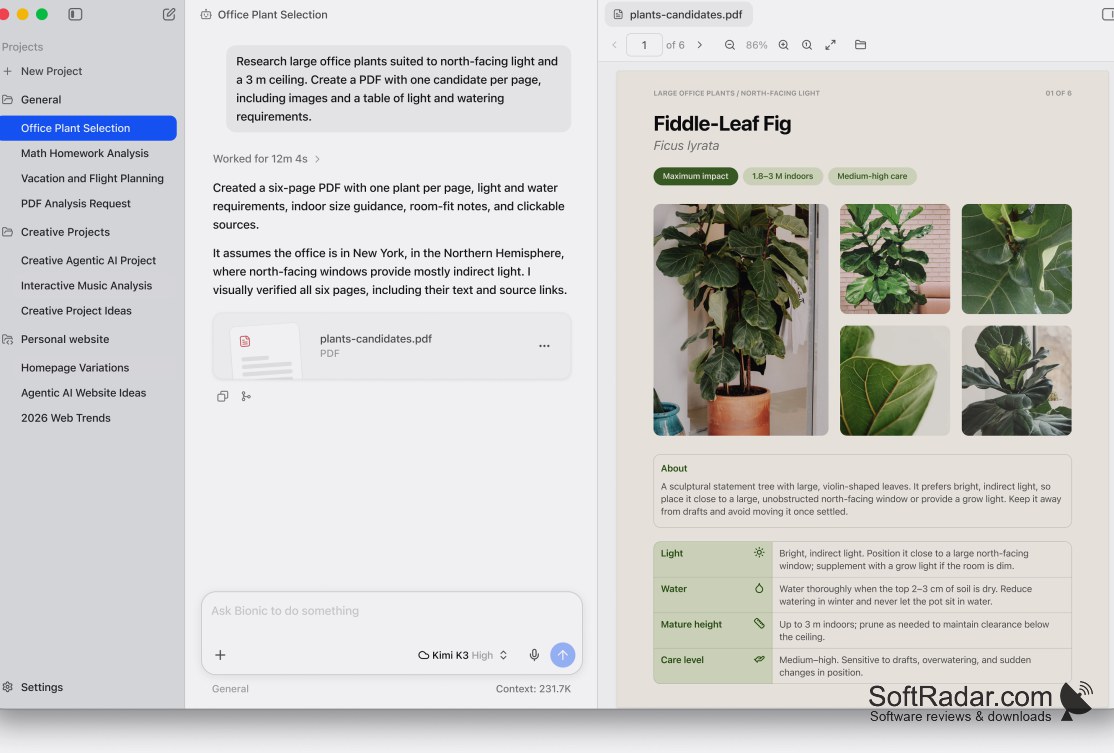
LM Studio is a Windows desktop tool for using language models on your computer. You can browse available models, download one that suits your hardware, and ask questions or draft text in a chat window. It suits people exploring AI models as well as developers who need a model running on their own machine for testing.
A graphical interface brings model downloads, conversations, and configuration into one place.
The app provides controls for loading and removing models, changing prompt instructions, and adjusting settings such as context length and graphics processing. Once a model is downloaded, you can use it without an ongoing internet connection. A built-in server provides an API so other applications can send requests to a model running on the same computer.
Features:
- Browse and download language models
- Chat with models running on your PC
- Switch between downloaded models
- Adjust context length and prompt instructions
- Use supported graphics hardware for processing
- Connect applications through a locally hosted API
64-bit processor with AVX2 support
16 GB of RAM recommended
Dedicated GPU with 4 GB VRAM recommended
PROS
Keeps chats offline after models are downloaded.
Offers a local API for developer integrations.
CONS
Responses can be slow without a capable GPU.
