
VirtualBox Extension Pack
VirtualBox Extension Pack adds device access, remote control and other options to VirtualBox for Windows users who run virtual machines.
Operating system: Windows
Publisher: Oracle
Release: VirtualBox Extension Pack 7.2.22
Antivirus check: VirusTotal report
VirtualBox Extension Pack adds optional capabilities to an existing VirtualBox installation. It is for people who need a virtual machine to work with USB peripherals, a webcam connected to the host or a remote desktop connection. The pack also provides options for encrypted virtual disks and network booting when a guest system needs more than the standard virtual hardware.
It lets virtual machines use USB devices and webcams connected to the host, while adding remote access options.
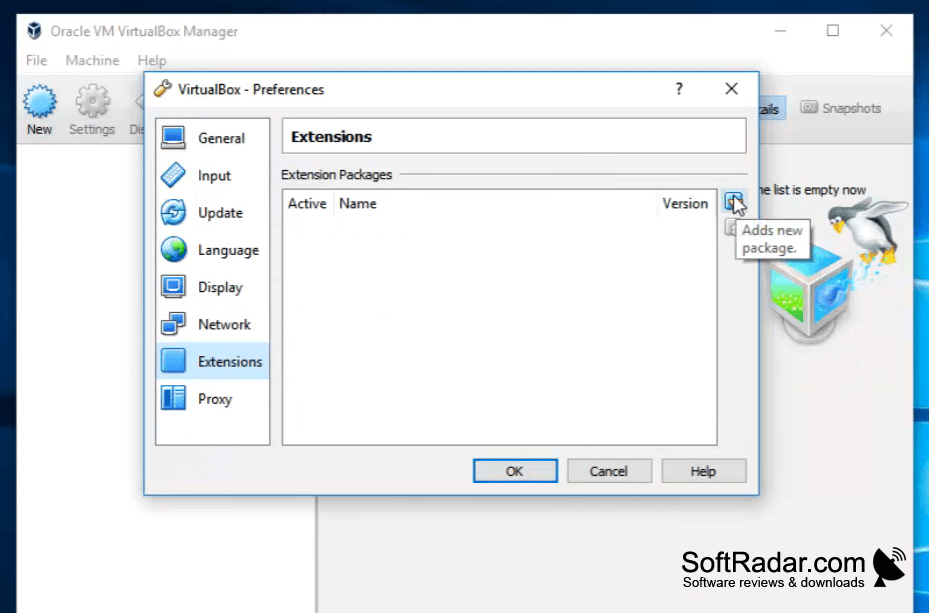
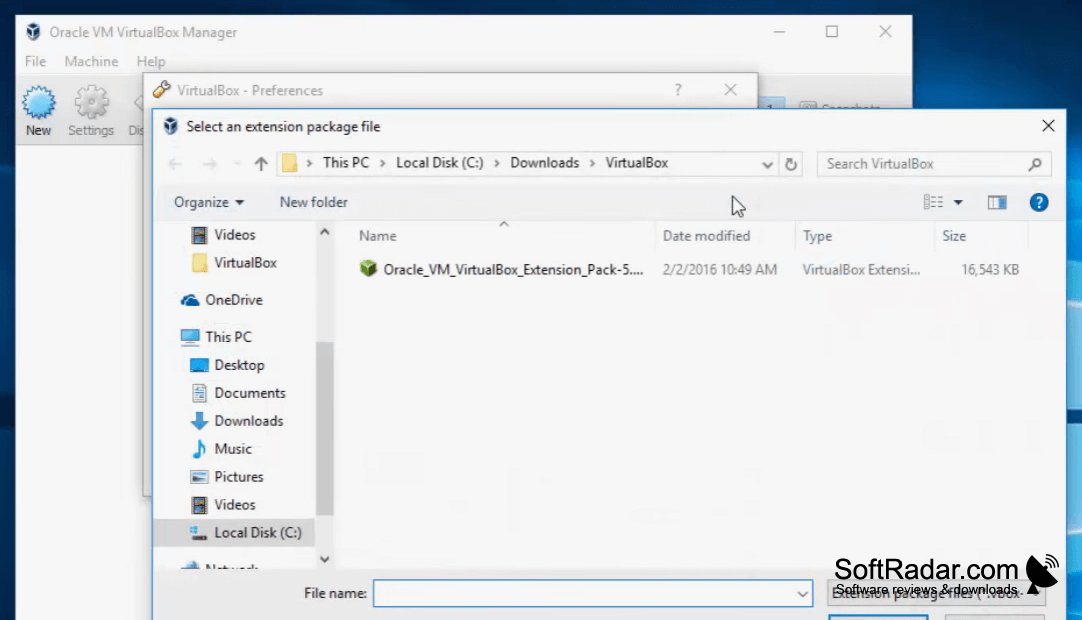
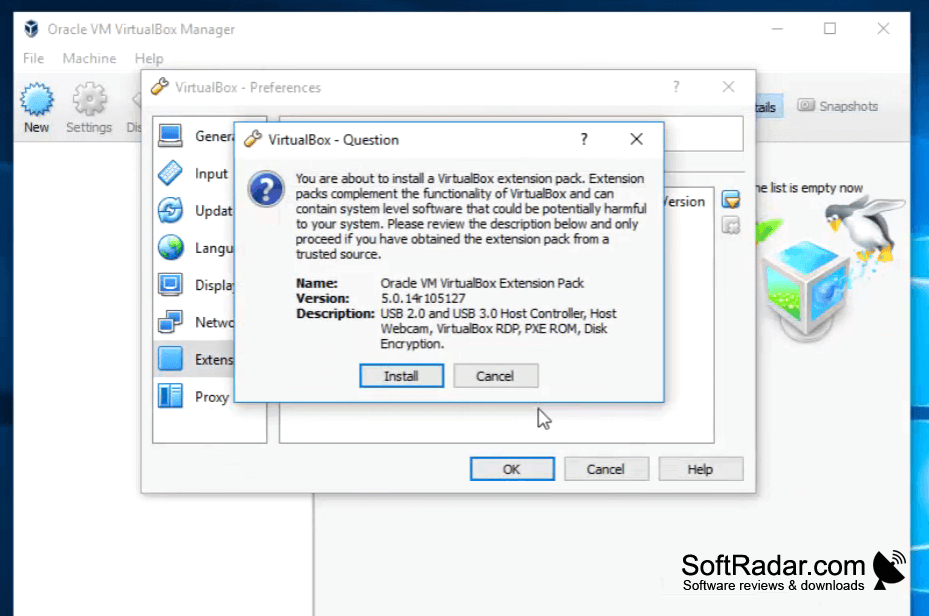
The pack is added through VirtualBox's extension settings using a file that matches the installed VirtualBox release. Its controllers support USB 2.0 and USB 3.0 devices, with filters that direct selected hardware to a guest. Remote desktop support allows control from another computer, while an Intel PXE boot ROM lets guests start over an emulated network adapter.
Features:
- Connect USB 2.0 and USB 3.0 devices
- Use a webcam connected to the host
- Control virtual machines from another computer
- Encrypt virtual hard disks
- Boot guests over an emulated network adapter
- Assign selected USB devices using filters
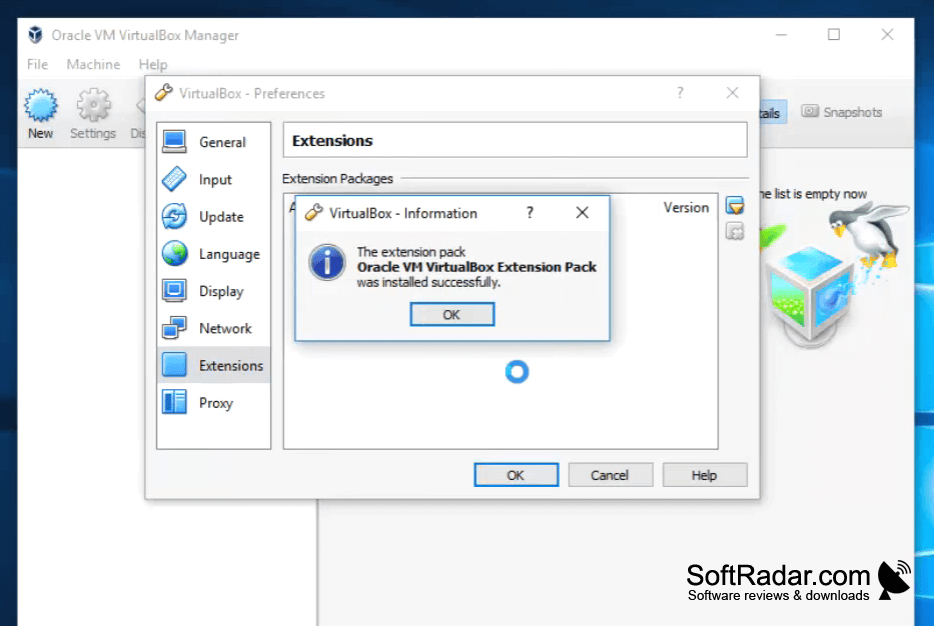
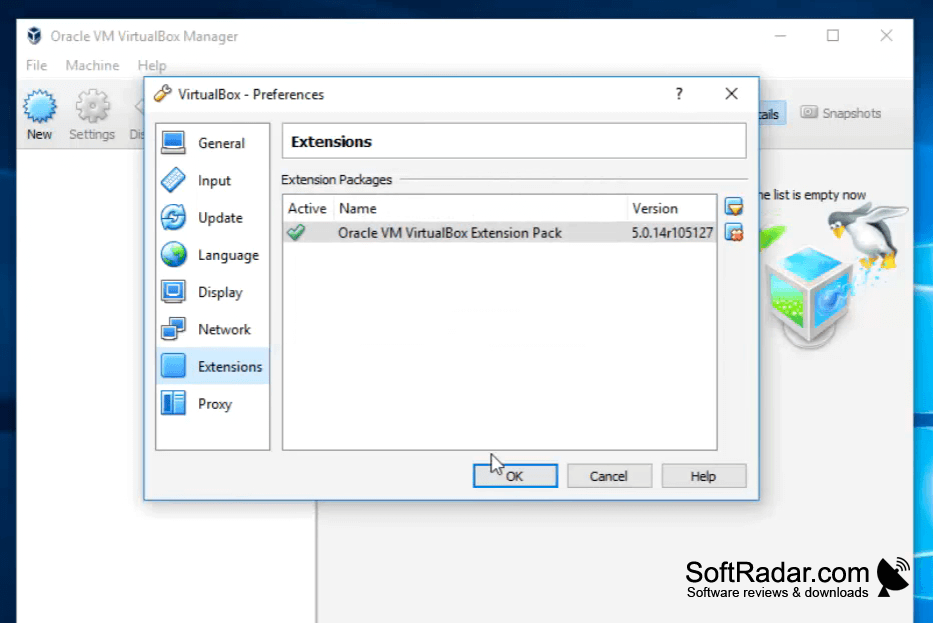
Must match installed VirtualBox release
PROS
Supports remote control of headless virtual machines.
Adds encryption for virtual machine disk images.
CONS
USB passthrough can require manual filters and troubleshooting.

