
Maxon One App
Maxon One App helps Windows users install and maintain Maxon creative software while keeping track of product access and available trials.
Operating system: Windows
Publisher: Maxon Computer GMBH.
Release: Maxon One App 2026.4.0
Antivirus check: VirusTotal report
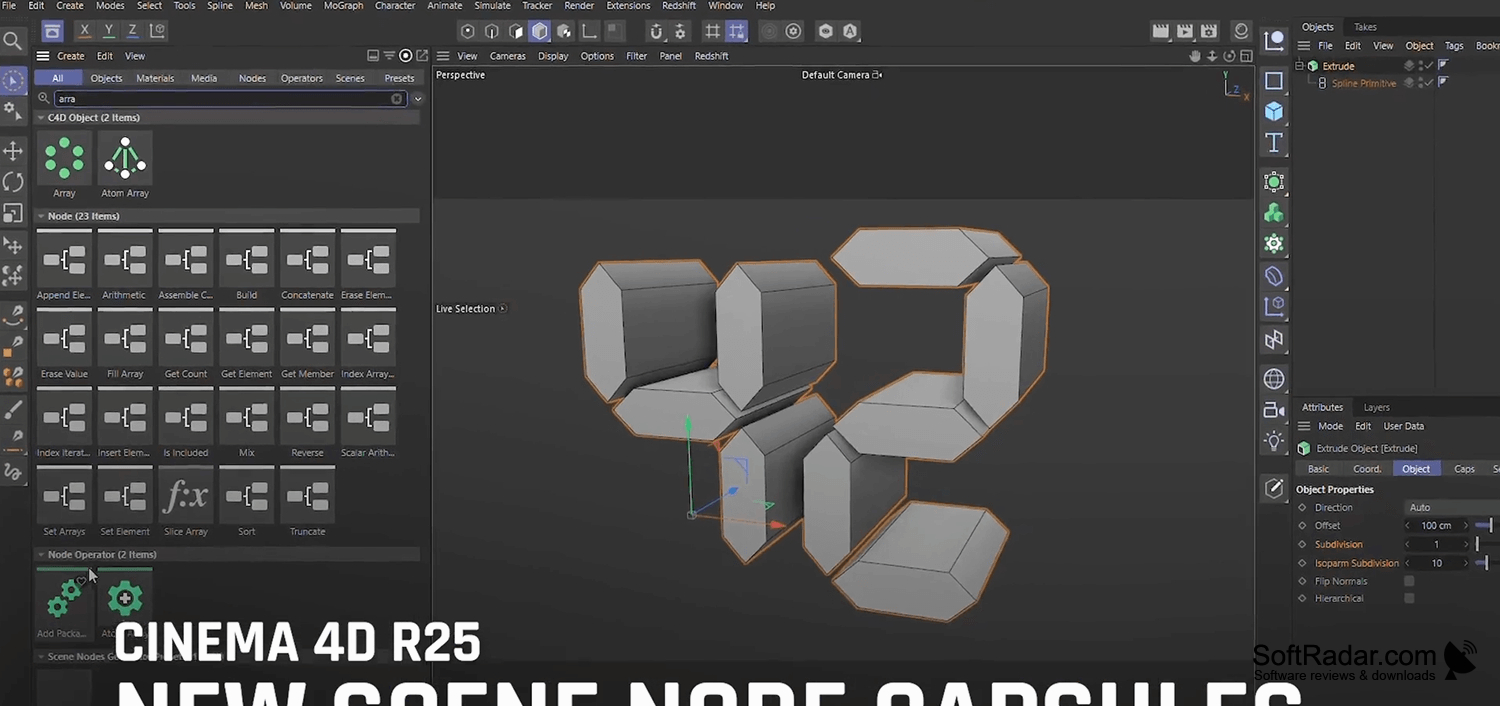
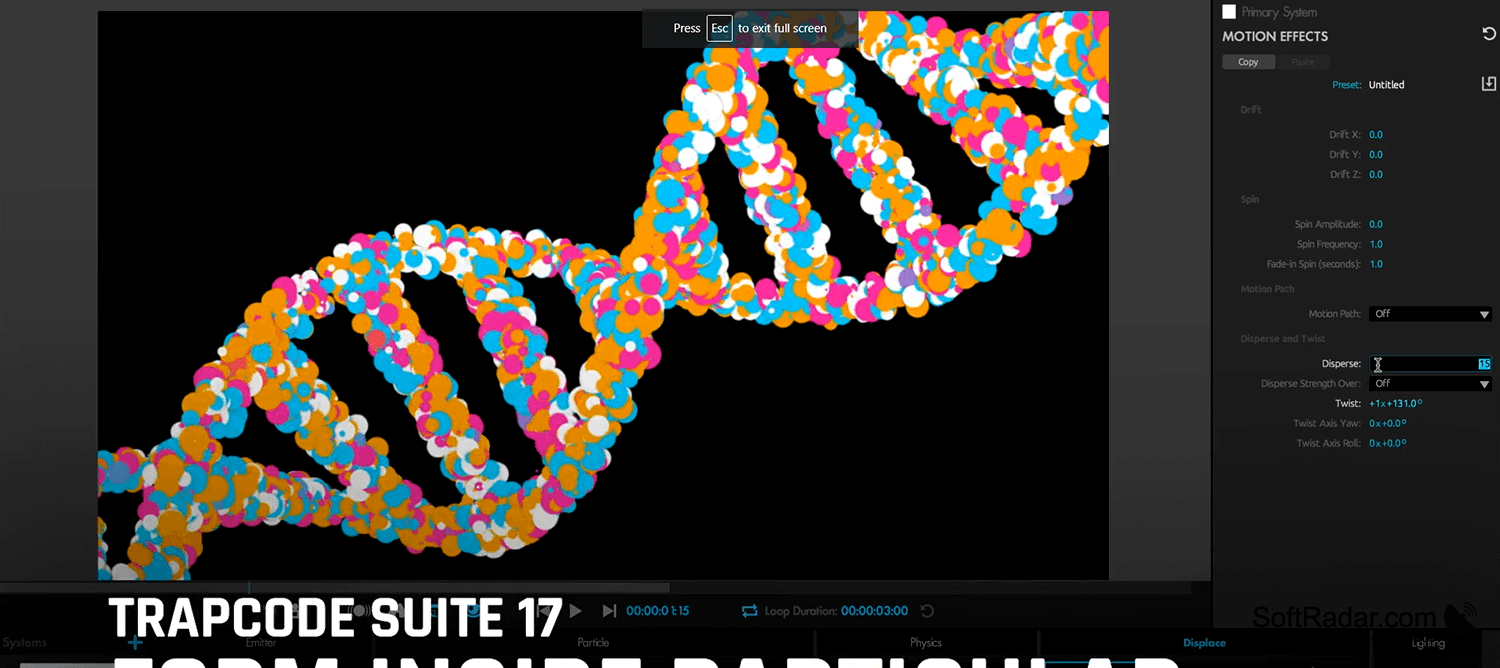

Maxon One App is a desktop utility for people who use Maxon tools for 3D work, rendering, and visual effects. It provides a central place to add supported programs, keep installed tools current, and review access to purchased products or trials. Users with several Maxon applications can handle routine software administration without opening each program separately.
It brings software setup, updates, and license selection into one place for users with multiple Maxon tools.
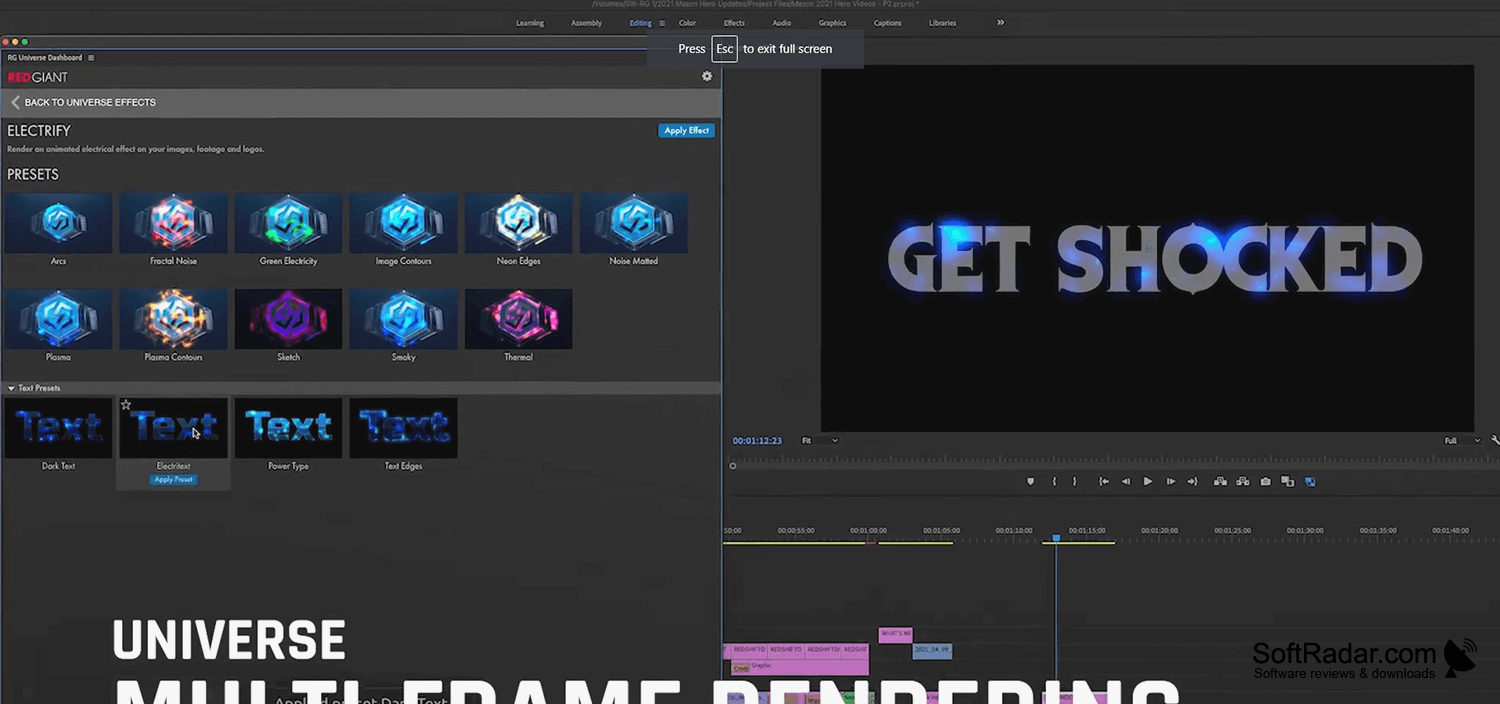
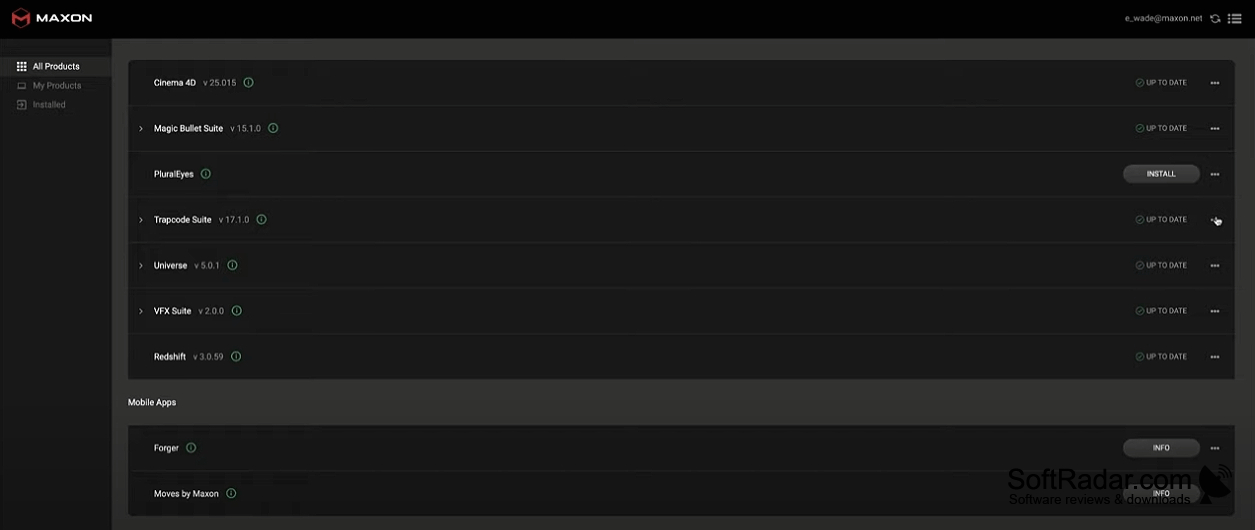
The app checks account entitlements and lets members of organizational accounts select an eligible team license or another available license type. It handles installation, upgrades, and removal for supported tools such as Redshift, Universe, and Trapcode Suite. Its product view shows which tools are available, while notifications can flag approaching license expiry. Setup processes can run with elevated permissions when required.
Features:
- Install supported Maxon applications
- Check purchased product access and available trials
- Choose licenses linked to organizational accounts
- Update and remove installed products
- Receive notices about expiring licenses
- Manage Redshift, Universe, and Trapcode Suite
PROS
Displays license status and available product trials.
CONS
Redshift installations sometimes fail or use incorrect paths.