
MuseScore
Free open-source music notation software for writing, playing back and printing sheet music.
Operating system: Windows
Publisher: MuseScore Ltd
Release: MuseScore 4.7.5
License: Open source (GPL-3.0 License)
Antivirus check: VirusTotal report
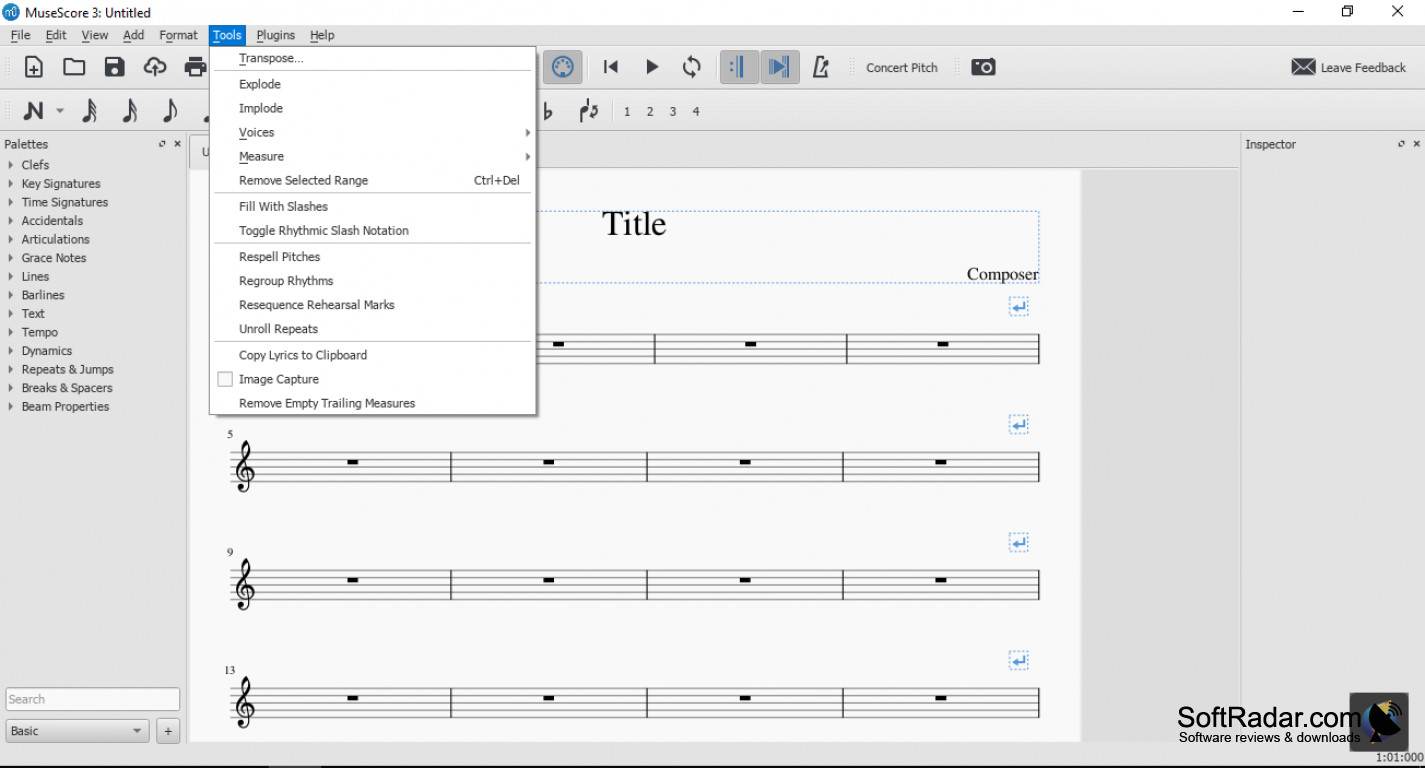
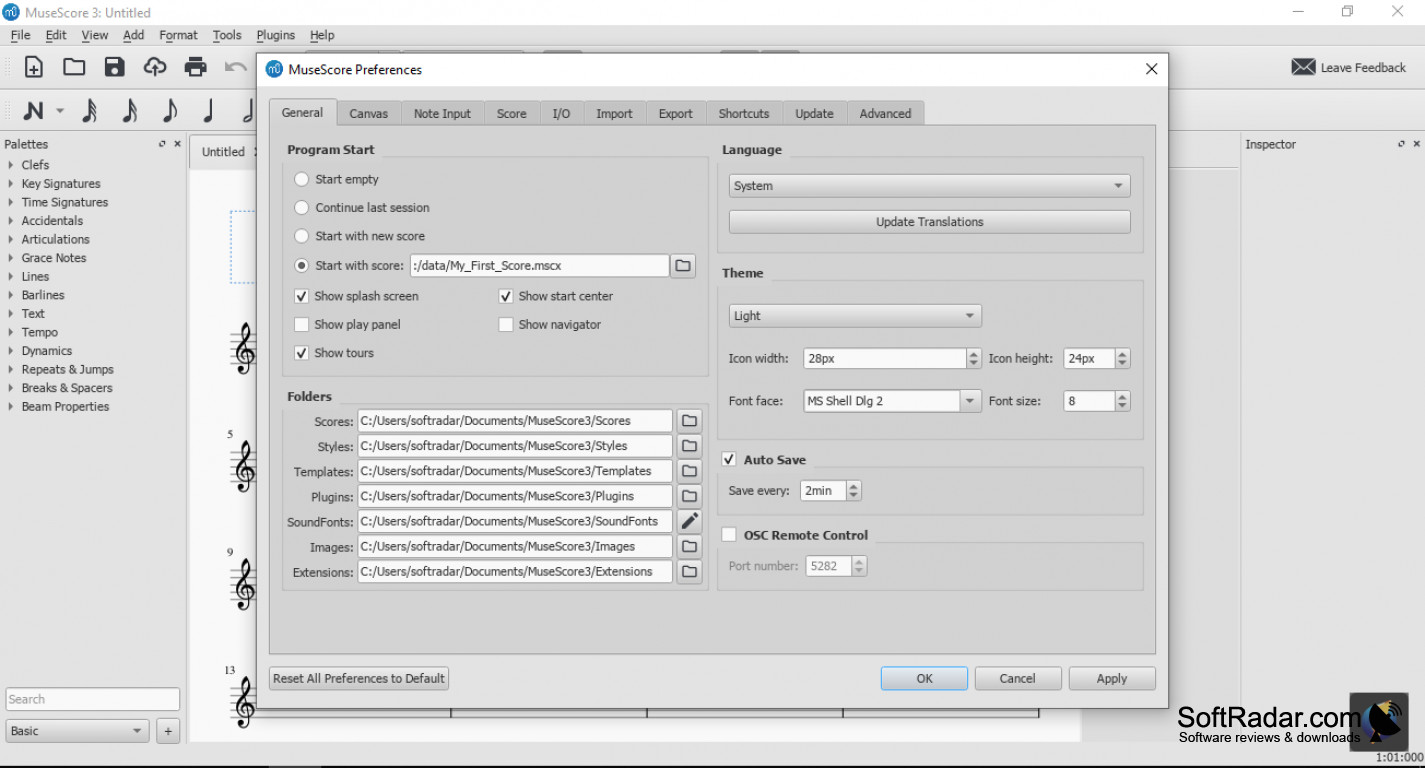
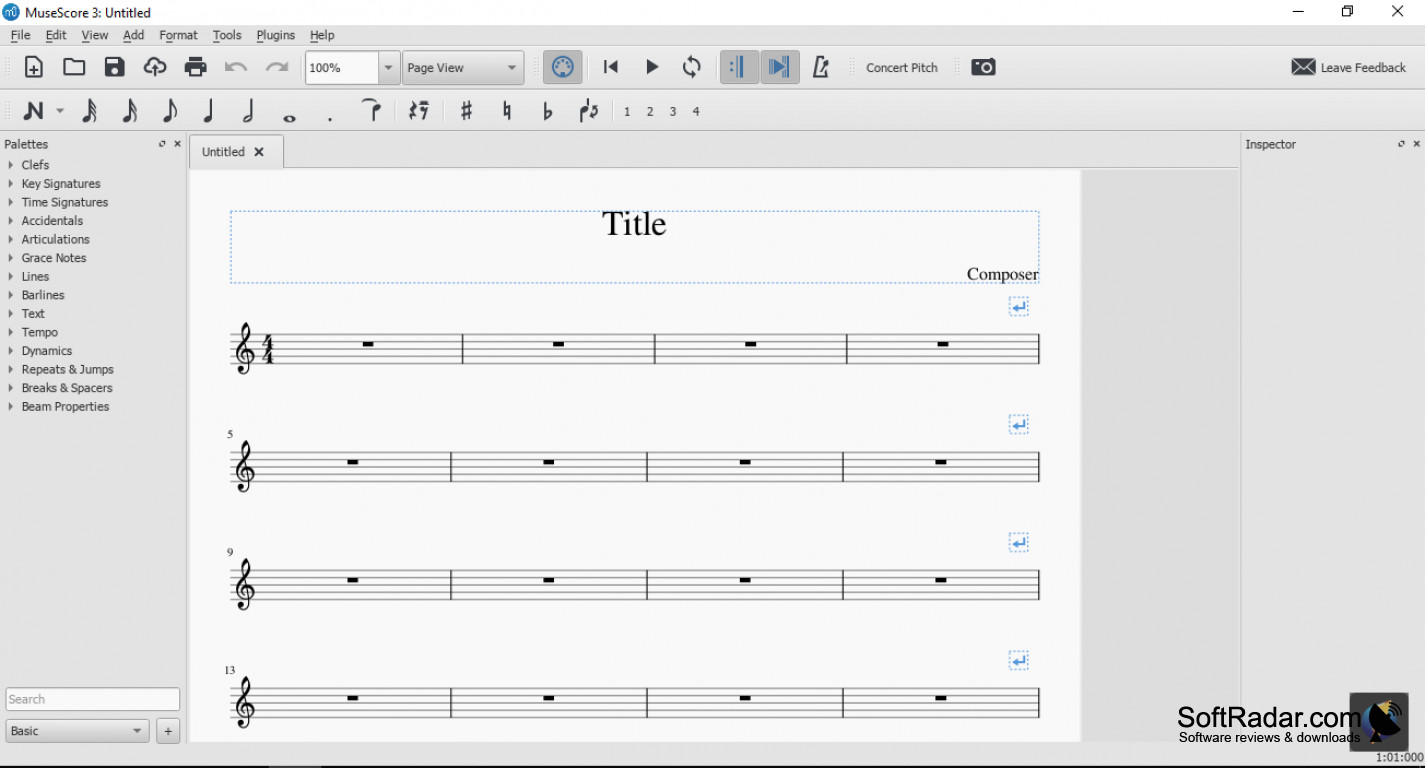
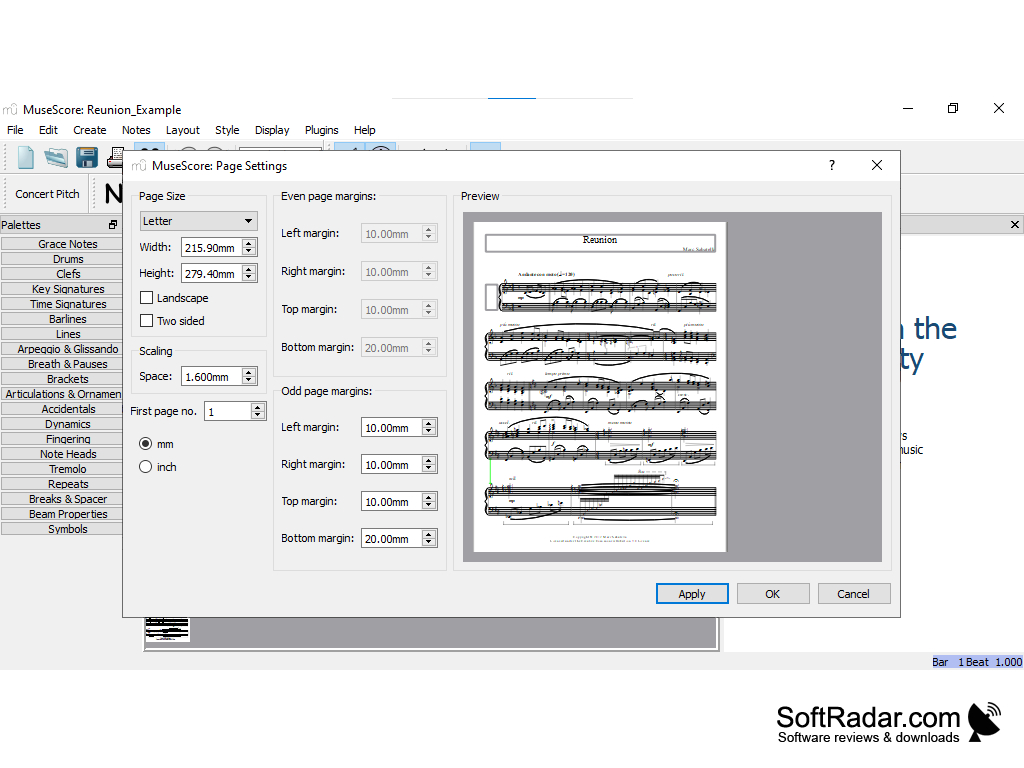
MuseScore is a notation program for writing music for a lot of different types of musical instruments, including piano, guitar, orchestra, band, choir and even jazz ensembles. You can enter notes with the mouse, the computer keyboard or a MIDI keyboard, and the score is laid out automatically as you write. The current releases are named MuseScore Studio. It's easy to start with: new scores are created with a wizard where you choose the instruments, key, time signature and tempo. Each instrument has its own staff type, range and playback sound, and you can combine them into any ensemble. It's a good choice for someone who needs to write songs, arrangements, lead sheets or parts for their specific area of usage. You can virtually write music for anything you need on this software, and for a free program the range of notation it covers is incredible: palettes hold clefs, key and time signatures, articulations, dynamics, lines and many other symbols. It's also free, with no price point whatsoever, so you can download it and start using it right away without having to worry about payment. It's also open source under the GPL license, meaning the source code is public and the program is developed by the MuseScore team together with community contributors. You can import and export MusicXML and MIDI files, so you can transfer scores to and from other notation programs, and you can export PDF, audio and image files as well. Playback uses the built-in sounds or the free Muse Sounds libraries available through Muse Hub.
Features:
- Free
- Open source
- Unlimited score length and number of staves.
- Professional engraving and automatic layout
MuseScore allows users to effortlessly compose music for a wide range of instruments, offering an intuitive, open-source platform entirely for free.
In conclusion, if you want an open-source music notation program, MuseScore is a strong choice because it's free, intuitive once you learn the basic note input, and suitable for students, teachers, composers and arrangers. Scores can also be shared on musescore.com, and MuseScore runs on Windows, macOS and Linux, so you can move your files between computers.
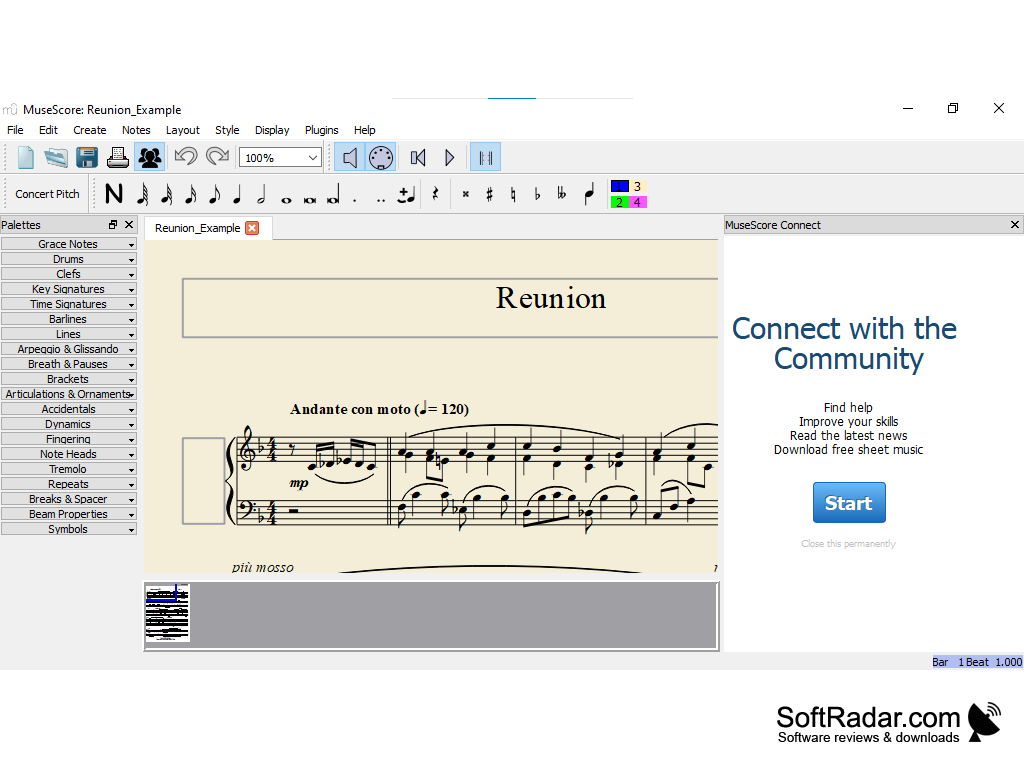
Muse Hub for the optional Muse Sounds libraries
PROS
Supports a wide range of musical notation options.
Easily exports to MIDI, PDF, and other popular formats.
CONS
Muse Sounds libraries are large downloads.
Some online score library features need a paid plan.


