
PassFab for PDF
PassFab for PDF helps Windows users recover forgotten passwords for PDF documents, with several ways to search when a protected file cannot be opened.
Operating system: Windows
Publisher: PassFab
Release: PassFab for PDF 8.3.5
Antivirus check: VirusTotal report
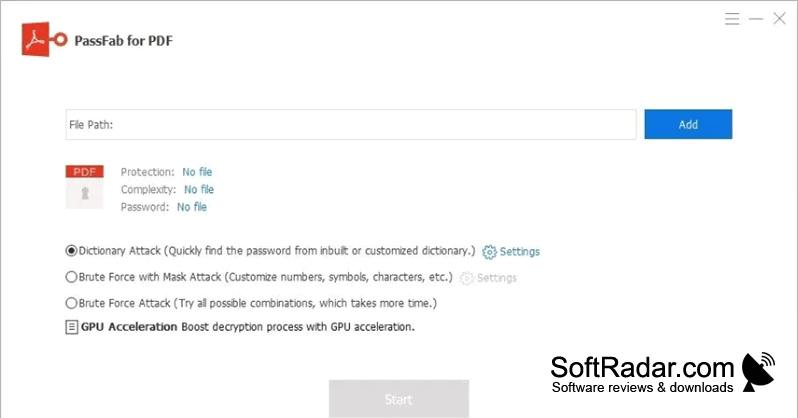
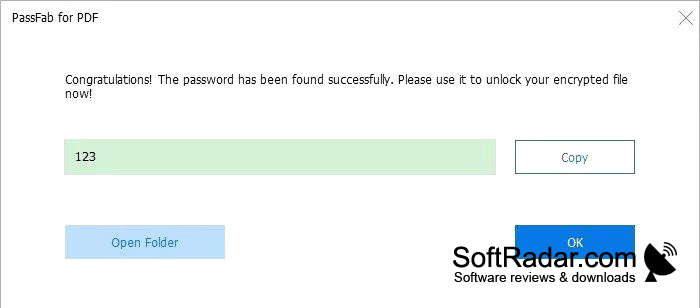
PassFab for PDF helps Windows users regain access to PDF documents when they no longer know the password. It is intended for people working with their own protected files, such as archived paperwork or documents they need to review again. The program searches for the password needed to open a file rather than editing the document itself.
Choose a search approach based on what you remember about a PDF password and track the results as it runs.
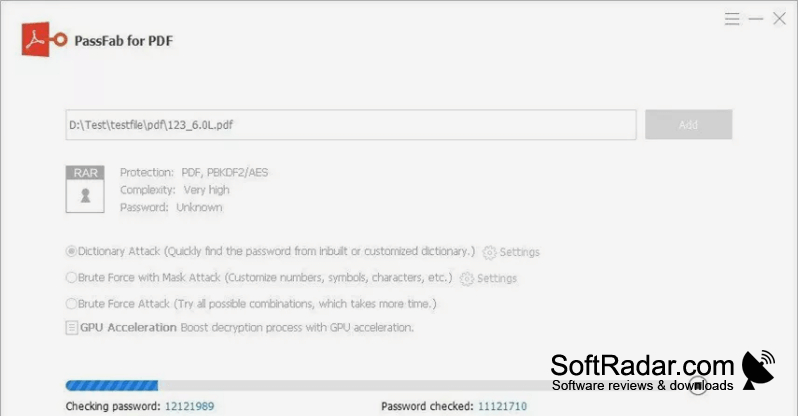
After adding a PDF, users can search a list of likely words, narrow the possibilities with remembered password details, or test character combinations more broadly. The program reports elapsed time and the number of attempts made. It can use compatible Nvidia or AMD graphics hardware during a search, and users can pause the process and continue it later.
Features:
- Searches passwords using a custom word list
- Narrows guesses using known password details
- Tests a broad range of character combinations
- Uses compatible Nvidia and AMD graphics cards
- Displays elapsed time and attempts made
- Pauses and resumes password searches
NVIDIA or AMD GPU for acceleration
PROS
Uses supported graphics cards to accelerate password searches.
CONS