
Photodex ProShow
An easy to use, versatile slideshow creation program for Windows from Photodex, for professionals and beginners alike.
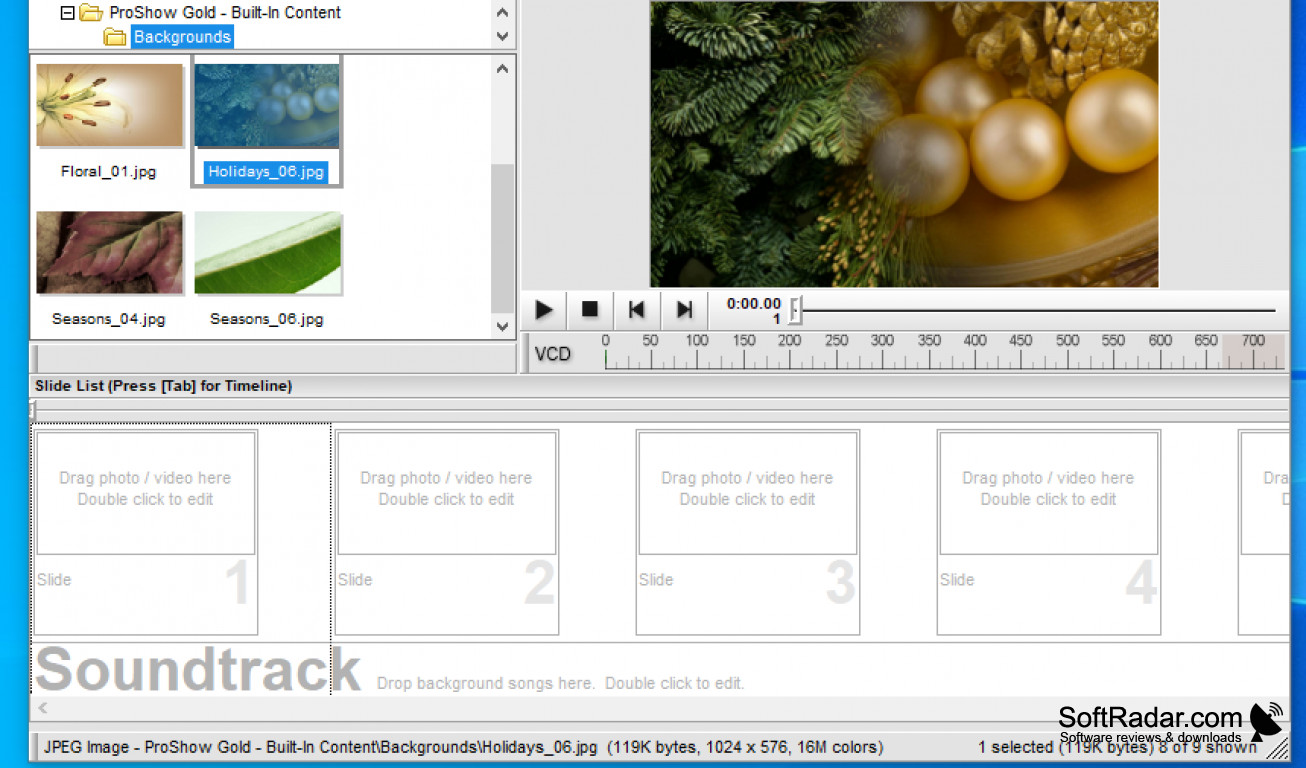
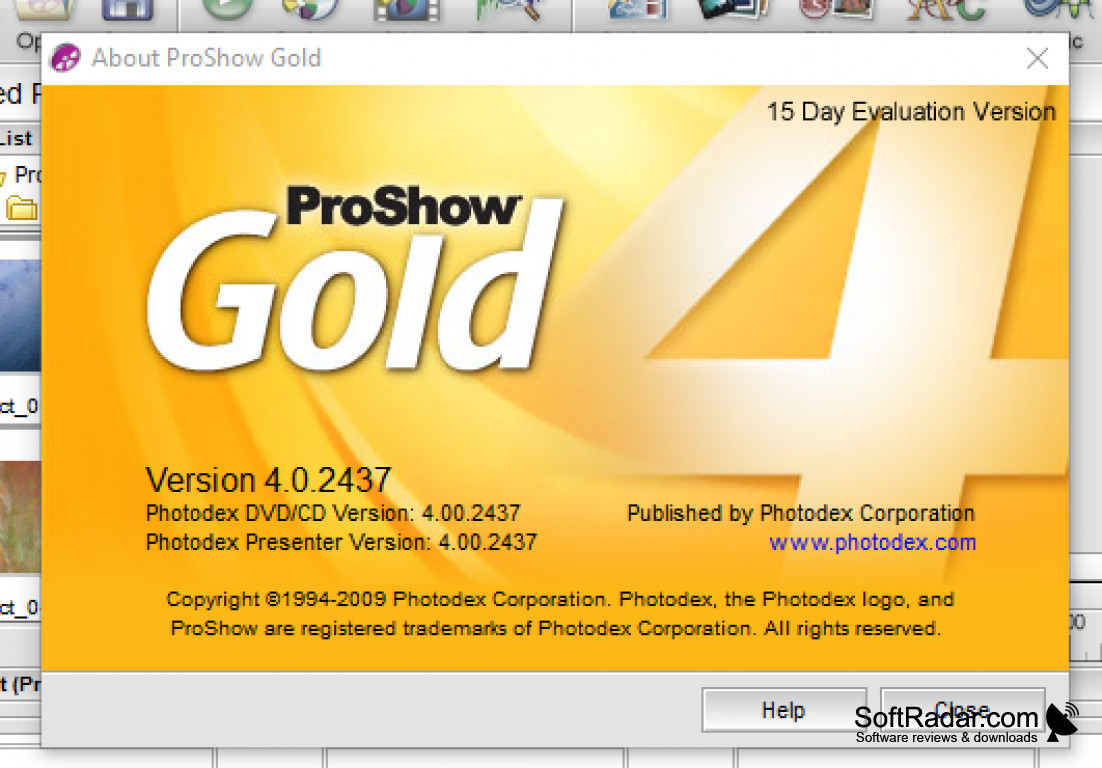
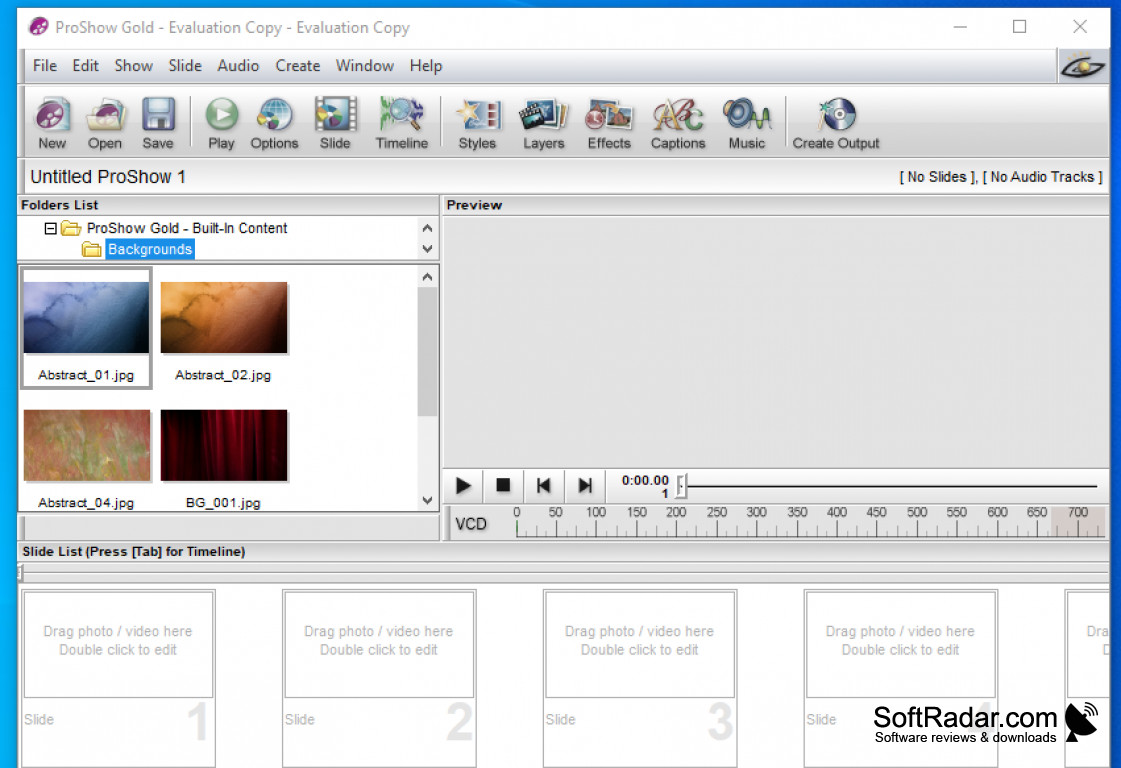
ProShow Gold is the consumer edition of the ProShow slideshow software from Photodex, a company from Austin, Texas that made photo software for more than 30 years. The program is easy to use and has been equipped with tools and features to give you professional-looking slideshows while having full control over the final product. A wizard can build a complete show automatically from your photos, video clips and music, and the built-in help and tutorials will get you started on your project. ProShow Producer was the professional edition with layers, keyframing and masking.
Audio can be edited on the timeline with a visible waveform: you can trim songs, crossfade tracks, set fades and record voiceovers. Hundreds of transitions and slide styles give a seamless flow to tell your story. Motion effects let you pan, zoom and rotate photos in the style of the Ken Burns effect, and the batch edit features make it possible to copy and paste settings from slide to slide. The finished show can be output in many formats: DVD, Blu-ray and CD, video files for computers and devices, self-running executables, and direct uploads to YouTube and Facebook.
Photodex stopped updating ProShow in 2018 and closed on January 31, 2020, so the program is no longer developed or sold. Installed copies keep working, but services that relied on Photodex servers, such as downloadable extras and technical support, ended with the company. Some of the former developers later created a new slideshow program called Photopia.
Creates professional-looking slideshows from photos, videos and music and publishes them to DVD, Blu-ray, video files and the web.
Features:
- Output to DVD, Blu-ray, video files, executables and the web
- Hundreds of built-in transitions, effects and slide styles
- Timeline and waveform editing
- Motion effects and editing tools
- Photo fixes: crop, red-eye removal and color correction
1 GHz processor, 2 GB RAM
3D graphics with 64 MB memory, DirectX 8 or later
1024x768 display, 70 MB of disk space
PROS
Offers extensive editing and customization tools.
Supports a wide range of output formats.
CONS
Limited photo editing tools available.
Windows only; there is no Mac version.