
Portable CPU-Z
Freeware that gathers information on devices
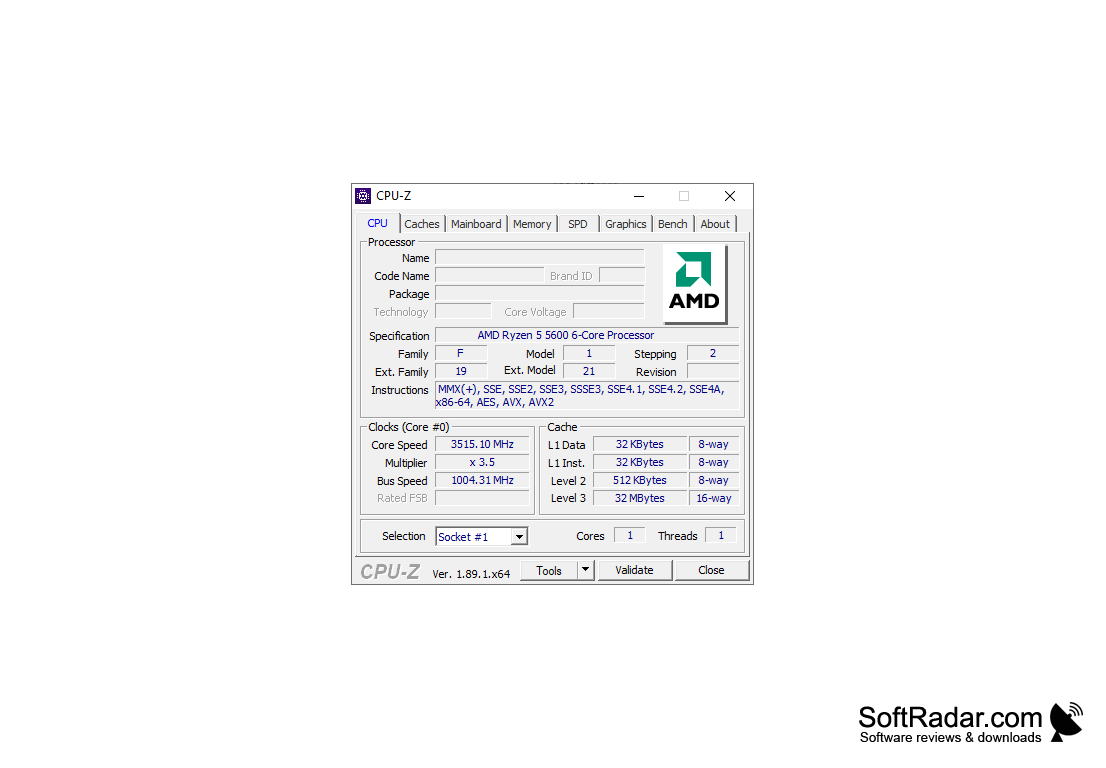
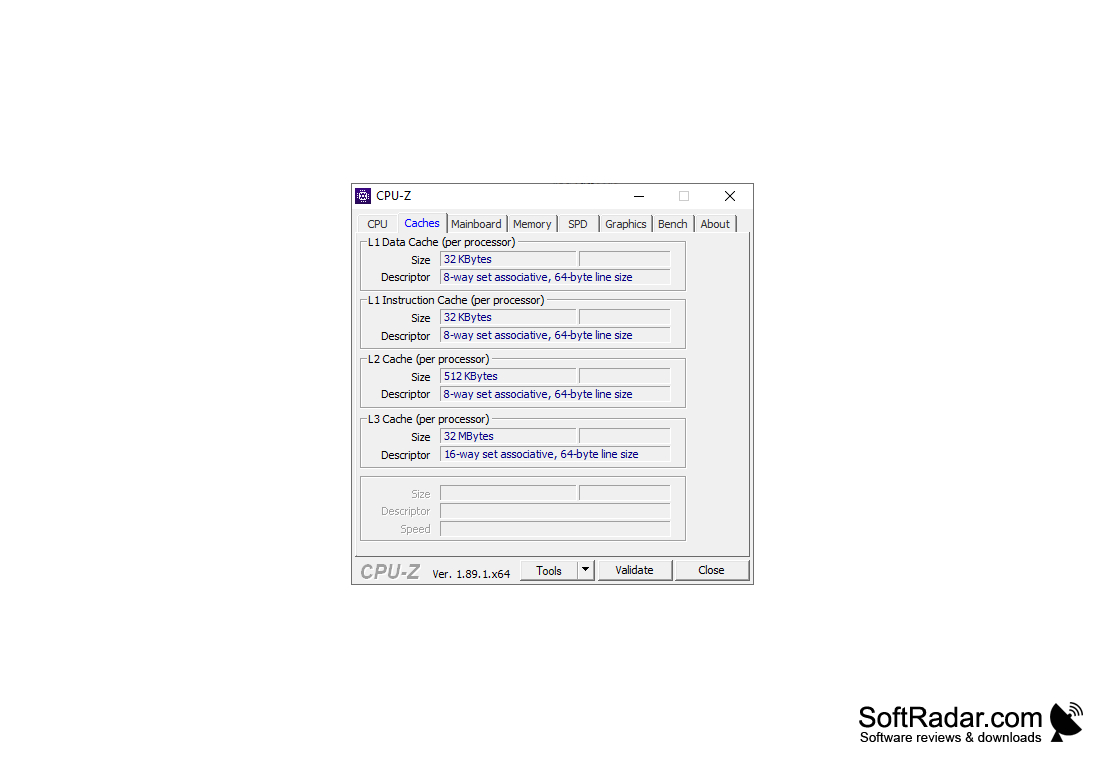
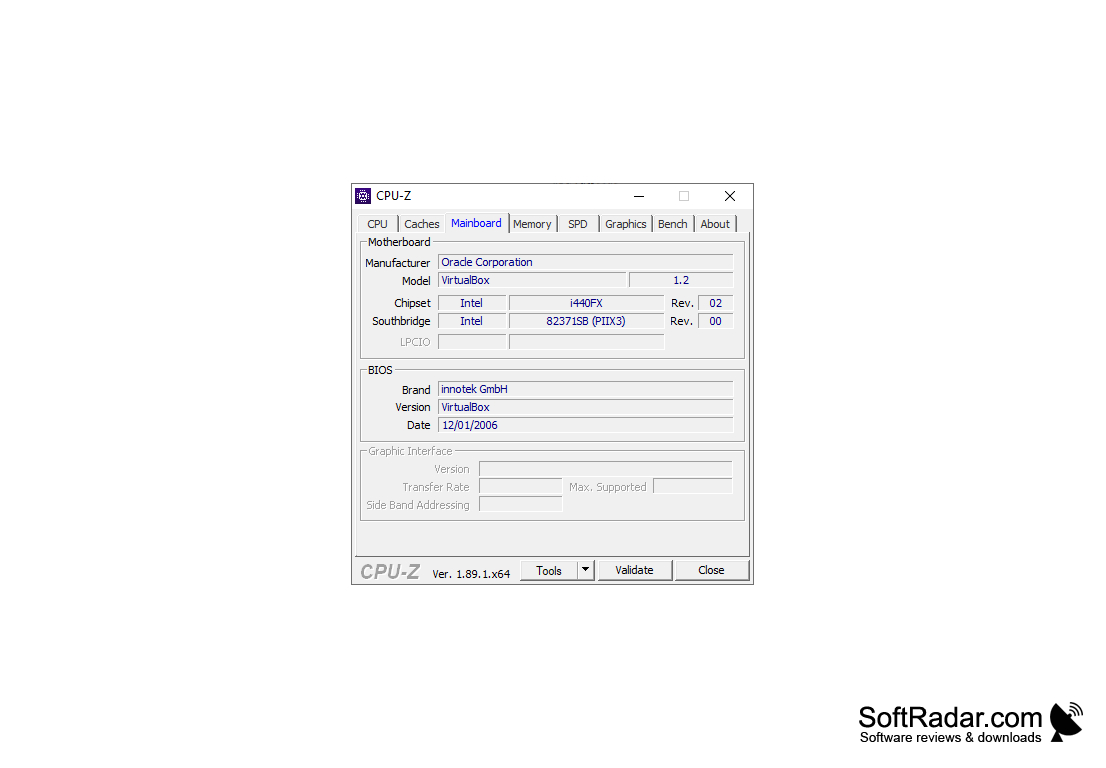
Portable CPU-Z from CPUID developer is a portable version of the most popular CPU-Z program among gamers. The utility helps you to monitor the speed of your PC's internal processes, allowing you to draw conclusions about the total power of your machine.
The application provides a complete report on the processor, motherboard, RAM and graphics item (graphics card or video chip). The CPU tab informs the user about the power supply features of the CPU cores, their frequency and many other features, as well as scans the cache levels. In the Mainboard tab section the user can get comprehensive information about the motherboard: find out the manufacturer's name and model, chipset, BIOS chip version. The rest of the tabs on the menu will help you define the memory strips and graphics card settings.
The obtained results can be generated as a report and exported in TXT or HTML formats for further study.
Portable CPU-Z allows users to comprehensively monitor and assess their PC's internal processing power and speed.
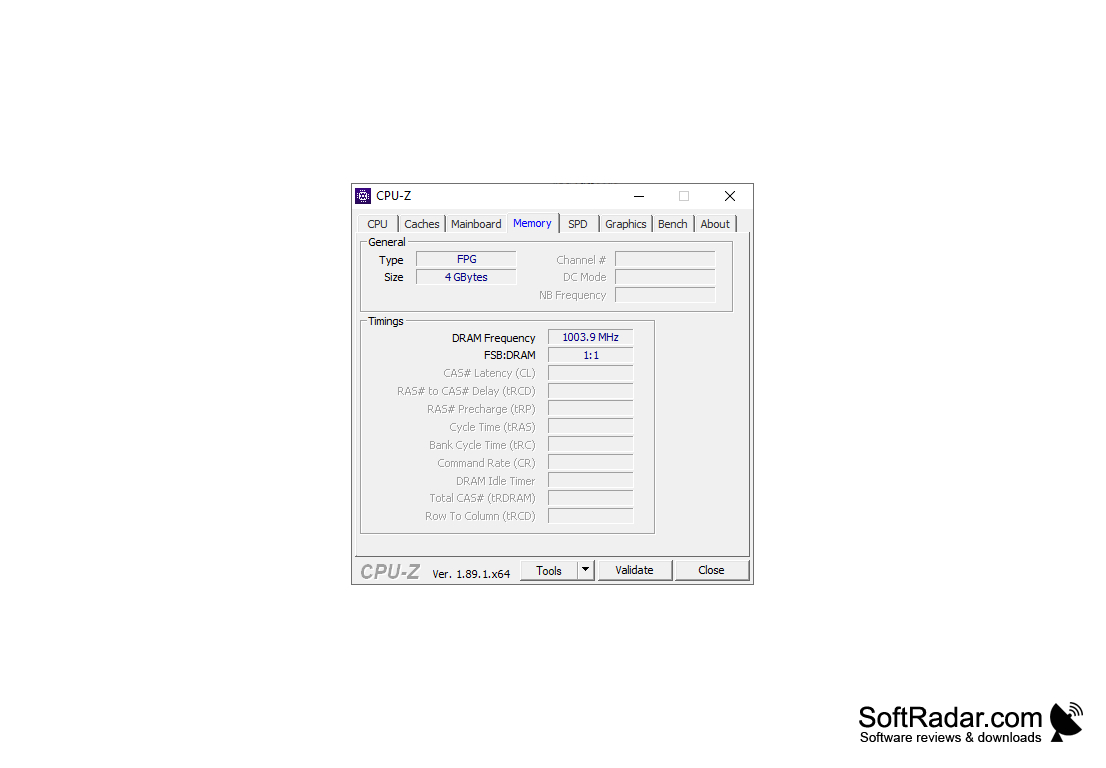
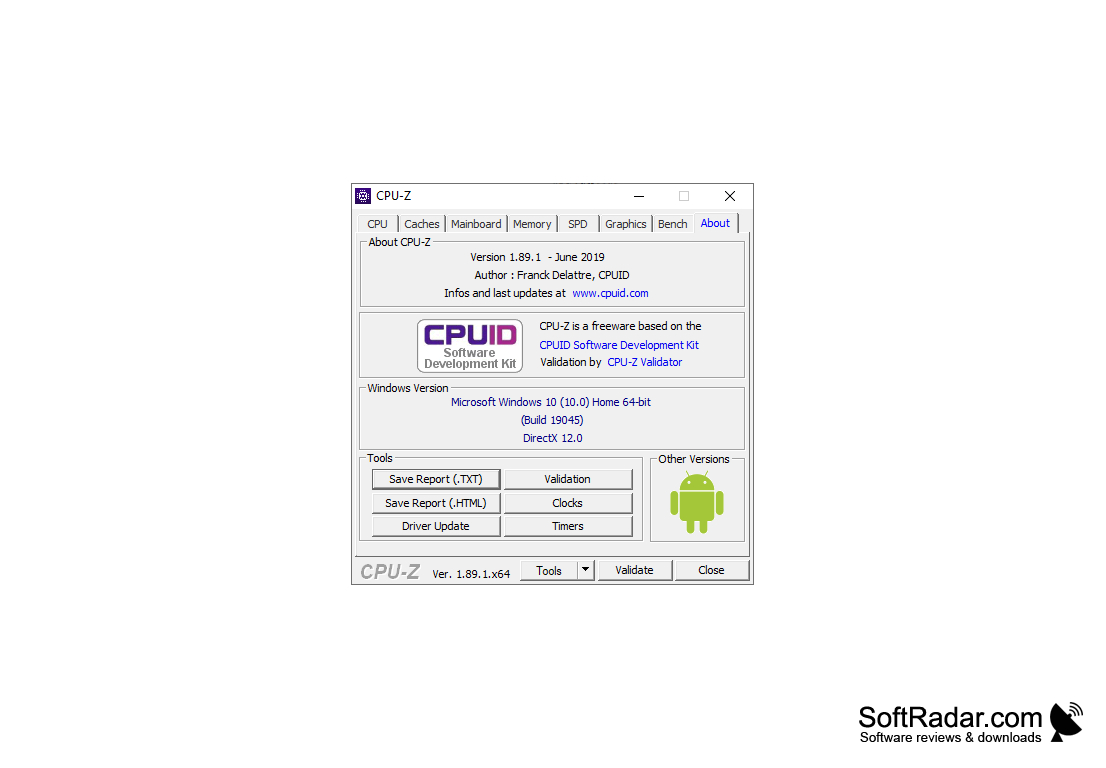
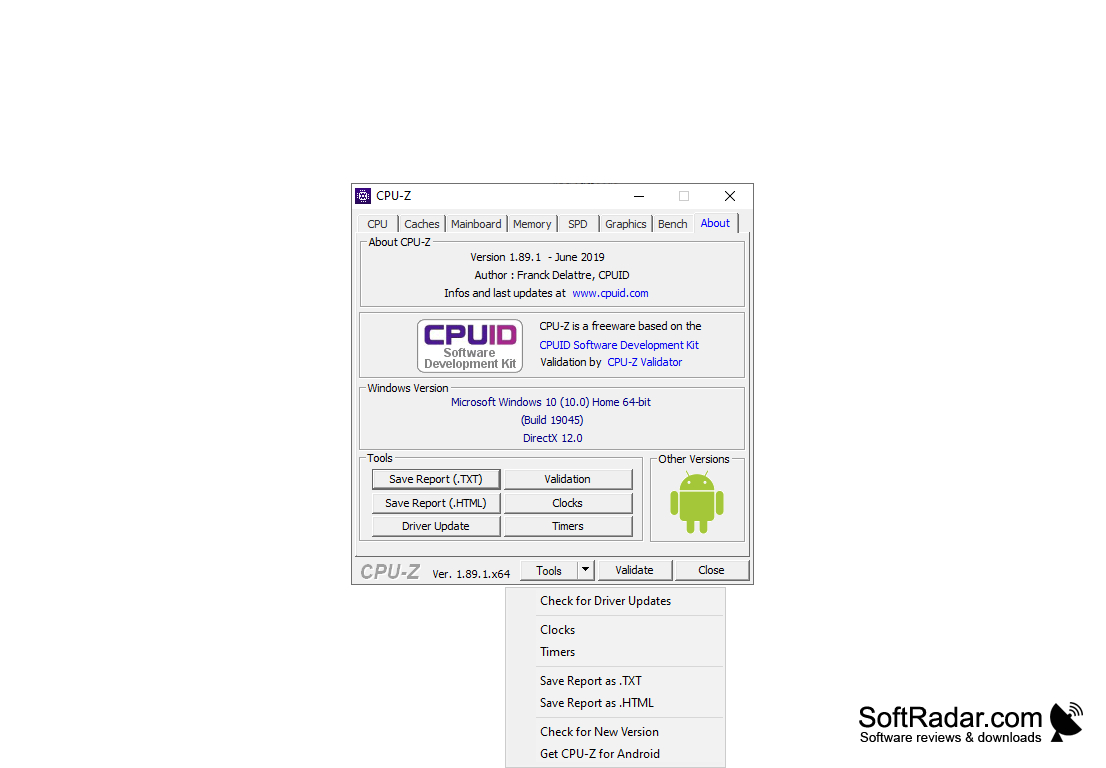
- A useful application for determining the parameters of PC components with the ability to boot from a removable disk;
- Providing information about the cache, motherboard, BIOS, RAM, video card;
- Possibility of forming a report in TXT or HTML formats;
- free download and distribution of the program.
PROS
Provides detailed hardware information quickly.
Lightweight, no installation required.
CONS
Limited functionality compared to other similar tools.
User interface is not intuitive.


