
PSD Viewer
A free program that allows viewing and converting of Adobe Photoshop (PSD) image files without Photoshop
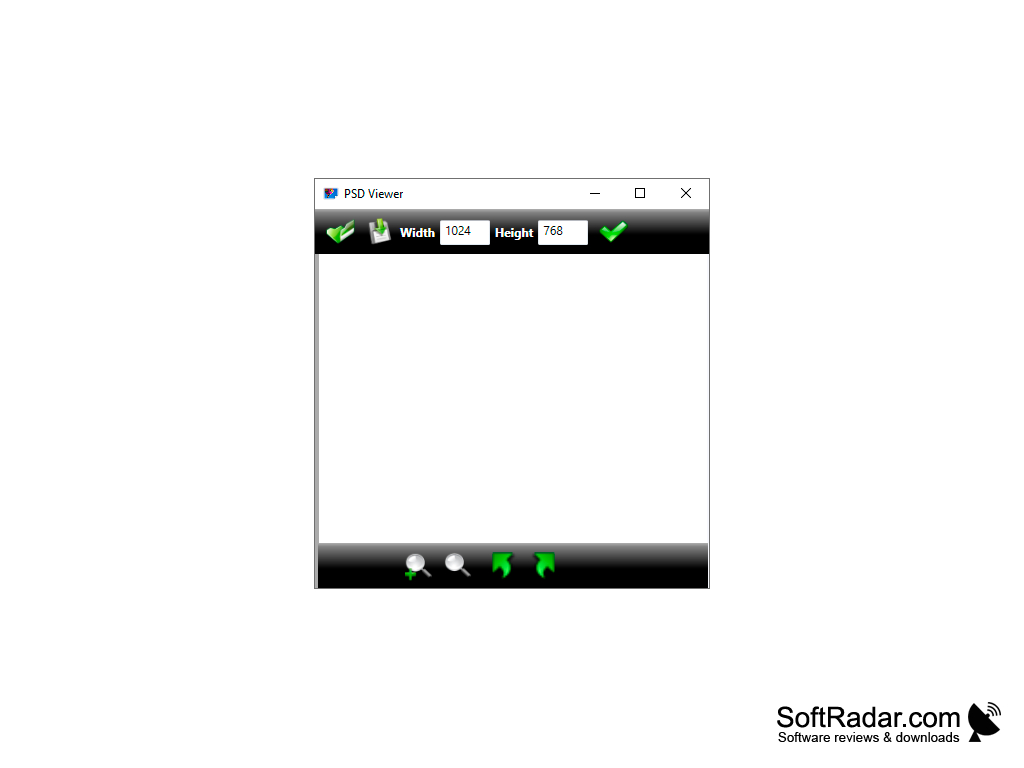
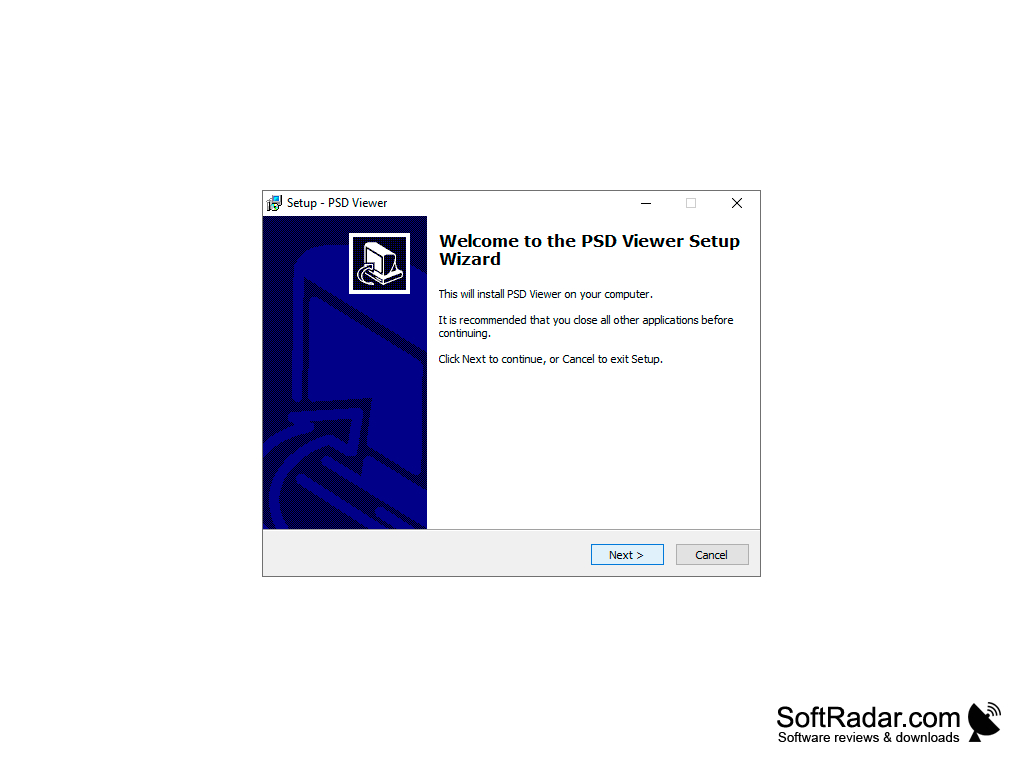
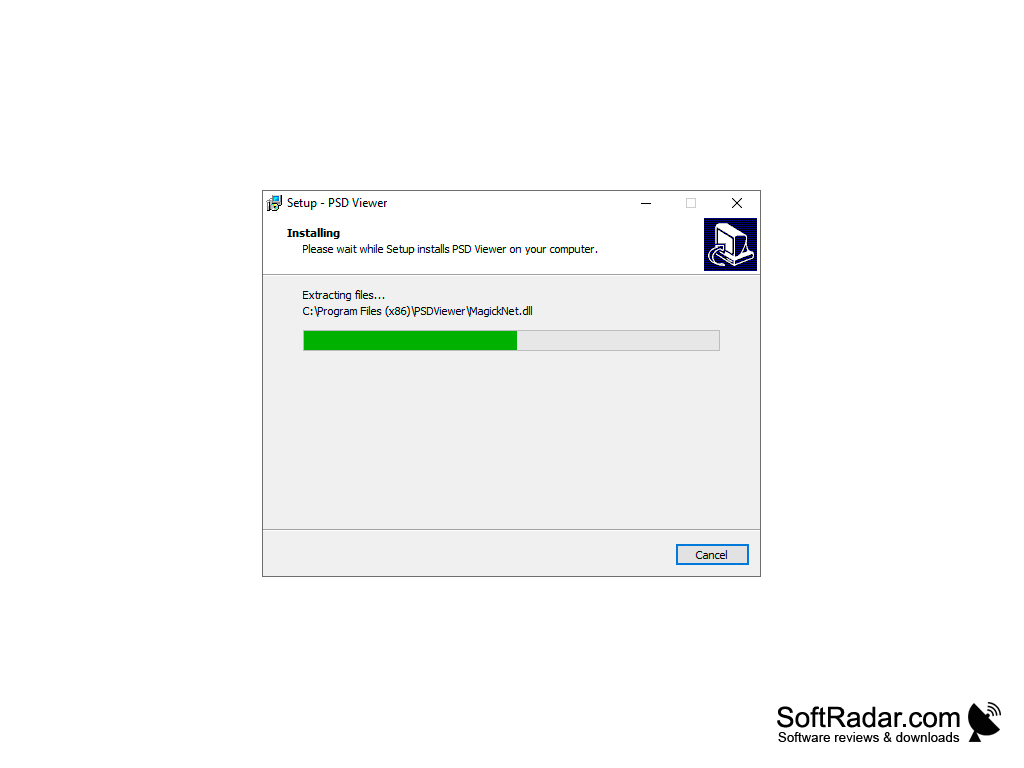
PSD viewer is a program for viewing Adobe Photoshop documents. The program has a very simple interface and has only a few functions. When you start the application, you will immediately see a dialog box for opening files. By opening the desired PSD file, you can perform some operations on it, as well as save the image in other, more common formats. PSD Viewer is freeware and does not require Adobe Photoshop to be installed.
The PSD viewer allows you to change the image size by specifying the width and height of the image. Besides, you can change the scale by using two buttons located at the bottom of the window or the mouse wheel, and move a zoomed image by dragging it. There are also two buttons for rotating the image 90 degrees clockwise and counterclockwise. As mentioned above, the program can work as a converter. When saving files, you can select formats such as JPG, BMP, PNG and GIF. The program runs on the Microsoft .NET Framework 3.5.
PSD Viewer allows quick and simple viewing, resizing, rotating and converting of Adobe Photoshop documents.
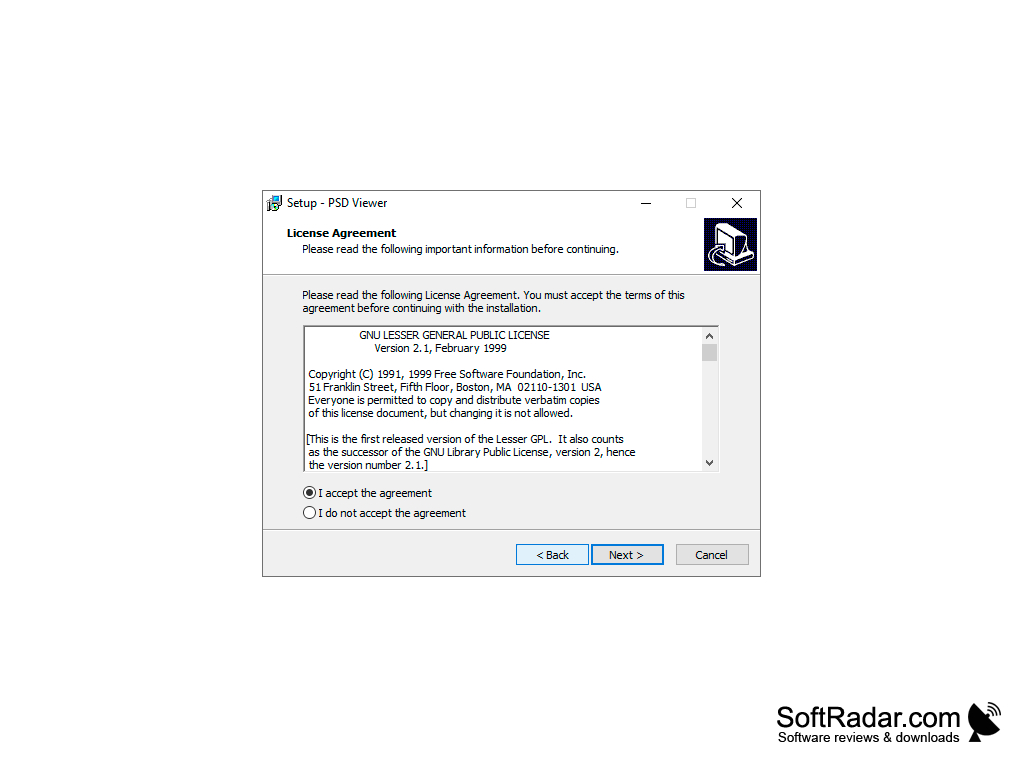
Microsoft .NET Framework 3.5
PROS
User-friendly interface, easy navigation.
Supports multiple image formats for conversion.
CONS
Requires the older .NET Framework runtime.
No support for layers in viewing mode.


