RivaTuner
An open source software used for tuning and debugging NVIDIA GPU based display adapters
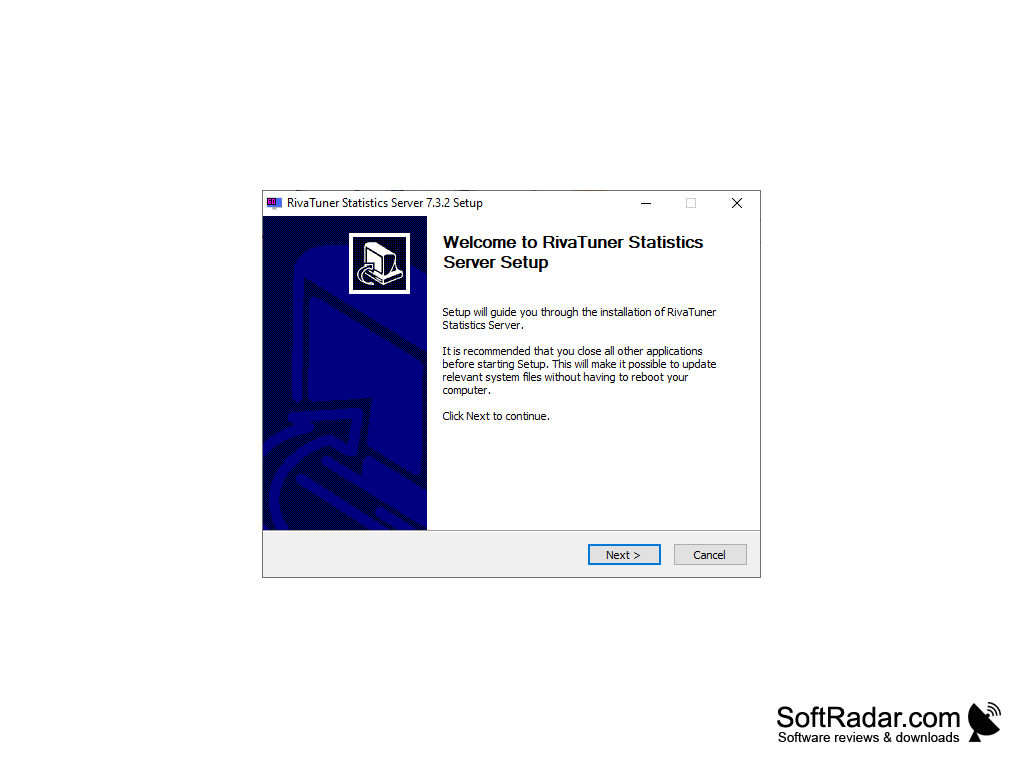


RivaTuner for windows is an open source, free software that is very powerful and provides the means of overclocking, customizing the performance, and fixing any bugs that may be found on your NVIDIA GPU-based display adapters. It provides a vast array of driver-level Direct 3Dand OpenGL options and, along with an impressive selection of tuning options, allows you to access real-time hardware monitoring, diagnostic reports, and a mature profiling system that you can customize to suit your needs.
RivaTuner is an open source software so therefore comes with many of the benefits and issues that open source software bring to the table. As it is open source, it is free, and anyone can have access to it. It allows for other uses to help update and provide new driver-level and even low-level capabilities, making sure it gets better over time. However, as it is open source, it is not being supported by any major publisher, seeing as the last time it was officially patched was back in 2010. Therefore, the software is prone to bugs and hacking and relies a lot on users to patch them out instead.
While RivaTuner is popular mainly for its compatibility with NVIDIA-based adapters, recently, it has started to branch out and provide support for other brands as well, extending its potential customer base. This includes support for ATI RADEON 8500-based adapters as well as support for ATI graphics processors, although to a more limited degree. This means RivaTuner has the potential to be a gamer's best friend as it not only allows for framerate monitoring and editing video characteristics but also gives the option for high-resolution video encoding, which streamers these days will find particularly useful. RivaTuner is compatible with legacy versions of Windows as well, all the way back to Windows 98, including Windows 98 SE.
Features:
- Extensively tune NVIDIA-based display adapters.
- Compatible with all NVIDIA hardware and many ATI graphics processors.
- Has many built-in overclocking utilities such as MSI Afterburner.
- Includes patch script engines and other plug-ins.
- Provides a large selection of customization tools for video editors and streamers alike.
Provides the means to tune NVIDIA GPU based display adapters extensively
NVIDIA or ATI GPU-based display adapter
Access to driver-level Direct3D, OpenGL options
PROS
Supports customizable on-screen display for real-time information.
Free to use with consistent updates and improvements.
CONS
Occasional compatibility issues with newer graphics cards.
Potential risk of hardware damage if used improperly.