
Screenpresso 2.3.8
by LEARNPULSE SAS
A screen capture tool for PC with on-screen effects
Video creators and screen-capture users benefit from Screenpresso 2.3.8, which adds subtitle and transcript generation with language selection, subtitle playback controls, and a tool to renumber annotations; it also reduces recorded video file sizes and fixes several recording problems. Screenpresso captures screenshots and videos, with tools to annotate images, manage captures, and edit and share recordings.
Operating system: Windows
Publisher: LEARNPULSE SAS
Version: 2.3.8 (checksum)
Antivirus check: VirusTotal report
What's new in Screenpresso 2.3.8:
- Refreshed the integrated video player
- Updated button and sharing-icon designs for a more consistent look
- Improved guidance for continuing subtitle creation after an interruption
- Made subtitle dialogs resizable and more legible with enlarged display text
- Resolved recording hangs caused by an enabled watermark
- Corrected the width of the Subtitles control on displays with enlarged text and icons
- Fixed recording startup issues when no microphone was available
- Reduced the size of recorded video files
- Added subtitle and transcript generation to the video player's Subtitles menu, with language selection and progress updates
- Improved keyboard-shortcut response for region captures and the color picker
- Fixed unsuccessful video exports being marked as successful; an error is now shown and the source remains in the workspace
- Fixed launch failures in the ARM Windows app package
- Corrected capture highlighting near display edges
- Corrected distorted audio in recordings
- Resolved a startup crash affecting some older Windows releases
- Fixed guidance for inaccessible folders being clipped with enlarged text
- Added Renumber for quickly changing the order of numbered annotations
- Fixed scrolling captures that failed on certain computers
- Added playback controls for displaying or hiding subtitles
- Sped up blur and drawing operations
- Fixed closing the player without edits from potentially removing the source video
- Added a bug-report sending button to Settings
- Fixed undersized controls for copying, opening, and removing shared links on displays with enlarged text and icons
- Adjusted recording smoothness according to the computer's performance capacity
- Placed sorting and workspace preferences in the workspace menu
- Fixed errors when inserting clipboard images
- Removed automatic cleanup and capture-count caps; workspace items remain until deleted
- Restored keyboard focus to the prior application after cancelling a screenshot or color-picker action
- Kept recordings going if an audio device or display was disconnected
- Fixed the subtitle editor choosing the first caption rather than the caption at the paused playback position
- Accelerated the first region capture after launch, waking from sleep, or extended inactivity
- Showed the player window immediately instead of waiting for the video to load
- Reduced save completion time for demanding recordings
- Improved visibility of the text cursor in recordings on displays using enlarged text and icons
- Improved microphone and webcam device selection reliability
- Changed the video player's Convert command to Apply
- Restored buttons missing from scrolling capture
- Improved recovery of interrupted recordings to keep image and sound synchronized
- Improved filename readability
- Changed Copy and Exit to place both the image and its file location on the clipboard
- Fixed recording issues with capture regions close to screen edges
- Fixed Page Down so it advances to the next image rather than opening image properties
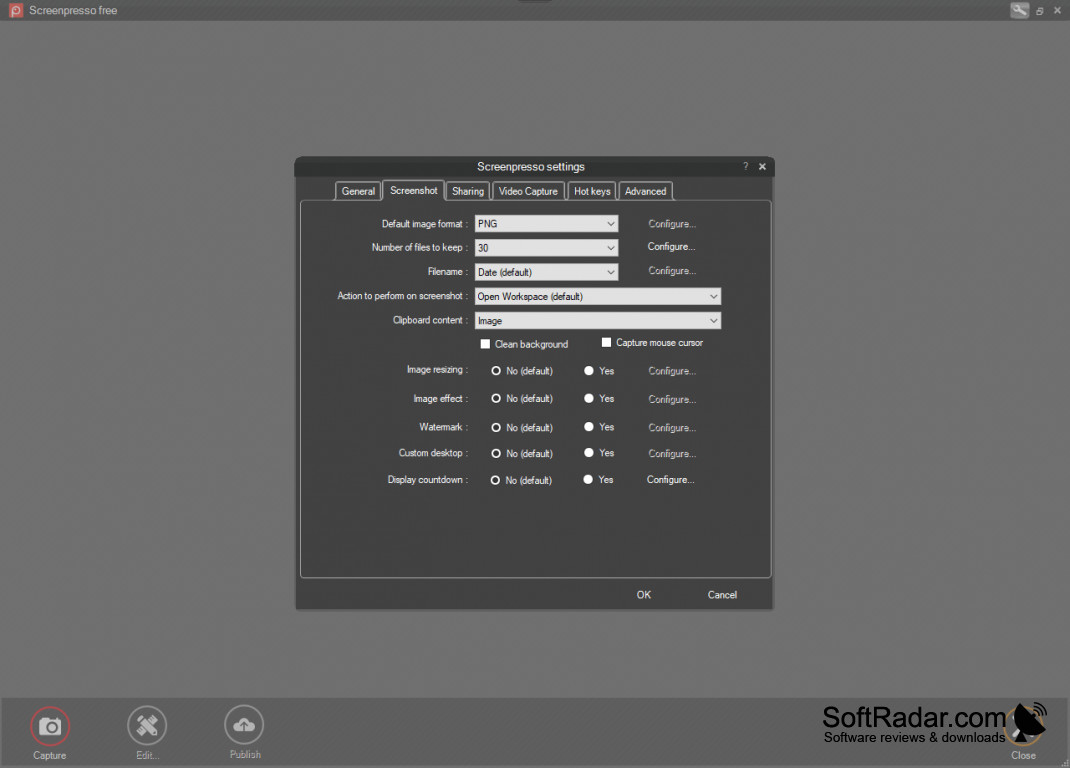
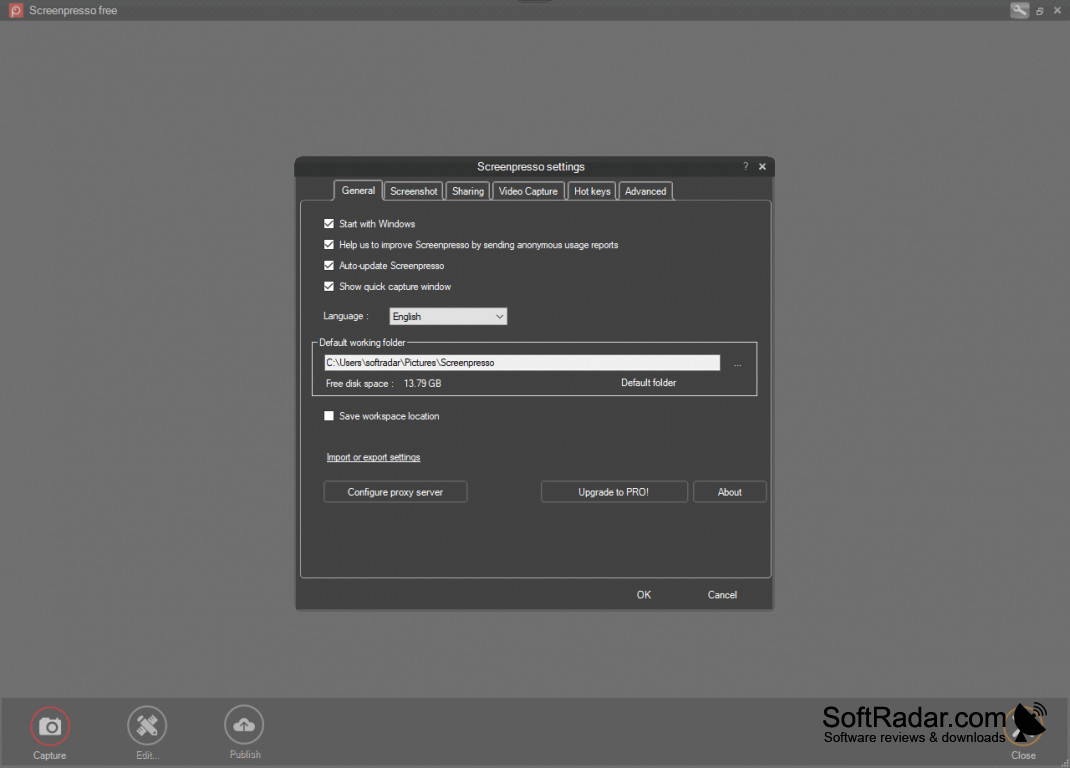
- Reorganized General, screenshot, and video preferences
- Added selection for multiple objects, with tools to align them and distribute spacing evenly
- Fixed capture previews that did not appear
- Redesigned the capture countdown so the mouse can still be used during the countdown
- Corrected selection handles that vanished or appeared unexpectedly
- Added an editor for changing subtitle wording and timing while viewing the video
- Added independent volume adjustment for microphone and computer audio
- Fixed workspace filenames wrapping onto extra lines with enlarged text and icons
- Added French translations for subtitle creation and editing
- Added optional diagnostic-data sharing for troubleshooting; it is disabled by default
- Added Advanced settings controls for inspecting and changing the last screenshot area's position and dimensions
- Stored generated and modified subtitles in MP4 files and retained a separate editable subtitle file
- Fixed empty, unplayable videos produced by Exact resizing with black bars added to match the target dimensions
- Fixed subtitle creation stalling during upload preparation after the usage limit was reached
- Organized sharing history by date, with quick options to copy, open, or remove shared links
- Fixed audio lag during demanding recordings, including large capture areas at high quality
- Fixed the player failing to launch when Screenpresso was run without installation
- Added settings reset while retaining the license
- Resolved recording startup failures on Windows 10 and earlier Windows 11 releases
- Removed leftover files from earlier player versions to reduce disk usage after updates
- Corrected problems in recordings made with the graphics card
- Added a connection test in General settings to assist with Internet access issues
- Shortened recording startup time
- Simplified video quality settings and introduced Ultra for sharper images and larger files
- Preserved recordings for saving when their preview could not be opened
- Added date-based filters for locating newer or older captures
- Updated components used to produce documents from captures
- Improved audibility of quiet voices
- Fixed missing prices and currency signs in the Upgrade to PRO dialog on some computers
- Updated the installer with a cleaner design and more readable wording
- Clarified warnings about conflicts involving Logi Options+
- Improved trimming with movable handles and labels indicating the portions to remove
- Added Stop waiting for recordings that take an unusually long time to save
- Replaced inaccurate reinstall guidance with a clearer notice when the standalone player cannot run on ARM computers
- Set the webcam preview to appear as a circle in the lower-right corner by default
- Fixed bug-report submission when Screenpresso runs without installation
- Fixed Access denied startup errors when the workspace was in a hidden or system-marked folder
- Fixed crowded text and overlapping controls in the connection-test dialog with enlarged text
- Moved subtitle creation into the video player, allowing subtitles to be added after recording
- Improved recording across multiple displays
- Improved the smoothness of capture browsing
- Updated the recording toolbar's appearance
- Replaced AVI recording with MP4 output
- Displayed a Saved notice after exporting a video frame as an image
- Improved resizing of the quick-view window
- Made the workspaces panel open and close faster
- Kept the selected output dimensions when playback speed changed with Exact resizing
- Added another recording method for computers unable to launch the standard method
- Simplified the license step: selecting Install now accepts the terms and begins setup
- Removed the additional video-pack download previously required for playback
Screenpresso 1.0.2
(2.32 MB)
Screenpresso 1.3.2
(8.37 MB)
Screenpresso 1.3.3
(7.48 MB)
Screenpresso 1.3.5
(7.5 MB)
Screenpresso 1.3.6
(7.69 MB)
Screenpresso 1.3.7
(7.56 MB)
Screenpresso 1.3.8
(9.45 MB)
Screenpresso 1.4.0
(9.75 MB)
Screenpresso 1.4.2
(8.25 MB)
Screenpresso 1.4.3
(8.25 MB)
Screenpresso 1.5.0
(9.81 MB)
Screenpresso 1.5.3
(10.49 MB)
Screenpresso 1.5.4
(10.73 MB)
Screenpresso 1.5.5
(10.74 MB)
Screenpresso 1.6.0
(11.74 MB)
Screenpresso 1.6.2
(11.78 MB)
Screenpresso 1.6.4
(11.8 MB)
Screenpresso 1.7.6.0
(11.79 MB)
Screenpresso 2.3.7
(50.89 MB)
Screenpresso 2.3.7.0
(50.89 MB)
Screenpresso 2.3.8
(123.46 MB)
Screenpresso 2.3.8.0
(123.46 MB)