Simple Port Forwarding
A program that automatically changes the IP setting to static, avoiding broken forwarded ports, while enabling a functioning DHCP
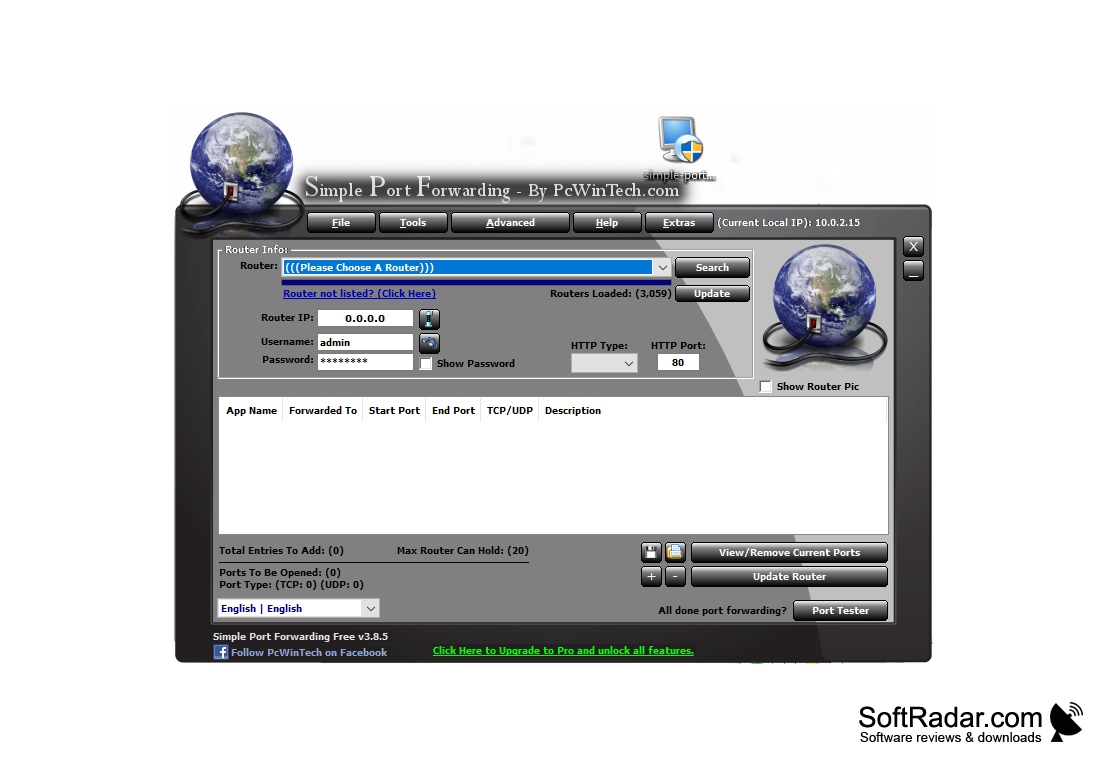
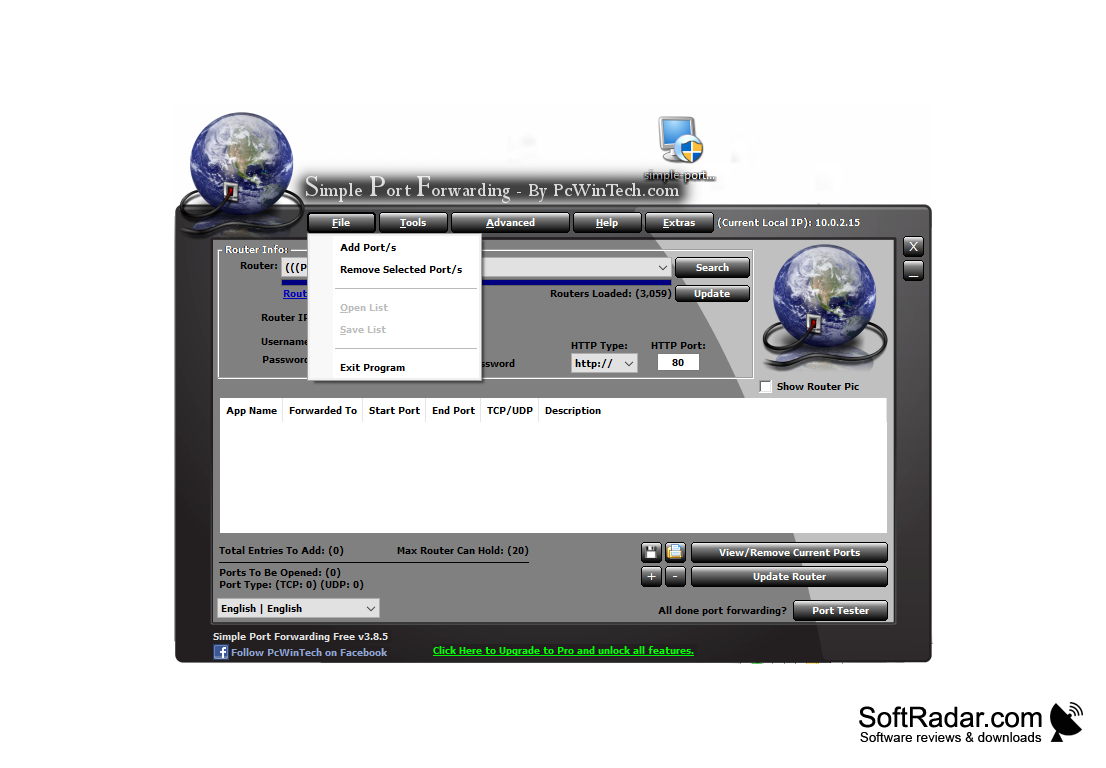
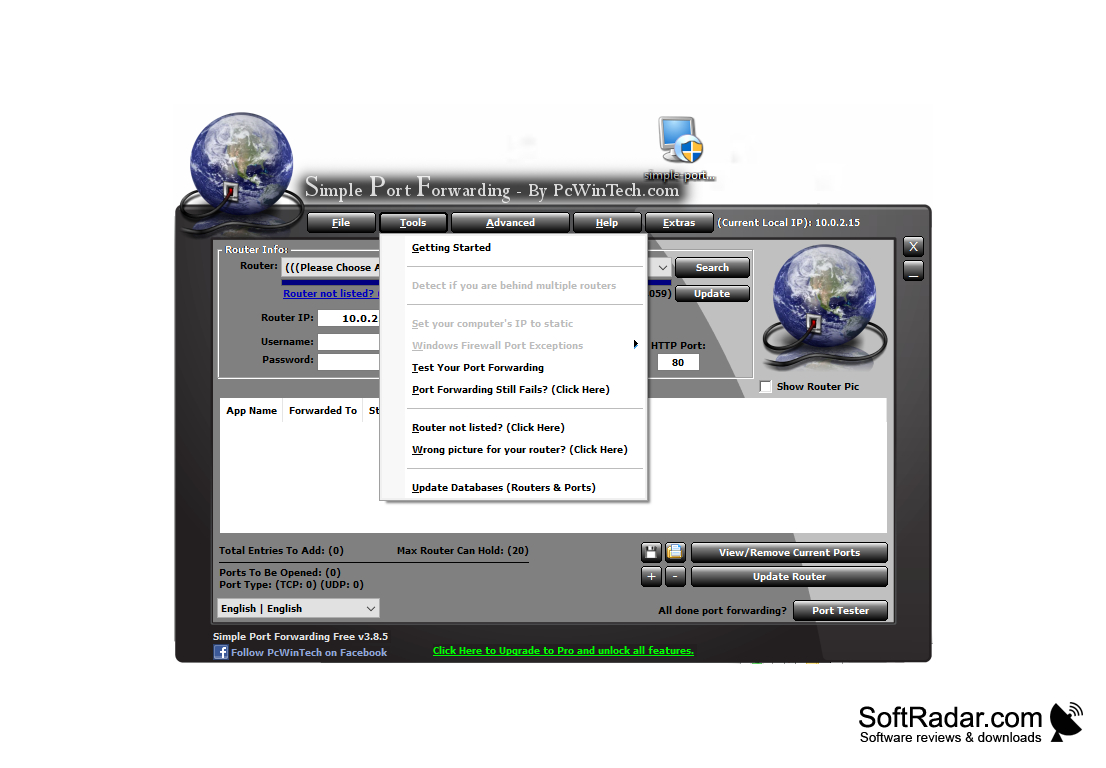
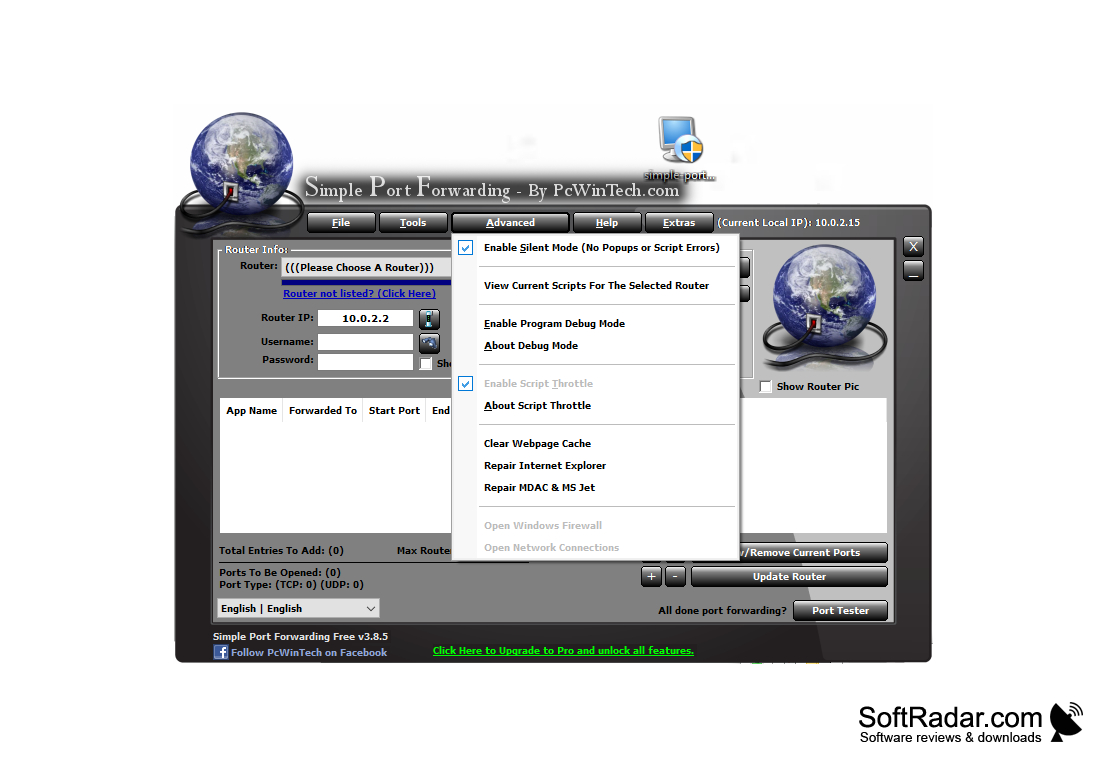
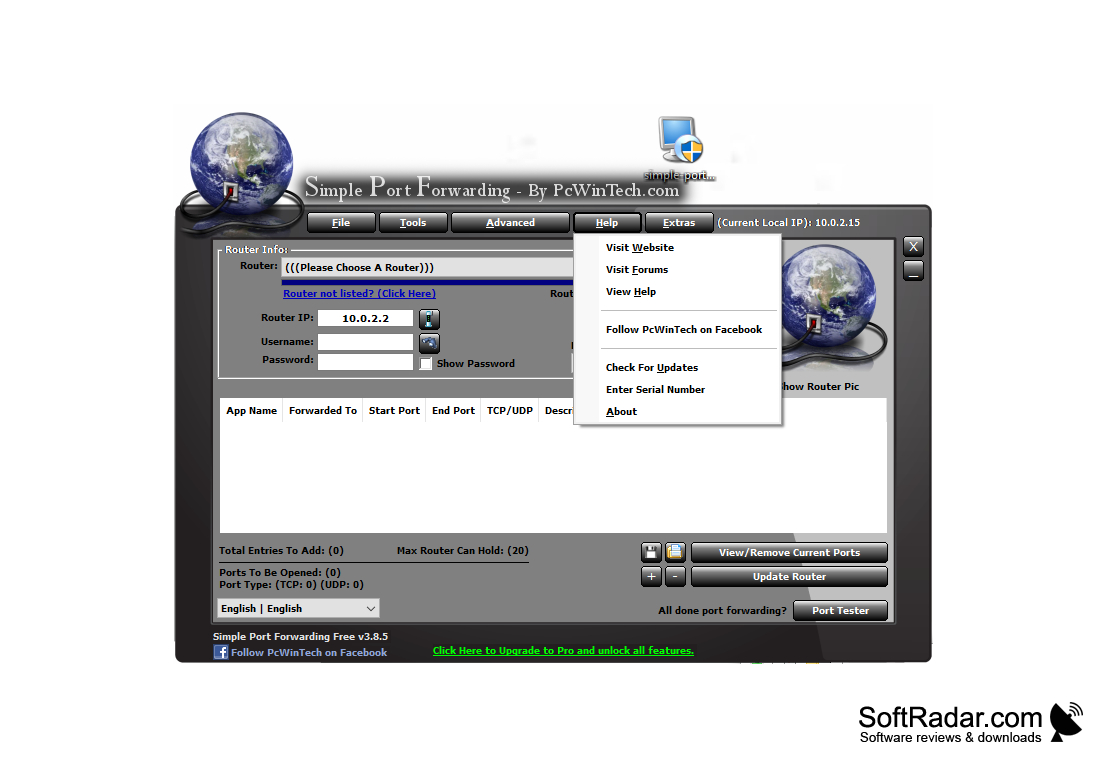
Simple Port Forwarding is a program designed to quickly and easily add ports to your router/modem. It automates the adding process and does everything for you. The main program window is compact and not clogged with unnecessary details.
Simple Port Forwarding only adds new ports and does not modify or delete existing ones. However, the program can help the user to remove/modify the ports using the 'View/Remove Current Ports' option.
Note: Some routers do not "like" the way the software sends username and password. Simple Port Forwarding sends them as part of a web address, e.g. [email protected]. Some routers do not accept this and do not load the page. In this case, remove the user name and password from the program, and the router will then ask for them.
Simple Port Forwarding streamlines the process of adding ports to your router/modem by automating the task, saving you time and effort.
- Internet connection required for router access
- Admin access to router/modem for changes
- Enabled JavaScript in web browser
PROS
Supports a large selection of routers and protocols.
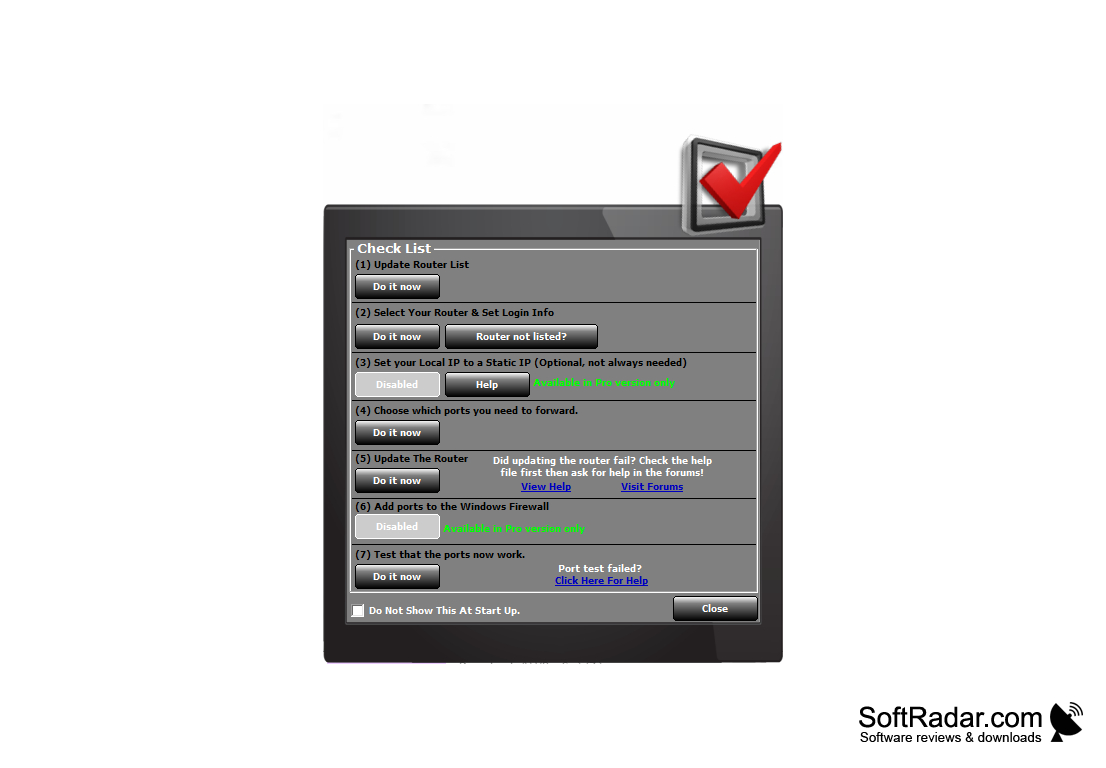
Helpful wizard for beginners starting with port forwarding.
CONS
Requires basic understanding of port forwarding.
Occasional glitches with preset options.


