
SpeedOut
SpeedOut is a small portable tool that measures the reading and writing speed of USB flash drives and external hard drives.
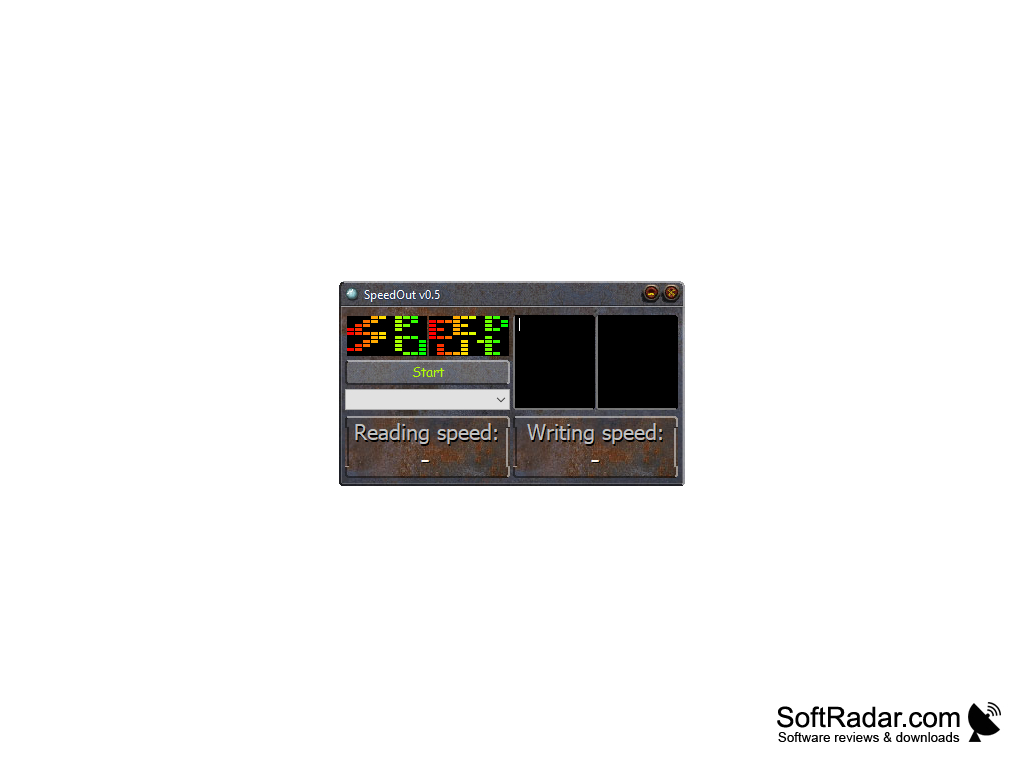
SpeedOut is a small freeware utility for measuring the reading and writing speed of USB flash drives and external hard drives. It was created by the developer MBentefor and helps you check how fast a removable drive really is, compare several flash drives with each other or verify the speed promised on the package. The tool is aimed at home users who want a quick answer without studying the long result tables of advanced disk benchmarks.
Features
• Read and Write Test: SpeedOut measures both the reading and the writing speed of the selected drive and shows the two values side by side in separate panels of its window.
SpeedOut quickly shows how fast a USB flash drive or external hard drive reads and writes data, without harming the files stored on it.
• Averaged Results: For each type of operation the program runs four separate tests and displays their average value, which gives a more reliable result than a single pass.
• Bar Chart Display: The results are shown as a colorful bar chart together with the numerical speed values.
• Simple Drive Selection: The drive to be tested is chosen from a drop-down list, and the test starts with a single click on the Start button.
• Safe for Your Data: The test does not require formatting the drive afterwards and does not damage the files already stored on the USB flash drive or external hard drive.
• External Drives: Besides USB flash drives, the program can test external hard drives and other portable storage devices connected to the computer.
• Save and Copy Results: Through the system menu of the window (Alt+Space) the results can be saved to a text file or copied to the clipboard.
• Portable: SpeedOut does not need installation. The single executable can be run from any folder or directly from a USB flash drive, and it leaves no entries in the Windows registry.
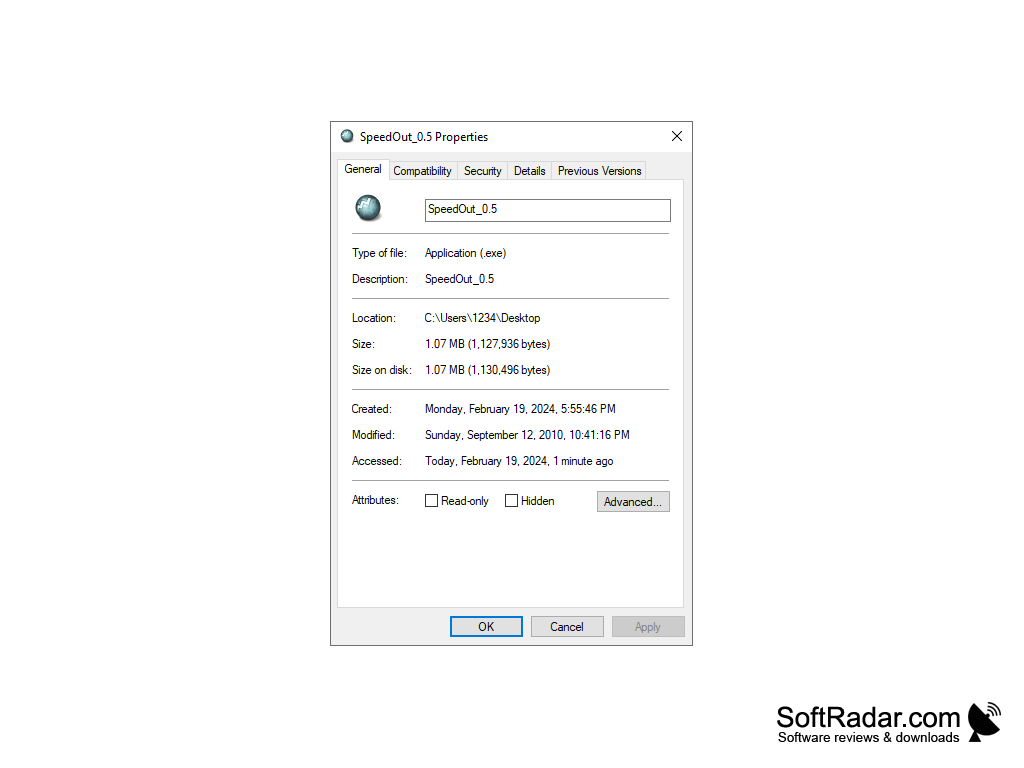
• Light on Resources: The program is about 1 MB in size and uses little CPU and memory while it runs.
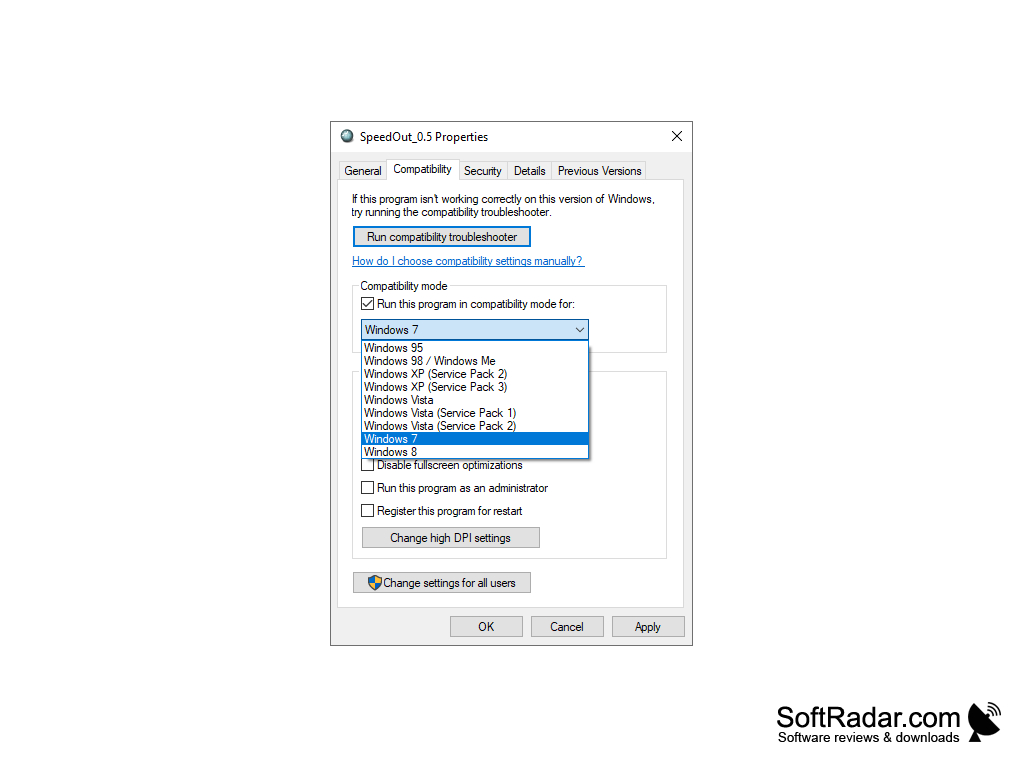
• Legacy Software: The last version, 0.5, was released in 2010, and the program is no longer developed. It was written for Windows XP, Vista and 7; on newer systems the Windows compatibility mode settings can be used to run it.
USB flash drive or external hard drive to test
PROS
Portable and does not require installation.
Does not damage data on the tested drive.
CONS
No longer developed or updated by its author.
Very small interface with few settings.