
Taguette
Taguette is a free and open-source qualitative research tool for highlighting and tagging text documents and exporting the results.
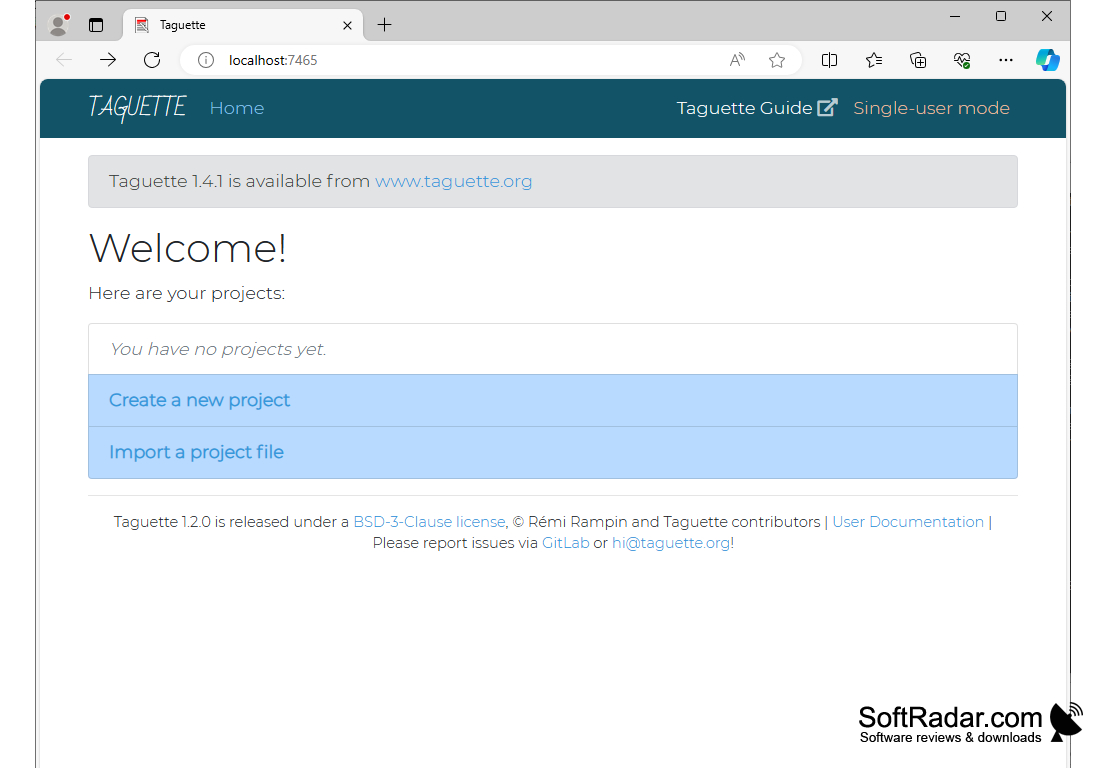
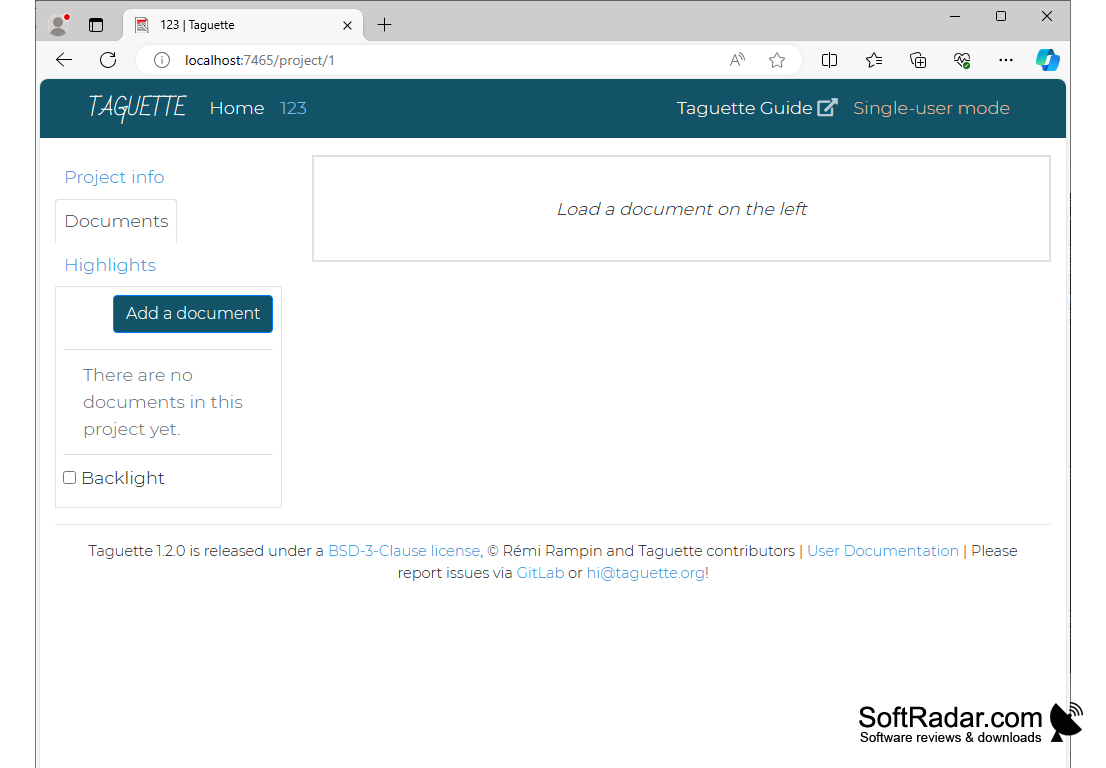
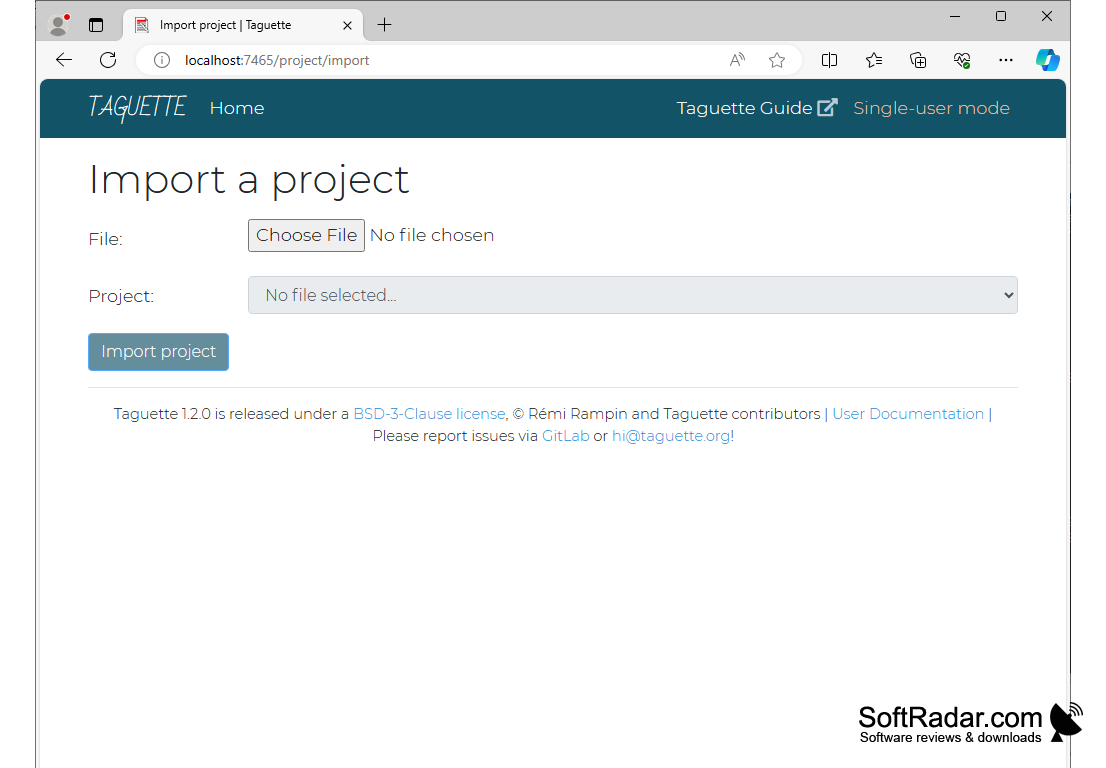
Taguette Software
Taguette is a free and open-source tool for qualitative research. It lets researchers import their research materials, highlight passages of text and tag them, much like using different color highlighters on printed paper, and then export the results. Taguette works both on a local computer (Windows, macOS, Linux) and on a server, where several people can work on the same project.
Taguette lets researchers code qualitative data for free by highlighting passages, tagging them and exporting the tagged quotes.
Features:
• Document import: add PDF, DOCX, ODT, TXT, Markdown and HTML files to a project.
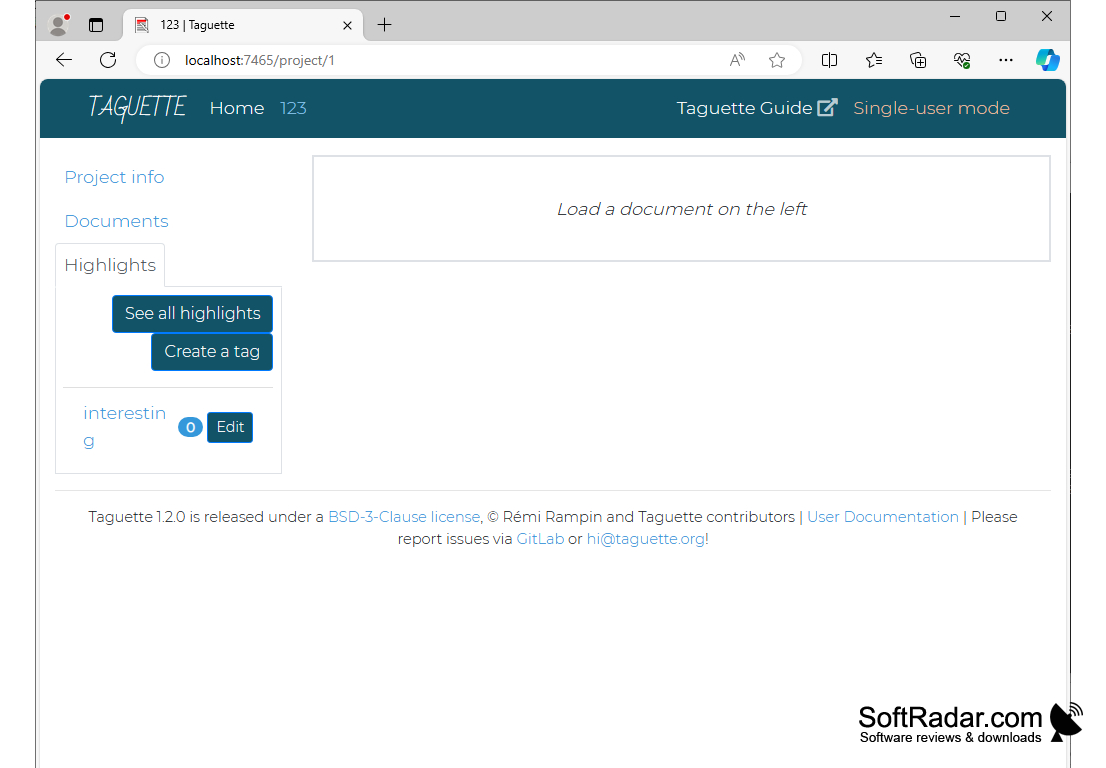
• Highlights: select any passage in a document, create a highlight and attach one or more tags to it.
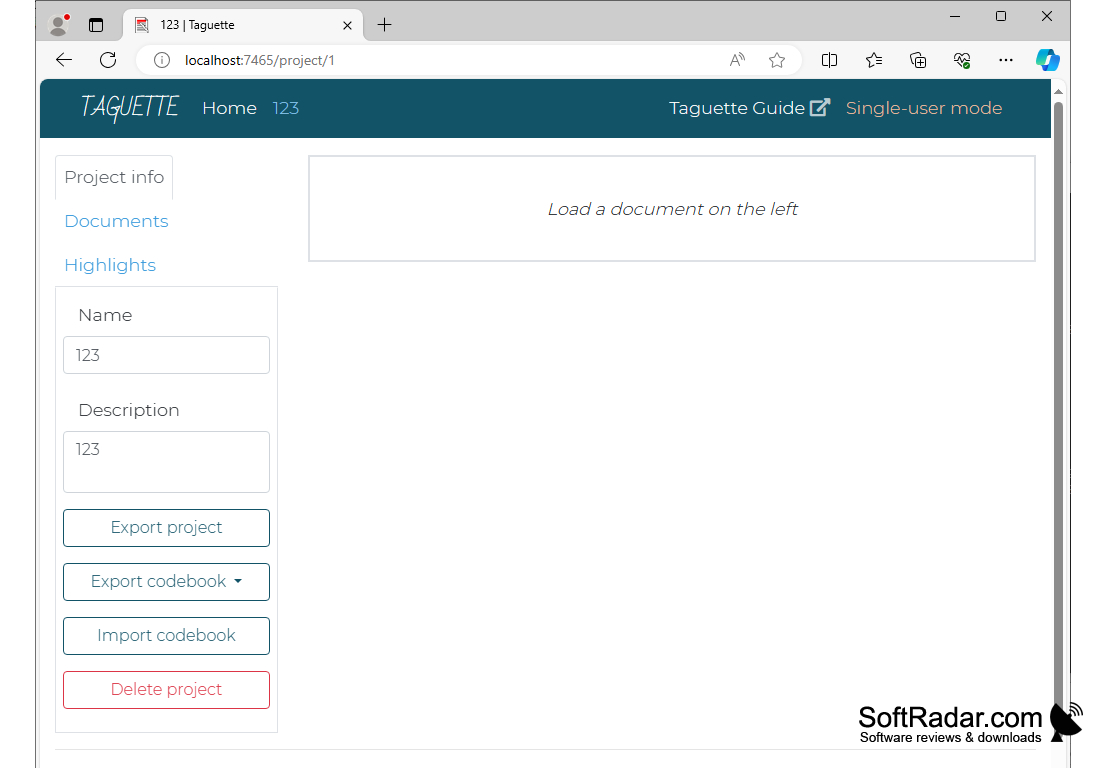
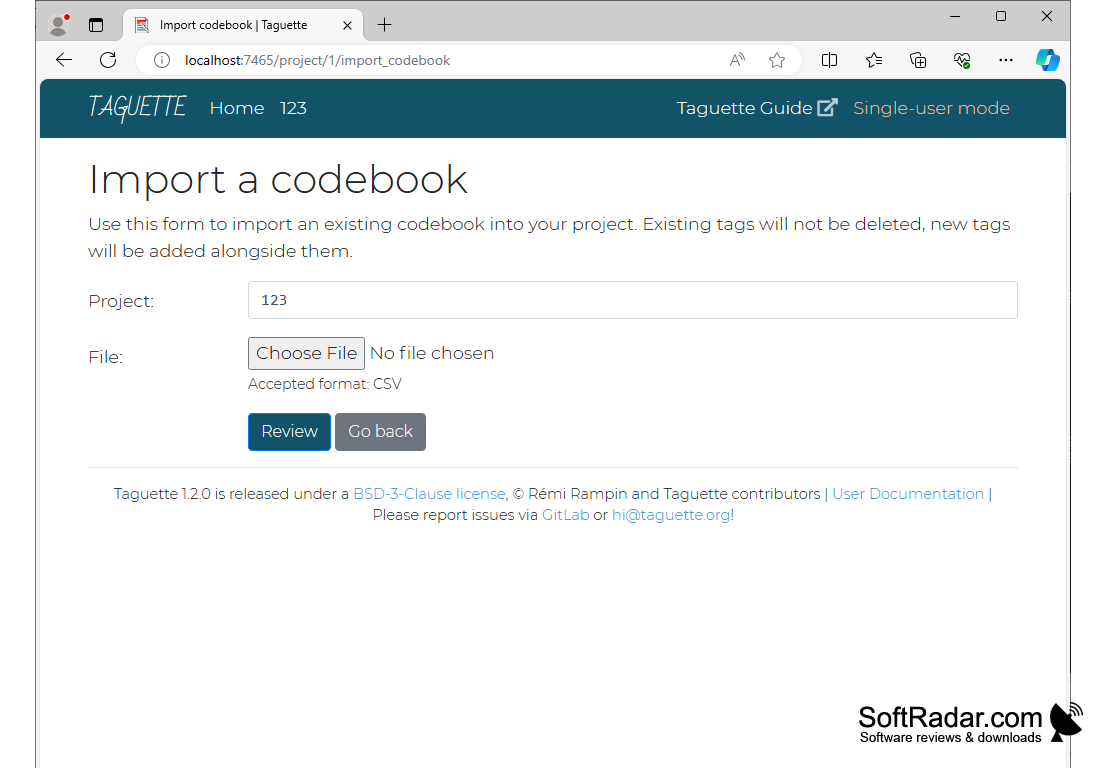
• Tags and codebook: create and describe the tags that form the project codebook, or import an existing codebook from a CSV file.
• Quote lists: view all highlighted quotes for a specific tag or across all tags, together with their source documents.
• Codebook export: save the codebook as QDC (REFI-QDA standard), CSV, Excel, Word, HTML or PDF.
• Highlight export: export highlighted quotes as HTML, CSV, Excel, Word or PDF files.
• Document export: save individual documents with their highlights as HTML, Word or PDF.
• Project files: export a whole project as a SQLite database file and import it again later or on another computer.
• Collaboration: on a server, add collaborators with different permission levels, from full access to view only.
• Local mode: the desktop version runs in single-user mode in your web browser, so your data stays on your own computer.
Taguette is developed by Remi Rampin and Taguette contributors and released under the BSD 3-Clause license. The Windows installer includes Python and Calibre, which Taguette uses to convert documents, so nothing else needs to be installed.
Windows installer includes Python and Calibre
A modern web browser
PROS
Accessible across multiple platforms.
Supports collaborative and individual research work.
CONS
No built-in charts or statistics for coded data.
Interface is basic compared with commercial QDA tools.


