
TubeDigger
Find the right videos and download them at the correct rate
Operating system: Windows
Publisher: TubeDigger
Release: TubeDigger 8.2.5.0
Antivirus check: VirusTotal report
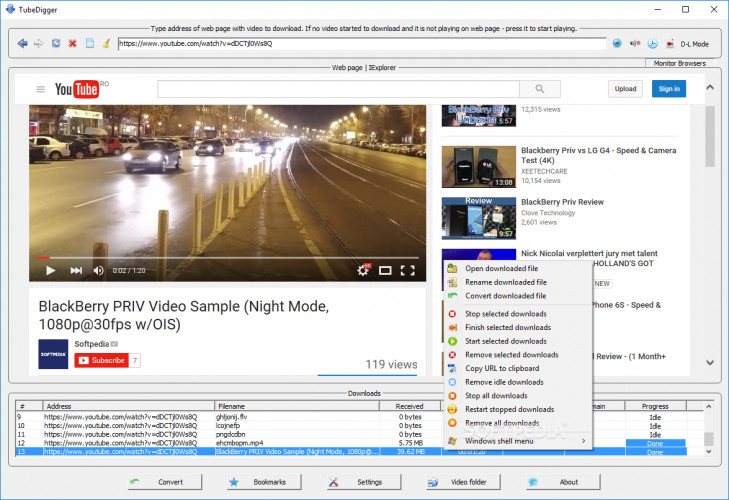
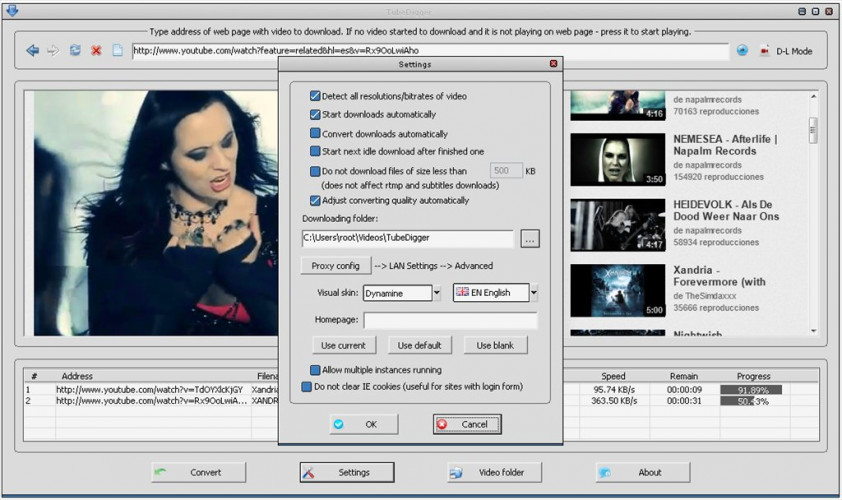
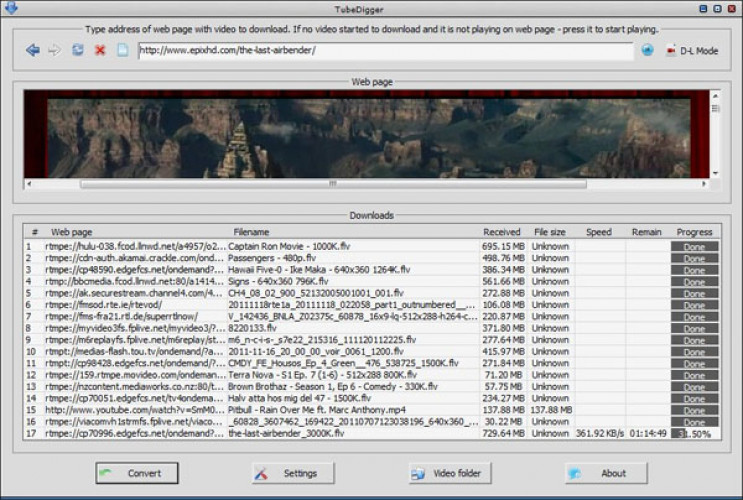
TubeDigger lets users download videos from video sharing sites, including live feeds.
Features:
- Offers many file types for downloads, letting you play on the most any device.
- Automatically converts downloaded videos for better compression and quality.
- Built-in media player. It does not need a download of a different media player and can play video files in the program.
- Remove or isolate audio from videos when you need only audio or video.
- Play videos and audio on many devices, including handheld devices like PSP, Android, iPhone, etc.
Offers many file formats for downloads
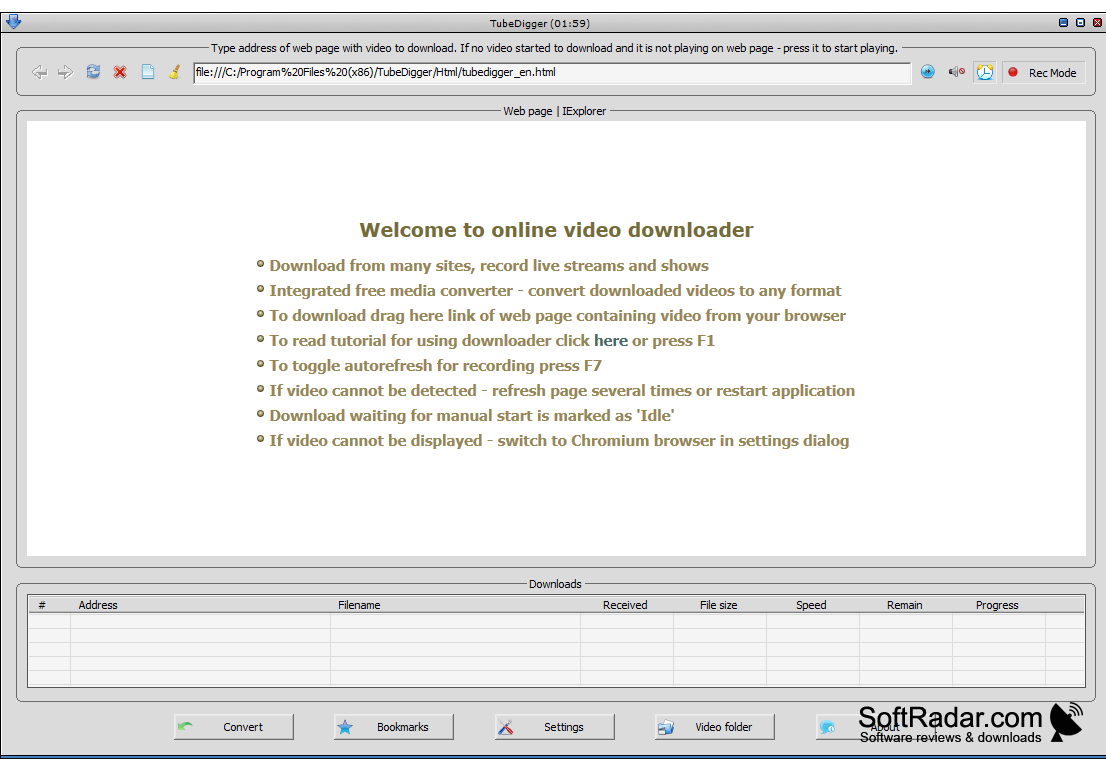
TubeDigger offers a simple, easy social media and YouTube video downloader that converts automatically and offers many options for saving files. TubeDigger also provides instruction, which will be helpful for those who aren't computer savvy and need some help putting a video together. The company states you can download any video, and this is true - the sky is the limit! The built-in media player is very helpful for those without a good media player presently on their PC, or who can't play videos in their browser. You can also play videos on many devices, including an iPhone, Android, iPod, PSP, and way more! Finally, TubeDigger records live videos! You don't need to return to the author's website to see a video and can grab the download later!
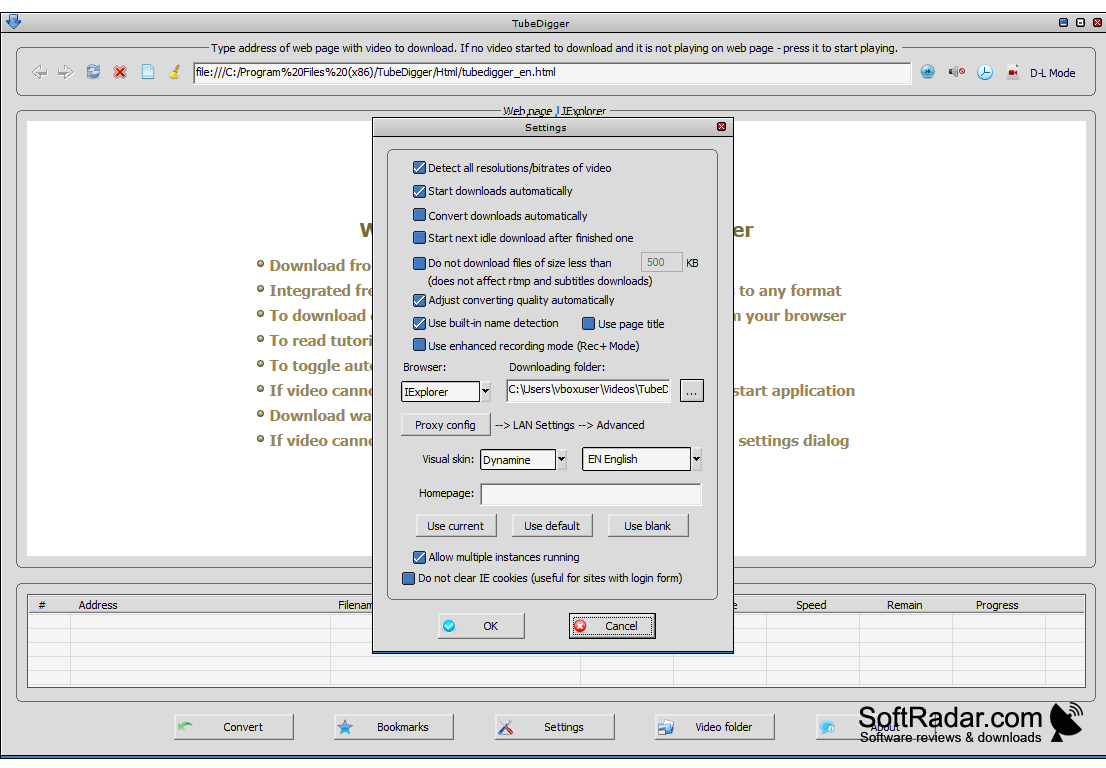
TubeDigger is also capable of detecting bitrate, so you can download the right quality, and do so quickly depending on the speed of your Internet connection, leading to less waiting and potentially better video quality. Is the video in 4K or HD, and you don't need it that high of quality? Change the TubeDigger settings, and you can download the video in a more appropriate setting.
Can't hear right away? TubeDigger also downloads closed captions and subtitles in a readable format so you can see the text you might need right away.
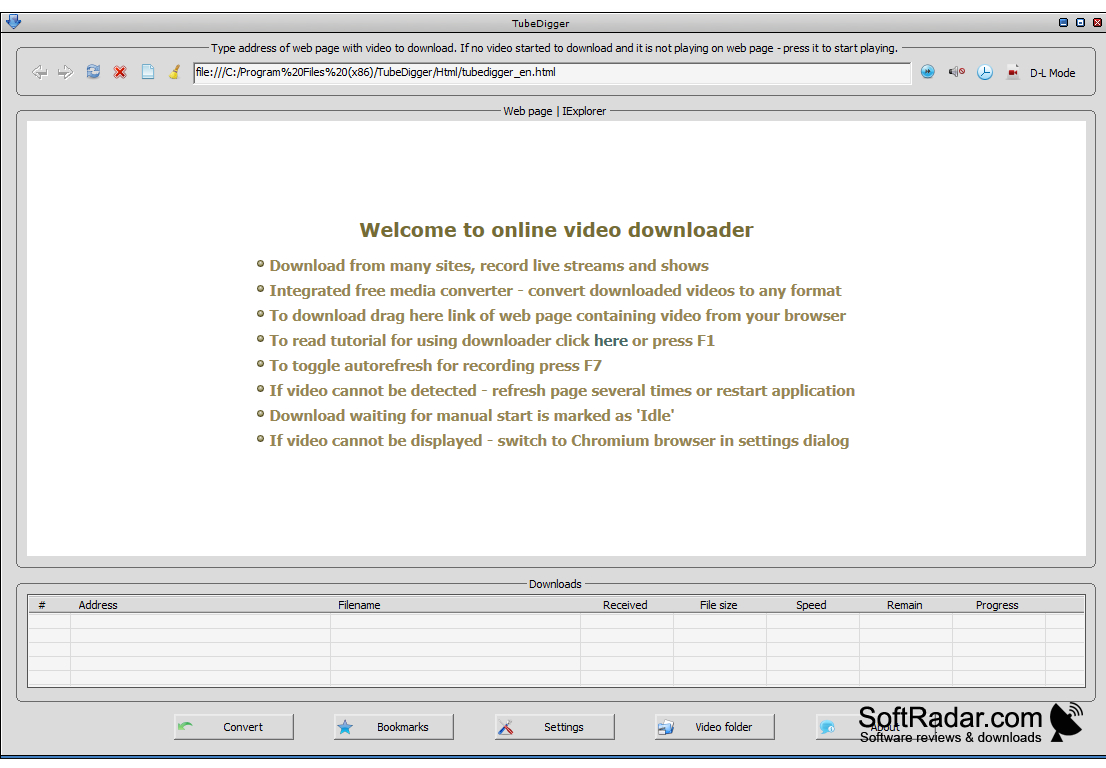
Supports Windows XP/Vista/7/8/10
Requires media player compatibility for playback
Sufficient storage for video downloads
PROS
Built-in media player and converter for convenience.
Intuitive and user-friendly interface.
CONS
Subscription required for full features.
Occasionally reports false positives in antivirus scans.


