Tweak UI

by Microsoft Corporation

A tweaker utility program which allows the customization of the device interface

Operating system: Windows

Publisher: Microsoft Corporation

Release : Tweak UI 2.1

Antivirus check: passed

Report a Problem

Tweak UI functions as a tweaker for users who would like to customize their devices, either on Windows 7 or Windows Vista. It does not take up a lot of cache nor storage, yet packs all of the tool required to tweak your whole layout and setup on your device. It is beneficial for several reasons, including the fact that it allows users to not only tweak their devices but also speeds up the device, making it more stable to a significant degree while also making the system much faster. It also is much more secure, enabling the user to increase security by letting the user increase device security with ease.

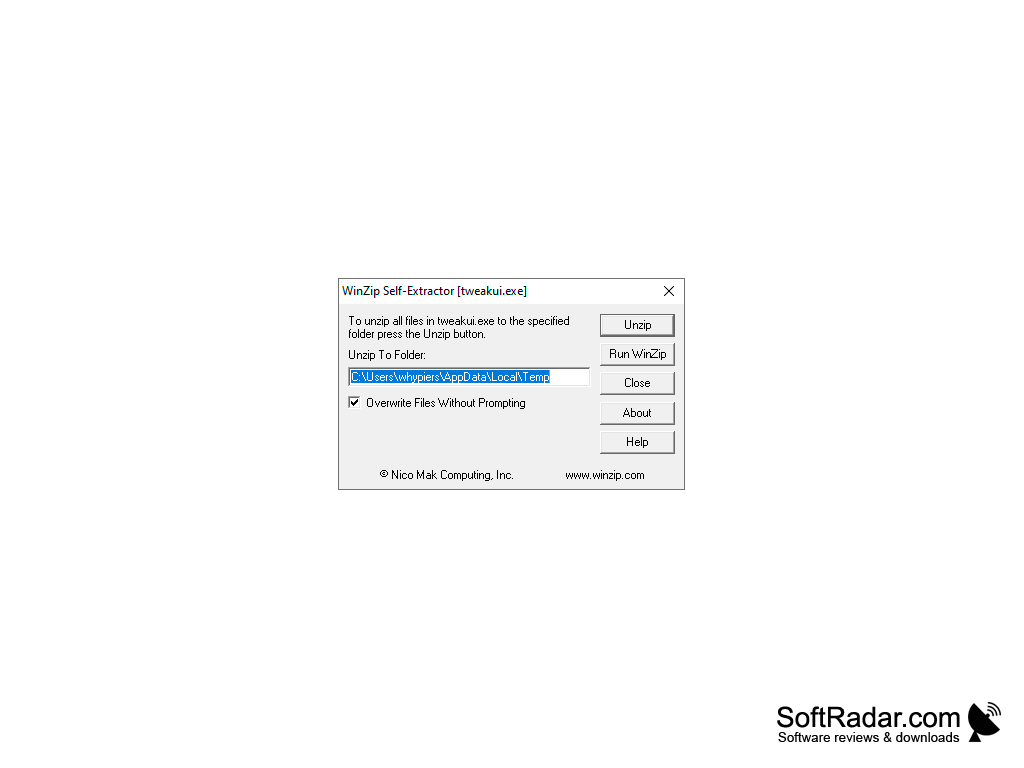
Tweak UI comes with a simple and elegant interface that is necessary for users looking to customize their device according to their own style while also not being too bulky in terms of size and the amount of cache it takes up. It comes in a smaller sized .exe file and does not require the user to install it, while also allowing the user to choose from over 150 tweaks and settings which it comes packed with.

Tweak UI also comes with new features that are included in the current version including, Internet Explorer 9, allowing for a menu bar to be displayed all the time, private browsing and filtering, hiding compatibility mode, the option to choose from easy tabs, management of tabs all at once, and disabling keystrokes within the search engine. I would highly recommend this program to anyone looking for a small but very capable software program that lets users customize their display and layout without too much hassle. I would highly recommend this as a wonderful utility for these purposes.

Increases speed, stability, optimization of device interface layout while including other features
Features:

  • Tweak display
  • Customization options
  • Permanent toolbar
  • Private browsing and filtering
  • Top-notch security features

For Windows 7 and Windows Vista


PROS
Allows customization of Windows user interface.
Improves system performance with easy tweaks.
Free and easy to use.

CONS
Limited functionality compared to other interface customization tools.
Can be confusing for inexperienced users.
May cause system instability if used improperly.

Fraser
Thu, Jan 11, 2024

Tweak UI is a useful app for those who have Windows 7 or Windows Vista. The app is used for device customisation. It has a small size, and you don’t even need to install it. The programme contains about 150 tweaks and settings which give users quite a lot of freedom of their devices customisation. With the help of the app you can alter the behaviour of various menus. Also, the app allows you to get more control over your computer's settings. Additionally, the fact that the app speeds up the device, makes it even more attractive. If you want to customise the look of your system, consider exploring Tweak UI.
image/svg+xmlBotttsPablo Stanleyhttps://bottts.com/Florian Körner Caleb
Tweak UI is a free application. Ultimate windows Tweaker is like a Tweak UI for windows10, That gives you to access useful system tweaks. Its is good for windows 10.
image/svg+xmlBotttsPablo Stanleyhttps://bottts.com/Florian Körner Robbie
Change UI is a free application, delivered in 1996 by Microsoft for altering the Microsoft Windows working framework's UI. With Tweak UI you can change your Windows User Interface, including menu speed, window liveliness, and Microsoft Internet Explorer. Change UI is a free application, delivered in 1996 by Microsoft for tweaking the Microsoft Windows working framework's UI.
image/svg+xmlBotttsPablo Stanleyhttps://bottts.com/Florian Körner Owen
Change UI is a free application, delivered in 1996 by Microsoft for altering the Microsoft Windows working framework's UI. Change UI is a free application, delivered in 1996 by Microsoft for altering the Microsoft Windows working framework's UI. With Tweak UI you can change your Windows User Interface, including menu speed, window liveliness, and Microsoft Internet Explorer. Microsoft initially delivered Tweak UI as a worth add apparatus with Windows 98. From that point forward, its fame has developed and its use extended.
image/svg+xmlBotttsPablo Stanleyhttps://bottts.com/Florian Körner Aiden W.
Tweak UI is a free Microsoft application designed to help users customize their Windows operating system. It provides users with access to a variety of settings that can be adjusted to customize the appearance and functionality of their system. Tweak UI also has a range of tools to help users optimize the performance of their computer.
Mirekusoft Install Monitor
This software is able to monitor whatever is downloaded onto your computer and allows users to uninstall those programs.
Clean Space
Helps to protect your privacy and frees up space up on your hard drives
Tweetz Desktop
Allows users to connect with their twitter account and give them the ability to see twitter post from their desktop.
MyKeyFinder
Saves product keys to a PDF file