
QuickLook
A free, open-source Windows tool that shows instant previews of files in File Explorer when you press the spacebar.
Operating system: Windows
Publisher: Paddy Xu
Release: QuickLook 4.5.0
License: Open source (GPL-3.0)
Antivirus check: VirusTotal report
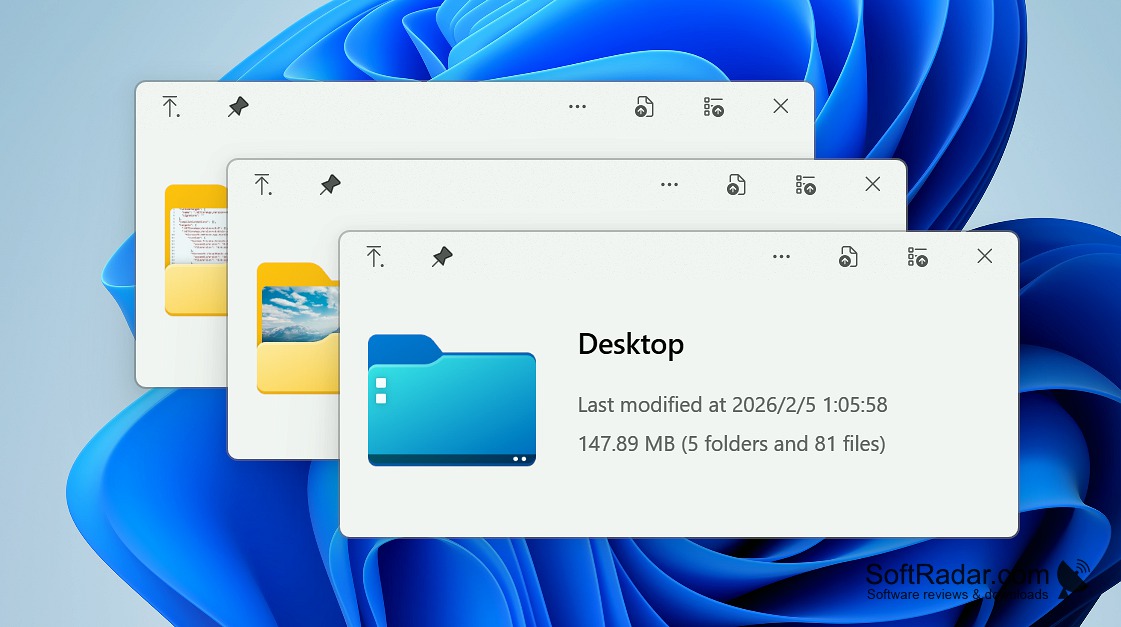
Are you a Mac user switching to Windows or simply want to view files without opening them? If yes, QuickLook has got you covered. It is a free Windows application, available as an installer or a portable version, that lets you preview different content types by hitting the spacebar. Select a specific file to see its data. For instance, you can preview videos, pictures, archives, PDFs, text documents, office files, or Raw camera images. Everything can be done with just a space key.
The most noteworthy feature of QuickLook is its high compatibility with multiple file formats. This way, it increases user experience by displaying over 100 types of files on the screen. It supports a list of popular data types, including common image formats such as .png, .apng, .jpg, .bmp, .gif, .webp, .psd, video formats such as .mp4, .mkv, .avi, .mov; audio formats such as .mp3, .flac, .wav, and document and text formats like .htm, .html, .pdf, .ai, .csv, .json, .md, .epub.
Features:
- An instant tool to preview text files or multiple other data types with just a space key functionality.
- It shows the content of a file without the need to open it in full size.
- You can zoom in or out of images and PDF documents, scroll through the content and move to the next file with the arrow keys.
- HiDPI support keeps previews sharp on high-resolution and 4K displays, and the window follows the Fluent Design look of Windows.
- You can select a file and press the spacebar to see its content in a resizable preview window.
- It works in File Explorer, in Open and Save dialogs and in third-party file managers such as Total Commander.
QuickLook lets you see the content of a file without opening it, just by pressing the spacebar on your keyboard.
QuickLook is beyond just a preview toolkit. It can be extended with plugins, for example for Word, Excel and PowerPoint files or engineering drawings. You are provided with multiple key options, such as the spacebar will open the preview, Esc will close the preview, Enter will open the file in its default program, and Ctrl+Mouse Wheel will zoom PDF documents. QuickLook is free and open source under the GPL-3.0 licence.
.NET Framework 4.6.2 or later
PROS
Supports multiple file formats including images, audio, and texts.
Features extendable functionality through additional plug-ins.
CONS
Lacks in-depth file information display.
Doesn't provide editing features in preview mode.


