
Ultracopier
Advanced file-copier software for Windows that replaces the system copy dialog and lets you copy your files with more control
Operating system: Windows
Publisher: BRULE Herman Jacques Roger
Release : Ultracopier 3.0.1.5
Antivirus check: VirusTotal report
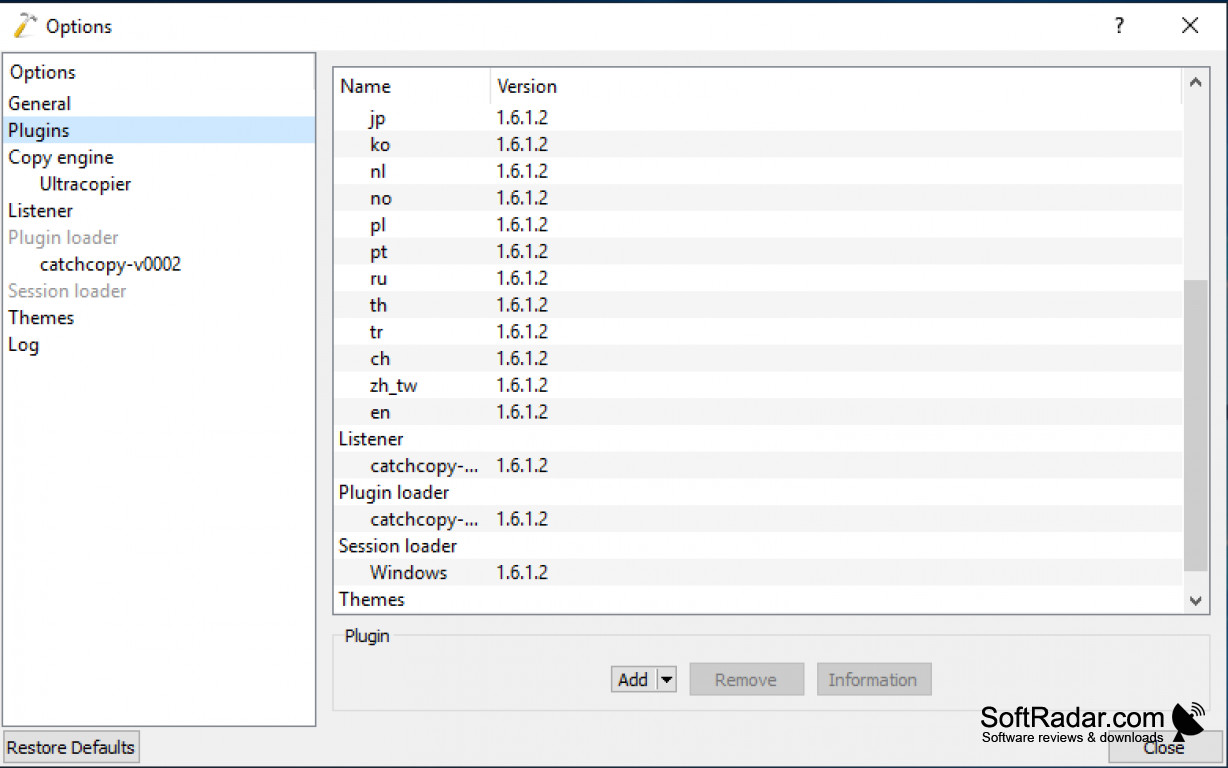
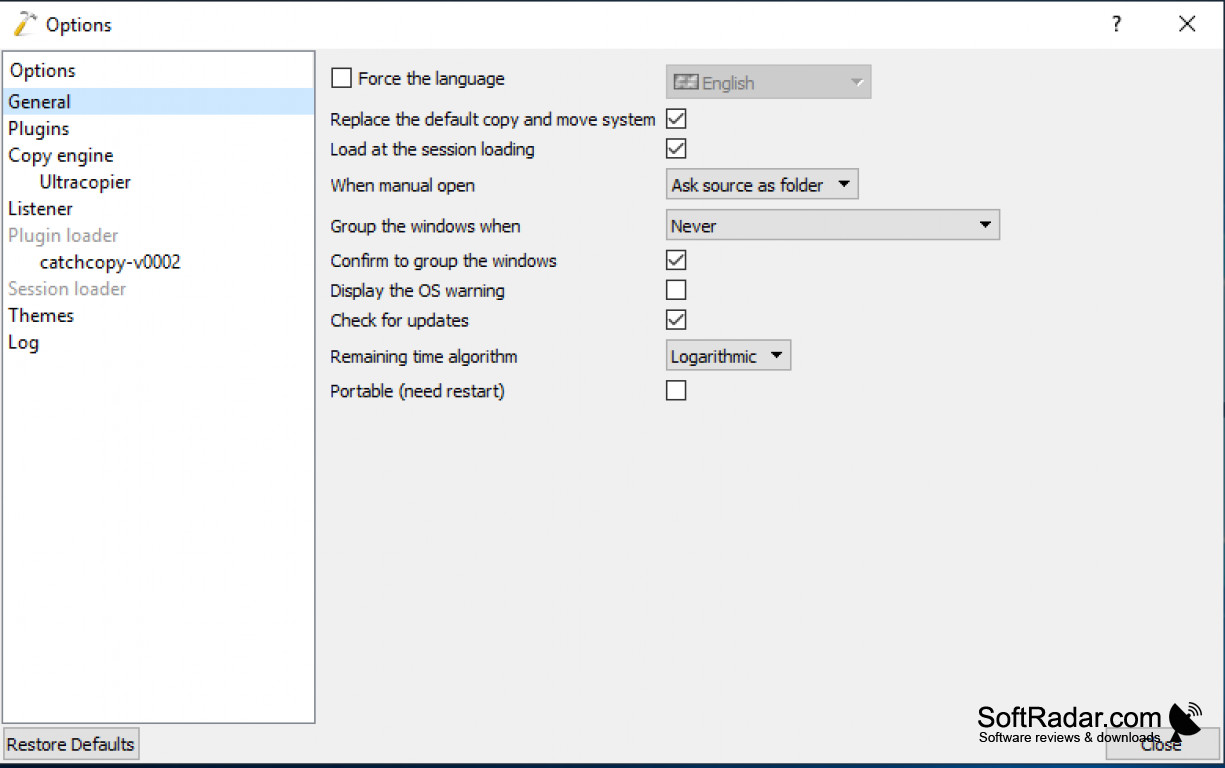
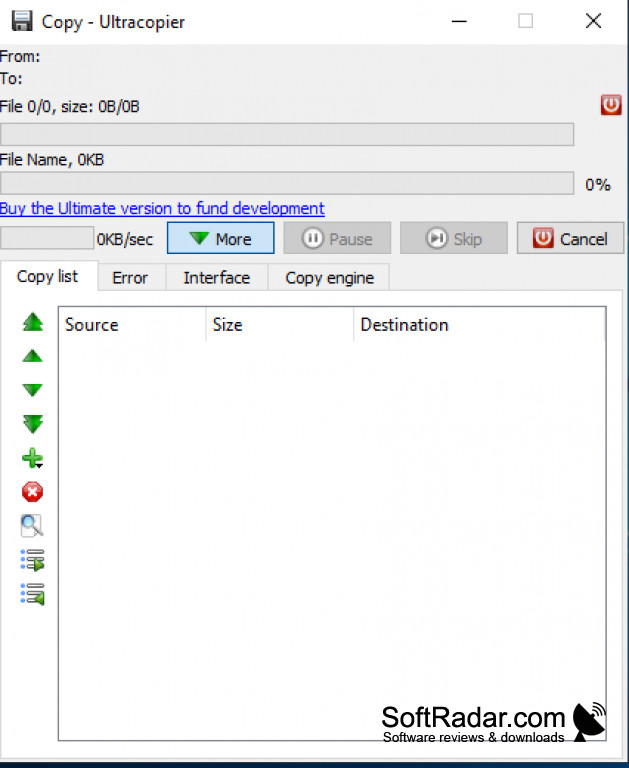
Ultracopier is a file copying replacement software for Windows. It supersedes the built-in Windows copy dialog and adds several advanced features to make copying files more controlled, informative, and reliable.
Features:
- Pause and resume file transfers (Ultimate version).
- Set speed limits for transfers (Ultimate version).
- File queuing, filters, and advanced renaming rules.
- Plugins, skins, and themes, including a Supercopier skin. Make your UI look how you want.
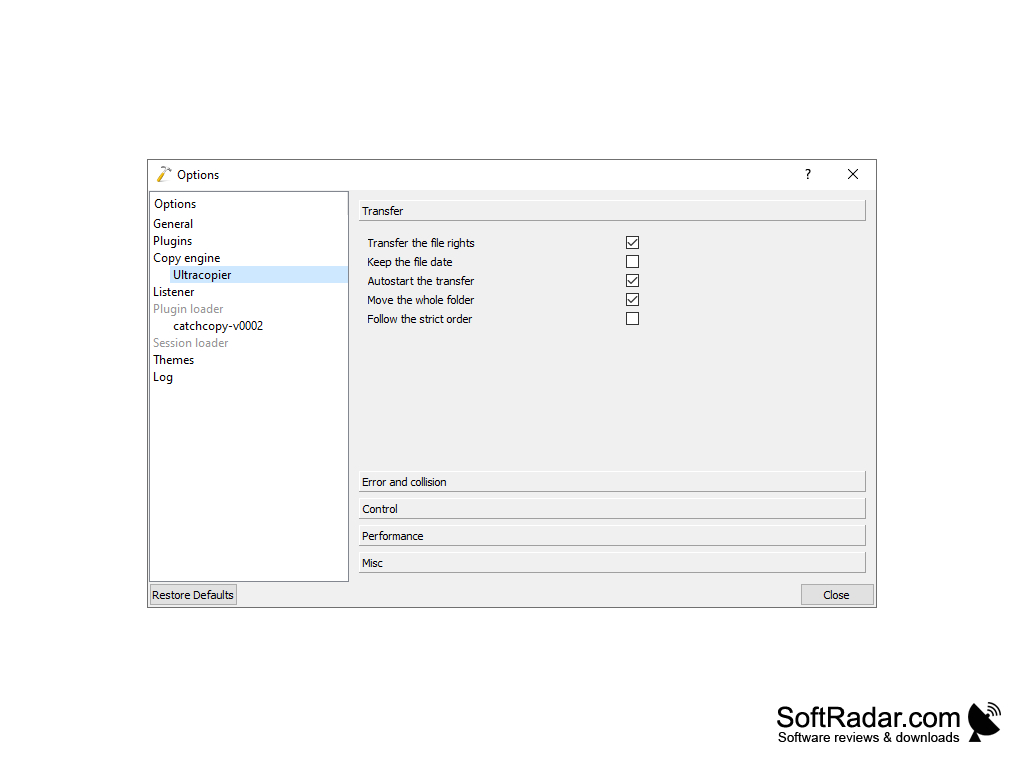
- Several performance options: internal buffered copy or native OS copy. Choose the copy engine you want.
- Checksum verification in the Ultimate version.
- Open source (GPLv3)
Ultracopier has error and collision management features that help protect the integrity of your data during copies.
Ultracopier replaces your built-in Windows file copy dialog. It adds several features lacking from Microsoft Windows to make your file copying experience better. It replaces the standard interface with a customizable one; you can change skins and themes to your taste. It is available in many languages and can merge several copy windows into one.
It has advanced features to handle file errors and file collisions, with options such as overwrite if newer, always overwrite or retry later. It can skip bad files during a copy without terminating the entire job, which makes it useful for rescuing data. It offers several remaining time algorithms and shows detailed speed information. Furthermore, the Ultimate version adds pause and resume and speed limits, and you can search through all the files in your copy queue.
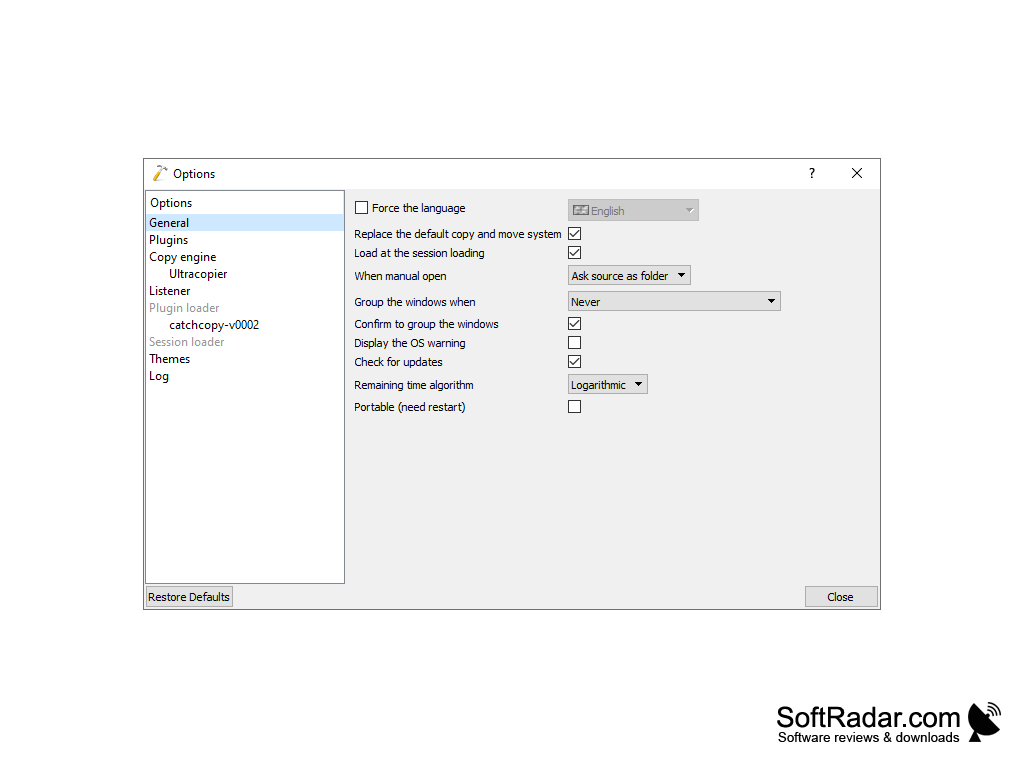
Ultracopier is lightweight. It can load with your session and take over copy and move operations, launching quickly when a copy task starts. It runs on Windows XP and later in 32-bit and 64-bit builds, and versions are also available for Linux, macOS and Android. The free version is open source, while the Ultimate version costs 15 USD and supports development. The program was created by Herman Brule and is built with the Qt framework, which is why the same code runs on several platforms.
PROS
Offers user-friendly interface with customizable skins and themes.
Provides error log and collision management system.
CONS
May slow down computer's performance during large copying tasks.
Replacing the system copy dialog may confuse some users.


