
Wacom Tablet Driver
Wacom Tablet Driver connects compatible Wacom tablets and pen displays to Windows, giving people who draw, write, or edit images access to pen and device controls.
Operating system: Windows
Publisher: Wacom Technology Corp.
Release: Wacom Tablet Driver 6.4.15-1
Antivirus check: VirusTotal report
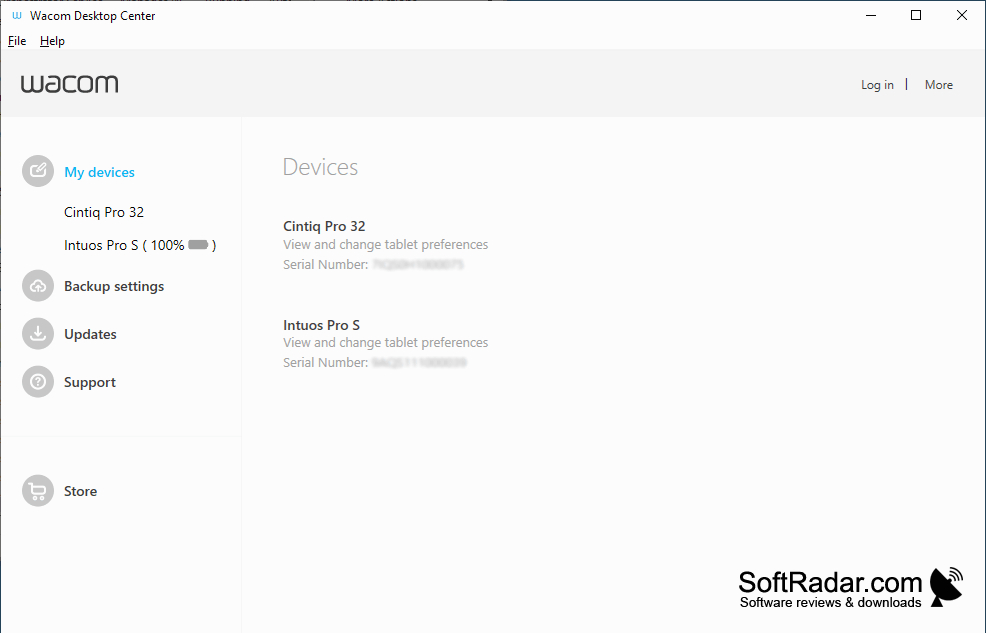
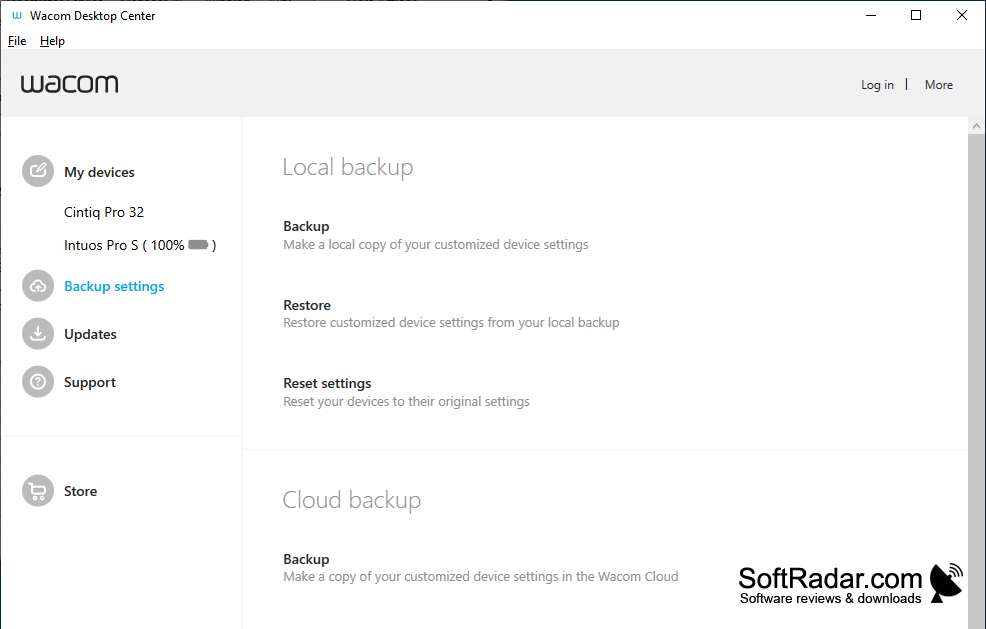
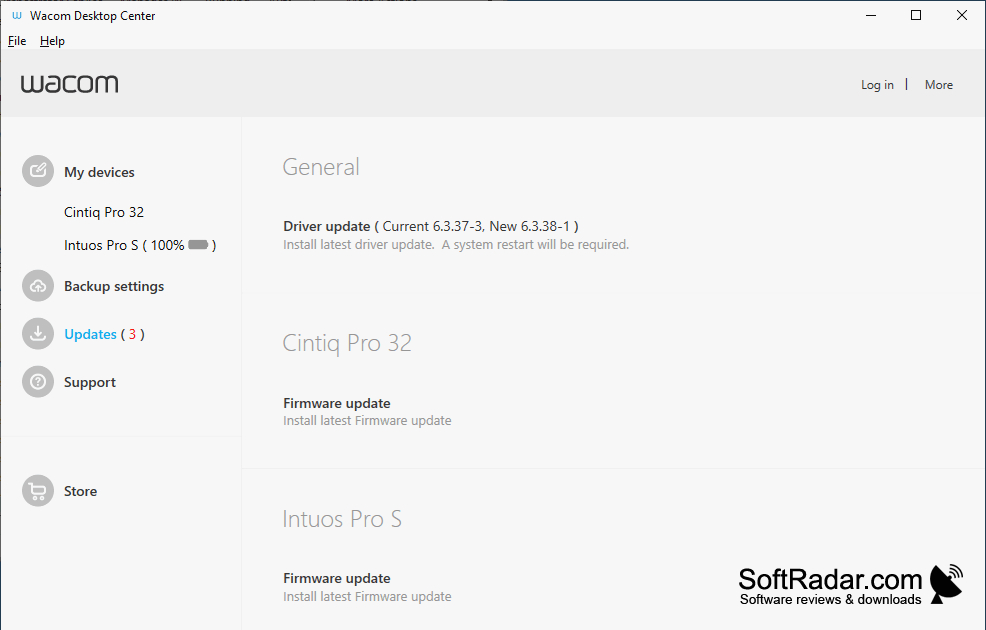
Wacom Tablet Driver enables compatible Wacom tablets and pen displays to work as input devices on Windows. It is intended for people who use a pen to draw, write, retouch photos, or work in design applications. Alongside basic device input, it provides settings that help users adapt the tablet or display to their preferred way of working.
It lets you adjust pen response and device controls to suit the way you work.
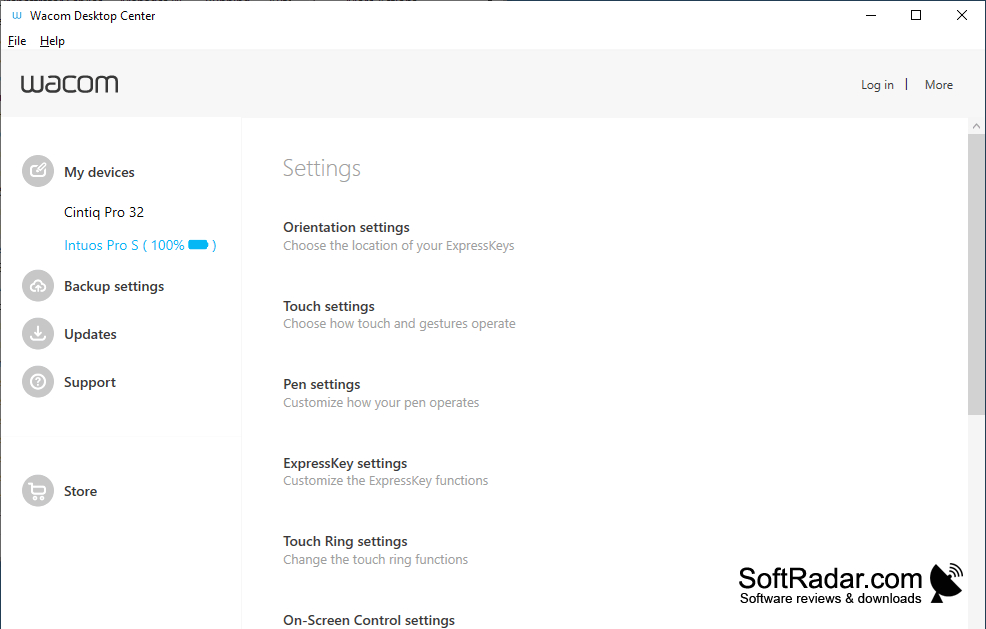
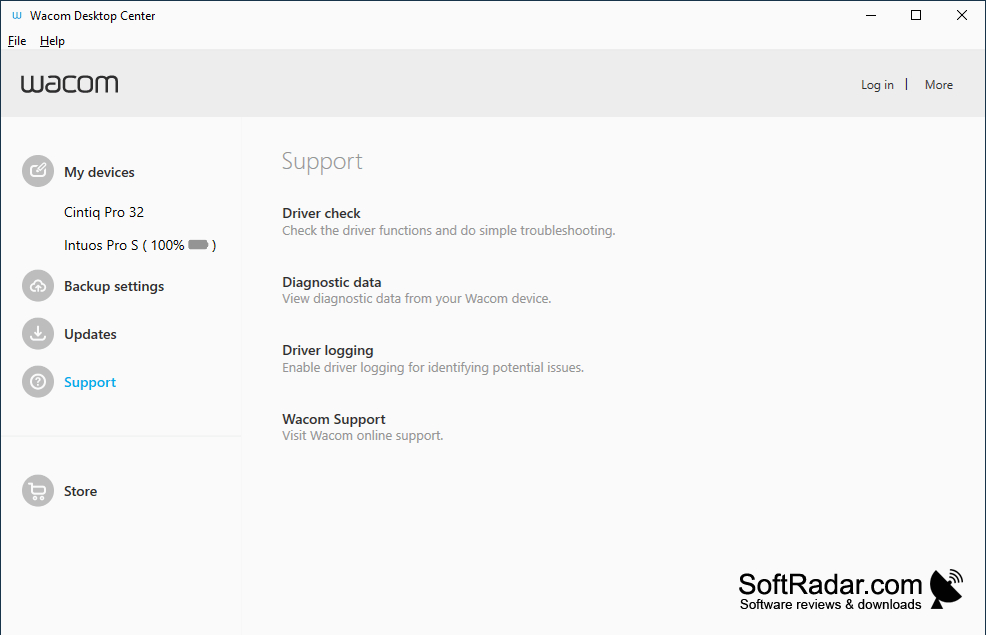
After installation, the driver handles input from a connected Wacom device and makes its controls available through device settings. Users can adjust how the pen responds to pressure and assign actions to supported pen buttons and device keys. On devices with touch input, settings also cover gestures. The available controls depend on the Wacom device being used.
Features:
- Connects compatible Wacom tablets and pen displays
- Adjusts pen response to applied pressure
- Assigns actions to supported pen buttons
- Configures supported device keys
- Provides gesture settings for touch-enabled devices
Compatible Wacom tablet or pen display
PROS
Application-specific pen and ExpressKey settings streamline workflows.
CONS
Tablet detection sometimes fails after Windows sleep.