
Access MDE Unlocker
by EverythingAccess.com
MDE Unlocker is a software tool designed to unlock and enable editing in Microsoft Access MDE files.
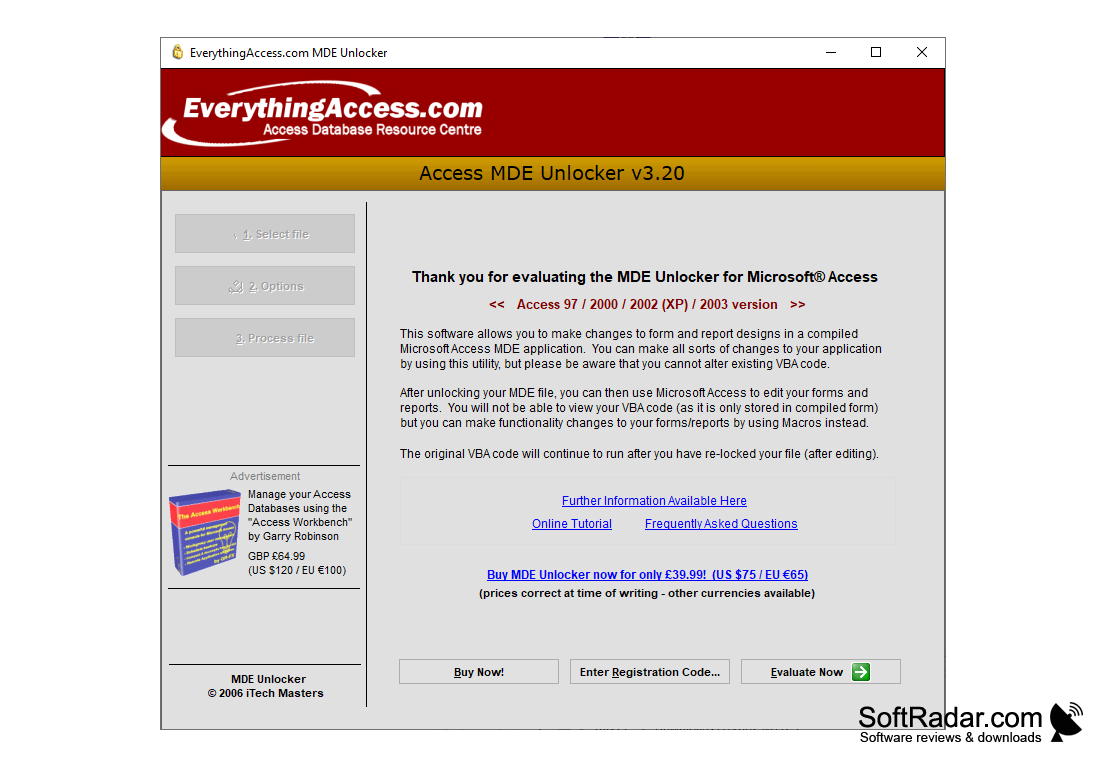
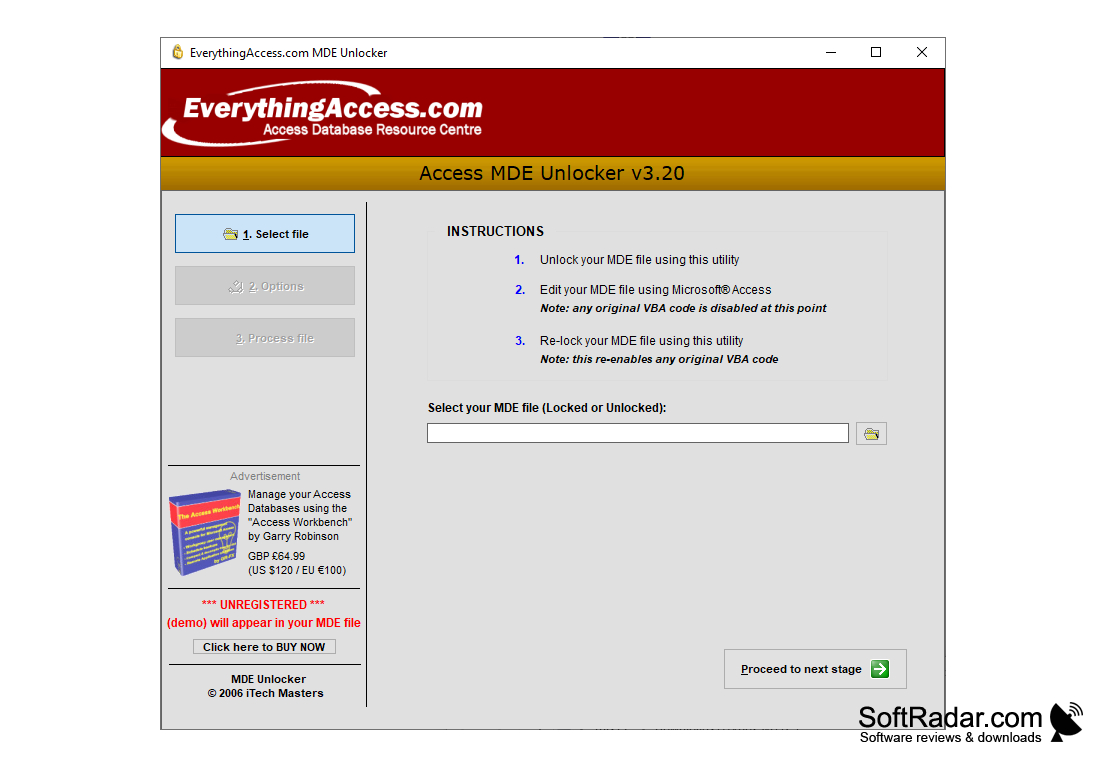
MDE Unlocker
MDE Unlocker is a powerful Windows application designed to help users unlock Microsoft Access MDE databases. This software allows users to decrypt MDE databases and gain access to the underlying code and data. With MDE Unlocker, users can easily view, edit, and modify their Access MDE databases without having to worry about losing their data.
• Works with Microsoft Access 97, 2000, 2002, 2003, 2007, 2010, 2013 and 2016
• Easily unlock and decrypt MDE databases
• No need for Access to be installed
• Decompile MDE database objects and code
• View, edit, and modify MDE databases
• Supports both 32-bit and 64-bit versions of Microsoft Access
• Quickly and easily export data from MDE databases
• Ability to restore deleted objects from MDE databases
• Automatically fix corrupt MDE databases
• Supports various database formats, including Access 97-2016, Access Data Projects, and SQL Server
• Powerful search feature to quickly find objects and data
• Compatible with Windows XP, Vista, 7, 8, 8.1, and 10
MDE Unlocker is an invaluable tool for both professional and amateur database administrators. With its powerful features and intuitive user interface, it is the perfect solution for unlocking and decrypting Access MDE databases. Whether you are a novice user or an experienced database administrator, MDE Unlocker makes it easy to manage your Access MDE databases.
MDE Unlocker is a powerful Windows application designed to help users unlock Microsoft Access MDE databases. This software allows users to decrypt MDE databases and gain access to the underlying code and data. With MDE Unlocker, users can easily view, edit, and modify their Access MDE databases without having to worry about losing their data.
MDE Unlocker provides a powerful and easy-to-use solution to unlock Access MDE databases, allowing users to access the data stored in them.Features:
• Works with Microsoft Access 97, 2000, 2002, 2003, 2007, 2010, 2013 and 2016
• Easily unlock and decrypt MDE databases
• No need for Access to be installed
• Decompile MDE database objects and code
• View, edit, and modify MDE databases
• Supports both 32-bit and 64-bit versions of Microsoft Access
• Quickly and easily export data from MDE databases
• Ability to restore deleted objects from MDE databases
• Automatically fix corrupt MDE databases
• Supports various database formats, including Access 97-2016, Access Data Projects, and SQL Server
• Powerful search feature to quickly find objects and data
• Compatible with Windows XP, Vista, 7, 8, 8.1, and 10
MDE Unlocker is an invaluable tool for both professional and amateur database administrators. With its powerful features and intuitive user interface, it is the perfect solution for unlocking and decrypting Access MDE databases. Whether you are a novice user or an experienced database administrator, MDE Unlocker makes it easy to manage your Access MDE databases.
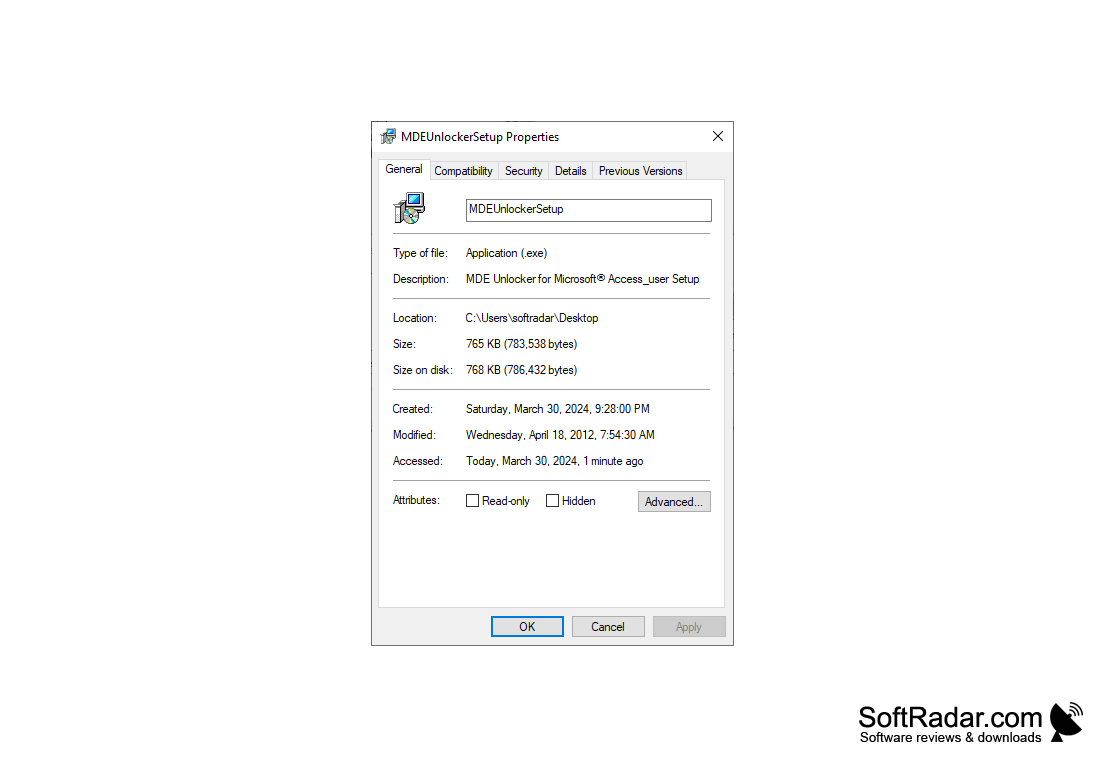
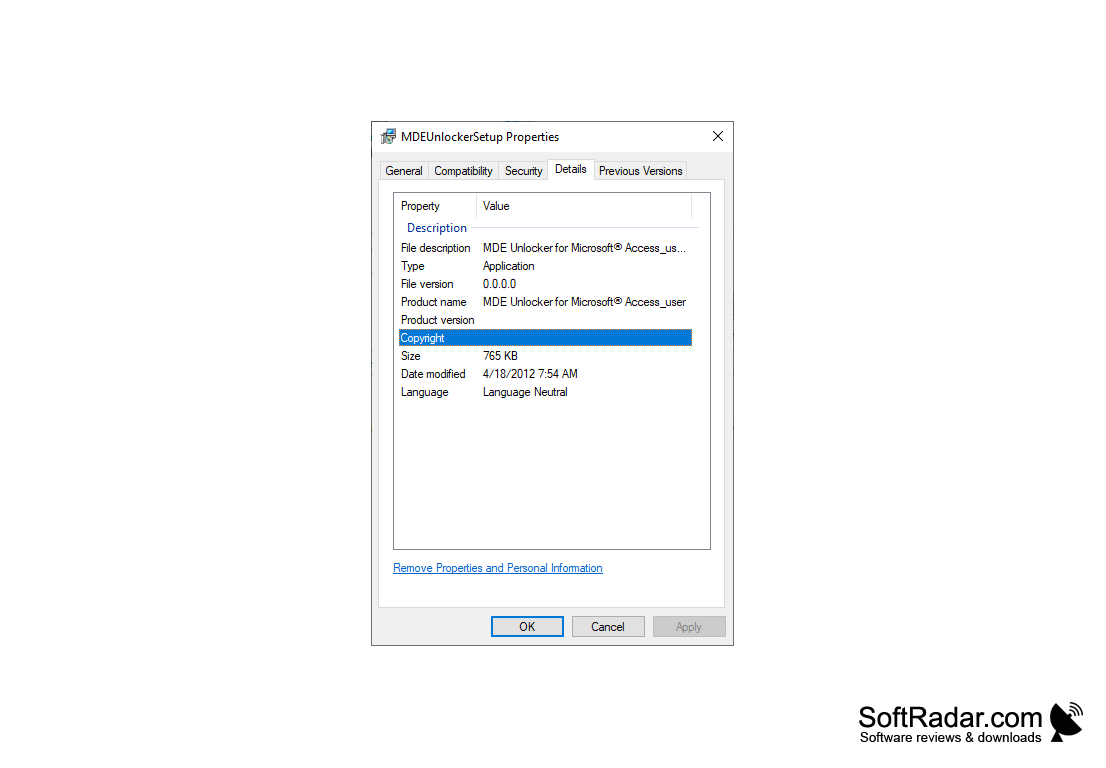
MDE Unlocker is a software program that can be used to unprotect Microsoft Access databases. It requires the following hardware and software specifications in order to operate correctly:
• Operating System: Windows 7, 8, 8.1, 10, or higher
• Memory: 2GB RAM or higher
• Hard Disk: 100MB or more of free space
• Processor: Intel Pentium 4 or higher
• Software: Microsoft .NET Framework 4.0 or higher
• Microsoft Access Database: 2000, 2002, 2003, 2007, 2010, 2013, 2016, 2019, or higher
• Operating System: Windows 7, 8, 8.1, 10, or higher
• Memory: 2GB RAM or higher
• Hard Disk: 100MB or more of free space
• Processor: Intel Pentium 4 or higher
• Software: Microsoft .NET Framework 4.0 or higher
• Microsoft Access Database: 2000, 2002, 2003, 2007, 2010, 2013, 2016, 2019, or higher
PROS
Allows modification of secured Access MDE files easily.
Maintains original MDE file intact while unlocking.
User-friendly interface; no technical skills required.
Maintains original MDE file intact while unlocking.
User-friendly interface; no technical skills required.
CONS
Sometimes struggles with more complex database structures.
Doesn't support all versions of Microsoft Access.
Occasionally experiences stability and crash issues.
Doesn't support all versions of Microsoft Access.
Occasionally experiences stability and crash issues.


