Aiseesoft Free MXF Converter
A converter software for Windows
Operating system: Windows
Publisher: Aiseesoft Studio
Release : Aiseesoft Free MXF Converter 6.5.26
Antivirus check: VirusTotal report
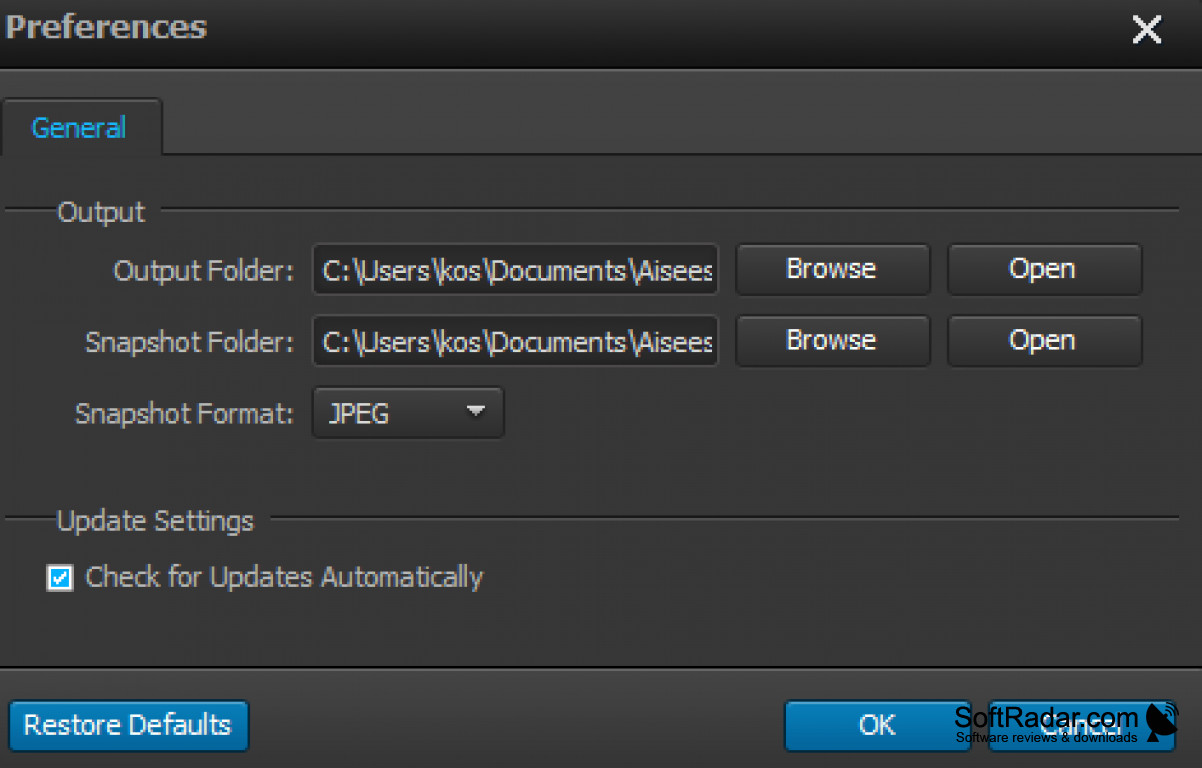
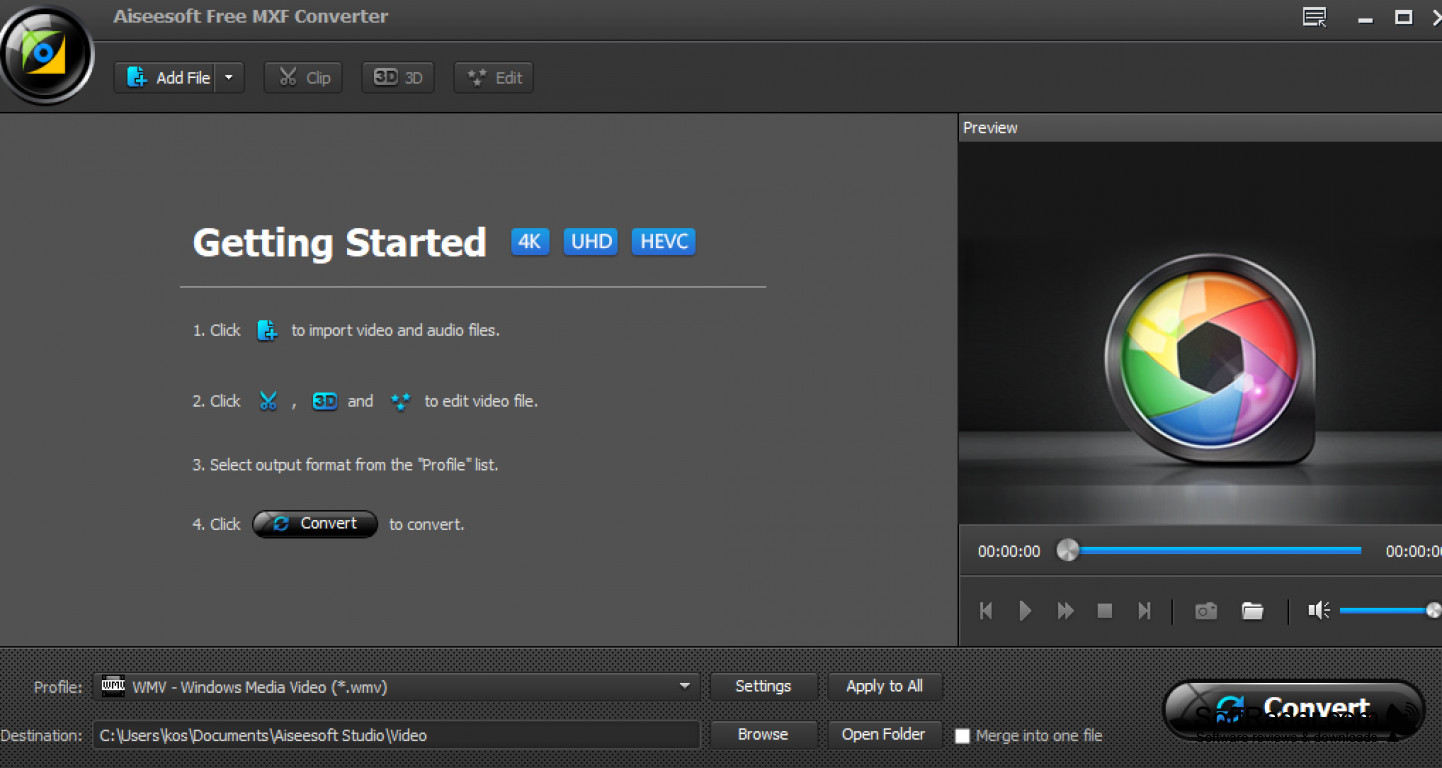
Aiseesoft Free MXF Converter is a utility tool for Windows that allows users to convert their camcorder footage to over a dozen different formats. Most converters, similar to Aiseesoft Free MXF Converter, only support two to three different formats. Unfortunately, that doesn't leave much room for newer camcorders that use the special format MXF. This leaves most conversion software useless and forces users to limit the type of media they record their footage on. Aiseesoft Free MXF Converter has tons of cool features, but the best is the following.
Features:
- Extract MP3 audio
- Customize output profile settings
- Convert MXF to over a dozen different formats
- Encode MXF footage in full 1080p HD quality
- Snapshot feature
- Batch conversion
- Supports Adobe Premiere
- Supports Windows Movie Maker
- Supports Avid
- Free to use
Easily convert your camcorder footage to multiple formats.
Aiseesoft Free MXF Converter is a lifesaver for people who use the latest technology. The MXF video format was a bit of an unknown format a few years back. While it had superior quality, not many software was able to convert it to more common formats. Aiseesoft Free MXF Converter allows me to convert my MXF footage to any of the more popular formats that are used commonly. I specifically like to convert my footage to MP4 because all devices can play the format without any loss of quality in the picture or the audio. Aiseesoft Free MXF Converter allows me to encode my footage in full 1080p HD quality, which is great for my video uploads and coping with DVDs and Blurays. The program is very quick to install and doesn't require any know-how. The program walks you through the entire process from start to finish without leaving the user with any questions. Another cool feature that I like is the ability to extract MP3 audio from my videos. This allows me to edit and remove things that I don't want viewers to hear. All in all, I'm very impressed with this program and recommend it to anyone that uses a camcorder.
1GHz Intel/AMD CPU or above
1GB RAM or more
200MB and above free space
PROS
Supports batch conversion to save time and effort.
Offers user-friendly interface and easy operation.
CONS
Occasionally crashes during conversion process.
No customer support for free users.


