
AndroMouse Server
Pair your Android device with your PC
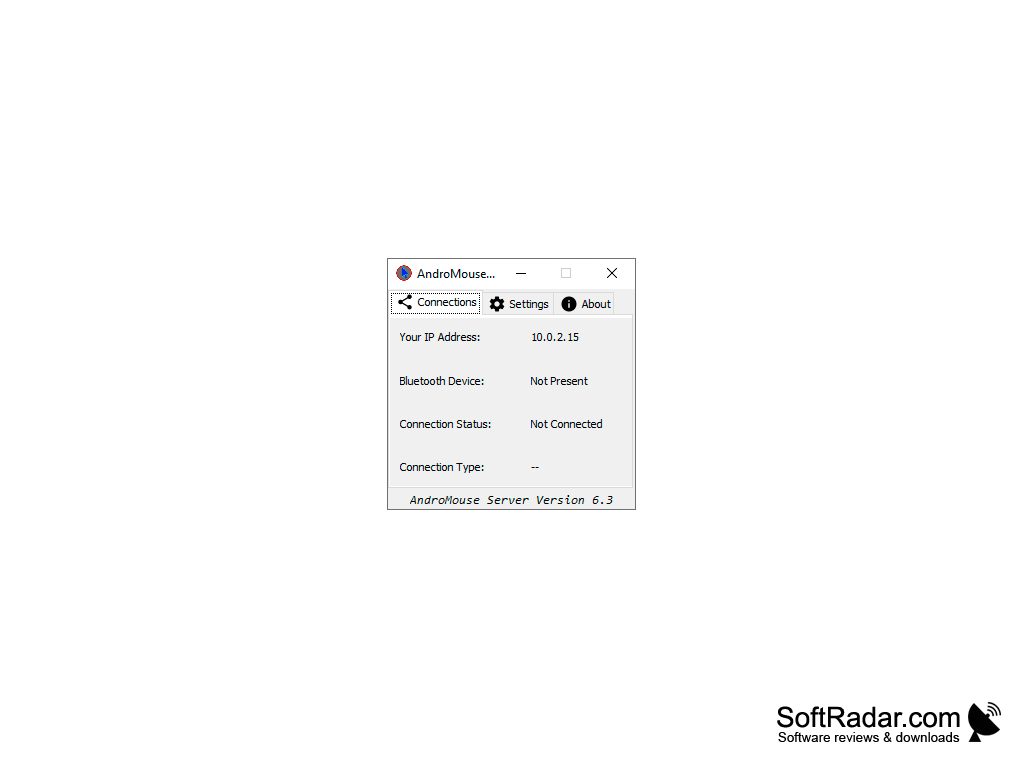
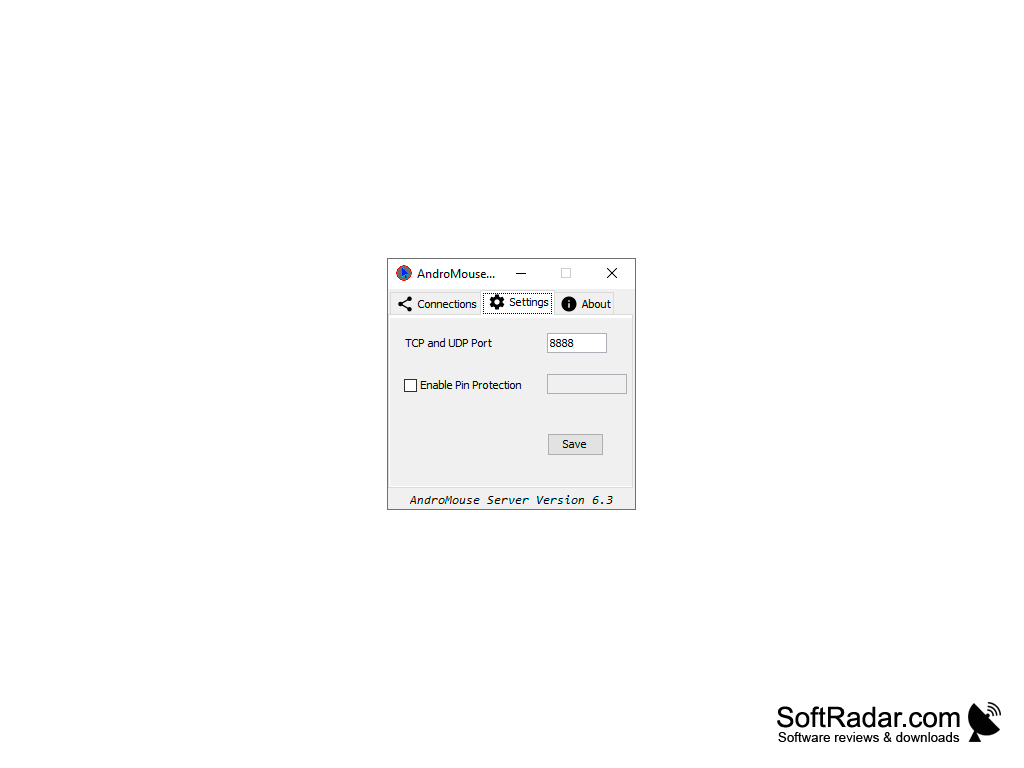
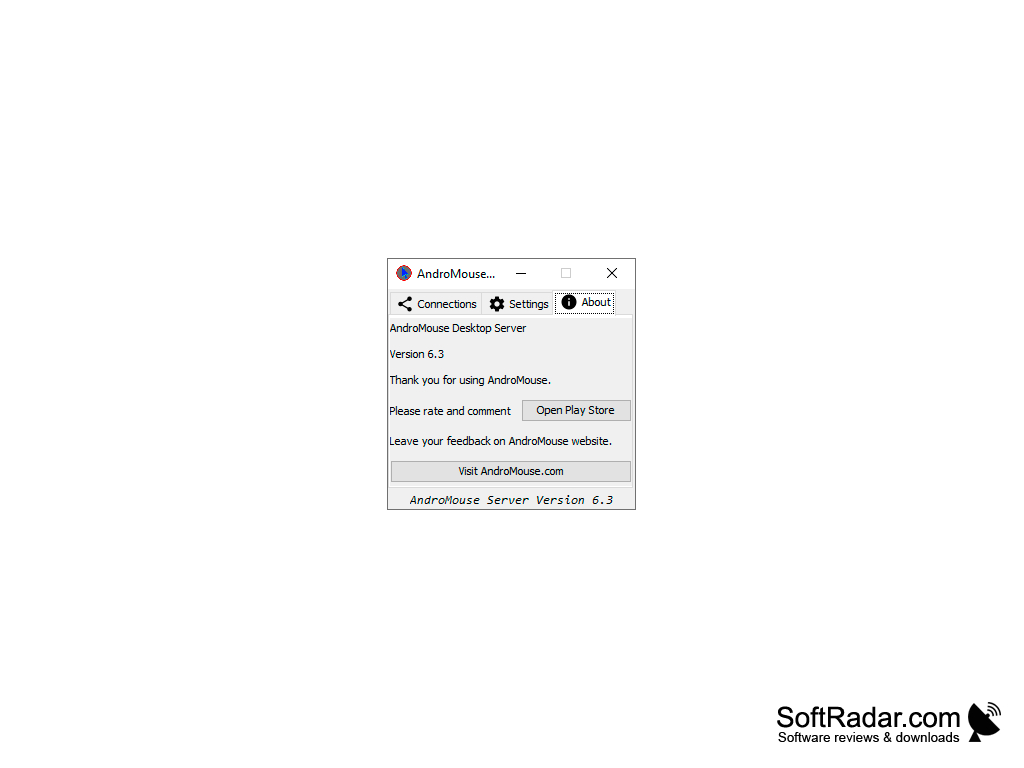
AndroMouse Server a pretty cool software that allows computer users a little more flexibility with the use of their Android mobile device. The program can turn your phone or tablet into a number of utility items to interact with your computer. From wireless keyboard to a wireless mouse, your Android device can be instrumental in your level of productivity.
Features:
- Easy setup and installation
- Use your Android device as a wireless mouse & keyboard
- Simple interface
- View important information about your system
- Free to use
- Browse files remotely
- Speak to type command options
- Set custom keyboard shortcuts
- Password protection
Control actions on your PC with your Android device.
AndroMouse Server is a good productivity program. I personally find it useful when I want to get something else done around the house. If you work at home as I do, chances are you may wander away from the computer to grab a snack, work out, or just tend to an unexpected disturbance. AndroMouse Server allows you to keep that same level of productivity instead of getting sidetracked by everyday life. The user interface is very plain looking, almost to a point where the program looks like it is incomplete. If you need your programs to look great, then AndroMouse Server is not the program for you. Security isn't an issue with AndroMouse Server since it has a built-in password protected the connection.
Speaking of connections, to use AndroMouse Server you will need a Bluetooth connection between your Android device and your computer. In addition to that, you will need the latest version of Java installed on the computer as well. There is virtually no learning curve to the program and you will be up in running in less than a minute after installation. All in all, I think the program is good, but I think it can use some serious visual upgrades and more interface options. If that was added, I think the program would be that much better, but considering the program is free to use, you can't expect too much.
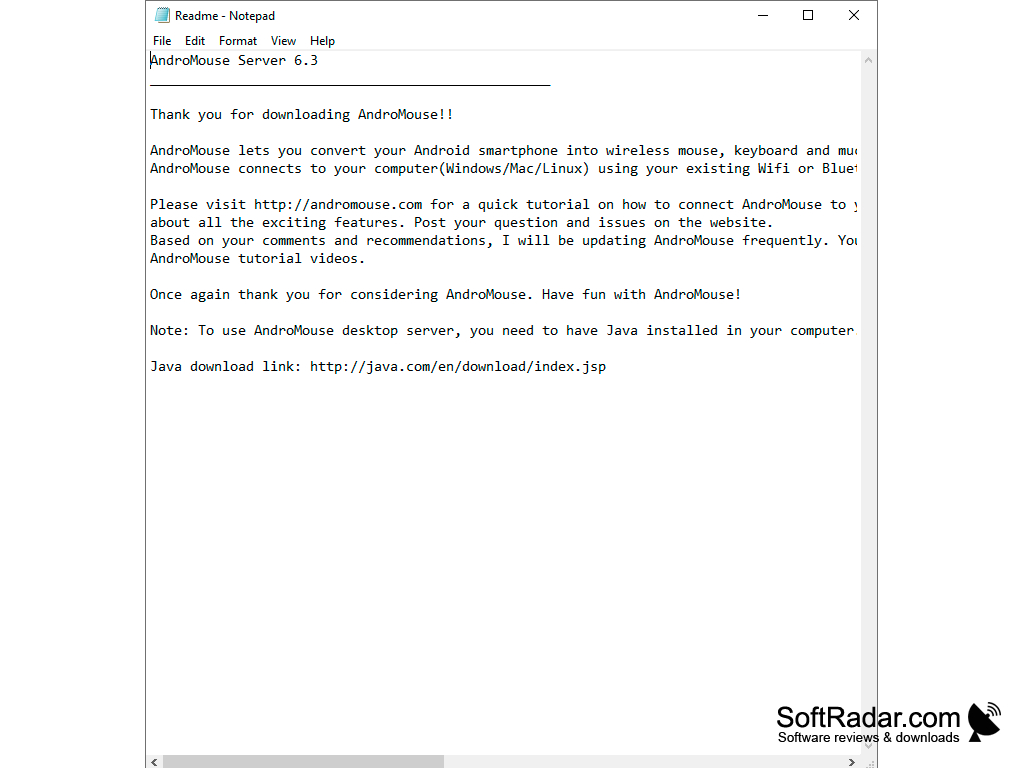
Bluetooth connection is needed for software operation
PROS
Reliable connection via Bluetooth or Wi-Fi.
Simple interface with easy setup options.
CONS
Initial connection setup can be complex and confusing.
Occasionally experiences lagging issues.


