
Atmel Studio
A code development environment that makes writing and debugging microcontroller code easier and more efficient.
Operating system: Windows
Publisher: Microchip Technology
Release : Atmel Studio 7.0.2594
Antivirus check: passed
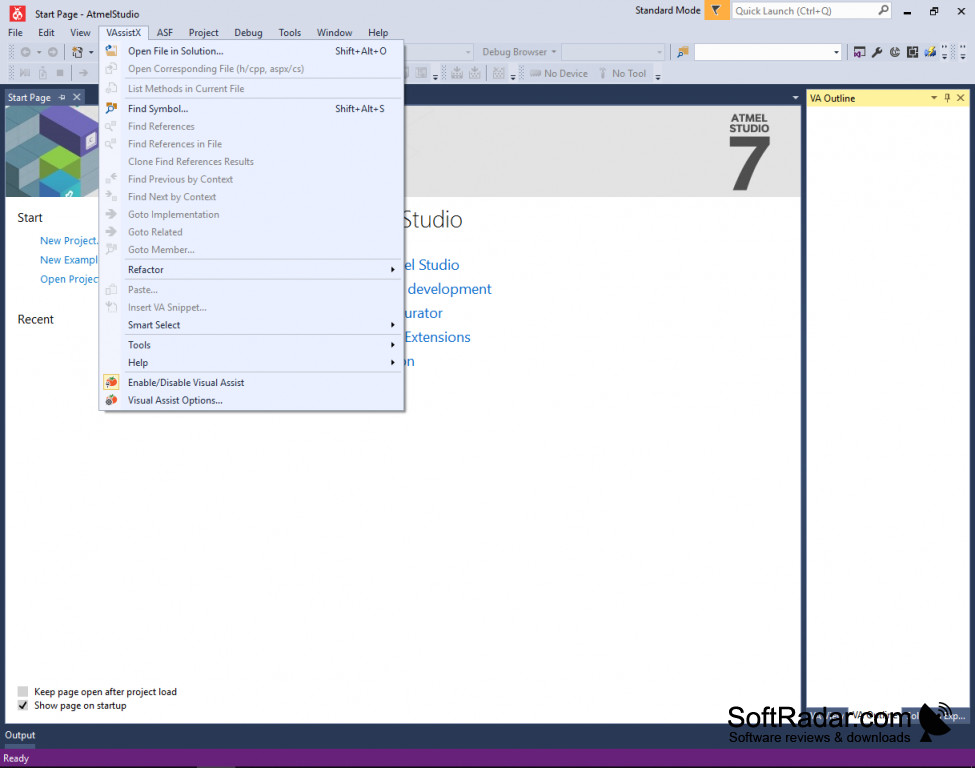
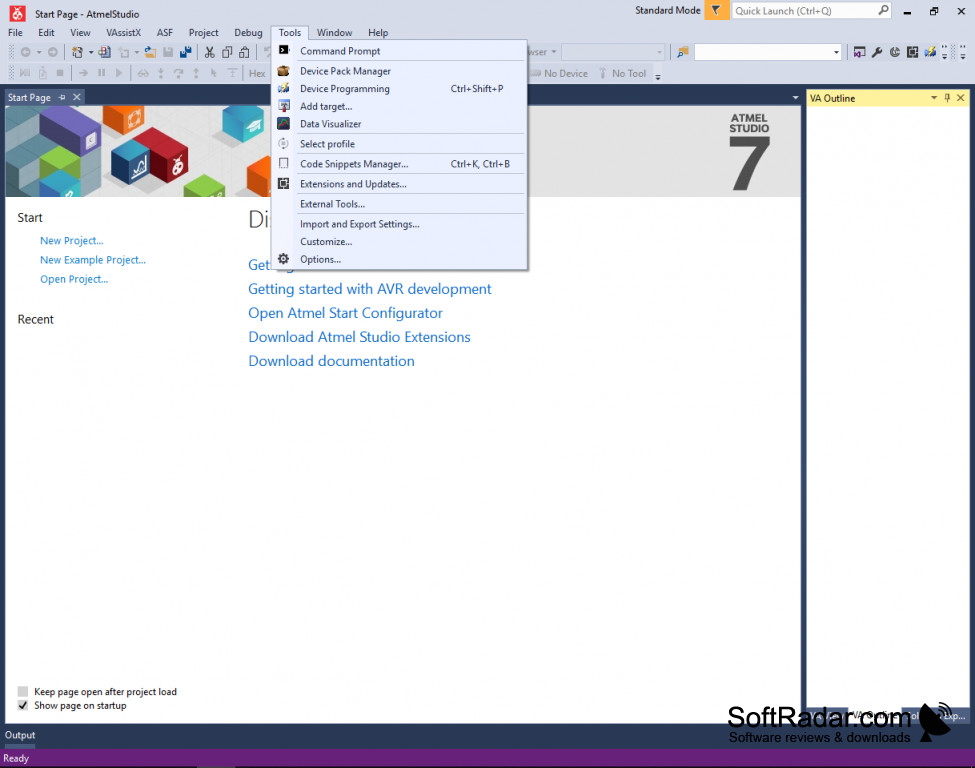
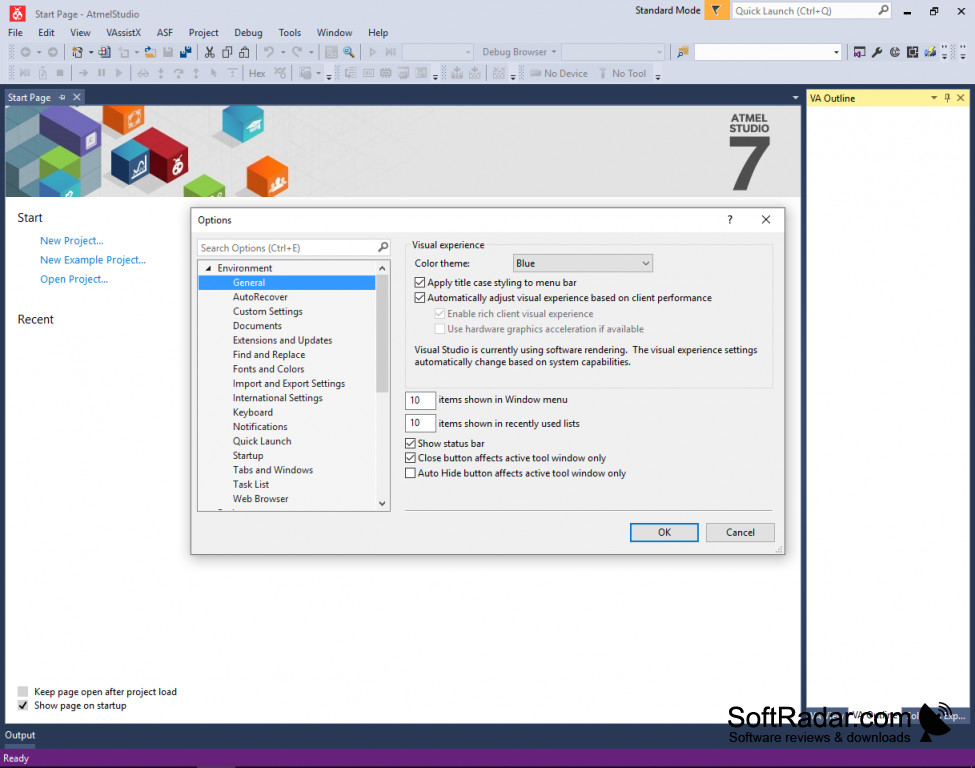
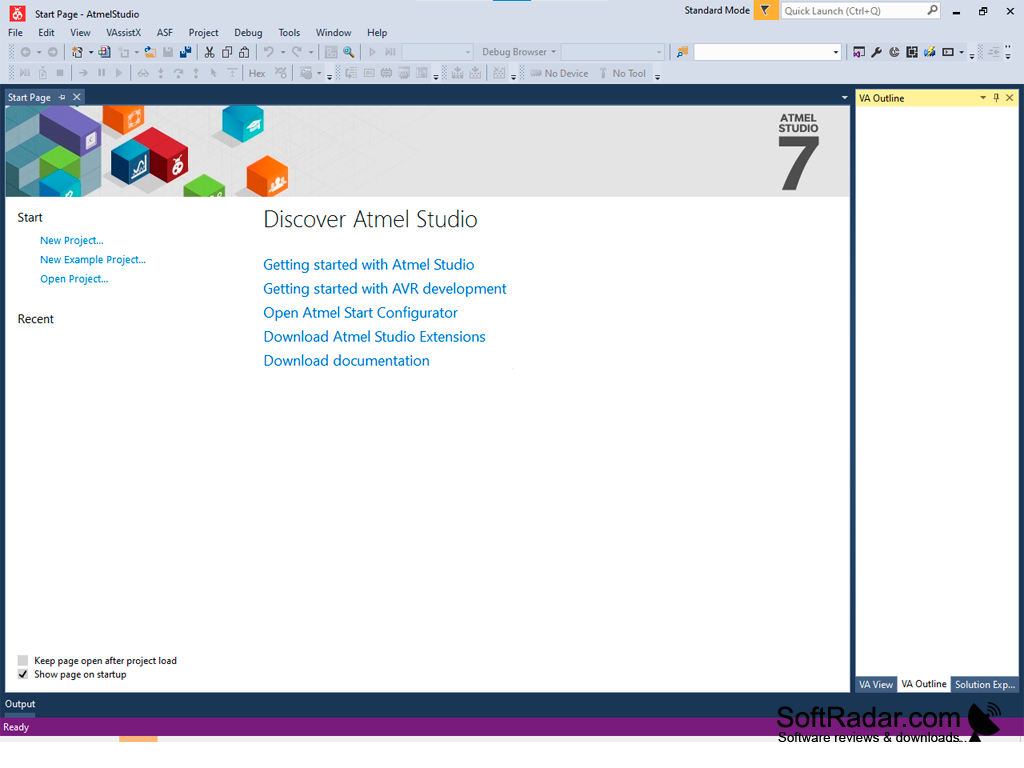
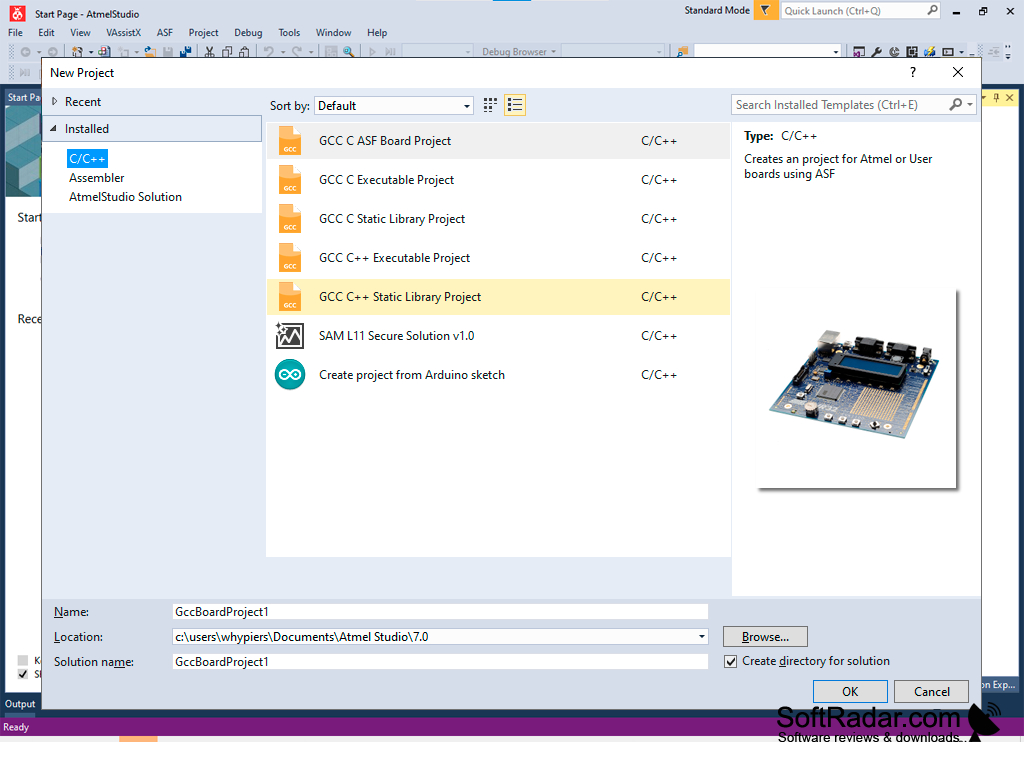
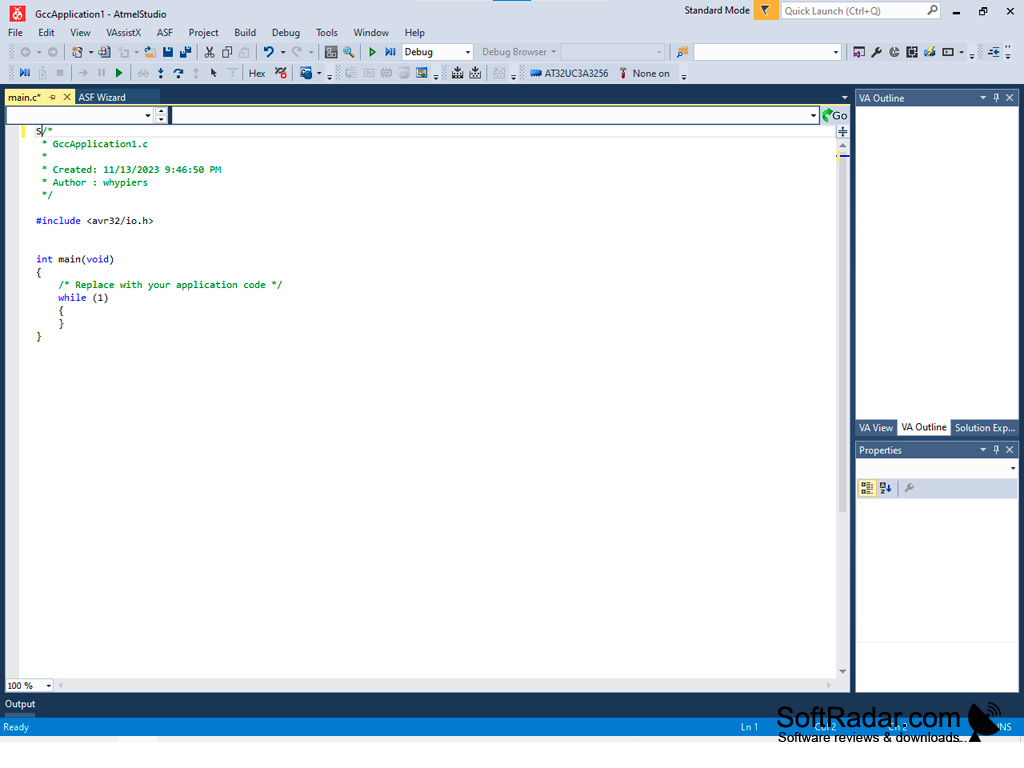
Atmel Studio is an Integrated Development Environment (IDE) for writing and debugging AVR/ARM microcontroller code on a Windows PC. Atmel acts as a project management tool, source file editor, assembler, simulator, and programming and on-chip debugging tool.
Features:
- The ground-up building, testing, and verification of microcontroller devices
- Debugging of code for AVR/ARM microcontroller devices
- Front-end C/C++ programming and on-chip debugging
- C/C++ and Assembly language code editor with Visual Assist
- Compatible with Atmel ARM Cortex-M and Atmel AVR microcontrollers
- Supports all Microchip AVR tools
- Regular updates for latest AVR tools
- Advanced debugging with cycle-correct simulations
- Modular architecture for interaction with 3rd-party software
- Customizable GUI plugins and modules
- Works with Windows XP, Vista, 7, 8
No matter how perfect you think your design is before a microcontroller design is ready for production, it has to be built, tested and troubleshot until it completely errors free. Atmel Studio is a developer's best friend when it comes to getting custom-designed microcontroller devices and its components ready for production.
Atmel is compatible with many Microsoft Visual Studio plugins, has a rich SDK to enable tight integration of customer-specific plugins, and allows prototype building on any AVR platform. Atmel’s code editor for C/C++ and Assembly language features a powerful Visual Assist extension to take the drudgery out of code troubleshooting and reworking. To top it all off, Atmel Studio has a cycle-correct simulator with advanced debug functionality, and if that isn’t enough to get the job done, you can debug on the actual devices using the Debugging Tools.
No software can guarantee you will not have any tough problems to solve before heading off to production, but Atmel Studio might save you a lot of hair-pulling, long nights looking for bugs and bad code.
Atmel allows microcontroller code debugging on actual microcontroller devices using intuitive debugging tools.
Minimum 2GB of RAM, recommended 4GB
2GHz processor or faster
Minimum 6GB of free hard disk space
PROS
Integrated with Atmel START for code writing.
User-friendly interface with auto-completion feature.
CONS
Limited support for non-Atmel microcontrollers.
Occasional software crashes and freezes.