
AzureLabel
AzureLabel helps shops and inventory teams create and print product labels, price tags, and barcodes on Windows.
Operating system: Windows
Publisher: Vasili Parkhomenko
Release: AzureLabel 26.14
Antivirus check: VirusTotal report
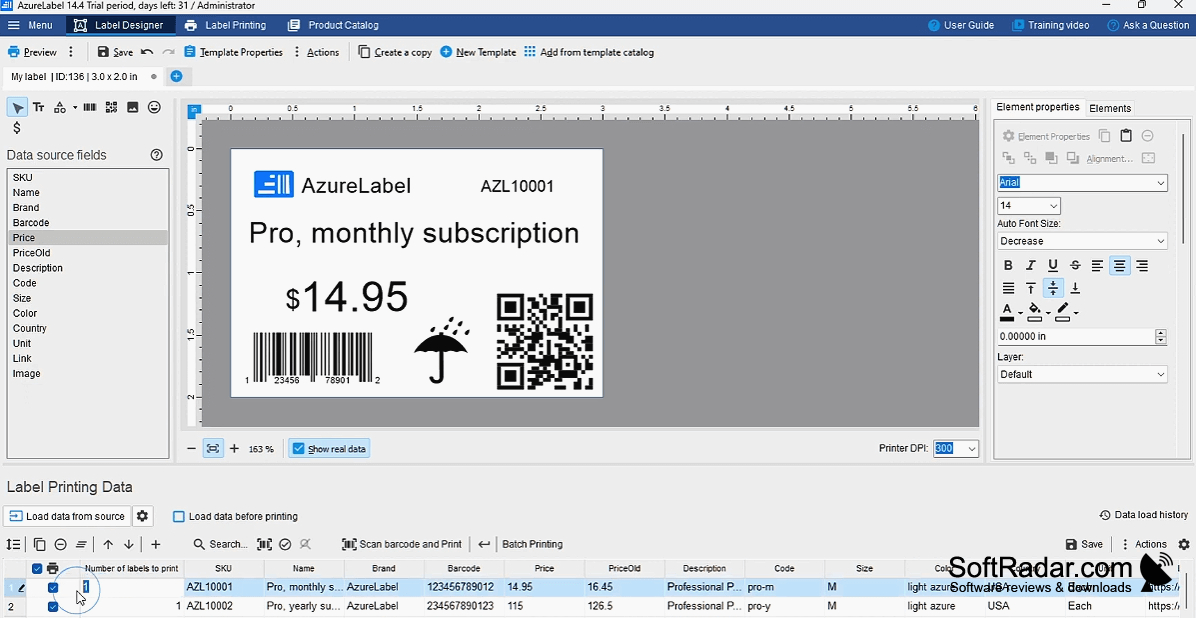
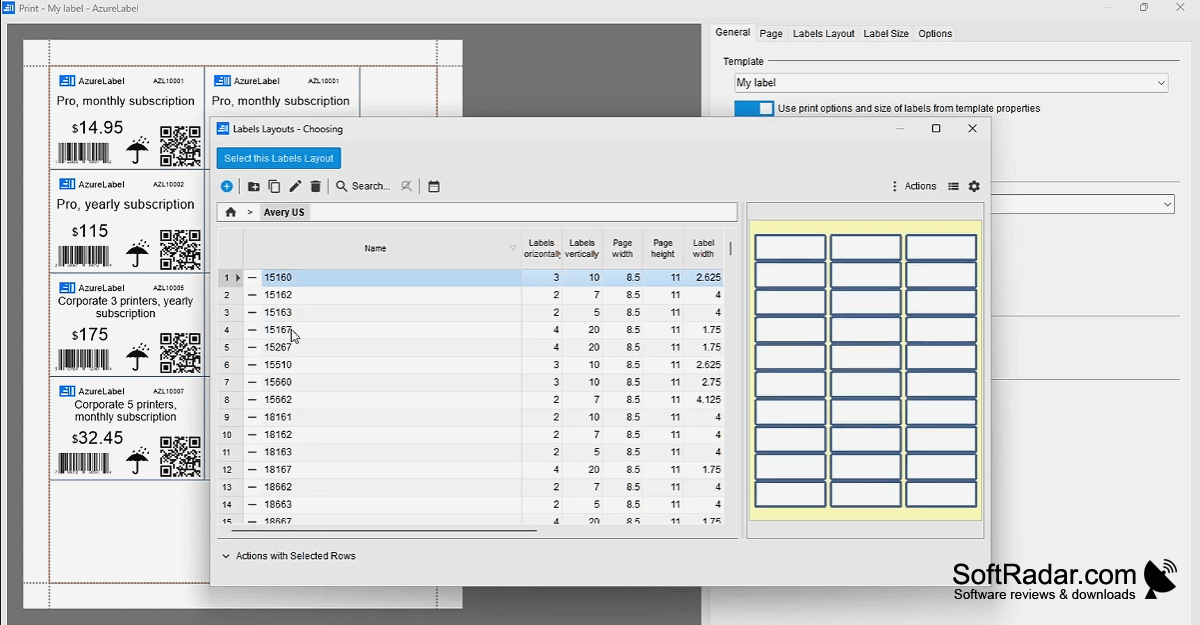
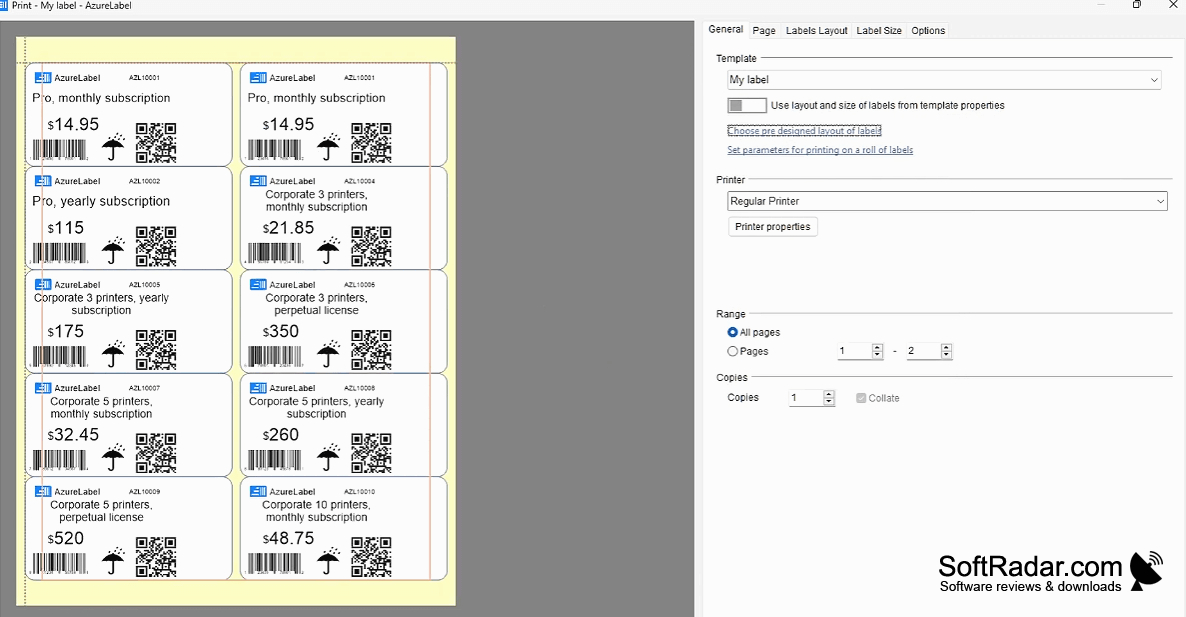
AzureLabel is a Windows tool for preparing labels for stock, shelves, and product packaging. Retailers and warehouse staff can arrange prices, item details, and barcodes, then print onto adhesive sheets or larger paper. The program includes preset sheet layouts and lets users adapt a design to different dimensions rather than rebuild it for each label format.
One label design can use product records to produce labels for different items and sheet sizes.
Label content can come from spreadsheets, CSV and JSON files, databases, or connected services. Users can import records or use external data when printing. Templates support calculations, conditional content, text adjustments, and scripts, while font sizes can adjust to fit the available space. Finished labels can be sent to a printer or exported as PDF or Excel files.
Features:
- Print on adhesive sheets with varied layouts
- Resize designs for different label dimensions
- Generate QR codes and other barcode types
- Import records from spreadsheets and CSV files
- Apply formulas and conditions within templates
- Export labels as PDF or Excel files
PROS
Imports label data from spreadsheets and databases.
Supports more than fifty barcode formats.
CONS

